If you bought a Rivian R1T, you didn’t do it to baby a battery, you bought it to use. The good news is that Rivian built the pack with road trips, towing, and off‑road adventures in mind. Still, a few smart habits can dramatically **maximize Rivian R1T battery life** so you keep that big‑truck range and performance for years, whether you own new or used.
Quick truth about EV batteries
Why battery care matters on a Rivian R1T
The R1T’s battery is the single most expensive component in the truck. It also controls everything you bought the truck for: acceleration, towing, off‑road capability, and real‑world range. Owners putting 30,000–50,000 miles on early R1Ts often report only modest, single‑digit range loss when they charge thoughtfully and don’t live on fast chargers. On the flip side, poor habits, like parking at 100% in summer heat or relying on DC fast charging for daily use, can accelerate wear and magnify winter range drops.
Rivian R1T battery life: what owners are actually seeing
Rivian R1T battery basics: packs, chemistry, and range
Before you fine‑tune your routine, it helps to know which **R1T battery pack** you have. Over the 2022–2025 model years Rivian has offered several pack options, Standard, Large, and Max, with different usable capacities and sometimes different chemistries.
- Standard pack – Smaller usable capacity, excellent for shorter commutes or lighter use; often paired with dual‑motor drivetrains.
- Large pack – The sweet spot for many owners; roughly mid‑100s kWh usable and capable of ~300 miles of range when new, depending on wheels and driving style.
- Max pack – The long‑range option with the biggest battery, intended for heavy towing or frequent long highway trips. Later trucks can push EPA range over 400 miles.
- Chemistry notes – Most early R1Ts use nickel‑rich chemistries (NMC‑style) that prefer to live in the middle of the pack (think 20–80% SOC). Newer “Standard” packs in some trims use LFP‑style chemistry, which tolerates frequent high‑SOC use better but still doesn’t love sitting at 100% for days.
Find your pack and recommendations
Daily charging habits to maximize R1T battery life
Day‑to‑day charging is where you can quietly add years of useful life to your **Rivian R1T battery**. You don’t need a spreadsheet; you just need a few guardrails.
Four daily charging rules that do the most good
Set these up once and stop stressing about every plug‑in.
1. Aim for a 60–80% daily target
2. Use scheduled charging at home
3. Prefer Level 2 at home
4. Avoid living below 10–15% SOC
Don’t treat the R1T like a phone
Home charging checklist for R1T battery health
Set a sane daily limit
For most drivers, a <strong>70–80%</strong> limit is perfect. Drop it to 60–70% if you only drive a few miles per day.
Use the right circuit size
Have a licensed electrician install a properly sized 240‑V circuit (often 40–60 amps) for your wall charger. Running a charger at more than 80% of the breaker rating is a recipe for nuisance trips and safety problems.
Turn on scheduled or off‑peak charging
Let the truck or charger start in the early morning hours. You’ll often save money on time‑of‑use electric rates and avoid letting the pack sit at high SOC.
Charge more often, not harder
Instead of one deep charge from 5% to 100% once a week, try topping from 30–40% to 70–80% more frequently. The battery prefers lots of <em>small</em> swings over big roller‑coaster rides.
Keep the cable connections happy
Periodically check the handle and inlet for dirt, corrosion, or damage. A clean, snug connection runs cooler and wastes less energy as heat.
Fast‑charging your R1T without premature wear
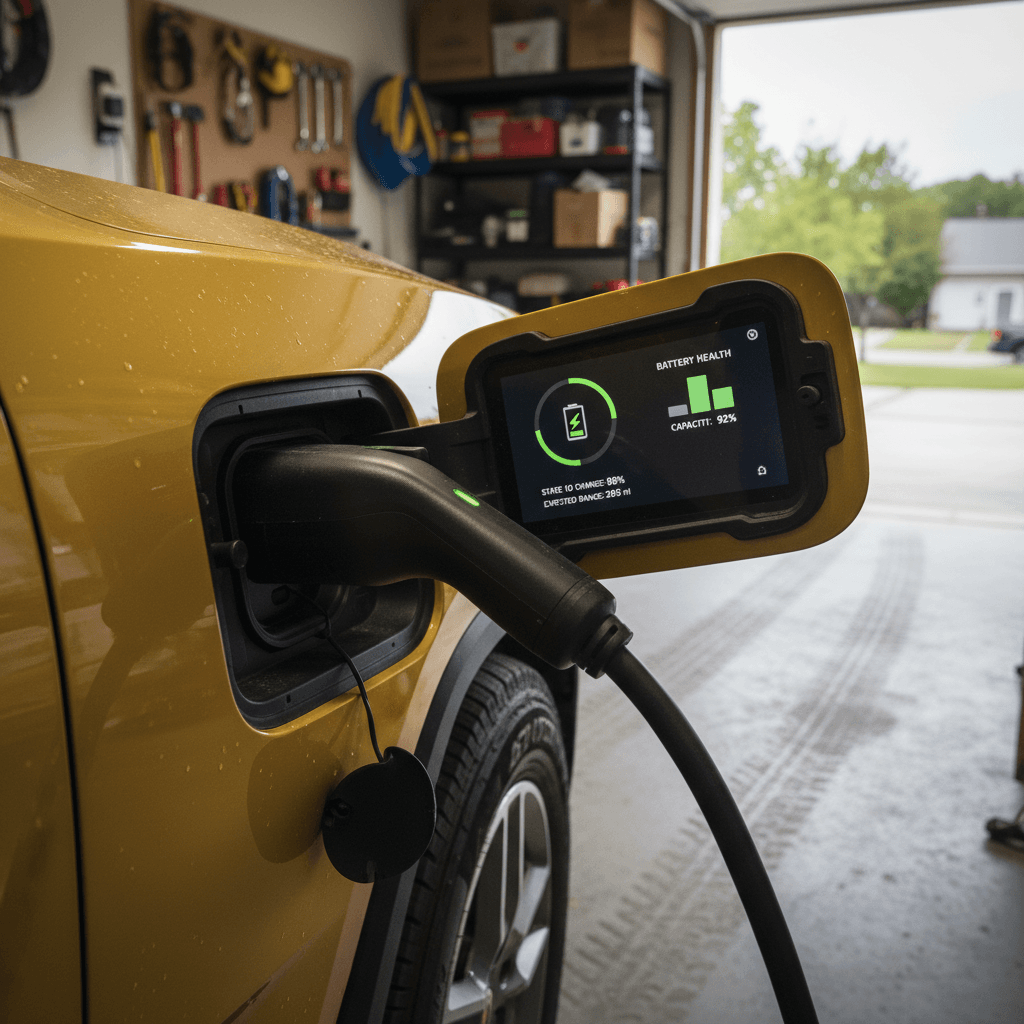
Rivian clearly expects you to fast‑charge. Recent software updates have pushed many R1Ts to peak around or above **220 kW** on capable DC chargers, and the Rivian Adventure Network is built around fast road‑trip refills. Used wisely, DC charging won’t destroy your battery. Used as your daily lifeline, it can.
Use DC fast charging for trips, not routine
Think of DC fast charging as your highway gas station, not your kitchen faucet. It’s perfect when you’re on a long drive, towing, or far from home. But if you’re fast‑charging multiple times per week for local driving, you’re heating the pack up more often than it needs.
Whenever you can, let home Level 2 do the heavy lifting and reserve DC for those big‑miles days.
Live in the 10–80% “fast” window
Your R1T charges fastest when the battery is low to mid‑pack. From about 10–60% SOC, the truck can often hold high power; above 80% it deliberately tapers down to protect the cells.
- Plan road‑trip stops from roughly 15% to 75–80% SOC.
- Don’t chase 100% at a DC charger unless you truly need it for the next leg.
- Multiple short stops from 15→75% are usually faster than one 5→100% marathon session.
When DC fast charging becomes a problem
Smart driving and climate tips to preserve range
How you drive your Rivian R1T won’t suddenly “kill” the battery, but it can change how hard the pack has to work and how hot it runs. That matters both for longevity and for the range number on the dash.
Driving and climate habits that quietly help your battery
You don’t have to hypermile, just stop fighting physics.
Tame the launch mode mindset
Use preconditioning, not panic heat
Watch extreme heat and parking
Highway speed is a silent range killer
Use drive modes wisely
Regeneration is your friend
Long‑term storage: when your R1T sits for weeks
Life happens. Vacations, deployments, busy seasons, sometimes your R1T will sit. That’s when the wrong habits can quietly nibble away at battery health.
Best practices for parking your R1T for weeks or months
Use these targets when you know the truck won’t move much.
| Scenario | SOC target when parked | Plugged in? | What to enable |
|---|---|---|---|
| 1–7 days away | 50–70% | Optional | Normal park; plug in if it’s very hot or very cold. |
| 1–4 weeks away | 50–70% | Yes, if possible | Leave plugged in with a moderate charge limit so the truck can manage its own pack. |
| 1–3 months away | 40–60% | Ideally yes | If you can’t plug in, start nearer 60% to cover any phantom drain and climate management. |
| Extreme heat storage | 40–60% | Yes | Avoid 90–100% in hot garages; give the truck room to cool and balance cells. |
| Snow‑belt winter storage | 50–70% | Yes | Let the truck pull small amounts of power to condition the battery when it needs to. |
Exact menus and features can vary by software version, always check your current owner’s guide and in‑vehicle prompts.
Check for special storage modes
Software updates, BMS calibration, and 100% charges
One thing that confuses a lot of Rivian owners is the tug‑of‑war between “don’t charge to 100%” and occasional advice from Rivian to do exactly that. The key is understanding the difference between **battery health** and **battery calibration**.
Calibration: why 100% sometimes makes sense
Your Rivian’s battery management system (BMS) estimates state of charge by watching how pack voltage and energy use change. Over time, that estimate can drift. On some packs, especially newer LFP‑style Standard packs, Rivian has told owners to perform a series of full 100% charges to let the BMS re‑learn true full.
These calibration sessions may be recommended after certain software updates or if you see odd range swings. They’re not about chemistry damage; they’re about getting the gauge to read honestly again.
Health: why you still avoid 100% as a lifestyle
For long‑term battery life, you still want to avoid living at 100%. High‑voltage storage is tougher on nickel‑based chemistries and still not ideal for LFP if you park that way for days in heat.
- Occasional 100% charges for calibration or trips are fine.
- A weekly top‑off is usually harmless, especially on LFP packs.
- Daily 0→100→0 cycles are where you start paying a longevity penalty.
Follow the truck, not internet folklore
Signs of battery issues, and when to worry
Not every range drop is permanent degradation. Weather, tires, roof racks, and software changes all move the needle. Still, it’s smart to recognize the red flags that may point to genuine battery trouble in a Rivian R1T.
- Sudden, permanent‑feeling range loss – If you lose 40–60 miles of displayed range overnight and it never comes back, even across seasons and after a few full charges, it’s worth documenting with Rivian.
- Huge differences between similar trucks – If your R1T shows dramatically less range than a friend’s with the same pack, tires, and software, it’s a clue, not proof, that something’s off.
- Inconsistent state‑of‑charge readings – SOC jumping several percent up or down at rest can be a calibration issue. Sometimes a couple of slow, full charges and deep discharges (without hitting 0%) help the BMS clean up its math.
- Charging that slows abnormally early – All EVs taper above ~60–80% on DC, but if your truck crawls at 40–50% SOC on a healthy charger, get logs pulled and have Rivian look at it.
- Warning lights or battery‑related alerts – Any yellow or red battery icons, thermal warnings, or charging errors are a sign to stop guessing and involve the people with access to the logs.
Use the warranty and support you paid for
Maximizing battery life on a used Rivian R1T
If you’re shopping used, or already own a pre‑loved R1T, battery health moves from theory to dollars. A strong pack means road‑trip confidence and better resale; a tired one can turn a dream truck into a short‑range city rig.
Used Rivian R1T? Focus on these battery checkpoints
You can’t see the cells, but you can read the clues.
Start with a verified health report
Compare displayed range to configuration
Ask about charging history
Price it like a battery asset
If you want a used R1T but don’t want to gamble on the pack, a marketplace like Recharged can take some of the mystery out of the process. Every vehicle is listed with transparent pricing, a battery health report, and EV‑specialist support that can explain what those numbers mean in daily driving.
FAQ: Rivian R1T battery life and care
Rivian R1T battery life: frequently asked questions
Bottom line: how to treat your R1T battery right
You don’t have to baby your Rivian R1T to keep the battery happy, but you do have to be deliberate. Keep daily charging in the middle of the pack, reserve 100% for the days you need it (or when the truck asks), use fast charging as a tool instead of a crutch, and give the battery a break from extreme heat and low‑SOC storage. Do that, and you’ll likely enjoy years of strong range and road‑trip confidence.
If you’re buying a used R1T, or any used EV, getting a clear picture of battery health upfront is one of the smartest financial moves you can make. That’s why every vehicle on Recharged comes with a detailed Recharged Score Report, verified battery diagnostics, and EV‑specialist support to help you understand how that pack will perform in your real life. Treat the battery well, choose your truck wisely, and the adventures will take care of themselves.