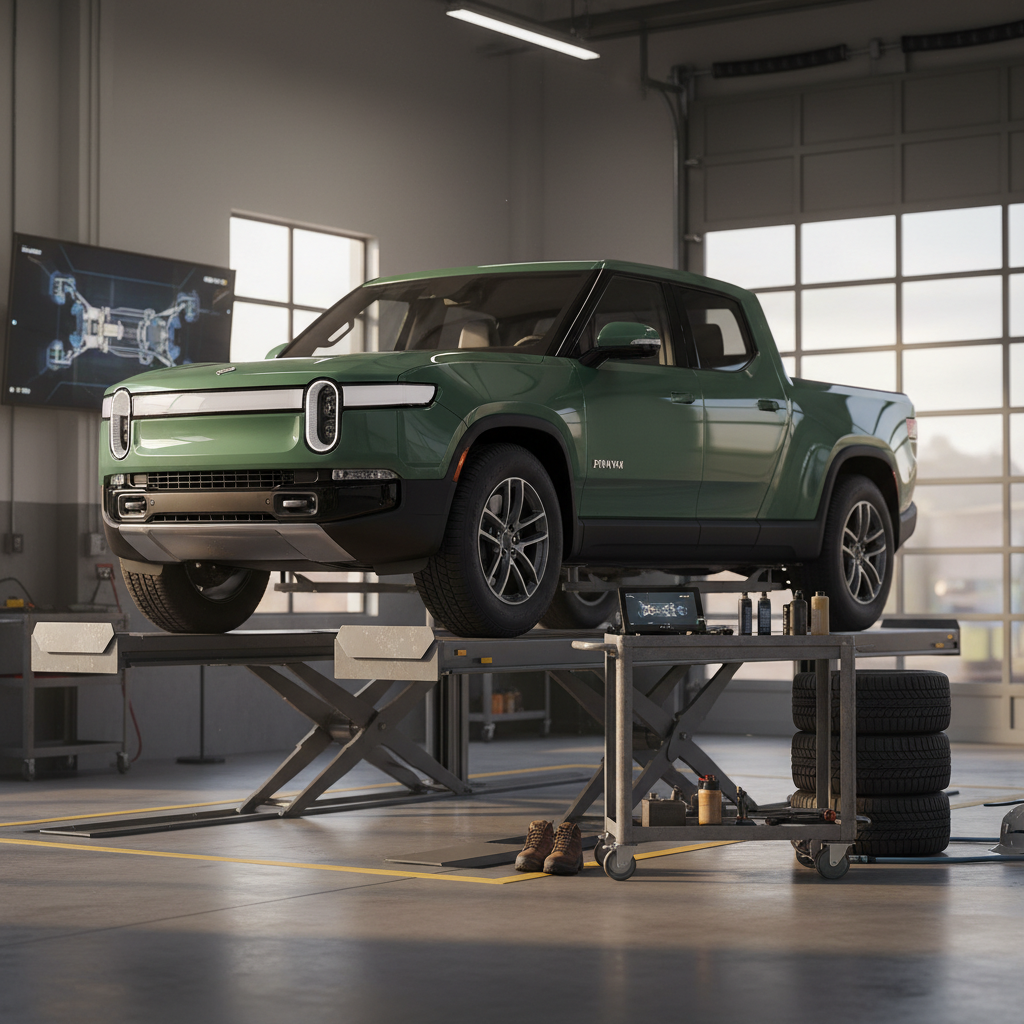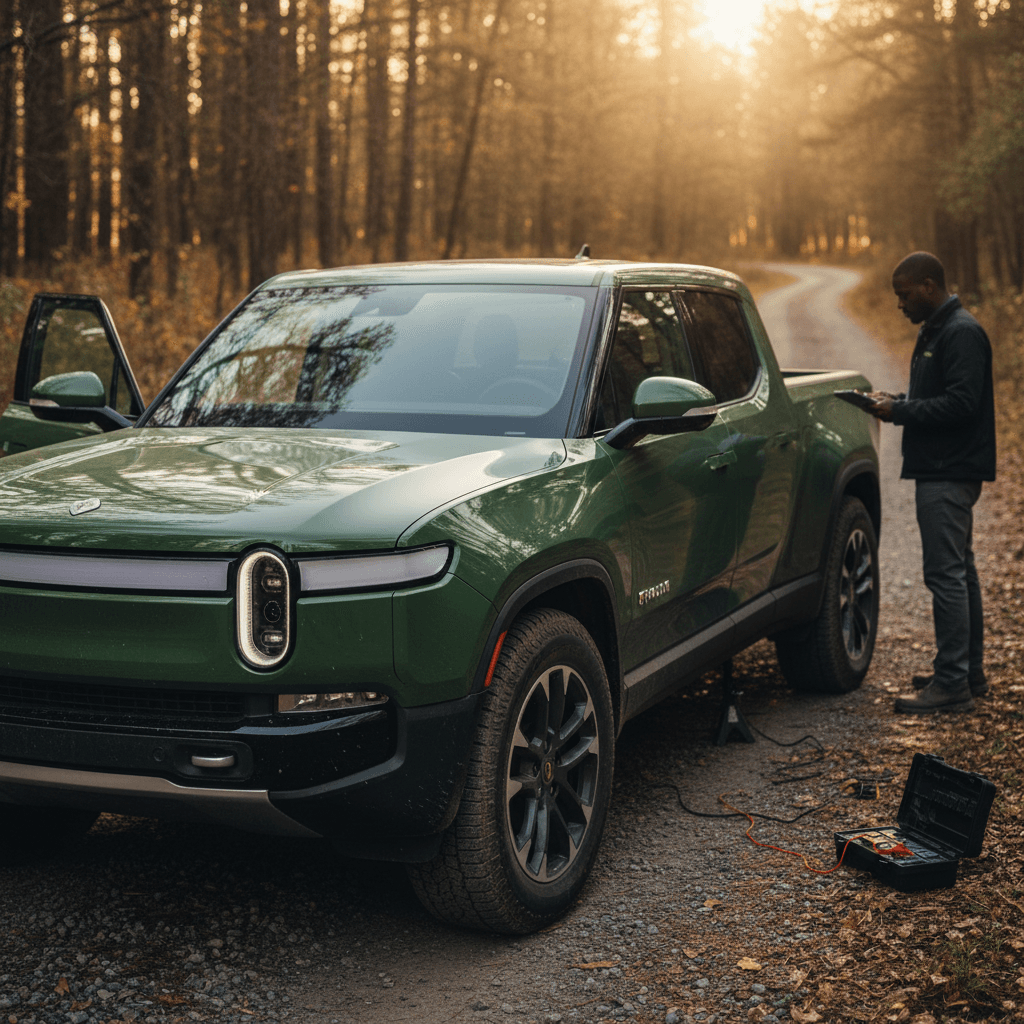
If you’re shopping for a Rivian R1T, especially a used one, you need more than a generic truck checklist. The R1T is an all‑electric adventure truck with air suspension, multiple battery packs, wild software, and a young brand still dialing in build quality and service. This Rivian R1T buying checklist walks you, step by step, through everything you should decide, inspect, and verify before you sign.
Who this checklist is for
Why you need an R1T‑specific buying checklist
The Rivian R1T isn’t a normal pickup. Under the friendly styling is a skateboard platform with one or more electric motors, a 105–149 kWh battery pack, air suspension, and software that controls almost everything. That means your buying checklist has to go beyond paint and tires.
- Multiple drivetrain options (Dual‑Motor, Performance Dual‑Motor, Quad‑Motor, newer Tri‑Motor)
- Three main battery pack sizes on recent models: Standard, Large, and Max, with EPA ranges from roughly 270 to 400+ miles
- Up to 11,000 lbs towing capacity and around 1,760 lbs payload on current trims
Rivian is still a young automaker. Most R1Ts are first‑ or second‑generation builds, and owners have reported everything from rock‑solid reliability to repeated visits for rattles, suspension quirks, and software bugs. Add recent recalls and evolving warranties, and it’s clear you want to buy with eyes wide open.
That’s where a structured checklist, and, on used trucks, a verified battery and health report like Recharged’s Score, can keep you out of trouble.
Step 1: Define how you’ll use your R1T
Before you get lost in trim names and wheel designs, get brutally honest about how you’ll actually use the truck. The right Rivian R1T for daily commuting in the suburbs may not be the right one for towing a 7,000‑lb camper into the mountains.
Common R1T use cases and what they need
Match your real life to the right configuration
Daily driver & light adventure
- Mostly commuting, school runs, weekend trips
- Occasional dirt roads, Home Depot runs
- What to prioritize: Standard or Large battery, Dual‑Motor, 20" or 21" wheels for comfort and efficiency.
Towing & road‑tripping
- Regularly towing campers, boats, or car haulers
- Frequent long‑distance highway driving
- What to prioritize: Large or Max battery, Dual‑ or Quad‑Motor, 20" wheels, built‑in trailer brake controller.
Off‑road & overlanding
- Forest service roads, snow, sand, rocks
- Camping off‑grid for several days
- What to prioritize: Off‑road package (if available), 20" all‑terrain tires, skid plates, Max battery, full‑size spare.
Tip: Decide your non‑negotiables first
Step 2: Choose the right drivetrain and battery pack
The R1T you buy today could have anything from a Dual‑Motor powertrain to a hotter Performance Dual‑Motor or Quad‑Motor setup, paired with Standard, Large, or Max (and in some cases software‑locked “Large+”) battery packs. The combination you choose drives price, range, and performance.
R1T drivetrain and battery basics (recent model years)
Use this as a directional guide; always confirm exact specs for the specific VIN you’re considering.
| Configuration | Motors / Drive | Typical EPA range* | Battery pack notes | Best for |
|---|---|---|---|---|
| Dual‑Motor AWD Standard | 2 motors, AWD | ~270 mi | Smallest pack; lowest price, least range | Short commutes, urban/suburban use |
| Dual‑Motor AWD Large | 2 motors, AWD | ~350 mi | Mid‑size pack; strong all‑rounder | Most buyers, mixed city/highway |
| Dual‑Motor AWD Max | 2 motors, AWD | ~400+ mi | Largest pack; up to ~410 mi on some trims | Road‑trips, towing, off‑grid camping |
| Performance Dual‑Motor Large/Max | 2 motors, higher output | ~350–410 mi | Quicker acceleration with similar range | Drivers who like speed and range |
| Quad‑Motor AWD (older builds) | 4 motors, torque vectoring | High‑200s to low‑300s mi | Best off‑road control; slightly less range than Dual‑Motor w/ same pack | Enthusiasts, serious off‑roaders |
Ranges are EPA estimates; real‑world results vary with wheels, tires, load, weather, and speed.
Check the actual build sheet
Step 3: Range, towing, and off‑road reality check
R1T capability snapshot
On paper, every R1T can tow up to 11,000 pounds and carry roughly 1,760 pounds of payload. That’s serious half‑ton territory, but you pay for it in electrons. A heavy, non‑aerodynamic trailer can slash your effective highway range in half, especially at 70–75 mph.
Range and towing questions to answer before you buy
1. What’s your longest regular trip?
Look at your real‑world longest drives, visiting family, ski trips, towing weekends. If those are 250+ miles each way, lean toward a Large or Max battery and stick with efficiency‑friendly wheels and tires.
2. How heavy is the trailer you’ll tow?
Know the weight of your camper, boat, or car hauler loaded and ready to go. Aim to keep total trailer weight well under the R1T’s 11,000‑lb max if you want a comfortable safety and range buffer.
3. Will you tow through mountains or in winter?
Steep climbs and cold weather both eat range. If you live in snow country or tow in the Rockies, mentally budget for significant range loss and choose your battery pack accordingly.
4. Do you really need 22‑inch wheels?
Those big 22‑inch street wheels look fantastic, but they usually reduce range versus 20‑inch all‑terrains or 21‑inch road‑focused tires. If you care more about efficiency than stance, choose wisely.
Pro tip: Test‑drive like you’ll actually drive
Step 4: Decide between new and used R1T
Why consider a new R1T
- Full new‑vehicle warranty from day one.
- Latest hardware updates and Gen 2 improvements.
- Fresh battery pack with minimal degradation.
- Ability to spec exactly what you want, if you’re ordering.
Downside: Higher upfront price and, depending on incentives and your tax position, less room to benefit from used‑EV tax credits.
Why a used R1T can be smart
- Significant price drop versus original MSRP, especially on early Quad‑Motor trucks and discontinued option combos.
- Previous owner already ate the steepest part of depreciation.
- Well‑documented service history can actually be a plus on early builds, many early issues may already be sorted.
Critical: On a used truck, insist on a battery health report and detailed inspection. Marketplaces like Recharged’s Score give you a verified snapshot of battery capacity, fast‑charging behavior, and overall condition before you commit.
Step 5: Physical and road‑test inspection checklist
Once you’ve found a candidate truck, it’s time to get down on your knees and into the menus. Here’s a practical Rivian R1T inspection checklist you can literally print and take with you.
Exterior and interior inspection points
Body panels, paint, and glass
Walk the truck slowly in good light. Check that panel gaps around the hood, doors, tailgate, and bed are even. Look for touch‑ups on corners, misaligned trim, or mismatched paint that may indicate a repair. Don’t forget the roof and windshield edges.
Doors, frunk, tonneau, and gear tunnel
Open and close all doors from inside and outside. Try the frunk, tailgate, bed, and gear tunnel doors. The powered tonneau (on trucks equipped with it) should extend and retract smoothly with no grinding or binding. Any shuddering or refusal to move is a red flag.
Air suspension behavior
From the center screen, cycle through the ride‑height settings parked on level ground. The truck should raise and lower evenly without strange noises or leaning to one side. A sagging corner or slow response could point to future suspension work.
Cabin rattles and squeaks
On your test drive, listen on rough pavement and at highway speeds with the stereo off. Rattles from the dash, doors, or headliner are common complaints. A few minor noises may be livable; loud, constant rattles can be miserable on a $70k‑plus truck.
Seats, controls, and climate
Test every seat adjustment, heated and ventilated seats (if equipped), steering wheel adjustment, HVAC zones, and seat memory functions. Confirm that the steering wheel heater, defrosters, and rear vents work, they matter in winter.
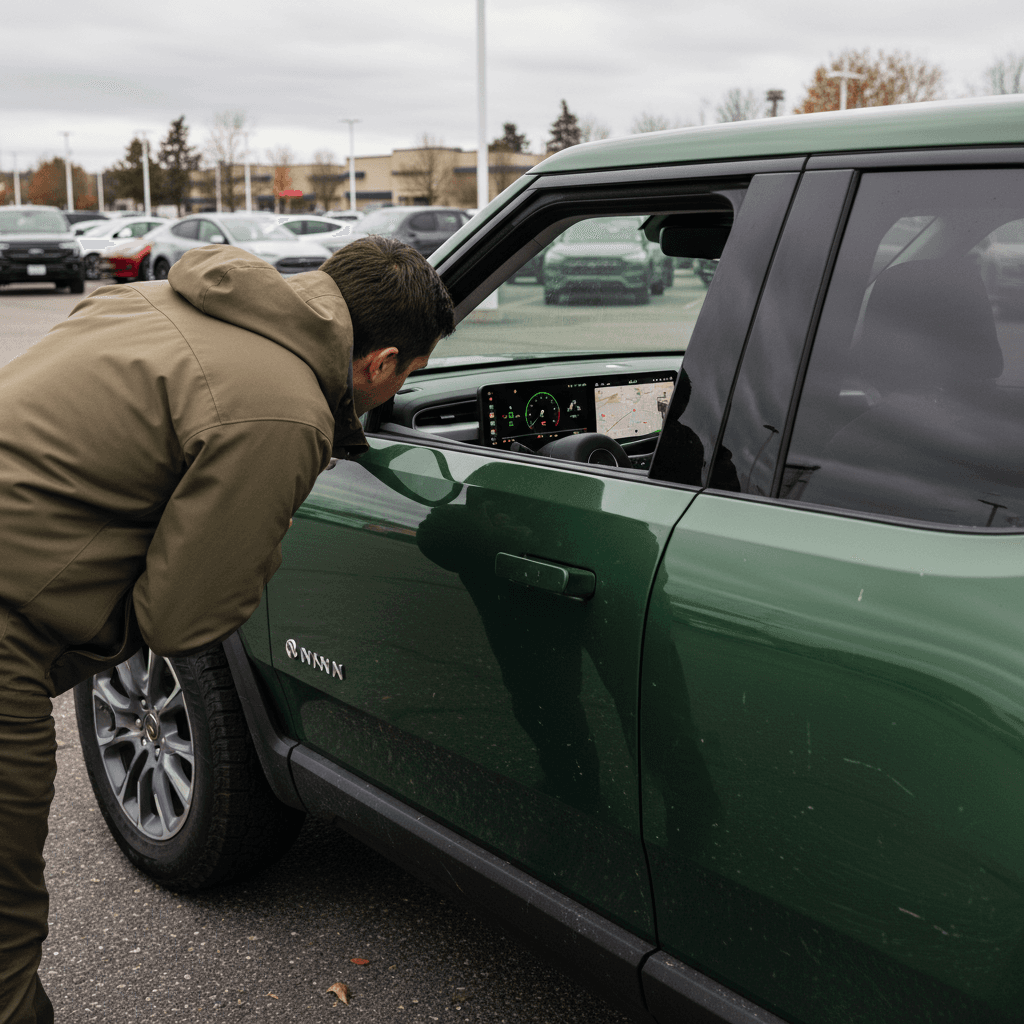
Road‑test checklist
Straight‑line tracking and steering feel
On a straight, lightly traveled road, relax your grip briefly. The truck should track straight without constant correction. Vibration or shake in the steering wheel at 20–70 mph can point to wheel, tire, or suspension concerns that deserve attention before you buy.
Brake feel and noise
Regenerative braking should feel smooth and predictable. When you press the friction brakes harder, the pedal should be firm and consistent with no grinding, pulling, or ABS warnings. Pulsation under light braking can signal warped rotors.
Acceleration and driveline noises
A healthy R1T will pull hard and smoothly, with just a faint motor whine. Clunks, grinding, or a shudder under hard acceleration, especially on older Quad‑Motor trucks, deserve a service inspection.
Suspension comfort and quiet
Drive over patched pavement and speed bumps at neighborhood speeds. Listen for knocking in the suspension or odd whooshing from the air system. Harsh crashing over small bumps suggests something is out of spec, or an alignment issue paired with very low‑profile tires.
Warning lights and messages
Throughout the drive, watch the cluster and center screen for warnings. Don’t accept “It’s just a software glitch” without documentation. If any amber or red alerts appear, pause the purchase until you understand what they mean and what it costs to fix.
Walk‑away red flags
Step 6: Software, connectivity, and driver‑assistance
The R1T is as much rolling software as it is metal and rubber. That’s mostly good news, Rivian pushes frequent over‑the‑air updates for new features and fixes, but it also means you want to verify the tech side before buying.
- Confirm the truck is logged into an active Rivian account and connected to Wi‑Fi or LTE. You’ll want this for over‑the‑air (OTA) updates.
- From the settings menu, check the current software version and ask the seller for screenshots of the update history, especially if you’re buying remotely.
- Pair your phone via Bluetooth and, if possible, test Phone‑as‑Key and the Rivian app’s remote features (lock/unlock, climate pre‑conditioning, charging control).
- Test adaptive cruise control and lane‑keeping on a safe highway stretch. Make sure the steering assist feels consistent and that the truck tracks smoothly within the lane.
- If the truck includes more advanced hands‑free or Highway Assist features, test them carefully and confirm that any recent recalls or software patches for driver‑assist systems have been applied.
Don’t skip the boring menus
Step 7: Battery health and charging readiness
The battery pack is the heart (and wallet) of an R1T. Rivian backs its battery and drive system with an 8‑year/150,000‑mile warranty on recent models, but that doesn’t mean every used truck has been treated kindly. You want to know how healthy the pack is today and whether your home and local charging situation are ready for a 7,000‑plus‑pound EV truck.
Battery and charging checks
What to verify before committing to any R1T
Battery state of health (SOH)
On a used R1T, ask for:
- A recent battery health report or scan (some service centers will provide this).
- Telematics‑based analysis, like the Recharged Score, showing estimated remaining capacity and fast‑charging behavior.
- Evidence of any battery‑related repairs under warranty.
Fast‑charging behavior
- If possible, fast‑charge the truck from ~10–60% and watch the charging curve.
- The rate should ramp up quickly and then taper; stubbornly low speeds may indicate pack conditioning, a cold battery, or a problem.
- Confirm the truck has the latest charging‑system software updates.
Home charging readiness
- Plan for at least a 40‑ or 48‑amp Level 2 charger on a 240V circuit.
- Talk with a licensed electrician about panel capacity and installation costs.
- Factor home‑charging hardware and install into your total budget.
How Recharged can help on battery health
Step 8: Warranty, service history, and recalls
Rivian’s warranty and service ecosystem is different from traditional dealer networks. The coverage is generous on paper, but you’ll want to understand what’s left on the clock and how easy it will be to get help where you live.
What to verify on any R1T’s paperwork
In‑service date and mileage
Coverage starts from the original in‑service date, not the model year. Rivian’s comprehensive warranty is typically 4 years/50,000 miles, while the battery and drivetrain are covered for about 8 years/150,000 miles on recent Max and Large packs. Confirm how much is left for this exact VIN.
Full service history
Ask for a complete service history from Rivian, including mobile service visits. Look for repeat repairs (especially for steering shake, suspension, panel replacements, water leaks, or driver‑assist systems). One‑off fixes are normal; patterns are not.
Open recalls and campaigns
Check for open recalls or service campaigns on NHTSA’s website and via Rivian support. Make sure any safety‑related items, seat‑belt, airbag, or driver‑assist software recalls, have been completed or are clearly scheduled with documentation.
Local service options
Locate the nearest Rivian Service Center and ask how mobile service works in your area. If you’re far from a physical center, mobile coverage and loaner availability matter a lot if something goes wrong.
Reality check on service expectations
Pricing, financing, and total cost reality check
Sticker price is just the first number. With a Rivian R1T, you’re balancing monthly payment, electricity costs, potential tax credits, and the cost of setting up home charging. Spend a few minutes turning numbers into reality before you fall in love with a particular VIN.
Upfront and monthly costs
- Purchase price: Compare against similar R1Ts by year, mileage, drivetrain, and battery pack, not just any R1T listing.
- Financing: Check rates from your bank or credit union and EV‑friendly lenders. Marketplaces like Recharged can help you shop multiple options quickly.
- Insurance: Get quotes based on the actual VIN; EV trucks can be pricier to insure than gas pickups.
Ongoing ownership costs
- Home charging: Add the cost of a Level 2 charger and installation, if you don’t already have one.
- Electricity: Estimate your monthly kWh at home and on the road; factor in off‑peak rates and charging‑network fees.
- Maintenance: EVs skip oil changes, but tires, alignment (especially with heavy trucks), and the occasional cabin or brake service still add up.
How Recharged simplifies the money side
Ready to find your next EV?
Browse VehiclesRivian R1T buying checklist: quick summary
10 must‑do steps before you buy an R1T
1. Define your real‑world use case
Daily driver, tow rig, off‑roader, or some combination. Let that steer your choices on drivetrain, battery, and wheels.
2. Pick drivetrain and battery
Decide between Dual‑, Performance Dual‑, or Quad‑Motor and Standard, Large, or Max battery packs. Confirm the exact combo on the build sheet.
3. Sanity‑check range and towing
Match rated range to your longest trips and towing plans, with plenty of buffer for weather, terrain, and load.
4. Compare new vs used
Weigh warranty and latest hardware against the savings, and potential tax benefits, of a well‑vetted used R1T.
5. Do a slow, methodical walk‑around
Inspect bodywork, glass, seals, frunk, gear tunnel, and any powered tonneau. Note anything that looks off and demand documentation or repairs.
6. Road‑test like you live
Include rough pavement and highway speeds. Listen for rattles, shakes, and clunks; monitor warnings and energy use.
7. Verify software and connectivity
Check for recent OTA updates, test the app and driver‑assist features, and make sure there are no unresolved software bugs.
8. Get a battery health snapshot
On used trucks, insist on a battery health report or third‑party diagnostic like the Recharged Score before you commit.
9. Scrub warranty, service history, and recalls
Know exactly what coverage remains, which issues the truck has had, and whether all safety campaigns are complete.
10. Run the full cost numbers
Price, payment, insurance, electricity, and home charging together. If the math still makes you smile, you’ve found your truck.
Rivian R1T buying FAQ
Frequently asked questions about buying a Rivian R1T
The Rivian R1T is one of the most interesting vehicles on the road right now, part luxury adventure truck, part rolling tech demo. With the right checklist and a little discipline, you can sort the great trucks from the headaches and end up with an R1T that fits your life, your roads, and your budget. Take your time, ask hard questions, and, if you’re shopping used, lean on objective tools like a Recharged Score Report so that when you finally hit the trail, the only surprise is how much you enjoy the drive.