If you own, or are eyeing, a Rivian R1T, battery health is the beating heart of the truck. A strong pack means confident road trips, solid towing performance, and better resale value. This guide walks you through a practical Rivian R1T battery health check, using the truck’s own screens, the Rivian app, and a few extra tools so you know what’s normal, what’s not, and how to protect your range over time.
What “battery health” really means
Why Rivian R1T battery health matters
The Rivian R1T is a heavy, powerful truck with serious range expectations. Whether you’re towing, overlanding, or commuting, **battery health dictates how far you can actually go on a charge**. It also influences charging time, performance in cold weather, and what your truck will be worth when you sell or trade it.
Four reasons to stay on top of R1T battery health
Applies whether your Rivian is brand‑new or already has road‑trip miles on it
Real‑world range
Towing confidence
Resale value
Long‑term peace of mind
Good news on EV degradation
Battery basics: Rivian R1T packs, range, and degradation
Before you can judge your R1T’s battery health, you need to know what “healthy” looked like when the truck was new. Rivian has offered different pack sizes (Large and Max, plus Standard in some trims), each with its own EPA‑rated range depending on wheels, tires, and motor configuration.
Rivian R1T battery packs and typical EPA range
Approximate figures for reference; exact range varies by year, drive configuration, wheels, and tires.
| Pack | Typical usable capacity (est.) | EPA range ballpark | Notes |
|---|---|---|---|
| Standard | ~100 kWh | 260–270 miles | Less common; more focused on daily use than long‑haul towing. |
| Large | ~135 kWh | 310–340 miles | Bread‑and‑butter pack in many R1Ts; popular for road‑trippers. |
| Max | ~149 kWh+ | 350+ miles | Designed for maximum range; great for towing and adventure builds. |
Use this as a baseline, not a verdict. Options, updates, and conditions all affect real‑world numbers.
EPA range vs. your reality
What’s typical EV battery degradation?
Rivian doesn’t publish an official State of Health percentage in the driver display, but you can **infer pack health** by comparing real‑world range at a given charge level to what the truck should roughly deliver when new, once you factor in conditions. Later, we’ll walk through a practical way to do this without turning it into a science experiment.
Quick Rivian R1T battery health check from the driver’s seat
You don’t need a laptop and a lab coat to get a first read on your R1T’s battery. Start with what the truck gives you: state of charge (SoC) and projected range. This is especially important if you’re evaluating a **used Rivian R1T** on a test drive.
- Park the truck on relatively level ground and let it sit for a few minutes so the battery management system can stabilize readings.
- On the center screen, switch between **percentage** and **distance** if needed so you can see both SoC (%) and projected miles.
- Note the tire type and pressure, outside temperature, and whether the truck is loaded or towing, those factors all affect the estimate.
- Compare projected range at the current SoC to what you’d expect from your pack size. For example, a Large Pack that shows 70% and ~210 miles suggests roughly 300 miles at 100%, which is in the ballpark for a healthy pack.
- Repeat the check after a few days of mixed driving to see if the estimates are reasonably consistent. Huge swings or obviously wrong numbers can indicate a calibration issue, or something more serious.
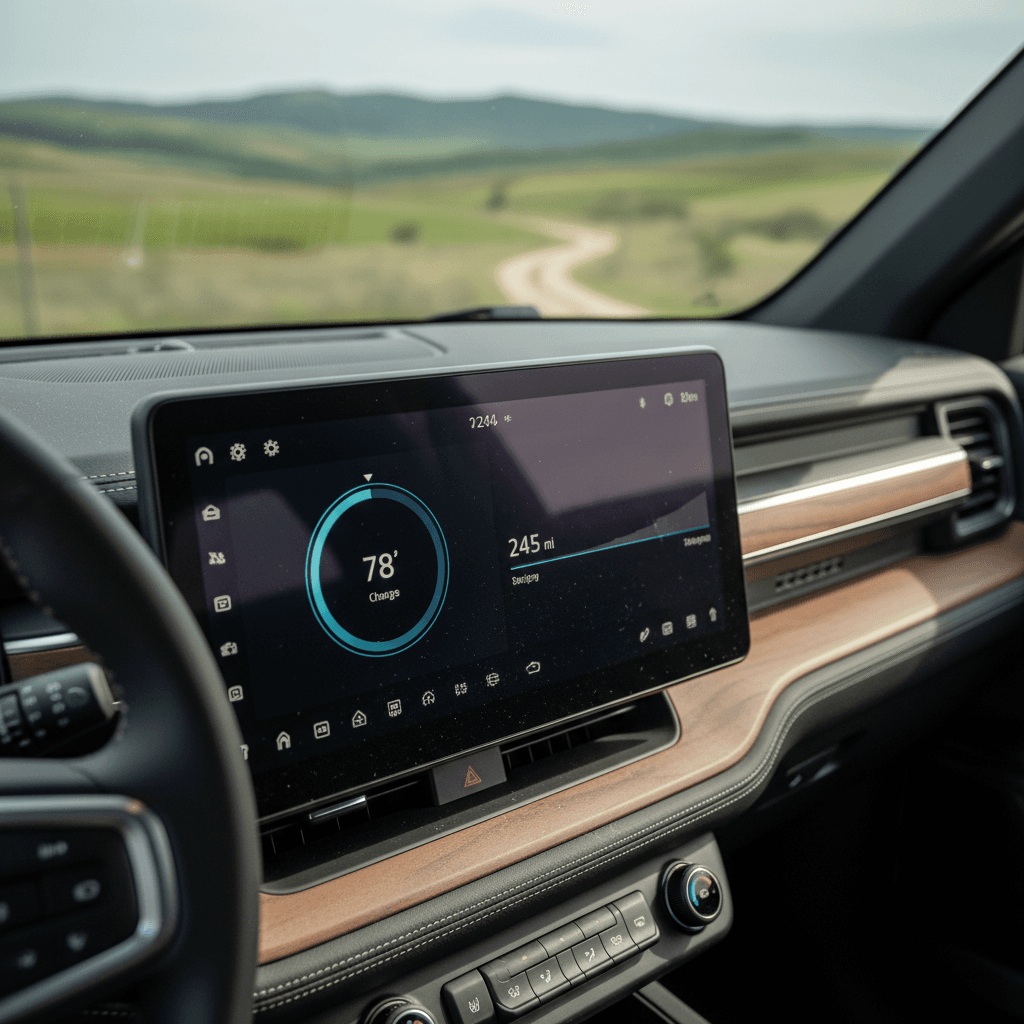
Use % rather than miles day‑to‑day
Deeper dive: Using the Rivian app and trip data
A single snapshot of projected range can mislead you. A better Rivian R1T battery health check uses **actual energy consumption** over a known distance. You can get close using trip meters and the Rivian app’s charging and trip history.
Simple DIY capacity estimate using a road trip
1. Start around 80–90% SoC
Fully charging to 100% all the time isn’t ideal. Instead, pick a day when you’ll start a longer drive at 80–90% and **note the exact SoC** when you leave.
2. Drive at steady highway speeds
Choose a mostly steady‑state drive (for example, 60–75 mph highway with light traffic). Avoid massive elevation changes if you can, that complicates the math.
3. Log miles driven and SoC used
At your destination, note total miles from the trip meter and the new SoC. For example: started at 85%, ended at 35%, 120 miles driven.
4. Calculate effective range
In the example above, you used 50% of the pack to go 120 miles. That implies roughly **240 miles on a full charge** in these conditions (120 ÷ 0.5).
5. Compare to expected range
Now compare that 240‑mile inferred range to what a new R1T with your pack, wheels, and tires typically does at that speed and temperature. If you’re consistently far short, even in mild weather, that’s a signal to look deeper.
6. Repeat in different conditions
Repeating the test in different temperatures and at lower speeds gives you a better picture. You’re looking for patterns: is the truck **always** short on range, or only in certain conditions?
If your numbers look strong
If your inferred full‑charge range is reasonably close to what owners typically report for your configuration, especially in mild temps, that’s a good sign. A few percent of loss is normal; you probably don’t need to obsess over the exact State of Health number.
If your numbers look weak
If you’re consistently 20–30% below expectations even after accounting for speed and weather, you may be seeing real degradation, a calibration issue, or a problem with one part of the pack. That’s the time to **document your tests** and talk with Rivian service or a specialist.
Advanced methods: Third‑party scans and Rivian service
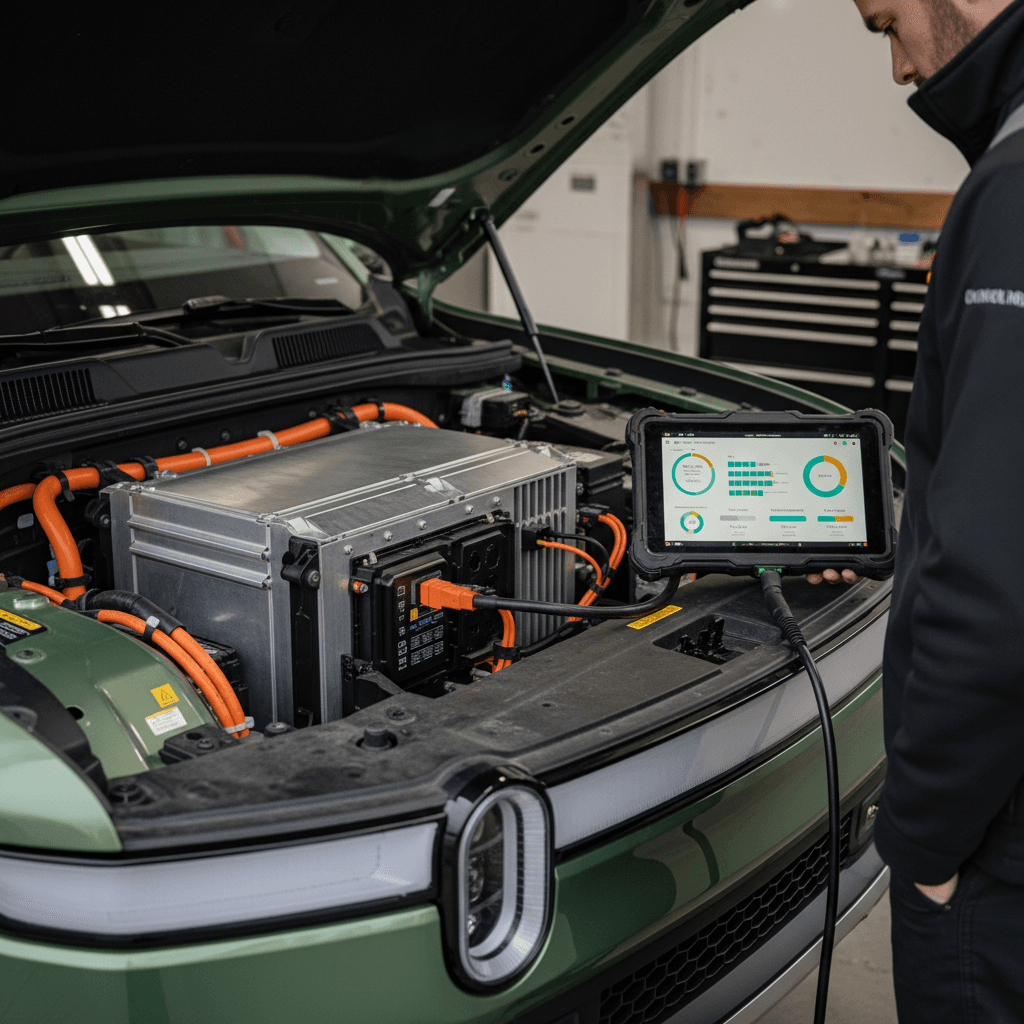
Unlike some brands, Rivian doesn’t give you an official SoH number in the app. For a deeper Rivian R1T battery health check, especially when buying used, you have two main options: **Rivian service diagnostics** and **third‑party tools** that read data from the truck’s systems.
Two ways to get deeper Rivian battery data
Best used when you’re buying used or chasing a suspected issue
Rivian service center report
Specialist or third‑party scan
Don’t poke around blindly
How to check battery health on a used Rivian R1T
Battery health matters most when you’re shopping used. You’re trying to understand not just **how the pack is today**, but how the previous owner treated it. Here’s a realistic checklist you can use when evaluating a used R1T from a private seller, dealer, or online marketplace.
Used Rivian R1T battery health checklist
1. Ask for charging habits
Politely ask how they usually charged: mostly at home on Level 2, or lots of DC fast charging? Frequent high‑power DC sessions and constant 100% charges can accelerate wear.
2. Review service and software history
Ask for any Rivian service paperwork and whether major software updates were applied. Updates often refine range estimates and battery management.
3. Check projected range vs. SoC on site
With the truck at 60–80% SoC, note the projected range and compare it to what you’d expect for that pack and configuration. Big shortfalls are a starting point for more questions.
4. Take a meaningful test drive
Aim for at least 20–30 miles that includes highway speeds. Note energy use (wh/mi) and see whether projected range falls in a linear, predictable way, sudden jumps can signal calibration issues.
5. Look for warnings and charging quirks
On the screens and in the app, look for any battery‑related warnings, limited charging messages, or obvious charging speed issues. A healthy pack should charge and discharge smoothly.
6. Get an independent battery report if possible
If you’re serious about the truck, consider a professional **EV battery health report**. At Recharged, every used EV listing includes a <strong>Recharged Score</strong> with verified battery diagnostics, so you’re not guessing about the pack.
Why a dedicated EV marketplace helps
Ready to find your next EV?
Browse VehiclesProtecting your R1T battery for the long haul
Once you’re confident your Rivian R1T’s battery is healthy, your next job is to keep it that way. The same habits that help any EV pack also apply here: avoid unnecessary stress, keep the battery in its comfort zone, and give it a reasonable lifestyle rather than a pampered or abused one.
- **Live in the middle:** For daily driving, charging between about 20–80% is kinder than constant 0–100% swings.
- **Use 100% sparingly:** Full charges are fine for big trips; just avoid leaving the truck at 100% for days on end.
- **Don’t fear DC fast charging, but don’t live there:** Occasional road‑trip fast charging is expected. Relying on high‑power DC every day will age the pack faster.
- **Watch heat:** High ambient temperatures, especially combined with high SoC, are tough on lithium‑ion cells. Shade, garages, and reasonable charge levels help.
- **Keep software current:** Rivian’s updates can improve efficiency, thermal management, and range estimation, quietly helping battery life over time.
Precondition smartly
Battery health red flags and when to worry
Not every range quirk is a dying battery. Cold snaps, headwinds, and knobby tires can all steal miles. Still, there are some patterns that should push you to get a professional Rivian R1T battery health check instead of just shrugging it off.
Common Rivian battery red flags
If you’re seeing these consistently, document and investigate
Severe winter performance that never recovers
Rapid range drops or stuck percentages
Persistently slow or throttled charging
You don’t buy an electric pickup just for the image. You buy it to use it, haul, tow, camp, commute. The magic is having a battery you trust enough to do all of that without sweating the gauge.
Warranty vs. reality
FAQ: Rivian R1T battery health checks
Rivian R1T battery health: common questions
Bottom line on Rivian R1T battery health
Your Rivian R1T’s battery is more like a diesel long‑haul engine than a fragile smartphone pack. Treat it reasonably, and it will quietly do its job for years. The key is understanding what normal looks like, seasonal range swings, the impact of speed and towing, and using a few simple checks to spot real problems early.
Start with the basics: projected range vs. state of charge, energy use on real trips, and how the truck behaves when charging. If something feels off, document your findings and turn to Rivian service or a professional EV battery report. And if you’re shopping used, consider buying through a specialist like Recharged, where every truck comes with a Recharged Score battery health report so you can focus on the adventure, not on guessing what’s going on inside the pack.