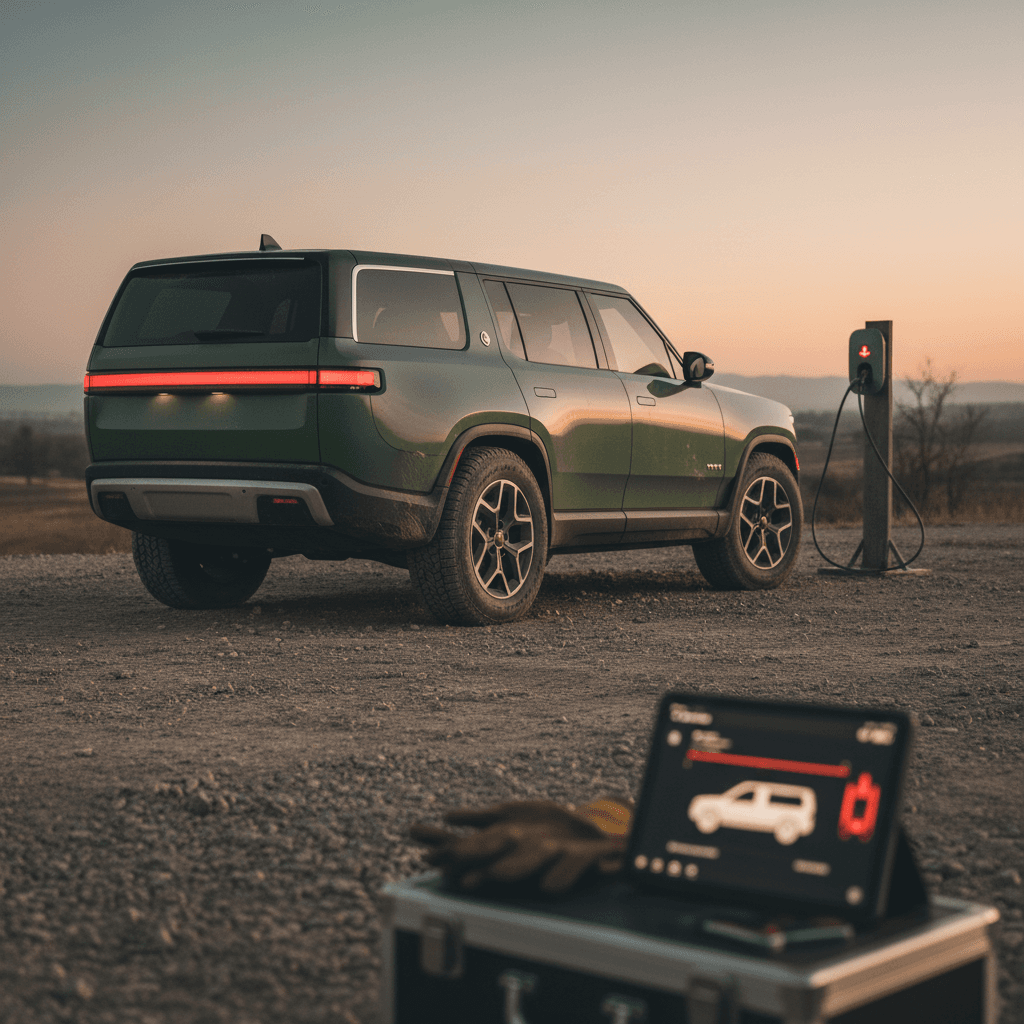
Searches for “Rivian R1S common problems 2026” spike every time another recall headline or forum horror story drops. The truth is more nuanced: the R1S is a brilliant, charismatic electric SUV whose reliability still hasn’t quite caught up with its ambition. In 2026, you’re dealing less with catastrophic EV failures and more with death‑by‑a‑thousand software cuts, suspension quirks, and the lingering hangover of early‑run build quality.
Quick take
Rivian R1S Common Problems in 2026: Big Picture
Rivian R1S Reliability Snapshot Heading Into 2026
Think of the R1S as a gorgeous, overachieving startup product. The core EV bits, battery, motors, high‑voltage hardware, are holding up well. The trouble lives in the layers wrapped around that: complex air suspension, continually evolving driver‑assist, and software that’s being asked to do too much, too fast. The result is a vehicle that feels half luxury SUV, half rolling software experiment.
Has the 2026 Rivian R1S Improved on Earlier Years?
What Rivian has actually fixed
- Early mechanical bugs, like loose suspension fasteners and some steering column issues, have largely been cleaned up or covered by campaigns.
- 2025–2026 software builds are more stable overall than 2022–early 2024, with fewer hard freezes and random reboots.
- Fit and finish has slowly improved; panel gaps and misaligned trim are less common on later‑build trucks and SUVs.
Where problems remain stubborn
- Air suspension and alignment complaints continue into late‑2025 and 2026, including pulls, uneven ride heights and knocking.
- Driver‑assist and Highway Assist still see recalls and software updates when edge‑cases go wrong.
- Owners still report slow, inconsistent service experiences, especially away from major metro areas.
Important nuance for 2026 shoppers
Main 2026 Rivian R1S Problem Areas
Most Common Rivian R1S Problems Owners Report
From our scan of owner forums, recall data and survey reporting through early 2026.
Suspension & Alignment
Pulling to one side, steering wheel off‑center, clunks over low‑speed bumps, uneven ride height or repeated alignment visits.
Software & Infotainment
Freezes and reboots of the main screen, navigation and camera glitches, buggy Highway Assist and inconsistent phone‑as‑key behavior.
Wind Noise & Rattles
Wind rush around the A‑pillars and mirrors, liftgate creaks, interior buzzes that show up on rough pavement or in crosswinds.
Water & HVAC Issues
A minority of owners report clogged drains, water leaking into the cabin, or HVAC condensate dripping where it shouldn’t.
Steering & Brake Feel
Occasional reports of steering shudder, vibration, or inconsistent one‑pedal braking feel after software updates.
Service & Parts Delays
Even minor repairs can mean long waits for appointments or parts in less‑served regions, leaving some owners in loaners for weeks.
If you’re scanning for a single fatal flaw, "the one thing that kills every R1S", you won’t find it. Instead, expect a grab‑bag of medium‑annoying issues that vary truck to truck. Some owners sail through 20,000 miles with only minor software quirks; others play service‑center ping‑pong with alignment, sensors, and rattles for months. That variance is precisely why a structured inspection and vehicle‑history view matters when you’re buying used.
2026 Recalls, Safety Issues & Over-the-Air Fixes
By spring 2026, the R1S had accumulated a small constellation of recalls, most clustered around software, driver‑assist behavior and secondary components rather than catastrophic mechanical failures. Rivian leans heavily on over‑the‑air (OTA) updates, which means some “recalls” were effectively resolved by software push before many owners realized there was a campaign at all.
Representative Rivian R1S Recall Themes Up to 2026
Exact campaigns vary by model year and build date; always run your VIN through the official recall lookup before you buy.
| Area | Example Concern | Typical Fix | What to Verify on a Used R1S |
|---|---|---|---|
| Driver-Assist / Highway Assist | System misidentifies or fails to track lead vehicles in certain low-speed conditions | OTA software update, sometimes combined with calibration or sensor checks | Confirm latest driver‑assist software installed and no outstanding campaigns |
| Exterior Lighting | Turn signals or marker lights that may not meet brightness or visibility requirements | Replacement of affected lamp assemblies | Check for completed lighting recalls in service history |
| Seatbelts & Airbags | Occasional campaigns around sensors, wiring or restraint anchorage | Inspection and replacement of harnesses or hardware as needed | Make sure seatbelt and airbag recalls are closed out; buckle and test every seating position |
| Steering & Suspension Hardware | Early campaigns for fastener torque or component inspection | Service‑center inspection, retorque or part replacement | Ask for documentation of any front‑end or suspension recall work |
| Charging & High-Voltage Safety | Isolated campaigns around charge‑port hardware or wiring protection | Visual inspection, shielding or component replacement | Test DC fast charging and Level 2 at inspection, check for related campaigns |
Use this as a pattern of what Rivian tends to recall, not an exhaustive list.
Pro move before you sign
Suspension, Steering & Alignment Quirks
Ask any R1S owner group what they’ve dealt with and you’ll see the same chorus: "alignment," "pulling," "air suspension noise," "clunking". This isn’t universal, but it’s common enough that you want to go into a test drive with eyes open.
- Persistent pull to one side even after an alignment, sometimes traced to air‑suspension calibration or a minor leak.
- Steering wheel off‑center on a straight road, especially right after delivery or after tire rotations.
- Clicks, creaks or thumps over low‑speed driveway transitions as the air suspension settles or re‑levels.
- Uneven wheel‑arch gaps from left to right when parked on level ground, suggesting ride‑height calibration or air leak issues.
- A general feeling of looseness or tramlining on certain wheel/tire combos until the alignment is dialed in.
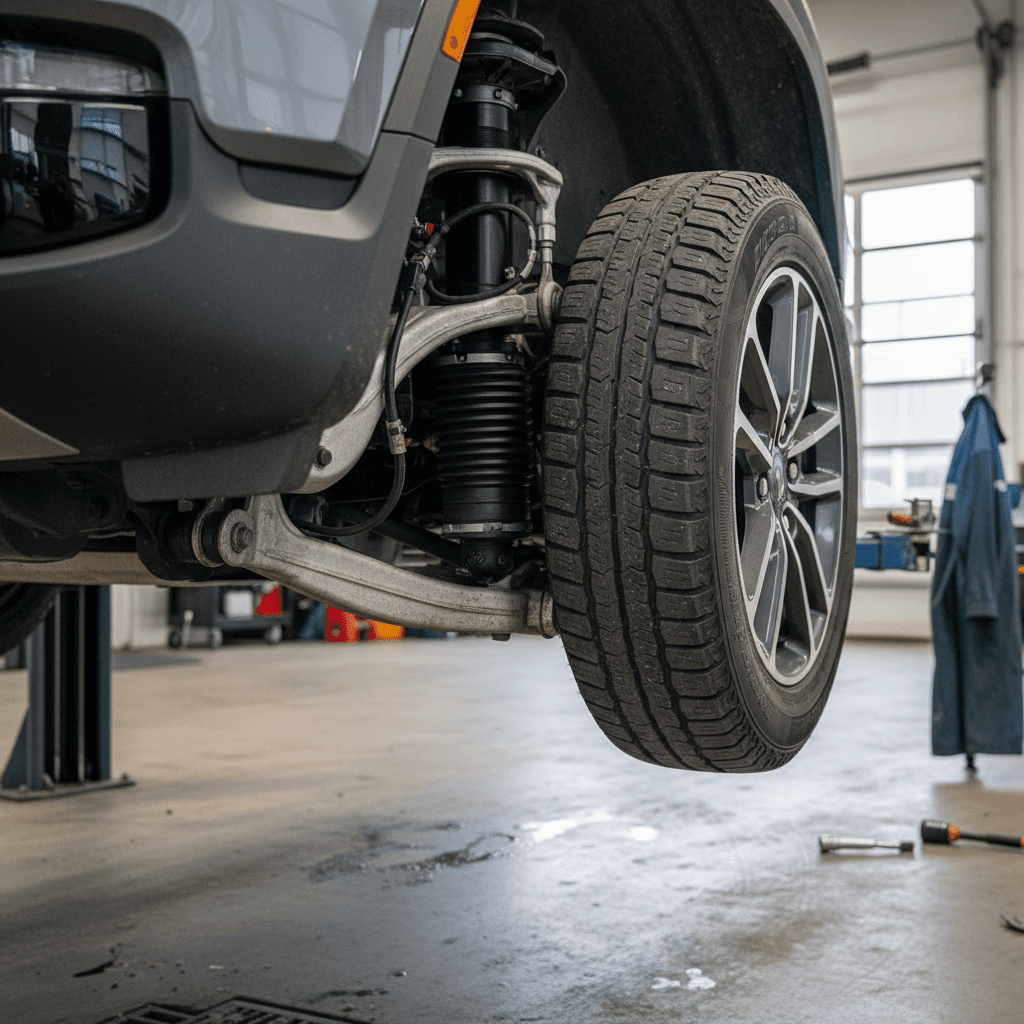
Don’t normalize bad behavior
Software Bugs, Infotainment Glitches & Driver Assist
If Tesla made the industry comfortable with the idea of "ship it now, patch it later," Rivian is living in that same neighborhood. Owners love that new features and efficiency tweaks show up via OTA; they’re less fond of those updates arriving with fresh bugs hitchhiking along.
Typical 2026 R1S Software & UX Complaints
What you’re likely to see in owner forums and service notes.
Center Screen Freezes
Temporary loss of HVAC, audio or nav control until the system reboots. Usually self‑resolves but annoying if it happens in traffic or extreme weather.
Navigation & Camera Quirks
Laggy map redraws, routes that suddenly recalc, or surround‑view cameras that fail to load until a restart.
Highway Assist Behavior
Recalls and patches have focused on edge‑case misclassification of other vehicles or inconsistent lane‑keeping in complex traffic.
Phone-as-Key Inconsistency
Doors that refuse to unlock until you open the app, or keys that work perfectly for weeks and then randomly misbehave.
Update-Related Regressions
An OTA that fixes one bug but introduces another, such as a new vibration, changed throttle feel, or a fresh infotainment quirk.
Driver-Assist Warnings
Occasional spurious lane‑keep or collision warnings that spook new drivers but rarely point to true hardware failure.
Good news on the software front
Interior Build Quality, Water Leaks & Wind Noise
The R1S cabin looks like an REI catalog staged inside an Apple Store, sustainable wood, woven textiles, giant glass. In daily use, though, a portion of owners report that the serenity is punctured by wind noise, squeaks and the occasional water issue.
- Wind rush around the A‑pillars and mirrors at highway speed, louder on certain wheel/tire setups.
- Creaks from the tailgate or third‑row area over broken pavement, especially in colder weather.
- Rattles emerging after a few thousand miles from seat bases, the steering column trim, or the pano‑roof shade.
- Isolated but serious reports of HVAC drain or seal issues leading to damp carpets and replaced interior trim.
- Minor trim misalignment, gaps at door seals, slightly uneven dash panel fit, that may correlate with the noise complaints.
Water is the red flag
Battery, Range & Charging: What’s Actually Going Wrong
Here’s the quietly reassuring part of the Rivian R1S story: the big, scary EV things are mostly not the problem. There’s no pattern of traction batteries bricking at 40,000 miles or motors shredding themselves on the freeway. Instead, battery‑related complaints in 2026 are mostly about range expectations versus reality and the usual public‑charging drama.
Realistic R1S Battery & Charging Concerns
Less doomscrolling, more nuance.
Range vs. Sticker
Big, boxy SUV + adventure tires + mountain passes = less range than the window sticker. Owners who drive 75–80 mph in cold weather can see 30%+ drops from EPA numbers, like most EVs.
Cold-Weather Performance
In real winters the R1S behaves like its peers: slower fast‑charging and more frequent stops. Thermal management has improved via OTA, but physics is undefeated.
Fast-Charging Variability
Charge curves have improved, but speed still depends heavily on the health of the DC fast‑charger you plug into. Rivian’s own network is generally better behaved than some third‑party stations.
Home Charging & Hardware
Few systemic issues with onboard chargers. Problems tend to be about home wiring, breakers or third‑party wallboxes rather than the vehicle itself.
Why this matters for used buyers
Checklist: What to Inspect on a Used Rivian R1S in 2026
Whether you’re eyeing a 2024 launch‑era truck or a lightly used 2026 model, you want to separate "normal for Rivian" from "walk away". Use this checklist during your test drive and inspection, or lean on a platform like Recharged, which bakes most of this into the Recharged Score Report.
Critical Used R1S Inspection Items in 2026
1. Pull a full recall & service history
Run the VIN through official recall tools and ask for service invoices. You’re looking for completed campaigns on driver‑assist, suspension, lighting and any water‑intrusion repairs. Gaps or repeated visits for the same issue are a yellow flag.
2. Test alignment and steering feel
On a flat road at 45–65 mph, the R1S should track straight with a centered wheel. Note any pull, wandering, vibration or clunks over small bumps. Ask specifically about prior alignments and any suspension component replacements.
3. Stress-test the software
Spend at least 15–20 minutes playing with the infotainment: navigation, cameras, profiles, streaming, phone‑as‑key, and Highway Assist where legal. Watch for freezes, reboots or persistent error messages.
4. Hunt for noise and water
Drive over rough pavement and expansion joints. Fold the third row, open and close the liftgate, listen for buzzes. Back at the seller’s location, check carpets and underfloor storage for dampness or staining.
5. Verify charging behavior
If possible, plug into a Level 2 charger and watch charging start and stabilize. Look for warnings or flaky connection behavior. On a test‑drive from a Recharged Experience Center, we’ll usually validate both AC charging and realistic range.
6. Compare Recharged Score or similar health metrics
Battery health, DC fast‑charge history and mileage all feed into long‑term value. A Recharged Score Report gives you a quantified view of <strong>pack health, usage patterns and fair market pricing</strong> before you commit.
How Recharged Helps You Avoid a Problem R1S
With a vehicle as spectacular, and occasionally fussy, as the Rivian R1S, the difference between a dream truck and a rolling anxiety machine is all in the homework. That’s the gap Recharged is built to close.
Shopping a Used R1S? Here’s What Recharged Brings to the Table
Less guesswork, more verified data.
Recharged Score Battery & Usage Report
Every R1S on Recharged comes with a Recharged Score Report, including verified battery health, charging behavior and odometer validation, so you’re not guessing about pack life.
Fair Market Pricing & Trade-In
We benchmark each R1S against nationwide transaction data, factoring in options, mileage and condition, and can take your current vehicle on trade or via instant offer.
EV-Specialist Support & Delivery
From remote video walk‑throughs to nationwide delivery and an in‑person Experience Center in Richmond, VA, our team speaks EV fluently and helps you understand real‑world range, charging and ownership costs.
Ready to find your next EV?
Browse VehiclesBuying beyond your ZIP code
2026 Rivian R1S Problems: FAQ
Rivian R1S Common Problems 2026 – Frequently Asked Questions
Bottom Line: Should 2026 R1S Problems Scare You Off?
If you want a quiet, drama‑free appliance, the Rivian R1S still isn’t a Toyota Highlander in an EV costume. It’s closer to an early‑adopter luxury gadget: stunning to live with when everything clicks, occasionally exasperating when it doesn’t. In 2026 the pattern is clear: batteries and motors are strong, recalls are real but mostly software‑fixable, and the day‑to‑day annoyances live in suspension behavior, noise and digital gremlins.
That doesn’t mean you should run away. It means you should buy like a grown‑up: verify history, drive it with intent, and lean on tools that surface what a casual test spin can’t. A carefully vetted R1S, especially one backed by a Recharged Score Report and EV‑savvy support, delivers one of the most distinctive electric‑SUV experiences on sale in 2026. Just go in expecting a few software updates and service appointments along the way, and you’re unlikely to be surprised.