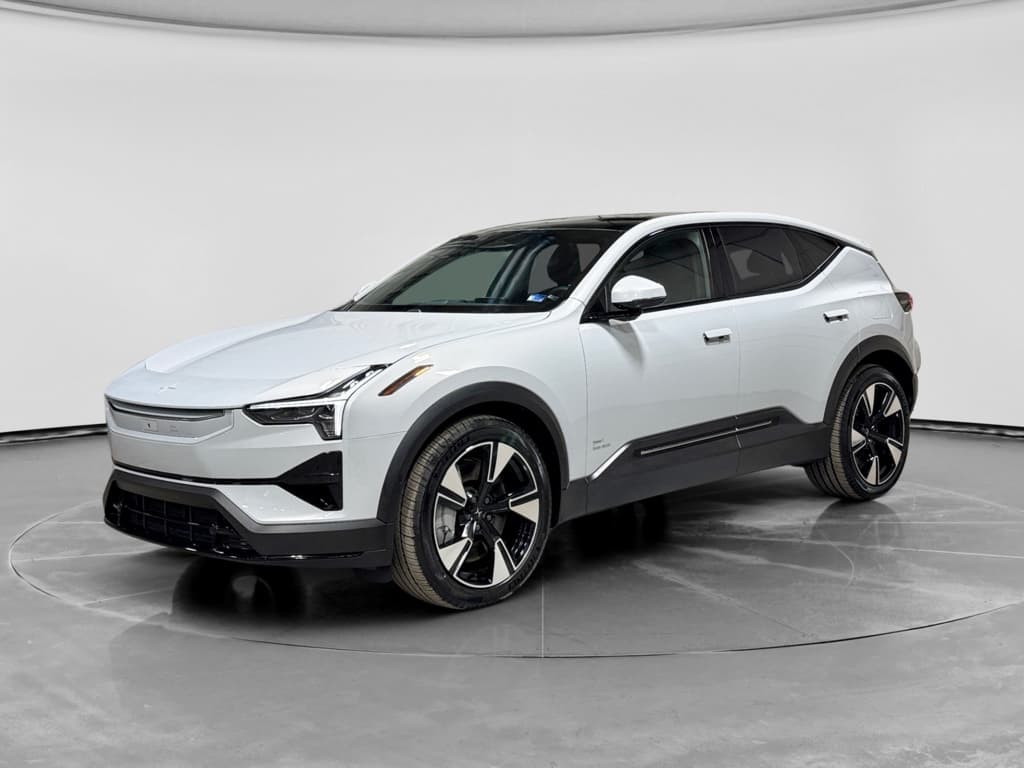
Polestar designed the Polestar 3 to be a software-first electric SUV. That means your car on delivery day is only the starting point. Over-the-air (OTA) updates steadily add features like Abbey Road Studios Mode, refine driver-assistance behavior, and squash bugs that early owners have noticed. Understanding the Polestar 3 software update history helps you know what’s changed, what to expect next, and what to look for if you’re considering a used Polestar 3.
Quick context: model years vs. software versions
Why Polestar 3 software updates matter
Like most modern EVs, the Polestar 3 is defined as much by its software as by its motors and battery. The SUV runs Android Automotive OS with Google built-in, layers of Polestar UX, and a growing stack of driver-assistance and battery-management logic. Software updates can change how the car feels to drive, not just what appears on the center screen.
What Polestar 3 software updates can change
It’s more than just new apps on the center display.
Driving feel & assistance
Updates can refine Pilot Assist, lane keeping, steering weight, and braking smoothness. Small tweaks here can make the car feel substantially more natural and confidence-inspiring.
Connectivity & apps
Android Automotive OS, Google Maps, Apple CarPlay and other apps are regularly tuned for stability, faster loading, and new features like richer route planning or better streaming support.
Safety & compliance
Software can address safety-critical items, like rear camera behavior or driver-monitoring logic, often via OTA instead of a hardware fix at a service center.
Tip for owners and shoppers
How Polestar 3 over-the-air updates work
The Polestar 3 supports over-the-air updates for most of its core systems. When the car is online, it can download new software in the background and then prompt you to install it when the car is parked.
- When a new update is available, you’ll see an update icon in the status bar and a notification in the center display.
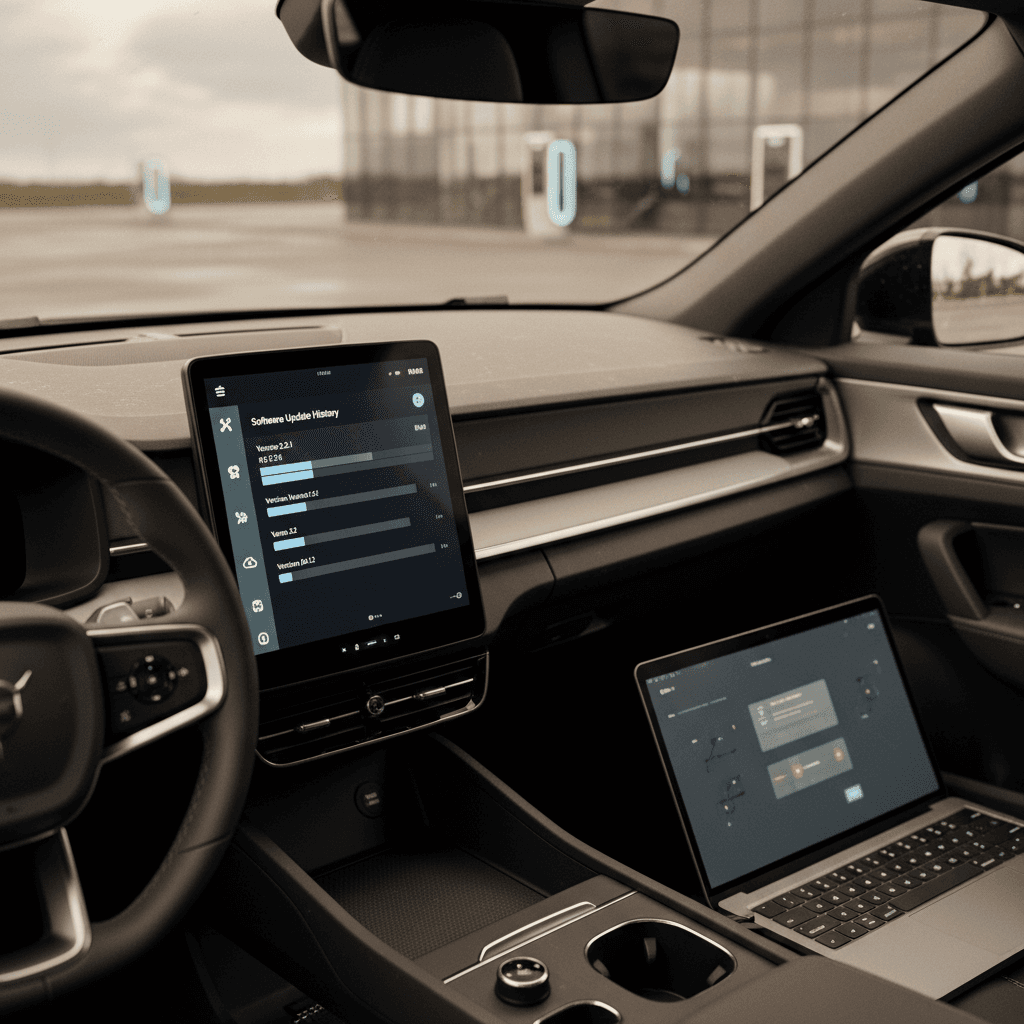
- You can also manually check by going to Settings → System and apps → Software update.
- The car downloads updates automatically if you’ve allowed that in settings, or it will ask for your consent before downloading.
- You must confirm installation and leave the car parked with enough battery charge. During installation you can’t drive or use the vehicle.
- If installation fails, the car will show instructions and, in some cases, direct you to an authorized Polestar service center.
During installation, the car is offline
Polestar 3 software version overview
Polestar lists Polestar 3 release notes in its online manual by software version (P1.x, P2.x, etc.). Each version includes the content of previous releases, so updating to the latest build brings you fully up to date even if you’ve skipped one or two OTA prompts.
Polestar 3 software evolution at a glance
Early Polestar 3 updates: P1.0.3 to P1.1.14
Early Polestar 3 builds shipped with the P1.0.x family of software. These releases focused on basic stability as Polestar ramped up production and real-world mileage exposed edge cases.
Early Polestar 3 software versions and goals
These early updates laid the foundation for later feature rollouts.
| Version | Focus | What it changed for owners |
|---|---|---|
| P1.0.3 | General stability | A broad first patch aimed at reducing random glitches and system restarts across infotainment and vehicle systems. |
| P1.1.6 / P1.1.8 / P1.1.11 | Stability improvements | Incremental bug fixes that made the center display and background systems less crash-prone, important for a brand-new model. |
| P1.1.14 | More stability | Continued cleanup of early issues; you won’t necessarily see obvious new features, but you should notice fewer odd behaviors. |
Note: exact wording in Polestar’s release notes is slightly condensed for clarity here.
Why so many “general stability” releases?
Feature-enablers: digital key and comfort (P1.1.21–P1.1.23)
Once the foundation was in place, Polestar started enabling high-value features that owners actually touch every day, particularly digital key and comfort systems. The key releases here are P1.1.21 to P1.1.23.
- P1.1.21: Enabled digital key for Apple devices (with activation email), refined occupant presence detection, improved key recognition, tuned hands-on steering detection, added automatic TPMS calibration, and tweaked the cabin climate timer behavior.
- P1.1.22: A compatibility update aimed at improving OTA functionality itself. Polestar notes that its content is identical to P1.1.21 but helps ensure future updates install more reliably.
- P1.1.23: Focused on occupant presence detection stability and general robustness, helping reduce false alarms and improving how the car decides when occupants are still inside.
Check digital key behavior when test-driving
Infotainment and connectivity fixes (P1.3.18 & P1.4.12)
As Polestar 3 deliveries ramped up, owners began living with the Android Automotive OS system all day, every day. That generated feedback about app behavior, GPS, and CarPlay connectivity, exactly the sort of issues P1.3.18 and P1.4.12 went after.
Highlights from P1.3.18 and P1.4.12
The versions that made Polestar 3’s software start to feel more polished.
Location & connectivity
- Improved GPS reliability to reduce signal loss and map “drifting.”
- Improved internet connection stability and handling of temporary dropouts.
Media & CarPlay
- Fixes for third‑party HD video streaming performance.
- Apple CarPlay now reconnects more reliably on the next drive cycle.
- Audio settings and Abbey Road Studios Mode menu improvements, including missing content and back button fixes.
Clearer OTA notifications
The pop‑up for OTA updates stays visible longer, making it harder to miss new software releases waiting to be installed.
Seat & profile integration
Seat position is correctly tied back to the selected driver profile, reducing those “why did my seat move?” moments when switching drivers.
P2.x and later: major feature updates and Abbey Road Studios Mode
By the time Polestar 3 reached its P2.x software line, most of the low-hanging stability fruit had been picked. That’s when more headline features started arriving, especially for vehicles equipped with the optional Bowers & Wilkins sound system.
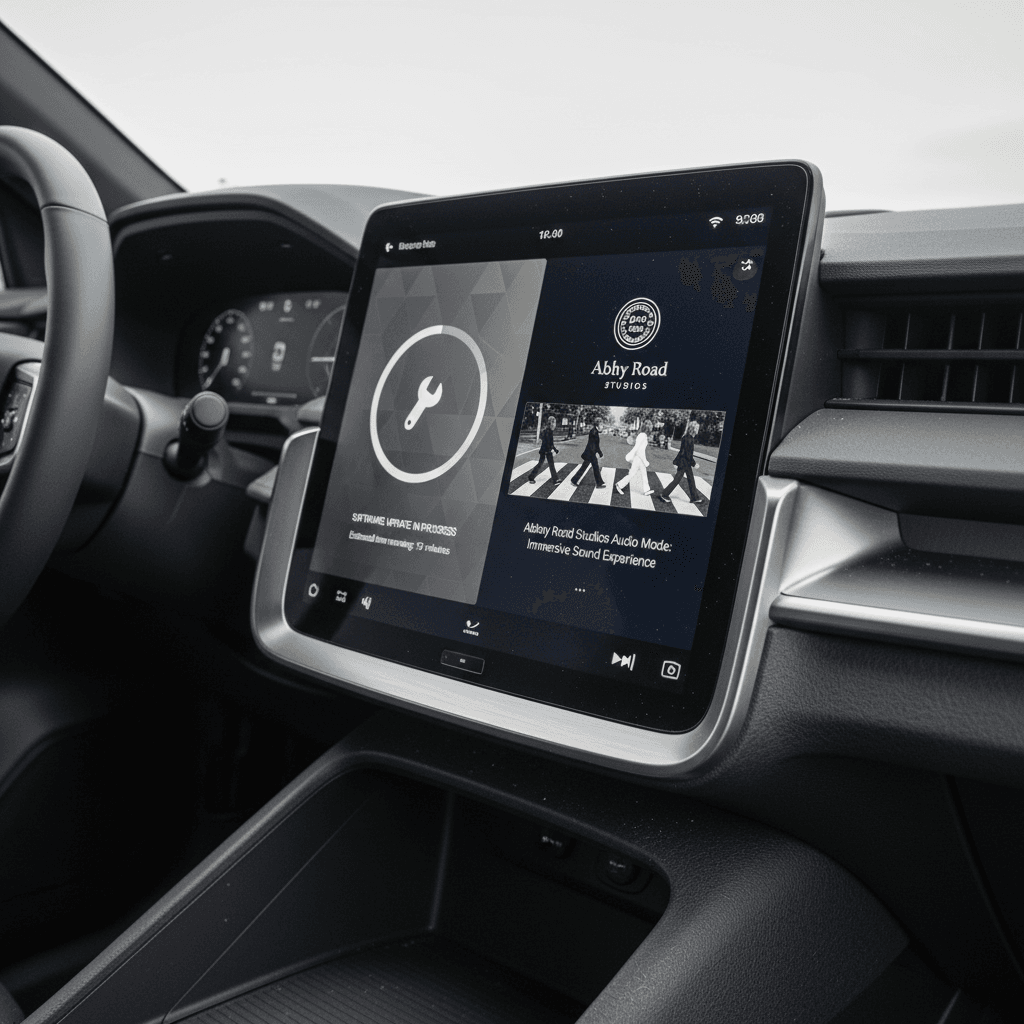
- Abbey Road Studios Mode: Available on Polestar 3 models with the Bowers & Wilkins system, this mode adds four immersive presets (like Intimate and Expansive) and a Producer Mode that lets you dial in the spatial mix to taste. It’s delivered entirely via OTA, no hardware swap required.
- Smart charging schedule tweaks: Updates improve how the car handles planned charging, helping owners better hit off-peak electricity windows and wake up with the right state of charge.
- Security features: Stolen Vehicle Tracking and related back-end features have been rolled in for some markets, boosting traceability if the vehicle is taken. Exact availability can vary by region and subscription terms.
Upside of a software-defined audio system
Driver-assistance and safety-related updates
Under the skin, Polestar is steadily tuning driver-assistance behavior. Much of this work is invisible until you drive back-to-back versions, but it meaningfully changes how the SUV behaves in real traffic.
ADAS tuning and behavior
Polestar 3 shares much of its driver-assistance stack with the Volvo EX90, including Pilot Assist, Adaptive Cruise Control (ACC), Lane Keeping Aid, and camera/radar fusion. Updates in the P1.x and P2.x families quietly refine:
- How smoothly the car accelerates and brakes under ACC.
- How naturally it follows curves within a lane.
- When and how it warns about missing driver input (hands-off alerts).
- How occupant presence detection and interior radar handle real-world scenarios.
You won’t see a flashy headline every time, but this is where a lot of Polestar’s engineering effort goes.
Rear-visibility and recall fixes
At least one North American recall concerned infotainment software that didn’t always default to the rear camera view when selecting reverse, instead showing the 360° view in certain low-speed scenarios. The fix was a software update that brings the behavior back into line with U.S. rear-visibility rules.
For owners, that means two things:
- Make sure your Polestar 3 has had any recall-related updates applied, either OTA or at a service center.
- Confirm in a test drive that the rear camera view behaves as expected when you engage reverse.
Don’t ignore recall-related updates
How to check your Polestar 3 software version
If you’re not sure which software version your Polestar 3 is on, the car makes it fairly easy to check, and you should do this before relying on any specific feature descriptions or troubleshooting advice.
Steps to see your current Polestar 3 software version
1. Start the car safely
Put the vehicle in Park, engage the parking brake, and make sure you’re in a safe location where you can spend a minute exploring the menus.
2. Open the settings menu
From the center display, swipe to or tap the app view and select the <strong>Settings</strong> icon.
3. Navigate to System & apps
In the settings list, choose <strong>System and apps</strong>. This is where most infotainment and connectivity options live.
4. Select Software update
Tap <strong>Software update</strong> to see the currently installed version, release notes, and whether a new update is available to download or install.
5. Cross-check with online release notes
Compare your version (for example, <strong>P1.4.12</strong> or <strong>P2.1.22</strong>) with Polestar’s online manual. That’s where you’ll find a detailed changelog of what each release included.
Schedule installs, not downloads
Best practices before and after an OTA update
Software updates are routine, but a little preparation goes a long way, especially in a car that handles as many functions via software as the Polestar 3.
Owner checklist for smooth Polestar 3 updates
Confirm battery charge
The car will tell you the minimum charge level needed to install an update. Give yourself extra margin so you’re not forced to drive immediately afterward to reach a charger.
Review what’s changing
Skim the release notes in the center display or online manual. Knowing whether a release targets audio, ADAS, or connectivity makes it easier to spot issues, or welcome improvements, later.
Avoid mid-trip installs
Never accept an installation prompt right before a school run, commute, or road trip. You can postpone the install for later if the timing isn’t right.
Re-test key features
After a big update, take a short shakedown drive. Try Pilot Assist, parking cameras, phone-as-key, and your usual navigation/CarPlay/Android Auto setup to confirm everything behaves as expected.
Recalibrate windows if needed
Polestar notes that a few updates may cause windows to lose their calibration. If a window behaves oddly, fully lower it, then raise it and hold the switch for one extra second to re-initialize.
What software updates mean when shopping for a used Polestar 3
If you’re looking at a used Polestar 3, software history is as important as service history. Cars that have been updated on schedule tend to feel more polished, have fewer frustrations, and in some cases benefit from features that didn’t exist at launch.
Questions to ask the seller
- “What software version is it on?” If it’s multiple major versions behind, budget time for updates and some trial and error afterward.
- “Has it received all recall and service campaign updates?” These may be applied OTA or at a service center; you want a clear yes, ideally with documentation.
- “Any issues after recent updates?” Repeated Bluetooth or digital key complaints, for instance, may hint at pairing issues you’ll inherit.
How Recharged helps de-risk this
At Recharged, every used EV we list, including the Polestar 3, comes with a Recharged Score Report. That includes:
- Verified battery health and fast-charging behavior.
- A review of key software-dependent features like driver-assistance and connectivity during our inspection drive.
- Expert guidance on what the current software version means for your daily use, and what you can expect from future updates.
If you’re trading in or selling, we can also help you make sure your Polestar 3 is up to date before listing, so buyers see the most polished version of your car.
Leverage software history as a negotiating tool
Ready to find your next EV?
Browse VehiclesPolestar 3 software update FAQ
Frequently asked questions about Polestar 3 software updates
The bottom line on Polestar 3 software history
The Polestar 3’s software update history tells a clear story: early stability patches, then enablers like digital key and improved climate control, followed by richer features such as Abbey Road Studios Mode and steadily refined driver-assistance and connectivity. Because this SUV is so software-defined, staying current isn’t just about getting new toys, it’s about keeping the car safe, predictable, and pleasant to live with.
If you already own a Polestar 3, keep an eye on the Software update screen and schedule installs on your terms. If you’re shopping used, treat software history the way you would oil changes on a gas car: a basic indicator of how well it’s been cared for. And if you’d rather not decode all of that yourself, Recharged can help you find a used Polestar 3 with verified battery health, a solid software baseline, and expert guidance every step of the way.