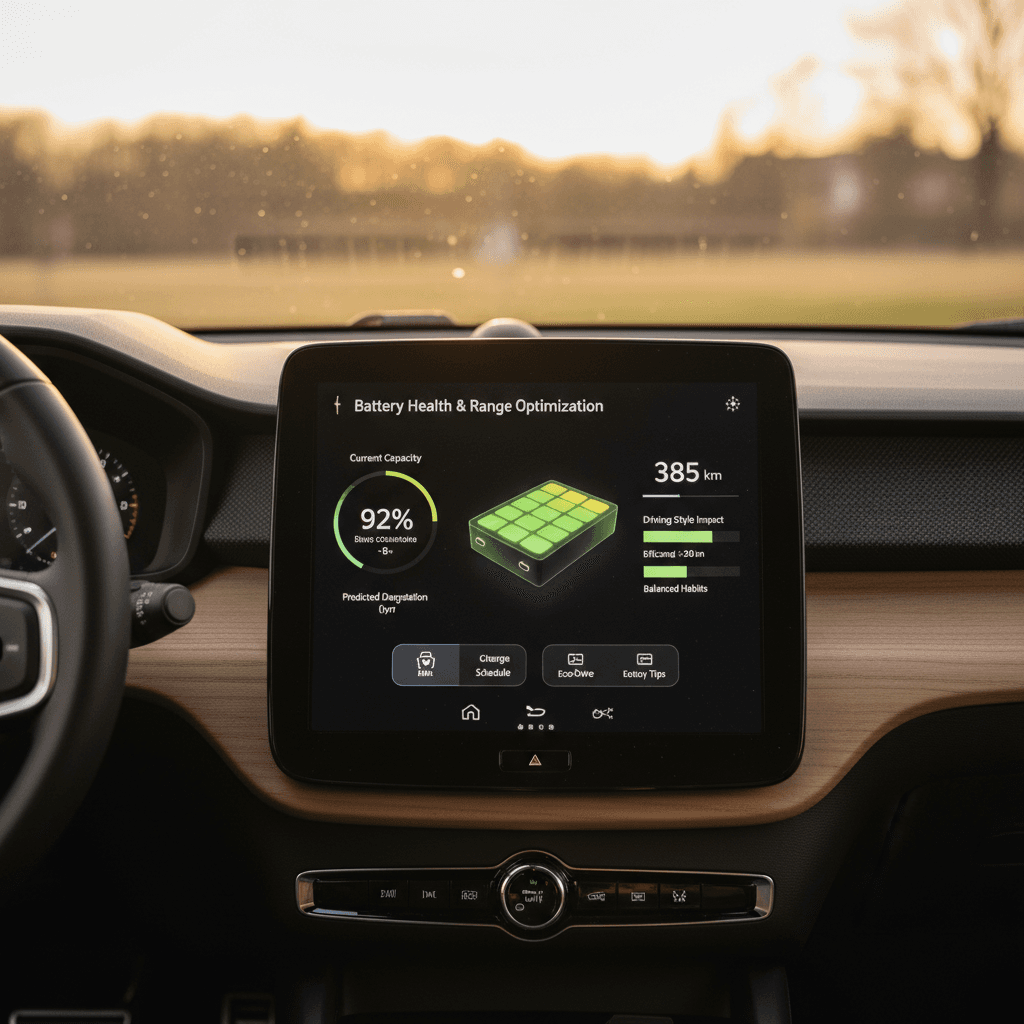
If you own, or are considering, a Polestar 2, battery life is the core of the car’s value. The good news: with a few specific habits, you can dramatically maximize Polestar 2 battery life, preserve real‑world range, and protect resale value over the long run.
Quick reality check
Why Polestar 2 battery care really matters
Think of your Polestar 2’s lithium‑ion battery as both the fuel tank and the engine. It’s the most expensive component in the car and the biggest factor in your usable range and long‑term value. A well‑treated pack means more confidence on road trips, fewer surprises in winter, and a stronger position when it’s time to trade in or sell.
Three reasons to prioritize Polestar 2 battery health
Range, peace of mind, and long‑term value all depend on the pack
Real‑world range
Resale & trade‑in value
Reliability over years
Battery basics: How the Polestar 2 pack works
The Polestar 2 uses a high‑voltage lithium‑ion battery pack, offered in different capacities depending on model year and configuration. Regardless of size, the chemistry behaves much like other modern EVs, sensitive to extremes of state of charge (SoC), temperature, and high‑power charging. Polestar’s thermal management and battery management system (BMS) do a lot for you, but your habits still matter.
- Avoid sitting at 100% charge for long periods unless you’re about to leave.
- Avoid repeatedly running the pack near 0%, occasional low states are fine, but don’t make it a habit.
- Keep the battery in a moderate temperature range whenever possible.
- Understand that fast charging adds heat and should be treated as a tool, not a default.
Think like a laptop owner, just with higher stakes
Daily charging habits to maximize Polestar 2 battery life
Your day‑to‑day charging routine is where you can make the biggest impact with the least effort. The Polestar 2’s charge‑limit settings and scheduled charging tools make it easy to build healthy habits that protect the pack without sacrificing convenience.
Polestar 2 daily charging best practices
1. Set a sensible charge limit
For most drivers, setting your daily charge limit to around <strong>70–80%</strong> is a sweet spot. It leaves room above for regen braking and below for degradation‑prone high SoC, while still giving plenty of range.
2. Use 100% only for trips
Save full charges for road trips or rare long days. Charge to 100% shortly before departure and aim to leave within an hour or two of hitting full.
3. Prefer AC (Level 2) at home
Whenever possible, use a Level 2 home charger rather than relying on DC fast charging. AC charging is gentler on the pack and easier to schedule overnight.
4. Avoid frequent top‑offs
Plugging in constantly for tiny top‑offs from, say, 70% back to 80% isn’t harmful in isolation, but a pattern of shallow, constant charging at high SoC can add unnecessary cycles.
5. Use scheduled charging
If your utility offers off‑peak pricing, combine money savings with battery care by scheduling charging to finish shortly before your morning departure.
6. Don’t fear leaving it plugged in
For longer parking stints at home, it’s fine to leave the Polestar 2 plugged in with a reasonable charge limit set. The car will manage small top‑ups to maintain that level.
Watch out for permanent 100% overnight
Using DC fast charging without hurting the battery
The Polestar 2 is built to handle DC fast charging (often called Level 3), and you shouldn’t be afraid to use it. The key is treating fast charging as a strategic tool for road trips and occasional needs, not your default fueling method if you have home or workplace charging available.
Healthy DC fast charging habits at a glance
- Avoid using DC fast charging as your primary charging source if you can reasonably charge at home or work.
- On road trips, plan your stops so you arrive around 10–20% and leave around 70–80%, this keeps you in the fastest part of the charging curve.
- If the pack is very cold or very hot, charging power may be reduced; build a bit of buffer into your plans.
- If your route planner suggests preconditioning the battery before a fast charge, use it, warming the pack before high‑power charging is healthier than pushing huge current into a cold battery.
The real risk with fast charging
Driving and climate tips to protect range
How you use the power you put into the battery is just as important as how you charge it. With a few straightforward changes to driving style and climate‑control usage, you can reduce stress on the pack and stretch every kilowatt‑hour.
Smoother driving, healthier battery
- Avoid repeated hard launches. The Polestar 2’s instant torque is addictive, but frequent max‑power bursts heat the battery and inverter.
- Use one‑pedal or high regen modes. Regenerative braking recaptures energy that would otherwise turn into brake dust and heat.
- Plan ahead. On the highway, lifting off early instead of braking late smooths the load on the pack and drive units.
- Watch your speed. Aerodynamic drag rises quickly above 70 mph. Driving 5–10 mph slower can significantly boost range.
Smart climate‑control usage
- Precondition while plugged in. Use the Polestar app or in‑car scheduling to heat or cool the cabin before departure while drawing from the grid, not the battery.
- Use seat and wheel heaters. In cold weather, these draw less energy than cranking the cabin heater.
- Avoid extreme settings. Setting the climate to moderate targets (e.g., 68–72°F) generally uses less energy than max‑cool or max‑heat.
- Eco or range modes. When available, these modes relax climate performance slightly to reduce drain.
Cold‑weather and hot‑climate strategies
Lithium‑ion batteries are most comfortable in the same temperatures humans like, roughly room temperature. Your Polestar 2 actively heats and cools the pack, but your choices still impact efficiency and long‑term health.
How to treat your Polestar 2 battery in tough weather
Simple adjustments go a long way in winter and summer
In cold climates
- Whenever possible, park in a garage or sheltered spot to keep the pack warmer overnight.
- Pre‑heat the cabin while plugged in, especially on very cold mornings.
- Expect reduced regen until the pack warms up; this is normal protection behavior.
- On very cold days, start your drive with a bit of extra range buffer.
In hot climates
- Try to park in the shade or a covered structure to limit cabin and battery heat soak.
- Avoid repeated, high‑power fast‑charge sessions during extreme heat.
- Let the car manage battery cooling after a long, hot drive instead of immediately unplugging and walking away on low SoC.
- Use cabin pre‑cooling while plugged in to reduce peak A/C load once you start driving.
Don’t panic about temporary range loss
Long‑term storage and infrequent driving
If your Polestar 2 will sit for weeks or months, perhaps you travel frequently or keep it as a second car, taking a few precautions can dramatically reduce long‑term battery stress.
Storing your Polestar 2 the right way
1. Aim for a mid‑range SoC
Before parking the car for an extended period, set the charge limit around <strong>50–60%</strong>. Avoid storing it near 0% or 100% if you can.
2. Leave it plugged in if practical
With a sensible charge limit set, leaving the car plugged in allows the BMS to maintain charge and run occasional thermal‑management cycles.
3. Avoid extreme temperatures
Whenever possible, store the car in a garage or shaded area. Long periods in very hot environments are particularly tough on batteries.
4. Check in occasionally
If it’s not plugged in, check the state of charge every few weeks. A small amount of “vampire” drain is normal; if SoC drops too low, top it up.
5. After storage, warm gently
When you bring the car back into regular use, give the pack a few gentle drive and charging cycles before relying on repeated fast charges.
Beware near‑empty, long‑term parking
Software updates, battery management, and warranty
Polestar, like many EV manufacturers, continues to refine charging behavior, range estimates, and thermal management through over‑the‑air (OTA) software updates. Keeping your Polestar 2 current is one of the easiest ways to make sure the battery is being managed with the latest logic and safeguards.
- Install software updates promptly, especially those that mention charging, range, or thermal management improvements.
- If your car offers route‑based battery preconditioning for DC fast charging, enable and use it on long trips.
- Review the battery warranty terms for your specific model year so you understand what level of capacity loss is covered.
Battery confidence when buying used
Ready to find your next EV?
Browse VehiclesHow to check battery health on a used Polestar 2
If you’re shopping for a used Polestar 2, you’re right to focus on the battery first. Range estimates on the dash only tell part of the story; you want a clear picture of how the pack has aged and how it was treated.
Evaluating battery health on a used Polestar 2
Key signals to look for when you’re considering a pre‑owned Polestar 2.
| What to check | Why it matters | What good looks like |
|---|---|---|
| Displayed range at high SoC | Rough sense of available capacity in everyday conditions | Range that’s reasonably close to period‑correct specs, accounting for weather and driving style |
| Charging history (if available) | Frequent DC fast charging can add stress over years | Mix of home AC and occasional fast charging is ideal |
| Service records & recalls | Confirms software updates and any battery‑related work | Consistent servicing, completed updates, no unexplained battery repairs |
| Visual inspection of pack area | Looks for accident or flood indicators | Clean underbody, no obvious damage or severe corrosion |
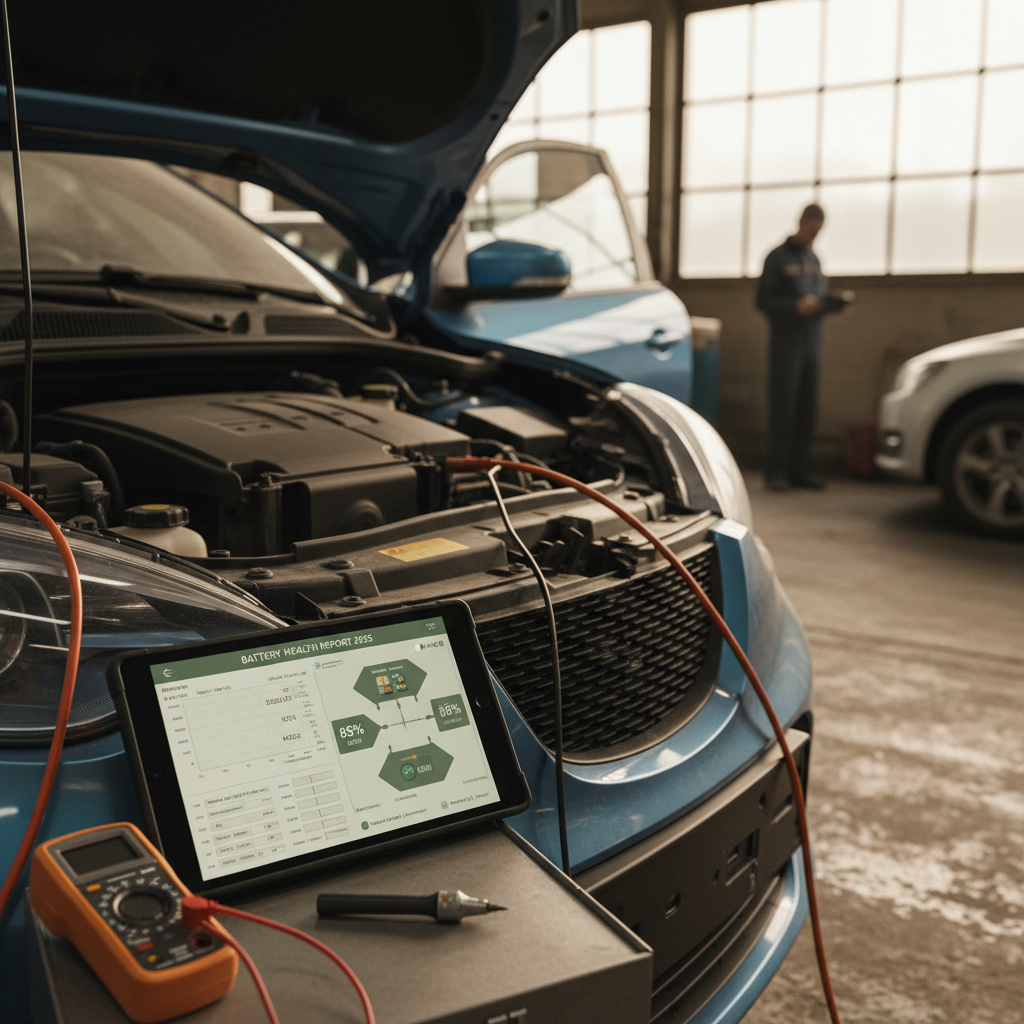
| Third‑party or dealer health report | Objective measure of remaining capacity | Clear documentation of state of health (SoH) and pack balance |
Pair what you see in the car with documentation from services like the Recharged Score Report for a full picture.
“Battery condition is the single most important factor in the real‑world value of a used EV. A transparent, data‑driven health report gives buyers the confidence they need, and rewards owners who’ve taken care of their pack.”
On Recharged, every used Polestar 2 listing includes a Recharged Score battery health diagnostic so you’re not guessing about the pack’s condition. Our experts look at usage patterns, capacity, and thermal history so you can compare vehicles on more than just mileage and photos.
Polestar 2 battery maximization checklist
One‑page Polestar 2 battery life playbook
Set smart daily limits
Use the in‑car settings to cap daily charging around 70–80%, saving 100% charges for trips or rare long days.
Favor AC charging
Rely on Level 2 home or workplace charging as your primary source and reserve DC fast charging for road trips or special situations.
Drive smoothly
Enjoy the performance, but avoid constant full‑throttle launches. Use regen and moderate highway speeds to ease load on the pack.
Use climate intelligently
Precondition while plugged in, lean on seat and wheel heaters in winter, and avoid extreme A/C or heat settings when possible.
Respect temperature extremes
Garages and shade are your friends. Try not to store the car for long periods in very hot or very cold conditions at very high or very low SoC.
Store at mid‑range SoC
For weeks‑long parking, aim for about 50–60% charge and, if practical, leave the car plugged in with that limit set.
Stay updated
Install software updates promptly to benefit from Polestar’s latest battery and charging optimizations.
Document your care
If you plan to sell later, keep records of software updates, service, and charging setup, buyers increasingly care about battery history.
Polestar 2 battery life FAQ
Frequently asked questions about Polestar 2 battery life
Key takeaways for Polestar 2 owners
Maximizing Polestar 2 battery life isn’t about babying the car, it’s about building a few smart habits into the way you already live with it. Keep daily charges in a comfortable middle band, save 100% and repeated DC fast charging for the trips that truly need them, and be mindful of extreme temperatures. Do that, and your Polestar 2 should deliver confident range and strong resale value for years to come.
If you’re considering a used Polestar 2, or thinking about trading yours in, Recharged is built to take the guesswork out of EV battery health. Every vehicle includes a detailed Recharged Score battery report, plus transparent pricing, EV‑savvy support, financing options, and nationwide delivery, so you can shop, sell, or swap into your next electric vehicle with confidence.