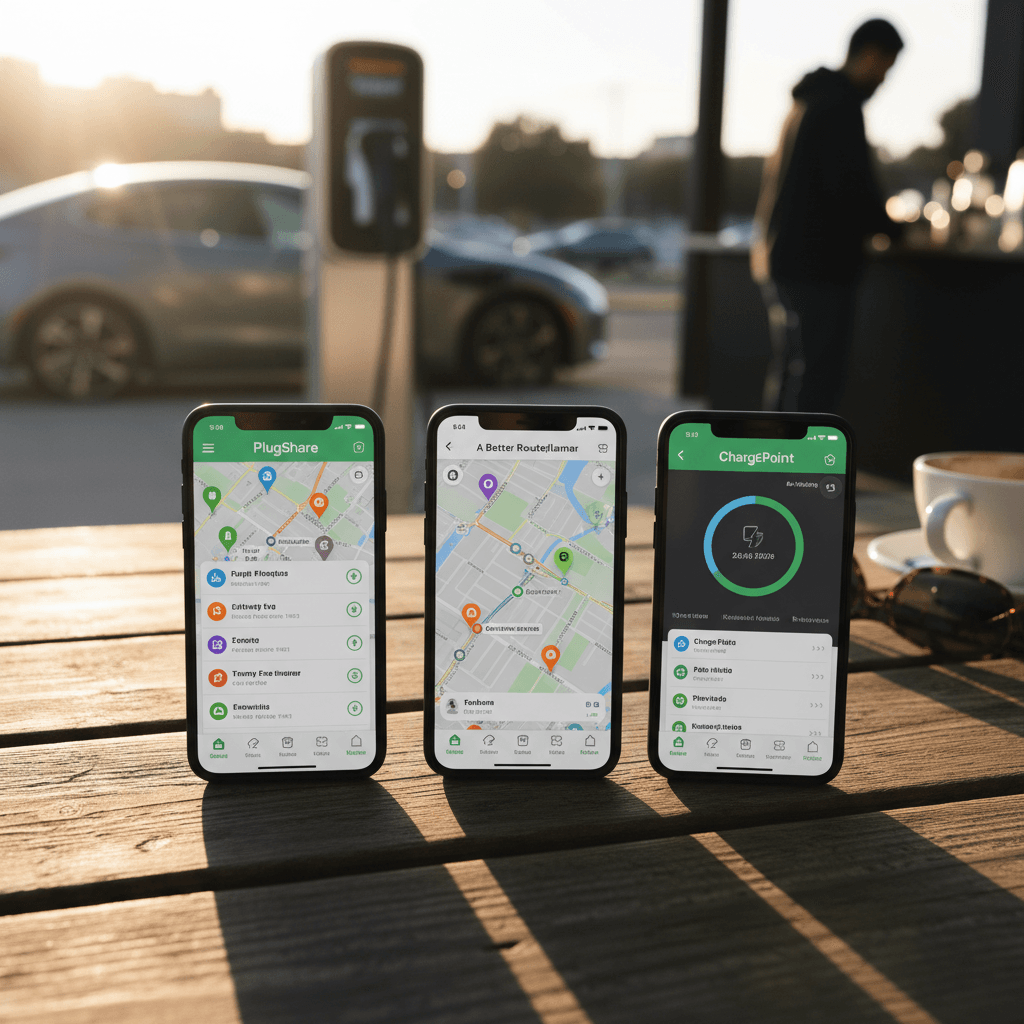
If you’re serious about EV ownership in 2026, you’ve almost certainly heard of PlugShare, A Better Routeplanner (ABRP), and the ChargePoint app. They all show chargers and routes, but they’re built for very different jobs. Choosing the right mix saves you time, money, and a lot of mid‑trip anxiety.
Short answer
Why PlugShare, ABRP, and ChargePoint Matter in 2026
The EV app space is noisy: every automaker has its own app, most charging networks have one too, and tech companies keep launching new “all‑in‑one” solutions. But when you actually look at what experienced EV drivers rely on day to day, three names keep resurfacing: PlugShare, ABRP, and the ChargePoint app.
- PlugShare has become the de facto global directory for public charging, with community check‑ins, photos, and reviews that reveal what’s really working on the ground.
- ABRP (A Better Routeplanner) started as a nerdy web tool and has evolved into one of the most sophisticated EV‑specific trip planners, pulling in live vehicle and charger data on many models.
- ChargePoint runs one of the largest Level 2 networks in North America and Europe, and its app ties together public stations with smart home hardware like ChargePoint Home Flex for a single billing and control experience.
For used EV buyers
Quick Take: Which App Fits Which Driver?
Best app by use case
Most drivers will end up using at least two of these regularly.
“Just show me chargers”
Use: PlugShare
- Find every public charger, not just one network.
- See community check‑ins, photos, and reliability scores.
- Great for: apartment dwellers, used EV shoppers, road‑trip planning with multiple networks.
“Optimize road trips”
Use: ABRP
- Plans energy‑aware routes tuned to your exact EV.
- Can ingest live data from many cars or OBD dongles.
- Great for: long‑range road trips, winter driving, smaller‑battery EVs.
“I live in ChargePoint’s world”
Use: ChargePoint app
- Best experience on ChargePoint stations and with Home Flex.
- Unified billing and usage history.
- Great for: workplaces, fleets, and homes already on ChargePoint hardware.
PlugShare: Community-Powered Charging Map
PlugShare is essentially a wiki for EV charging. It aggregates public data from networks plus crowd‑sourced reports from hundreds of thousands of drivers. That combination is why experienced EV owners almost always keep it installed, even if their car’s built‑in navigation or another app handles routing.
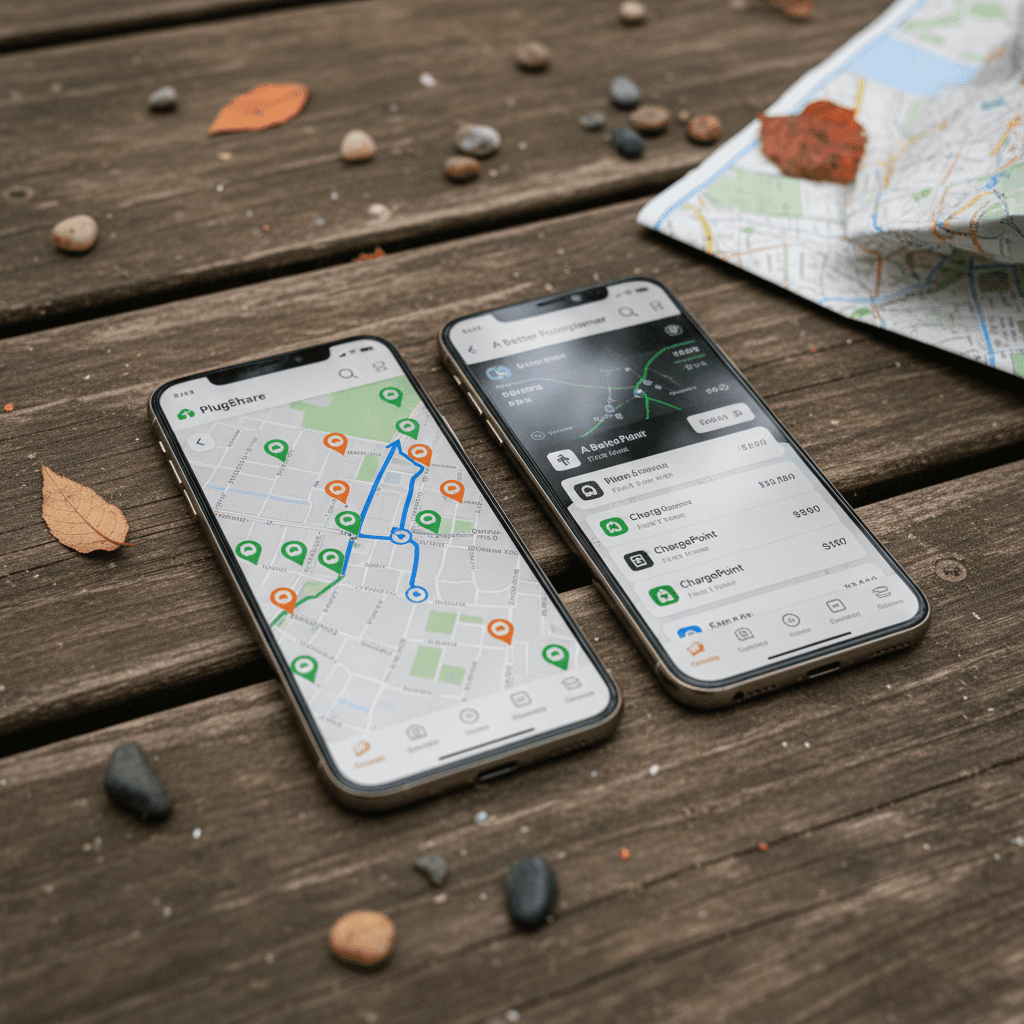
- Coverage: PlugShare typically has the widest station coverage, including many smaller municipal, hotel, dealership, and condo chargers that don’t show up in network‑specific apps.
- Community check‑ins: Drivers report whether a station is working, blocked, or down. Recent check‑ins are often more accurate than a network’s own status feed.
- Filters: You can filter by connector type (CCS, NACS, CHAdeMO, J1772), power level, network, price, and access (e.g., hotel guests only).
- Trip planning: There’s a basic trip planner, but it’s more of a visual aid than a full replacement for ABRP or in‑car nav.
- Payments: On some networks you can start a session directly from PlugShare, but that’s still the exception, not the rule.
Where PlugShare excels
PlugShare downsides
ABRP: Deep-Dive EV Route Planning
ABRP, A Better Routeplanner, exists for one job: plan the most efficient route for your specific EV. Where PlugShare is a map of chargers, ABRP is a simulation engine that models how your car uses energy along a route.
- Vehicle‑specific modeling: You pick your exact EV model, and ABRP uses a known consumption profile and charging curve. You can tweak assumptions for tire size, roof boxes, temperature, and more.
- Live data: Many EVs can send live battery SOC and consumption to ABRP through app integrations or OBD dongles, which tightens accuracy over time.
- Smart routing: ABRP will route you to faster chargers when it makes sense, minimize time spent above the slow part of your charging curve, and factor in weather and elevation.
- Interface: The mobile app and CarPlay/Android Auto views have improved over the last few years, but ABRP still feels more like a power‑user tool than a mass‑market navigation app.
- Pricing: There’s a capable free tier; advanced features like real‑time traffic, weather, and some integrations are paywalled in ABRP Premium, which is inexpensive compared to one DC fast‑charging mistake on a road trip.
ABRP pro move
ABRP downsides
ChargePoint App: Network + Home Charger Control
The ChargePoint app sits in a different category. It’s not trying to map the world or simulate every EV; it’s designed to make life easy inside the ChargePoint ecosystem, public stations, workplace chargers, fleets, and home hardware like the ChargePoint Home Flex.
- Network access: For many workplaces, apartments, and retail sites, the ChargePoint app is the easiest, or only, way to start a session, see pricing, and track costs.
- Home charger integration: If you own a ChargePoint Home Flex, the app lets you schedule charging, view detailed energy use, and, in some regions, sync to time‑of‑use utility rates.
- Single wallet: You preload a balance or add a card once, then tap your phone or RFID card at participating ChargePoint stations.
- Smart‑home features: Support for Alexa and Siri shortcuts means you can start, stop, or check home charging with voice assistants. Some features change over time as the app evolves, but the focus is clearly on tying home and public charging together.
- Limitations: It’s heavily biased to ChargePoint‑branded stations. You’ll still want PlugShare (or your car’s nav) to see Electrify America, EVgo, and smaller regional networks at a glance.
When the ChargePoint app is a must
Feature Comparison: PlugShare vs ABRP vs ChargePoint
Core feature comparison
How the three apps differ on the fundamentals.
| Feature | PlugShare | ABRP | ChargePoint App |
|---|---|---|---|
| Primary job | Map all chargers & reviews | Plan energy‑aware routes | Control & pay for ChargePoint charging |
| Network coverage | Almost all networks, user‑added sites | Uses many networks but not a full directory | Primarily ChargePoint stations |
| Trip planning depth | Basic routing between chargers | Advanced EV‑specific planning | Simple routing, network‑centric |
| Live vehicle data | Limited (manual SOC updates) | Robust on many models | Mainly for Home Flex charging status |
| Home charging | Reference community‑shared home hosts | Can model home charging as start/end | Deep integration with ChargePoint Home Flex |
| Payments | Supported at some stations | No direct payments | Primary tool for ChargePoint payments |
| Cost | Free (ad‑supported) | Free tier + low‑cost premium | Free app; you pay for charging/home hardware |
No single app wins everywhere; it depends on how and where you drive.
Daily Driving vs Road Trips: How the Apps Stack Up
For daily commuting and errands
- Apartment dwellers: Use PlugShare to find nearby Level 2 options and confirm they’re actually usable (parking rules, ICEing, downtime).
- Homeowners with ChargePoint hardware: The ChargePoint app should be your primary tool; add PlugShare only when you’re exploring new areas.
- Short‑range EVs or older used models: ABRP can still help you understand what’s realistic on bad‑weather days, but you won’t need it every drive.
For weekend getaways and cross‑country trips
- All EVs: Start with ABRP to set expectations: where you’ll stop, how long, and how much buffer to keep.
- Cross‑checking reality: Use PlugShare to check recent check‑ins at your planned stops and identify backup stations.
- Network memberships: If you rely heavily on ChargePoint locations along your corridor, keep the ChargePoint app handy for pricing and session control.
A simple workflow that works
Used EV Owners: How to Build Your App Stack
Used EVs add a layer of uncertainty: you don’t always know how the battery was treated, and your range estimate is usually based on EPA numbers from years ago. PlugShare, ABRP, and ChargePoint can make that uncertainty manageable, especially if you pair them with the Recharged Score on vehicles you’re considering.
5 steps to sanity‑check a used EV with these apps
1. Confirm local charging options in PlugShare
Before you even test‑drive, use PlugShare to map out fast chargers and Level 2 options around your home, work, and regular routes. If you see big gaps, that’s a factor in which EVs make sense.
2. Rough‑plan your longest regular trip in ABRP
Take your most demanding trip, say, a 250‑mile family visit, and run it in ABRP with the EV you’re considering. Look at how many stops, how long each is, and what buffer the app recommends.
3. Compare ABRP’s model to Recharged’s battery data
On Recharged, every car has a <strong>Recharged Score</strong> with verified battery health. If the battery shows more degradation than average, adjust ABRP’s consumption upward or your usable battery percentage downward and see if the trip still feels comfortable.
4. Check network mix along your route
PlugShare will show how much of your corridor is ChargePoint, Electrify America, EVgo, or others. If a corridor is heavily ChargePoint and you’re leaning toward a ChargePoint Home Flex at home, the <strong>ChargePoint app</strong> becomes a central piece of your life.
5. Run a real‑world shakedown
After purchase, do a controlled road trip with ABRP and PlugShare running in parallel. Compare predicted vs actual charging times and energy use. If the gap is huge, it may point to things like old tires, roof racks, or alignment issues you can fix cheaply.
Where Recharged fits
Privacy, Cost, and App Friction
A lot of EV drivers end up with a screen full of apps they barely use. That’s not just clutter; it’s also more accounts, more data sharing, and more friction. It’s worth asking what each app really costs you, in both dollars and attention.
What these apps cost (and what they want from you)
None of these apps are expensive in dollars; the bigger cost is data and complexity.
PlugShare
- Price: Free; optional paid tiers and no‑ads options come and go.
- Data: Needs location to be useful; check‑ins and reviews are public by design.
- Friction: Low ongoing; once configured, it just sits there until you need it.
ABRP
- Price: Free tier; low‑cost Premium adds live data, weather, and advanced routing.
- Data: Premium becomes more powerful when you let it ingest real‑time car data.
- Friction: Moderate learning curve; after that, it’s set‑and‑forget for regular routes.
ChargePoint app
- Price: Free; you pay per kWh/session at public chargers and for any home hardware.
- Data: Knows where and when you charge, and often how much energy you use.
- Friction: Necessary friction if your home/work chargers are ChargePoint‑branded.
Watch out for app bloat
Common Mistakes EV Drivers Make With Charging Apps
- Relying on a single network app. No single network covers everything. Even if you love ChargePoint, you still need visibility into other providers and backups.
- Trusting a green icon more than recent check‑ins. A station can show “available” in a network app but have a broken connector. PlugShare photos and last‑week check‑ins usually tell the truth.
- Skipping the route simulation step. Driving a 6‑year‑old, 200‑mile EV like it’s a brand‑new 300‑mile model is how you end up limping into stations at 1% SOC. ABRP exists to prevent that.
- Planning only for ideal weather. Cold, wind, and elevation changes can easily add 20–40% to consumption. ABRP can model this; use it, especially in winter.
- Ignoring how apps fit your home setup. If you buy a ChargePoint Home Flex but never bother with the app, you’re leaving scheduling, cost‑tracking, and smart‑rate optimization on the table.
PlugShare vs ABRP vs ChargePoint App: FAQ
Frequently Asked Questions
Conclusion: The Simple Setup Most Drivers Need
You don’t need to live in a maze of EV apps. For most drivers, a clean setup looks like this: PlugShare for reality‑checked charger discovery, ABRP for serious trip planning, and the ChargePoint app (plus any other key network apps) for actually starting sessions and managing home hardware. That stack covers nearly every scenario without drowning you in complexity.
If you’re still deciding which used EV to buy, start with the fundamentals: does your area have the right chargers, and does the car you’re considering handle your real routes with healthy buffers? PlugShare and ABRP will answer the first half of that question. A Recharged Score Report on every vehicle we list answers the second. Put them together, and you’re not just buying an EV, you’re buying an ownership experience you already understand.