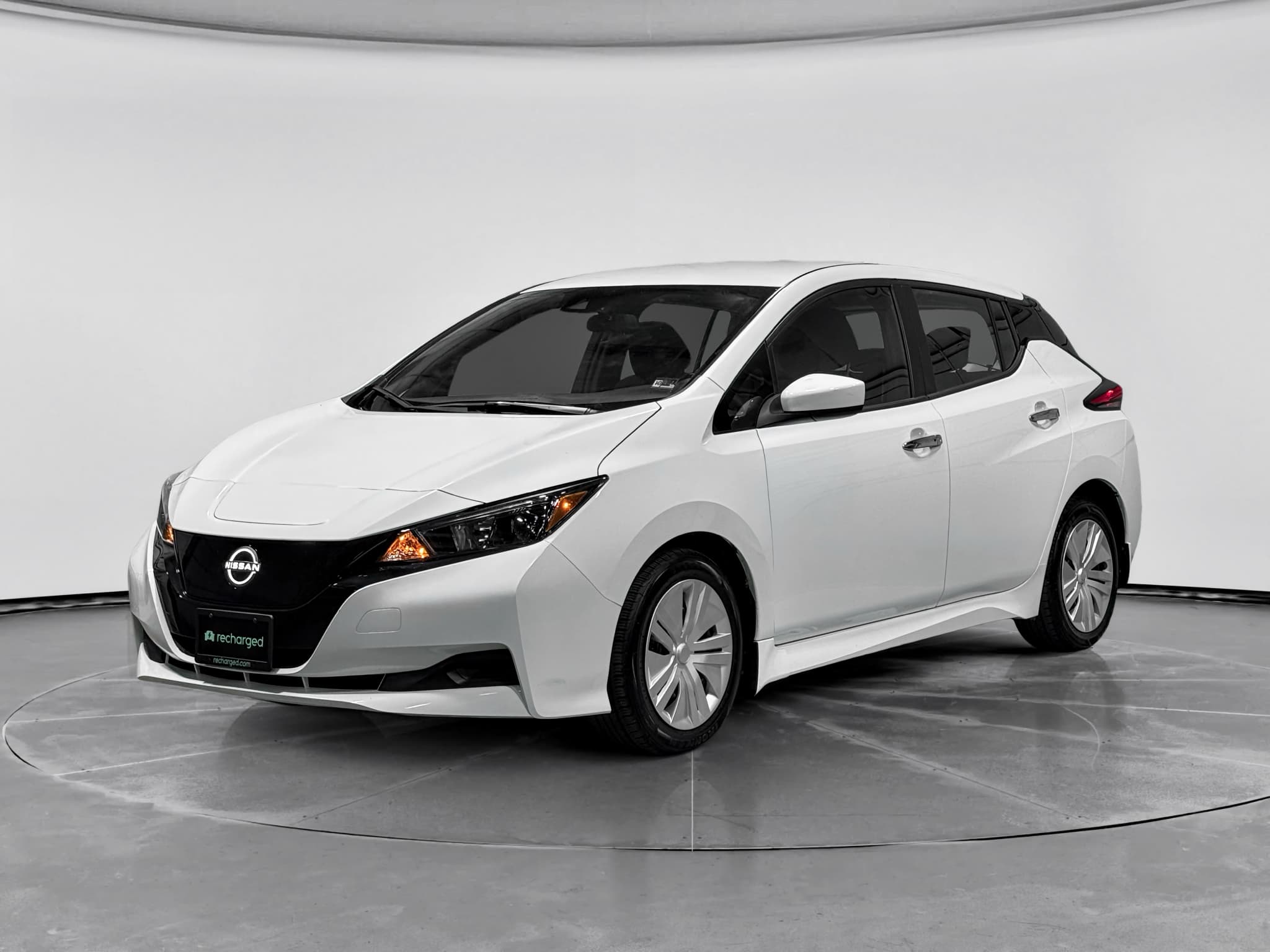
Why doesn't a Leaf battery have one set price?
A Nissan Leaf battery price isn't a single catalog number because an installed quote must match the specific car, battery, repair scope, and warranty. A shop may be pricing a complete traction pack, a used pack, a localized repair, diagnostic work, or the small 12-volt auxiliary battery, and those aren't interchangeable jobs. Ask for the total installed price, not merely the cost of the part.
Start with a battery-capacity test and fault-code scan rather than assuming reduced range means the entire high-voltage pack has failed. Remaining capacity measures how much energy the battery can still store compared with when it was new, while diagnostic codes may point to a specific electrical or battery-system problem. For more context, see how EV battery health is measured before comparing estimates.
What Recharged's Leaf data shows
Recharged's Leaf data shows why a vehicle-specific diagnosis matters more than a generic replacement-price estimate. Across 36 Nissan Leafs inspected with Recharged Score diagnostics, tested remaining battery capacity averaged 90.7%, with a median of 91.8% and results ranging from 78.1% to 96.7%. Tested real-world range averaged 180 miles, with individual results spanning 59 to 211 miles.
The financial benchmark matters just as much as the battery result. Recharged currently has seven Leafs listed from $16,996 to $23,998, with an average asking price of $21,574 and a median of $21,998. Those are whole-vehicle asking prices, not replacement-battery quotes, but they show why you should compare any major repair estimate with the cost and condition of another complete car.
The takeaway is simple: Leafs carrying the same model name can have substantially different tested capacity and range, so neither the dashboard estimate nor a broad online price range should authorize a pack replacement by itself. A verified report such as the Recharged Score battery-health report gives you more useful evidence.
A dashboard range estimate is a clue, not a replacement diagnosis. We want tested remaining capacity, real-world range, and fault information before anyone treats the complete pack as the answer.

Recharged data
Used Nissan Leaf battery health
91%
avg remaining capacity
From Recharged battery inspections, not manufacturer estimates.
- Lowest
- 78%
- Median
- 92%
- Highest
- 97%
- Est. range
- 180 mi avg
- Cell balance pass
- 97%
- Quick charges
- 7 avg
- Slow charges
- 93 avg
Average cell imbalance: 12.5 mV
Based on vehicles Recharged tested
Recharged data
Used Nissan Leaf prices at Recharged
$21,998
median list price
Current list prices for matching inventory at Recharged.
- Lowest
- $16,996
- Average
- $21,574
- Highest
- $23,998
Average Recharged Score on these listings
4.7 / 5
Range
4.6 – 5.0
Based on available listings
Every EV is battery-tested with a Recharged Score. Nationwide delivery.
Make sure the quote covers the right battery
The words “Leaf battery replacement” can describe several very different services. Confirm which component the shop diagnosed, what condition the replacement part is in, and whether the estimate includes installation. Use this table to translate the quote before comparing prices.
What does the battery quote actually cover?
Ask the shop to identify the battery and repair scope in writing.
| Quoted item | What it addresses | What to verify | Price format |
|---|---|---|---|
| 12-volt battery | Low-voltage power issue | Battery test and fit | Installed total |
| Battery diagnosis | Range or warning concern | Capacity and fault codes | Test fee |
| Component repair | Confirmed localized fault | Parts and workmanship | Repair total |
| Used traction pack | High-voltage pack replacement | Tested capacity and source | Installed total |
| New traction pack | High-voltage pack replacement | VIN match and warranty | Installed total |
A complete traction-pack replacement should not be confused with a 12-volt battery or diagnostic service.
A 12-volt battery powers low-voltage systems and helps the car initialize; it is not the large traction battery that propels the Leaf. Recharged once received a Leaf that would not power on after improper towing, and replacing its 12-volt battery restored enough power to continue the investigation, but the team still had to diagnose the rest of the car. That experience is a useful warning: a no-start condition alone does not prove that the traction pack needs replacement.
What should an installed quote include?
A useful estimate states exactly what you'll receive and what you'll owe when the car leaves the shop. If a number excludes labor, shipping, a required return part, programming, or taxes, it isn't yet comparable with another shop's total. Ask for these details in writing.
Leaf battery quote checklist
VIN and battery compatibility
The quote should identify the vehicle and confirm that the proposed pack or component is compatible.
New, used, or remanufactured condition
The shop should describe the battery's source and condition rather than using “replacement” as a catch-all term.
Tested remaining capacity
For a used battery, request documented capacity and diagnostic results, not only an estimated dashboard range.
Complete labor scope
Confirm whether removal, installation, diagnostics, programming, and post-repair testing are included.
Transport and return charges
Ask whether shipping, handling, or a core charge for failing to return the old pack affects the total.
Written warranty
Check what the warranty covers, how a claim is handled, and whether parts and labor receive different coverage.
Final installed total
Request the complete amount due, including applicable fees and taxes, before authorizing work.
Don't approve a pack from the range display alone
When does battery replacement make financial sense?
Battery replacement makes financial sense when the fault is confirmed, the rest of the car is sound, and the installed total compares favorably with replacing the vehicle. Start with the Leaf's realistic value in its present condition, then compare the repair with another whole vehicle offering suitable range and verified battery health. Recharged's current asking-price range is a market reference, not an appraisal of your specific Leaf.
- Get an independent diagnosis that identifies the failed component and measures remaining battery capacity.
- Obtain a written installed total from a qualified EV or Nissan service provider.
- Evaluate the tires, brakes, charging equipment, body, interior, and other pending repairs.
- Compare the repair total with the price and battery condition of a replacement Leaf or another used EV.
- Consider how much range you actually need for local driving, commuting, and longer trips.
A less expensive used pack can look appealing, but its value depends on documented condition, compatibility, and warranty support. A higher quote may still be the stronger choice if it includes better coverage and fewer unknowns. If you're weighing another vehicle, read the used-EV battery inspection checklist before comparing listings.
Don't subtract a federal EV credit
Instant offer, trade-in, or consignment. Pickup available.
Nissan Leaf battery price FAQ
Diagnose before you decide
The right Nissan Leaf battery decision begins with evidence, not a generic online price. Confirm whether the issue involves the 12-volt system, a repairable high-voltage component, or the complete traction pack; then demand an all-in written quote with battery condition and warranty details. Finally, compare that total with the car's condition, your required range, and the price of a replacement vehicle with verified battery health.