If you own a Mercedes EQE, or you’re thinking about buying a used one, its software update history is almost as important as its service records. The EQE relies heavily on software for everything from driver assistance and battery management to access to fast‑charging networks, so understanding how over‑the‑air (OTA) updates work, which versions are out there, and what can go wrong will help you avoid headaches and make a smarter buying decision.
Quick take
Why Mercedes EQE software updates matter
Unlike a gas sedan where most behavior is locked in from the factory, the Mercedes EQE is a software‑defined vehicle. The car’s personality, how it steers, how it assists you in traffic, how efficiently it uses energy, and even how well it talks to charging networks, can be reshaped by software updates over time.
- Safety and driver assistance: Updates can refine lane-centering, adaptive cruise behavior, and emergency braking logic.
- Battery and charging: Changes to thermal management, charging curves, and preconditioning can affect range and fast‑charge times.
- Infotainment and apps: MBUX updates can improve responsiveness, fix Apple CarPlay/Android Auto issues, or add new in‑car apps.
- Connectivity: Digital key features, communication modules, and telematics functions often improve through OTA updates.
- Resale value: A well‑updated EQE will usually be more attractive on the used market than one stuck on early software.
Reality check
How Mercedes EQE over-the-air updates work
The EQE can receive a surprising amount of new software without ever visiting a dealer. Over‑the‑air updates are delivered via the car’s built‑in data connection and coordinated with the Mercedes Me app.
What actually gets updated over the air?
Not every software change requires a dealer visit
1. Infotainment & MBUX
Core updates to the NTG7/MBUX system and apps:
- Bug fixes and stability
- UI tweaks and minor feature additions
- Navigation and voice assistant improvements
2. Communication modules
Back‑end connectivity pieces:
- Digital key and remote access
- Telematics & Mercedes Me connection
- Data security patches
3. Selected driver assistance functions
Limited tweaks to assistance behavior:
- Refined lane‑keeping logic
- Adaptive cruise smoothness
- Speed‑limit information display
Deeper changes still often need a dealer flash.
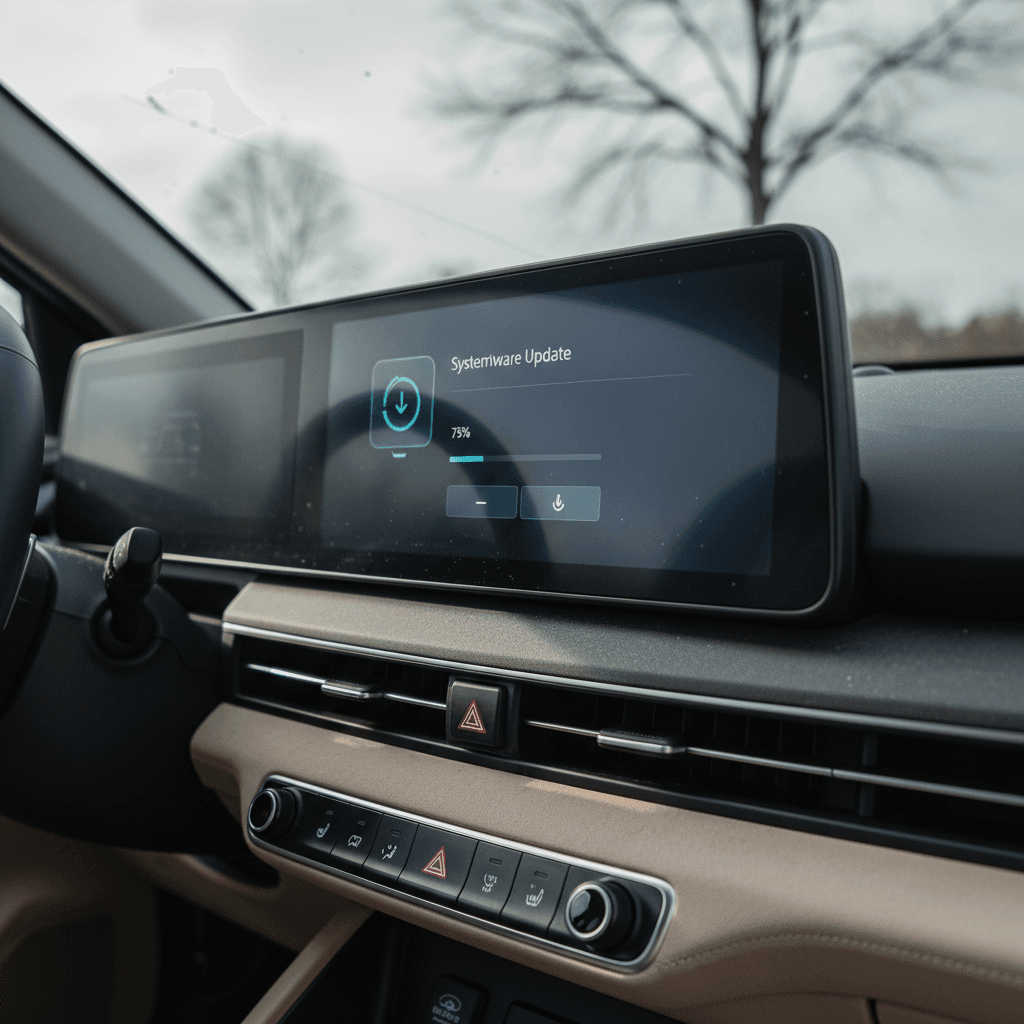
You’ll typically see a notification in the Mercedes Me app first. The car then prompts you on the MBUX screen to schedule installation. Most OTA installs require the car to be parked, locked, have sufficient high‑voltage charge (often above ~70%) and a healthy 12‑volt battery, and they can take anywhere from a few minutes to over an hour.
Owner tip
EQE software platform basics: MBUX, NTG7 and version names
Most EQE sedans and SUVs sold in the U.S. run the latest generation of MBUX, often referred to internally as NTG7 or “Gen20x.” Owners frequently see build strings like RL_NTG7_E330.703_23472AC3 in the software info screen. On top of that base, Mercedes layers OTA packages that show up with simpler version numbers and names in your app and vehicle menu.
How EQE software is usually labeled
What you might see in the car vs. what it actually means
| Where you see it | Example | What it usually refers to |
|---|---|---|
| System info screen | RL_NTG7_E330.703_23472AC3 | Full MBUX/NTG7 build identifier |
| OTA version label | 2.6 or 2.6.1 | Specific over‑the‑air package applied on top of base system |
| Component update description | “Update to communication module” | Individual ECU or connectivity patch |
| App notification | “Update for driver assistance systems” | Themed description of what the OTA focuses on |
The exact strings vary by region and model year, but the pattern is similar across EQE sedans and SUVs.
MBUX vs. vehicle firmware
Timeline of major Mercedes EQE software updates
Mercedes doesn’t publish a neat public change log for the EQE, so what we know comes from owner reports, dealer notes, and generic release descriptions. Exact timing varies by market and VIN, but here’s a high‑level view of the EQE software update history from launch through late 2025.
EQE software update patterns (owner‑reported)
2022–early 2023: Launch & early EQE software
Early EQE sedans and SUVs shipped with first‑generation NTG7 builds. Owners saw:
- Basic OTA capability for MBUX and map data
- Occasional stability updates for the infotainment system
- Early fixes for Bluetooth, CarPlay/Android Auto dropouts, and UI lag
Most major system updates in this period were still dealer‑installed during service visits.
Mid‑2023–early 2024: More OTA, more complaints
By 2023–2024, OTA was more active on EQE.
- MBUX performance and navigation tweaks
- Communication module and Mercedes Me connectivity updates
- First waves of driver‑assistance refinement OTAs
At the same time, more owners began reporting updates that wouldn’t download or would sit in a “pending” state for weeks.
Mid‑2024–mid‑2025: Version 2.6 and 2.6.1 era
Owner discussions from 2025 frequently reference updates labeled 2.6 and 2.6.1 on EQE sedans and SUVs. These updates typically included:
- New or updated streaming/media apps (e.g., Ridevu‑style video apps where supported)
- Additional sounds and drive‑mode refinements
- Navigation database improvements
- Driver‑assistance tweaks and speed‑limit info behavior
Some owners reported annoying side effects after 2.6.1, like flashing speed‑limit icons on the cluster, requiring a later patch.
Late 2025: Driver assistance and charging‑focused updates
In the second half of 2025, EQE 350+ owners in particular reported:
- OTA updates labeled as “improvements for driver assistance tech”
- Multiple discrete OTAs: communication module, digital key, and driving assistants
- Updates tied to fast‑charging compatibility and network access refinements
These were also the updates that proved most finicky for some EQE SUVs, failing to install OTA and requiring dealer intervention.
Key takeaway on versions
Common owner‑reported changes and bugs
Because Mercedes doesn’t publish detailed public release notes for every EQE software update, owner experiences give you the best view of what actually changes, and what sometimes breaks.
What EQE owners say software updates actually do
The good, the bad, and the quirky
Improved driver assistance
Several EQE 350+ owners report updates that quietly sharpen:
- Lane‑centering smoothness
- Adaptive cruise behavior in traffic
- How reliably the car reads speed‑limit signs
Navigation & connectivity fixes
Common OTA themes include:
- MBUX freezes or random reboots reduced
- Better map data and traffic integration
- More stable connection to Mercedes Me
New bugs & regressions
On the flip side, owners also report issues after updates:
- Speed‑limit icons flashing constantly after 2.6.1 on some cars
- Updates listed as “not installed” or “not required” without clear reason
- Driver‑assistance warnings or error messages until a follow‑up patch
"This update won’t work, they will call it back and give you probably a new or other update. I had the same issue on my EQE SUV."
When to treat software as a serious issue
Why your Mercedes EQE software update won’t install
One of the most frustrating parts of Mercedes EQE ownership is seeing an update waiting in the Mercedes Me app, only for the car to say it will install “after your journey” and then never actually complete. Owners across EQE trims describe nearly identical symptoms.
Common reasons EQE updates get stuck or fail
What EQE owners and dealers most often point to when an OTA refuses to install.
| Likely cause | What you see | What usually helps |
|---|---|---|
| Low or weak 12‑volt battery | Updates pend for weeks; car says conditions not met | Have the dealer check 12‑volt state of health; replacement often unlocks queued OTAs. |
| Update rollout glitch on Mercedes side | App shows update; car never offers to install or label changes to “not required” | Wait for the next OTA wave or contact Mercedes support; in some cases, a later communication‑module update clears the log. |
| Criteria not clearly met (parking brake, doors, windows, signal) | “Continue” button for install is greyed out for days | Try again parked outside with good signal, parking brake set, windows up, doors closed, car locked. |
| Dealer or backend manually cancels OTA | Updates move to “not installed” or “not required” after service | Often indicates Mercedes decided your VIN no longer needs that particular package. |
| Software bug in the OTA itself | Install fails mid‑way; car may show errors or revert | Dealer‑applied patch or reflash; in rare cases the car stays at the dealer for several days. |
Not every cause is visible to you as the driver, but several are easy to check before you book service.
When in doubt, involve Mercedes tech support
Best practices before, during, and after an EQE update
You can’t control everything about Mercedes’ OTA rollout, but you can stack the odds in your favor that an EQE software update will install cleanly.
EQE update checklist
1. Verify state of charge and 12‑volt health
Aim for at least 70–80% high‑voltage battery charge before scheduling an update. In the Mercedes Me app, check 12‑volt battery health where available, if it’s flagged as poor, expect OTA problems until it’s replaced.
2. Park in a good‑signal location
Updates typically use the car’s cellular connection. Park where your phone has a strong signal; some owners still connect to home Wi‑Fi just in case, but Mercedes tech support often notes that cellular is primary.
3. Follow the on‑screen steps exactly
Read the instructions slowly. Many owners miss steps like setting the parking brake, closing all doors and windows, or locking the car after pressing “Install.” Some have had success repeating the full sequence twice if it fails once.
4. Don’t interrupt the car mid‑update
Avoid opening doors, unplugging charging, or waking the car during installation. Give it more time than you think, 20–60 minutes isn’t unusual for bigger packages.
5. Test key features afterward
After the update, drive a familiar route and check driver assistance, navigation, and charging behavior. If something seems worse, capture photos or videos so you can show exactly what changed.
6. Escalate persistent failures
If the same OTA fails repeatedly or you see warnings on the dash, open a case with Mercedes support and request a dealer appointment specifically to address the software issue, ideally with a loaner vehicle.
Software updates and used Mercedes EQE buying
If you’re shopping for a used Mercedes EQE, the car’s software history should be part of your inspection checklist, just like tire wear and service stamps. Updates can influence everything from energy efficiency to how pleasant the car is to live with every day.
How to evaluate a used EQE’s software history
Four simple checks you can do with the seller
Ask to see the software info screen
With the car on, go into Settings → System → Software update / System information.
- Note whether it shows the latest MBUX/NTG7 build for its year.
- Look for any visible OTA history list if available.
Review the Mercedes Me app together
If the seller still has access:
- Check whether updates show as pending, failed, or “not required.”
- Ask about any dealer visits tied to software.
Listen for update horror stories
Frequent complaints about OTA failures, long dealer visits, or features that have "never worked right" after an update are red flags. They don’t have to be deal‑breakers, but you should factor them into price and warranty expectations.
Use third‑party verification
At Recharged, every used EV comes with a Recharged Score Report, which focuses on verified battery health, fair pricing, and condition, but our EV specialists can also help you interpret the car’s software and charging behavior during your buying journey.
Advantage of buying from an EV‑focused retailer
Ready to find your next EV?
Browse VehiclesFAQ: Mercedes EQE software update history
Frequently asked questions about Mercedes EQE software updates
Bottom line on Mercedes EQE updates
The Mercedes EQE’s software update history is a story of steady progress mixed with a fair amount of friction. OTA capability lets Mercedes refine MBUX, connectivity, and driver assistance over time, and in some cases improve charging behavior and efficiency. At the same time, many owners encounter failed updates, confusing messages, and the occasional new bug introduced by a fresh version.
If you already own an EQE, treat software updates the way you would tire rotations or brake service: part of normal maintenance. Follow best practices, keep an eye on your 12‑volt battery health, and escalate persistent issues through Mercedes support and your dealer. If you’re shopping used, make software history a standard question alongside battery health and service records.
And if you’d rather not decode all of this on your own, a retailer like Recharged can help. Every vehicle we list includes a Recharged Score Report with verified battery health and transparent pricing, and our EV specialists can walk you through how that specific EQE behaves, from charging to software, before you commit. That way, you get the benefits of a modern, software‑defined luxury EV, with far fewer surprises.