If you drive a Kia EV6, or you’re shopping for a used one, you’ve probably heard about **over-the-air (OTA) updates**, USB updates, and mysterious version codes like CV_E.USA.S5W_M.V013.010.241120. Understanding the Kia EV6 software update history isn’t just trivia. It affects your **navigation accuracy, charging experience, driver-assistance features, and long-term ownership**.
Quick take
Why Kia EV6 software updates matter
- Navigation & charging accuracy: Map and point-of-interest updates keep charger locations, availability info, and routing current.
- Driver-assistance behavior: Updates can tweak lane keeping, forward collision avoidance, Highway Driving Assist, and parking systems.
- Charging and efficiency: On newer EV6s, software can influence preconditioning, charging logic, and how range is calculated.
- Bug fixes & stability: Many owners have seen glitches with Bluetooth, CarPlay/Android Auto, or Kia Connect resolved by a later software version.
- Resale value: A used EV6 that’s been kept up to date feels more modern, safer, and easier to live with than one that’s years behind.
Important for safety
How Kia EV6 updates are delivered: OTA vs USB vs dealer
1. Over-the-air (OTA) updates
Later-model EV6s, especially 2025+ with Kia’s Connected Car Navigation Cockpit (ccNC), support more robust OTA updates. Earlier Gen5W systems also perform smaller OTA updates.
- Delivered via Kia Connect cellular data
- Show up as a notification on the infotainment screen
- Often cover minor fixes, feature tweaks, or small map/POI refreshes
- Require you to confirm and usually run when the vehicle is parked and powered off
2. USB / Navigation Updater & dealer updates
Historically, the big EV6 updates, especially maps, have arrived via a downloadable file and USB stick, or at the dealer:
- Download through Kia’s Navigation Updater software on a PC/Mac
- Copy to a USB drive and install in the car (can take an hour or more)
- Dealers can install the same or newer packages and apply technical service bulletins (TSBs) at the same time
- Some owners have seen different content between OTA and USB versions in the same timeframe
Owner tip
Kia EV6 software update timeline: 2022–2025
Kia does not publish a simple public changelog that lists every Kia EV6 software update in order, by date, and by region. Instead, you see scattered TSBs, owner reports, and version strings that hint at what changed and when. Below is a **high-level history** of what typical EV6 owners have experienced from launch through late 2025, focusing on infotainment and navigation software (not every minor patch or regional nuance).
High-level Kia EV6 software update history (North America & Europe, 2022–late 2025)
Approximate timing and themes of major Kia EV6 software updates. Exact versions and dates will vary by region and trim.
| Period | Typical Version Suffix Example | How Delivered | What Owners Commonly Reported |
|---|---|---|---|
| Mid–late 2022 | …2206xx, 2209xx | USB at dealer or Navigation Updater; occasional OTA patches | Early EV6 software: baseline maps and routing, some quirks with Kia Connect stability and Bluetooth. |
| Early–mid 2023 | …2303xx, 2306xx | USB + OTA | Refinements to navigation, minor UI tweaks, improvements to CarPlay/Android Auto reliability in some regions. |
| Mid–late 2023 | …2309xx, 2312xx | USB + OTA | Newer map data, better charger POI coverage, and incremental bug fixes. Some owners reported smoother driver-assistance behavior after dealer updates. |
| Early 2024 | …2403xx | OTA & USB | Fresh map and POI data; selective improvements to Kia Connect functions. Europe saw 2023–24 builds like 230601 and later 230919 on OTA before a larger USB package. |
| Mid–late 2024 | …2408xx | USB (v12-era navigation update) + some OTA | A widely reported navigation update package dated around August 22, 2024 ("240822"), often described as version 12 of the navigation system for 2022–2024 EV6 models. |
| Late 2024 – late 2025 | …2411xx and beyond | Large OTA infotainment update plus ongoing patches | North America owners reported large OTA infotainment updates with version identifiers ending in 241120. Kia’s ccNC system became standard on the refreshed 2025 EV6, enabling broader OTA updates to powertrain, ADAS and digital features. |
Use this as a directional guide. For precise history on a specific car, have a Kia dealer print that vehicle’s campaign and update record.
Region and trim matter
Common Kia EV6 software version formats explained
EV6 infotainment and navigation builds often use long strings like CV_E.USA.S5W_M.V013.010.241120. It looks like alphabet soup, but you can read several important clues from it.
How to read a typical EV6 infotainment version string
Exact meaning can vary slightly by region, but these patterns show up repeatedly on owner reports.
Model & platform
Example: CV_E
- CV = EV6 platform code
- E = EV (battery electric)
Region & system
Examples: USA, EUR, S5W, 55W
- Country/region: USA, EUR, etc.
- Head unit family: Gen5W (early EV6) vs newer ccNC on 2025+ models
Date code
Last six digits commonly represent a build date in YYMMDD format. For example:
- 230601 → June 1, 2023
- 240822 → August 22, 2024
- 241120 → November 20, 2024
Quick age check
What each update typically changes
Because Kia’s public notes are often vague (“Experience more convenient driving with this update!”), most EV6 owners learn what changed by living with the car. That said, certain patterns show up repeatedly in owner reports and service bulletins.
Typical content of Kia EV6 software updates
What owners actually notice, beyond the vague marketing blurbs.
Navigation & map data
- Updated road layouts, speed limits, and roundabouts
- New charger locations and POI categories
- Updated charger availability integration (though some builds have introduced bugs with “status unknown”)
- Route preference tweaks, like how aggressively the car favors highways
Charging experience
- Improved accuracy of remaining charge and arrival SOC estimates
- Better logic for preconditioning the battery before fast charging (more pronounced on newer models)
- Refinements to planned charging stops along a route
- Occasional fixes for DC fast-charge handshakes or timeout edge cases
Driver-assistance & parking
- Smoother lane centering and fewer false “hands off wheel” warnings in some builds
- Refined collision-avoidance logic at intersections and lane changes
- Improvements to Parking Collision-Avoidance Assist and parking distance warnings
- On 2025+ EV6, ccNC-backed updates to Highway Driving Assist 2 and parking automation
Infotainment, Kia Connect & UX
- Better Bluetooth stability and wireless CarPlay/Android Auto behavior
- Faster screen response on some updates, especially ccNC
- New themes, media app integrations, and Kia Connect subscription options
- Bug fixes for random black screens or reboots reported on earlier builds
Not every update is perfect
How to check your Kia EV6 software version
Step-by-step: See what software your EV6 is running
1. Park safely and power the car
Put the EV6 in Park, set the parking brake if you’re on an incline, and keep your foot off the accelerator. You want the car powered but stationary.
2. Open the setup/settings menu
On the center touchscreen, tap <strong>Setup</strong> or <strong>Settings</strong> (naming can vary slightly by software generation).
3. Navigate to the Software or System Info section
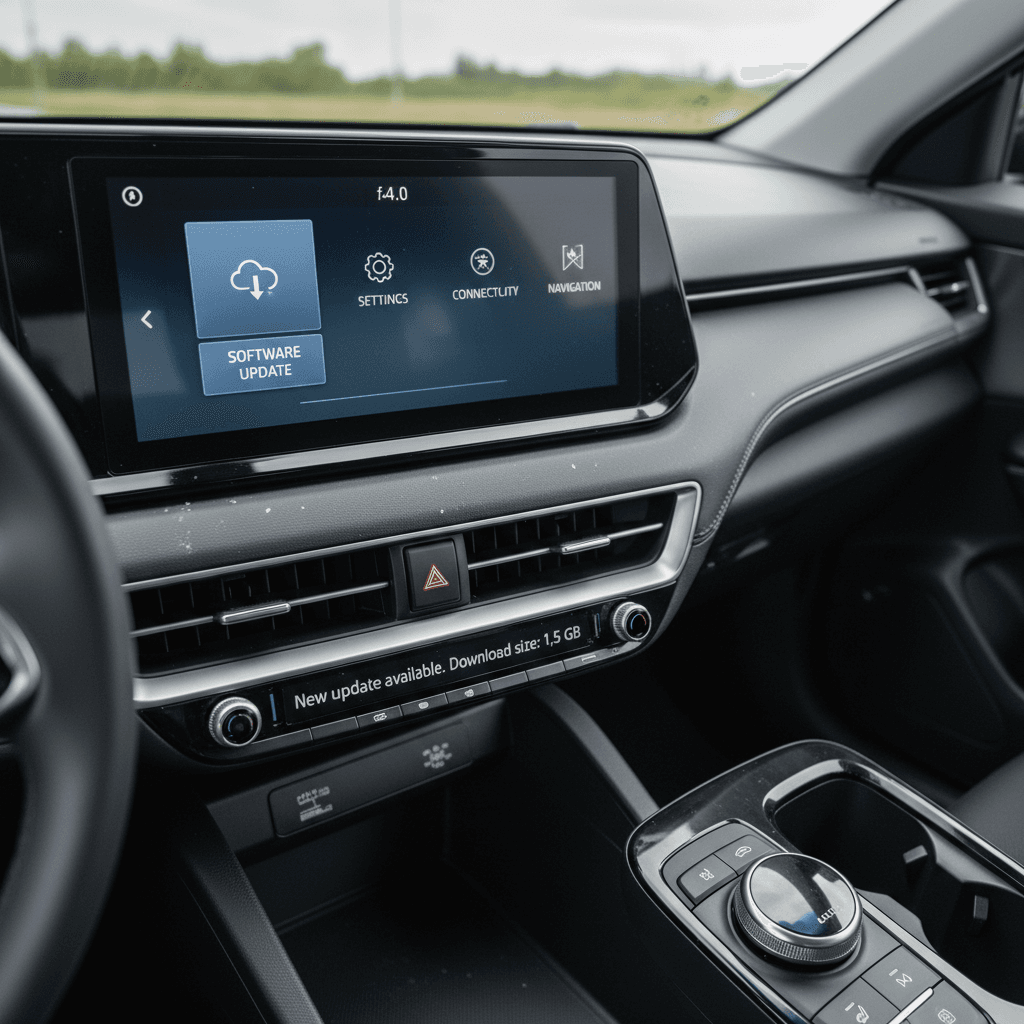
Look for a submenu like <strong>General → System Info</strong>, <strong>Software Update</strong>, or <strong>Navigation</strong>. On many EV6s there’s a dedicated <strong>Software Update</strong> tile.
4. Note the software and map versions
You’ll see items like <strong>Software Version</strong>, <strong>Navigation Version</strong>, or <strong>Map Database</strong>. Write down or photograph the entire version string, including the final six-digit date code.
5. Compare against recent builds
You can ask a Kia dealer which builds are current for your VIN, or compare against owner forums and Kia’s Navigation Updater tool. If your build date is far behind what others report, you’re probably due for an update.
6. Check for outstanding service actions
At a dealer, ask them to print your car’s **campaign and service history**. That shows completed and pending software-related TSBs and recalls, especially important for used EV6s.
Troubleshooting stuck or failed EV6 updates
Living with the EV6 has taught owners one thing: Kia’s software updates don’t always glide in on the first try. Here are the most common headaches and how to work around them.
Common EV6 update problems and fixes
Real-world issues owners report, and the pragmatic ways they’ve solved them.
Update fails partway via USB
What happens: The progress bar stalls or the update fails around 50–60%, sometimes with a reboot.
What usually helps:
- Switch to a high-quality USB 3.0 drive from a major brand
- Reformat the drive to FAT32 or exFAT as recommended by Kia’s Navigation Updater
- Let the EV6 run the update while the vehicle is off but powered down as instructed (often faster and more stable than with ignition on)
OTA update endlessly “downloading”
What happens: The car claims it’s downloading infotainment software for days with no visible progress.
What usually helps:
- Disable and re-enable Kia Connect/OTA updates in the settings, then reboot the head unit using the reset pin or long-pressing the volume knob (varies by model year)
- If the update is very large, switch to a USB install via the Navigation Updater tool instead of waiting on cellular data
“Update temporarily unavailable”
What happens: The Navigation Updater or OTA system shows that updates are temporarily unavailable, even when the car says new maps are ready.
What usually helps:
- Wait for Kia’s backend to catch up, owners have seen promised timelines slip from “late June” to “late October” for some map packages
- Have a dealer check your VIN; they may have access to packages that aren’t yet visible to consumers
Confusing version differences
What happens: OTA and USB versions don’t match, or you see different version numbers in different menus.
What usually helps:
- Ask a dealer to print your vehicle’s software and campaign history so you have an official baseline
- Don’t assume that a slightly older OTA build is “wrong”, sometimes USB packages bundle more than OTA in a given month
Don’t interrupt a running update
Software updates and used Kia EV6 buyers
If you’re evaluating a used Kia EV6, the software story is now part of the inspection, right up there with tires and brake pads. A car that hasn’t seen an update since 2022 will feel noticeably different from one that’s been kept current.
How EV6 software history affects a used purchase
What to look for, and how Recharged helps.
Check version & campaigns
During a pre-purchase inspection (or test drive), open the Software / Navigation menu and note:
- Software version string and date
- Map version
- Whether OTA updates are enabled
Ask a Kia dealer to confirm that all relevant software campaigns and TSBs have been performed on that specific VIN.
Drive it like you’ll use it
On your test drive, pay attention to:
- How quickly the system boots and responds
- Any glitches with CarPlay/Android Auto or Kia Connect
- Driver-assistance behavior on the highway and in traffic
Updates won’t fix every quirk, but a current build should feel polished, not half-baked.
How Recharged approaches software
Every EV sold through Recharged comes with a Recharged Score Report that covers battery health, fair market pricing, and key condition items. On EV6s, our EV specialists also look at software status and update eligibility, and can help you plan updates, whether that means a simple OTA, a USB map refresh, or a dealer visit.
Good news for late-model EV6 shoppers
Frequently asked questions: Kia EV6 software updates
Kia EV6 software update FAQ
Bottom line on Kia EV6 software update history
The Kia EV6 has evolved steadily through software since it launched, with a rhythm of big map and infotainment updates, smaller OTA patches, and a major leap to the ccNC platform on the refreshed 2025 model. There isn’t a single, official “Kia EV6 software update history” chart you can print and tuck in the glovebox, but you can read a lot from the version strings, build dates, and service records of any individual car.
If you’re already an EV6 owner, keeping up with updates means better navigation, more polished driver-assistance, and fewer infotainment gremlins. If you’re shopping used, treating software history the way you’d treat maintenance records is one of the smartest moves you can make. And if you’d rather not decode it alone, a used-EV specialist like Recharged can help you find an EV6 with strong battery health, fair pricing, and a software story that makes sense for the miles ahead.