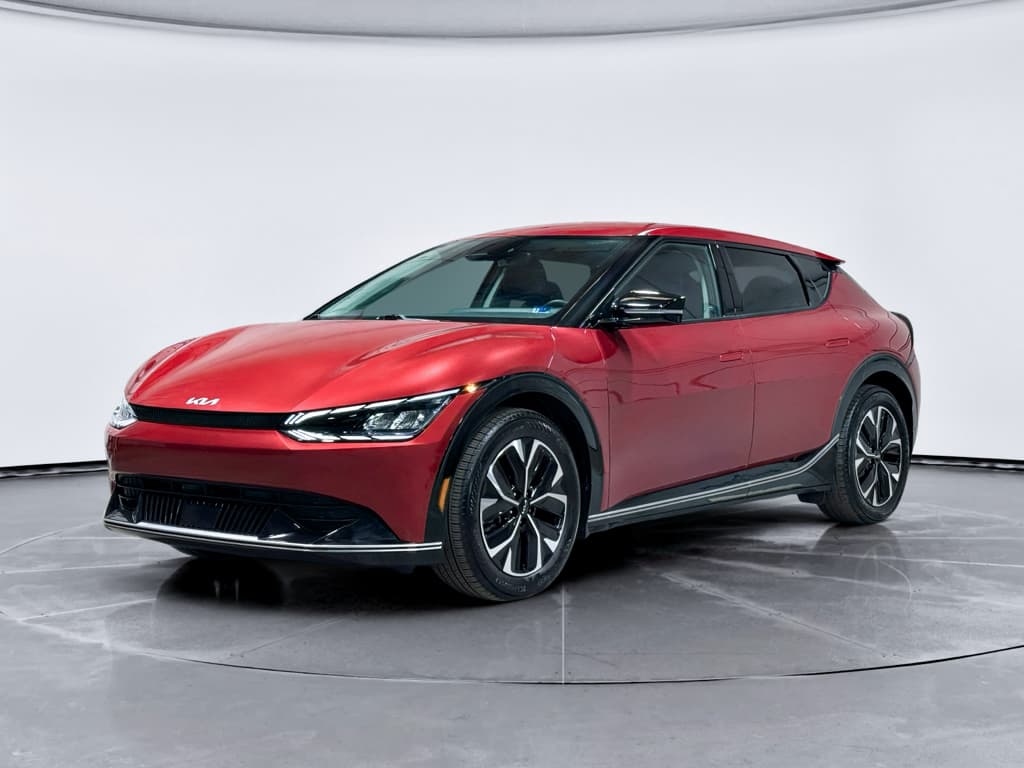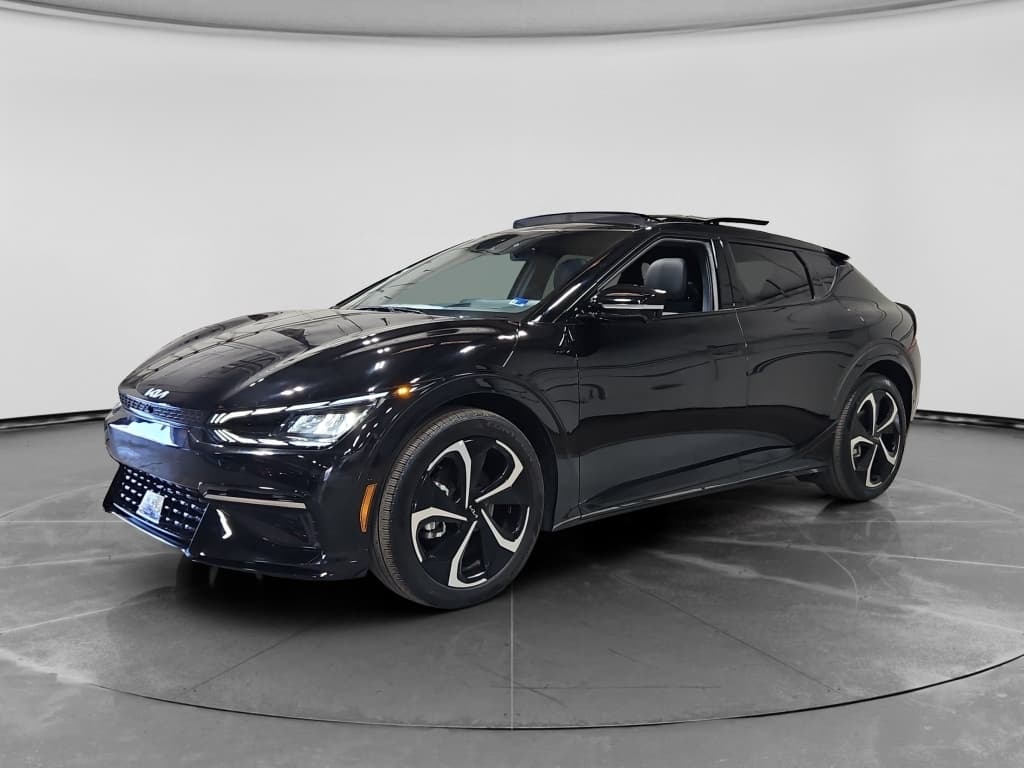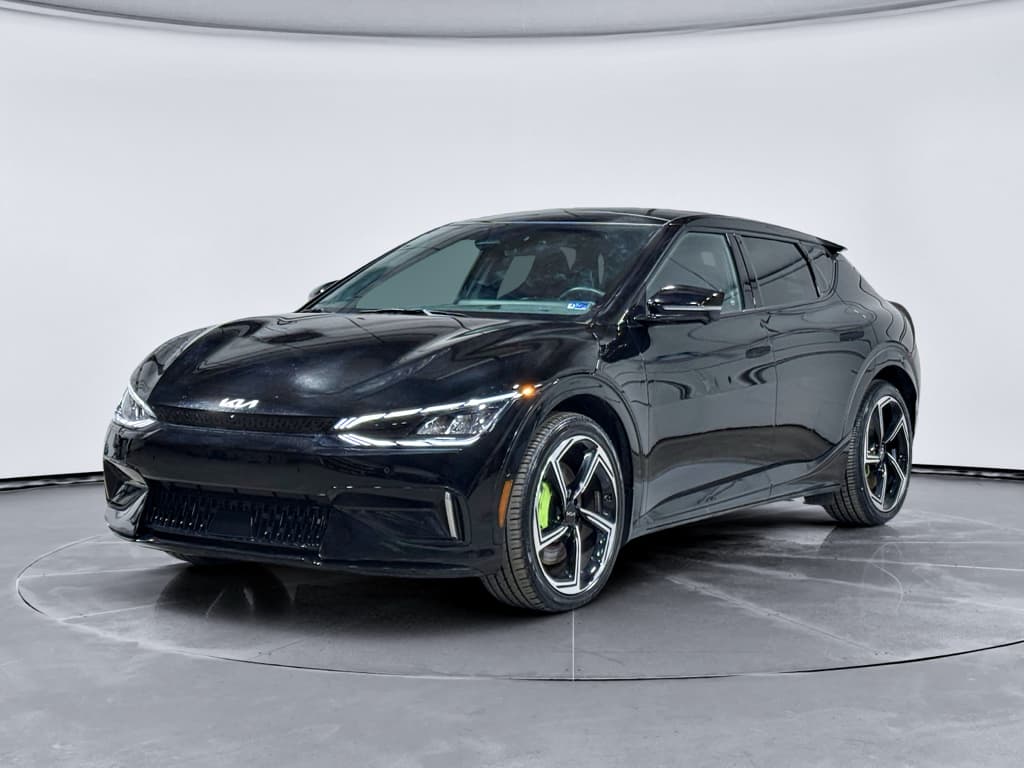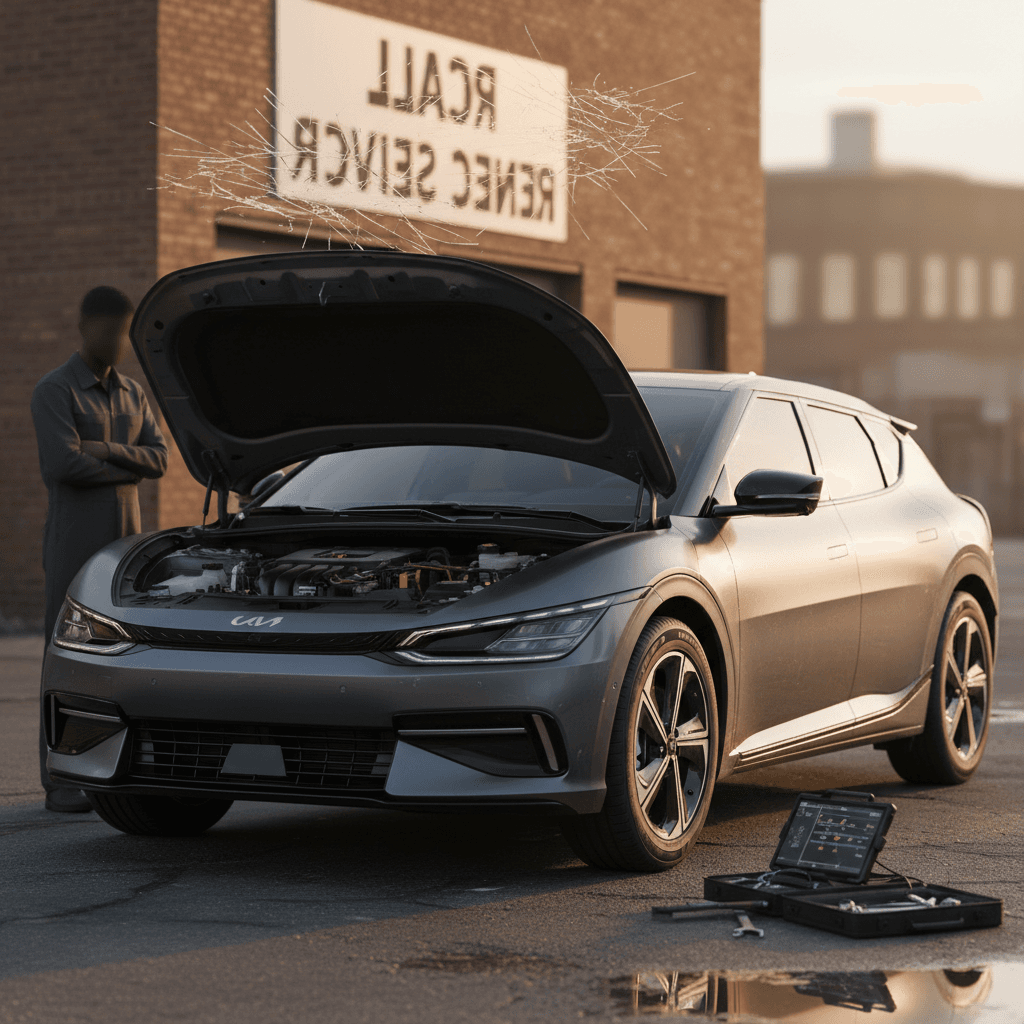
If you’re eyeing a Kia EV6, or already own one, you’ve probably heard about ICCU failures, mysterious 12V battery drain, and the occasional software meltdown. The good news: most Kia EV6 common problems have clear patterns, known fixes, and generous warranty coverage. This guide walks you through the big issues, what they feel like from the driver’s seat, and how to fix or avoid them, especially if you’re shopping used.
Quick take
Kia EV6 reliability at a glance
Kia EV6 problem snapshot (2022–2025 models
The EV6 rides on Hyundai–Kia’s E-GMP platform, shared with the Ioniq 5 and Genesis GV60. That means it shares their strengths, great ride, fast charging when everything works, and a few headline problems. The two big ones you’ll hear about most are ICCU failures (part of the charging hardware) and 12V battery issues. Software quirks, infotainment glitches, and some braking and tire wear complaints round out the list, but most of these are fixable without souring the ownership experience.
Used‑buyer tip
The biggest Kia EV6 problem: ICCU failure
If you remember just one term from this article, make it this one: ICCU, short for Integrated Charging Control Unit. Think of it as the traffic cop that manages power between the high‑voltage battery, the onboard charger, and the 12V system. When it fails, you can lose the ability to AC‑charge, DC fast‑charge, or even move the car at all.
- Repeated “Charging stopped” or “Charging error” messages on perfectly good home chargers
- Your Level 2 charger’s breaker trips as soon as you plug in the EV6
- Loss of AC charging but DC fast charging still works, for a while
- In some cases, sudden loss of power while driving, followed by a Christmas tree of warning lights
- Car stuck at a station with “Check charging system” or “EV system malfunction” warnings
Why ICCU failures matter
Owner reports and independent reliability surveys show Hyundai and Kia EVs, including the EV6, have significantly more ICCU and charging‑system failures than the EV average. Kia has issued software updates and, in many markets, recall or service campaigns that reprogram or replace the ICCU and associated wiring. Dealers are now familiar with the pattern, which makes diagnosis faster than it was in 2022–2023.
How to fix or handle ICCU problems
ICCU failure: what to do step‑by‑step
1. Stop experimenting with chargers
If your EV6 suddenly refuses to charge or is tripping breakers, don’t keep hammering different stations hoping it’ll clear. Document the messages and move to the next steps.
2. Capture screenshots and photos
Take clear photos of <strong>dashboard warnings</strong>, charger screens, and your home breaker panel if it’s tripping. This helps the dealer duplicate and escalate the issue.
3. Call Kia roadside assistance
If the car won’t drive or charge, use Kia’s roadside coverage to tow it directly to a Kia dealer. Don’t pay out of pocket for a non‑Kia shop unless you have to.
4. Use the words “ICCU failure” at the service desk
Explain the symptoms and mention that many EV6s have had ICCU failures and related service campaigns. It nudges the advisor to check bulletins and recall databases instead of blaming your charger.
5. Ask specifically about recall and warranty coverage
Confirm whether your VIN has any open recalls or service campaigns for the charging system. Most ICCU‑related repairs should be fully covered under EV system or emissions‑related warranties while in term.
6. After repair, test on multiple chargers
Once you get the car back, test it on your home Level 2 and at least one public Level 2 and DC fast charger to be sure the fix is complete.
Home charger protection
Kia EV6 12V battery drain and no-start
Every EV has a small 12V battery to run computers, locks, and accessories. On some EV6s, that little battery turns into a big headache. Owners report waking up to a completely dead car, no unlock, no start, even when the high‑voltage pack is well charged.
- Car won’t unlock or “turn on”; screens stay dark
- You get a “12V battery low” or “Check 12V battery” warning shortly before it dies
- Issue appears after the car has sat for a day or two, often in cold weather
- Problems seem to happen more often with smart home chargers or third‑party apps pinging the car
What’s actually happening
How to fix and prevent 12V issues
12V battery fixes and prevention
1. Get the 12V battery tested
If you’ve had a no‑start, have the dealer or a battery shop run a proper load test. A weak battery should be replaced under warranty if the car is still in basic coverage.
2. Update vehicle software
Ask the dealer to check for the latest body control and energy‑management updates. Later software is generally better at letting the car sleep when it’s parked.
3. Simplify your connectivity
If you use smart‑charging services or third‑party apps that constantly poll the car, try disabling them for a few weeks. See if your no‑start issues disappear.
4. Adjust smart‑charger settings
Some smart chargers can be set to check the car’s status less frequently. That means fewer wake‑ups for the EV6 and a happier 12V battery.
5. Carry a compact jump pack
As cheap insurance, keep a small lithium jump pack in the car. The EV6 only needs a brief 12V assist to boot its computers; you’re not cranking a gas engine.
Don’t ignore recurring 12V warnings
Charging issues: DC fast and Level 2 quirks
Even when the ICCU itself is healthy, some EV6 owners struggle with charging quirks, especially as public networks age. The challenge is sorting out what’s normal charger drama from what’s actually wrong with your car.
Common Level 2 charging complaints
- “Battery – Charge Error! Failed to complete charging” messages on home Level 2
- Charging session stops multiple times overnight and must be restarted in the app
- EV6 charges fine on DC fast chargers but not on a specific home unit
- Breaker trips as soon as charging starts, but other EVs charge fine on the same circuit
How to diagnose Level 2 problems
- Try another station: Public Level 2 or a friend’s charger helps you decide whether the issue follows the car or the charger.
- Check your wiring: A loose neutral or undersized breaker can cause nuisance trips. Have a licensed electrician verify the install.
- Inspect the inlet: Look for bent pins, dirt, or damage in the EV6 charge port and your cable handle.
When to suspect the car
- Breaker trips only when the EV6 charges, not with other EVs.
- The same error appears at multiple unrelated Level 2 stations.
- Charging stops at the same state of charge every time (e.g., 40–50%).
- You also notice DC fast‑charging getting slower or failing.
DC fast‑charging issues
- Station shows “charging unavailable” or “vehicle error” after handshake
- Charging speed stuck well below expected (for example, 40–70 kW on a warm battery at a 350 kW station)
- Charge curve starts fast then falls off a cliff around 40–60% without obvious reason
- Car refuses specific brand locations but works elsewhere
Know what “normal” looks like
Infotainment and software glitches
If the EV6 has an Achilles’ heel beyond charging hardware, it’s software polish. Owners regularly complain about laggy infotainment, occasional black screens during updates, and navigation that feels a generation behind the hardware.
- Center screen goes black or reboots during or after an over‑the‑air (OTA) update
- Android Auto or Apple CarPlay disconnects or restarts repeatedly
- Climate or audio settings randomly change, or the system acts like buttons are being pressed when they aren’t
- Charger availability in the built‑in nav shows “unknown” for every station after a recent OTA
- Kia Connect app feels slow, buggy, or inconsistent with what the car is doing
Quick fixes for infotainment headaches
Simple steps before you lose a day at the dealer
1. Perform a soft reset
Use the tiny pinhole reset near the volume knob or follow the manual’s reset instructions. This reboots the head unit without wiping settings.
2. Check for software updates manually
From the infotainment settings, look for system updates rather than waiting for OTA prompts. If you’ve had issues since a particular update, note the version number.
3. Try a different USB cable or phone
Flaky cables cause more Android Auto and CarPlay problems than any automaker wants to admit. Swap cables and, if possible, test with another phone.
4. Turn off experimental apps
Disable third‑party apps that mirror the screen, inject overlays, or modify Bluetooth behavior. If the car behaves afterward, you’ve found your culprit.
5. Document repeatable weirdness
If the EV6 thinks you’re pressing steering‑wheel buttons you aren’t, or volume runs away on its own, shoot clear video. That evidence is gold at the service desk.
Good news on software
Brakes, tires, and noises EV6 owners notice
The EV6’s mechanical bits are largely solid, but high torque, heavy weight, and quiet operation mean you notice wear and noises sooner than in a gas car. That doesn’t necessarily mean something’s wrong, but a few patterns are worth watching.
Common “normal but annoying” EV6 complaints
What you’re hearing, what you’re feeling, and when to worry
Fast tire wear
With instant torque and a curb weight well over two tons, the EV6 can chew through factory tires sooner than you’d like, especially on the more powerful trims.
Rotate every 5,000–7,500 miles and keep pressures at spec. Uneven or cupped wear is your cue to check alignment or shocks.
Suspension clunks
Owners sometimes report low‑speed clunks over driveways or speed bumps. In many cases it’s normal bushing movement amplified by the EV’s quiet drivetrain.
Persistent, loud, or worsening noises deserve a suspension and steering check, especially under warranty.
Brake feel & noise
Regenerative braking does most of the work, so pads and rotors can rust or glaze, especially in wet climates.
An occasional firm brake application helps clean the rotors. Grinding or pulsing under light braking is not normal, get it inspected.
Recalls, warranty coverage, and when to worry
The EV6 is covered by one of the more generous warranty programs in the segment, and Kia has been steadily rolling out software updates and recalls to address its early‑life issues. The trick is knowing what’s your responsibility and what should be Kia’s problem, and making sure previous owners took advantage of those fixes.
Typical Kia EV6 warranty coverage (U.S. example)
Exact coverage varies by model year, region, and whether you’re the first owner, so always verify for a specific VIN.
| Component | Typical coverage | What it can help with |
|---|---|---|
| Basic bumper‑to‑bumper | 5 years / 60,000 miles | Infotainment, switches, sensors, many charging‑system parts |
| Powertrain / EV system | 10 years / 100,000 miles (original owner) | High‑voltage battery, drive units, key charging hardware |
| Corrosion | 5 years / 100,000 miles (limited) | Rust‑through on body panels |
| Roadside assistance | 5 years / 60,000 miles | Towing when the car won’t start, flat tires, lockouts |
Use this as a starting point when talking with a dealer or evaluating a used EV6.
Always run the VIN
Red‑flag vs. yellow‑flag problems
Red‑flag issues (act immediately)
- Sudden loss of power or inability to accelerate normally.
- Repeated charging failures on multiple chargers, or tripping your home breaker.
- Persistent warning lights related to the EV system, battery, or brakes.
- Burning smells, smoke, or extremely hot charging hardware.
These justify a tow to the dealer and should be handled as warranty or recall work whenever possible.
Yellow‑flag issues (monitor closely)
- Occasional infotainment reboots that clear with a reset.
- Intermittent phone connectivity glitches.
- Minor suspension noises that don’t worsen over time.
- One‑off “charging stopped” messages on a clearly broken public charger.
Log dates, mileage, and photos so you have a paper trail if they escalate into warranty repairs.
Fixes and preventive maintenance checklist
EVs don’t need oil changes, but that doesn’t mean they’re maintenance‑free. The EV6 rewards owners who stay ahead of software, charging habits, and basic inspections. Here’s a simple checklist to keep it out of trouble.
Kia EV6 preventive maintenance
Keep software up to date, on your terms
Install infotainment and control‑unit updates, but do it when you’re parked at home with time to spare. If you’re nervous, ask the dealer to perform major updates during scheduled service so they can catch any odd behavior immediately.
Rotate and inspect tires regularly
The EV6’s weight and torque can wear tires quickly. Rotate them on schedule, watch for inner‑edge wear, and address alignment issues before they chew through a set of EV‑rated tires.
Exercise the friction brakes
Once a week, disengage strong regen in a safe area and brake firmly from moderate speed. This helps clean rust off rotors and keeps the hydraulic system moving.
Use quality charging gear
Stick with UL‑listed home chargers installed on a proper circuit. Avoid sketchy adapters or home‑brew solutions that can confuse the car, or start electrical problems of their own.
Let the car sleep
Avoid running multiple third‑party apps that constantly wake the EV6. If you don’t need real‑time data 24/7, dial back the number of services talking to your car.
Log every issue
Keep a simple note on your phone with dates, mileage, error messages, and photos. If a pattern emerges, you’ve got evidence ready for a warranty claim, or documentation if you ever need lemon‑law help.
Shopping for a used Kia EV6
A used EV6 can be a fantastic deal: strong performance, modern cabin, and rapid charging when the hardware is healthy. But because early cars had more ICCU and software drama, you want to be picky about the specific example you bring home, especially once the basic warranty clock is ticking down.
Used Kia EV6: what to check before you buy
Bring this short list to your test drive or pre‑purchase inspection
1. Service and recall history
- Ask for printed service records; look for ICCU, charging‑system, or software campaign notes.
- Run the VIN through Kia’s site to confirm that all open recalls have been completed.
2. Real‑world charging test
- On the test drive, plug into a local Level 2 and, if possible, a nearby DC fast charger.
- Watch for error messages, repeated stops, or unusually low charge speeds.
3. Battery health and range
- Compare indicated range at a known state of charge with EPA estimates, adjusted for weather.
- Use a trusted battery‑health report when available to see capacity trends, not just a dashboard guess.
4. 12V battery age
- Ask when the 12V battery was last replaced; on early cars, a fresh unit isn’t a bad sign, it may mean the previous owner stayed on top of issues.
- Look for parasitic‑draw notes or repeat no‑start complaints in service records.
How Recharged helps with used EV6s
Ready to find your next EV?
Browse VehiclesIf you’re shopping privately or at a non‑EV‑specialist dealer, consider booking an independent EV inspection. A shop familiar with E‑GMP cars can scan for stored charging and high‑voltage fault codes that don’t always show on the dash during a quick test drive.
Kia EV6 common problems: FAQ
Kia EV6 problems and fixes: frequently asked questions
Bottom line on Kia EV6 ownership
The Kia EV6 delivers quick acceleration, long‑legged range, and genuinely enjoyable road manners. Its main weaknesses aren’t in the motors or the big battery, but in the charging control hardware, 12V system, and software polish that glue the whole experience together. Go in with clear eyes: confirm ICCU and recall history, stay on top of updates, and don’t ignore early signs of charging or 12V trouble. Do that, and the EV6 can be a loyal, fast, and practical electric companion, especially if you let an EV‑focused partner like Recharged help you sort the great used examples from the science projects.