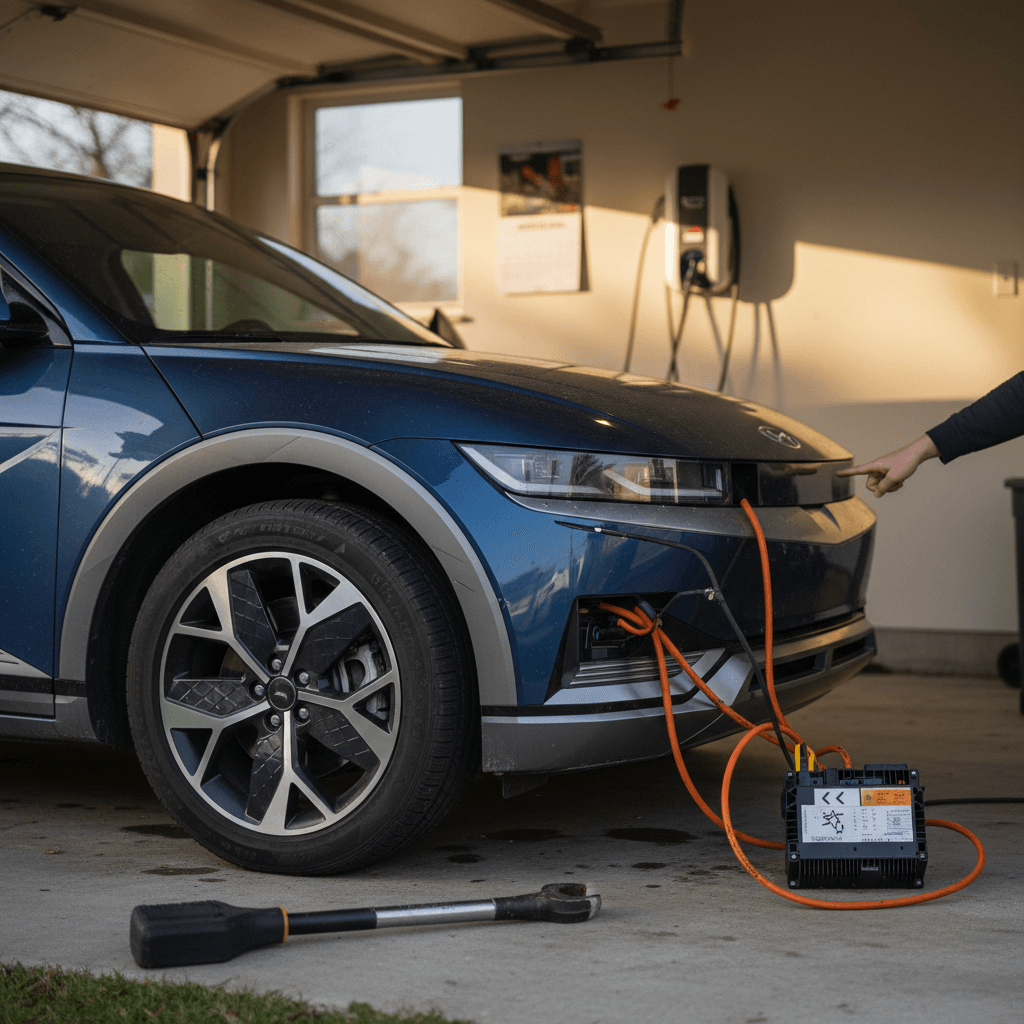
If you own, or are shopping for, a Hyundai IONIQ 5, its software update history is almost as important as its service records. This EV has evolved quickly since launch, with updates that affect charging behavior, navigation, driver-assistance performance and even future recall fixes delivered over the air. Understanding how Hyundai has updated the IONIQ 5 over time will help you get the best driving experience today and protect resale value tomorrow.
At a glance
Why software updates matter on the IONIQ 5
The IONIQ 5 is a highly digital EV: charging behavior, battery thermal management, driver assistance, charging-station compatibility and the infotainment system are all controlled by software. Hyundai has used updates to fix bugs, add features and improve reliability. For you, that means two things: your car today might be better than when it left the factory, and two seemingly identical used IONIQ 5s can behave differently if one is fully updated and the other is not.
- Refined DC fast-charging behavior and preconditioning logic (varies by region/model year)
- Navigation and charging-point database updates for more accurate routing
- Improvements to Bluelink-connected services and remote functions
- Bug fixes for infotainment freezes, Bluetooth issues and Apple CarPlay/Android Auto glitches
- Safety-related software recalls, like cluster-display updates on some 2025–2026 vehicles
Used IONIQ 5 shopping tip
Overview of Hyundai IONIQ 5 software systems
Hyundai doesn’t make it easy with simple version names like “v1.2.” Instead, you’ll see long codes (for example, something like NEEV23.USA.S5W_M.V014.011.251120) and multiple modules. At a high level, IONIQ 5 software breaks down into a few key areas:
Main software domains on the IONIQ 5
Most updates you’ll see are for navigation and multimedia, but several control modules can be updated at the dealer or via OTA.
Infotainment & Navigation
Vehicle Control Units
Connectivity (Bluelink)
In practice, most owners encounter software as navigation/infotainment updates, either downloaded to a USB stick or delivered over the air via Bluelink, and the occasional service-campaign or recall update that affects cluster displays, driver-assistance or charging modules.
Early firmware (2021–2022): Laying the foundation
The first IONIQ 5s in North America arrived for the 2022 model year with early firmware versions often ending in 2021 date codes. Early owners commonly reported navigation versions in the 2108xx–2110xx range before applying the first major update packages.
What changed in the first wave of updates
The 2022 navigation package not only refreshed maps but also enabled OTA behavior for later builds. In Europe, Hyundai explicitly stated that once a base version (around early 2022) was installed, the system could start downloading new packages in the background without owner intervention. In North America, many owners still had to install that baseline update manually via USB or at a dealer before true OTA updates would show up as available.
Old firmware can block OTA
Transition to OTA updates and Bluelink dependency
As Hyundai matured the IONIQ 5’s software stack, OTA navigation and multimedia updates became a standard part of ownership. The rollout has been uneven, though, and it’s tightly tied to Bluelink (Hyundai’s connected-services platform).
- IONIQ 5s that are OTA-capable rely on an active Bluelink subscription for over-the-air navigation and multimedia updates.
- Hyundai typically includes complimentary Bluelink and OTA map updates for the first three years from the vehicle’s in-service date.
- After that period, owners may need to pay for continued connected services, or use USB updates via Hyundai’s navigation updater software on a PC or Mac.
- Some early IONIQ 5s with very old firmware require a dealer visit or USB update before OTA will ever appear.
Bluelink and OTA in plain English
Major IONIQ 5 software update milestones by model year
Hyundai doesn’t publicly publish a neat changelog the way some tech companies do, but owner reports and Hyundai guidance let us sketch a practical software update history for the IONIQ 5. Exact version codes will differ between regions and trim levels, but here’s what most North American drivers have seen in broad strokes.
Hyundai IONIQ 5 software milestones by model year
High-level view of how software and update behavior have evolved. Exact versions will vary, but this gives you a framework when you’re evaluating a used IONIQ 5.
| Model year | Typical baseline software period | Key software milestones | Update methods commonly used |
|---|---|---|---|
| 2022 | Late 2021–mid 2022 | Initial launch firmware; early navigation updates; groundwork for OTA capability. | Manual USB updates at home or dealer; some OTA for later 2022 builds after baseline update. |
| 2023 | Mid 2022–late 2023 | More stable infotainment, improved voice guidance, map refreshes and better charger POI data. | Mixture of OTA and USB; many owners still did USB because OTA rollout was inconsistent. |
| 2024 | 2023–2024 | More consistent OTA updates, refined nav interface and bug fixes; growing support for advanced connected features. | OTA via Bluelink becomes the norm for navigation; USB remains a fallback. |
| 2025 | Late 2024–2025 | Plug & Charge (PnC) support added on MY25 IONIQ 5 via OTA; ongoing map and multimedia improvements. | OTA via Bluelink heavily emphasized, especially for PnC and nav; dealer or USB for cars without active connectivity. |
| 2026 (early) | Late 2025–early 2026 | Cluster/software recall fixes on certain 2025–2026 vehicles; minor nav and voice-recognition refinements. | OTA campaign for cluster software plus dealer fixes; routine OTA nav updates continue. |
Use this table as a conversation starter with a seller or service advisor, then confirm the specific versions on the car’s settings screen.
Bring this table to your test-drive
Recent updates (2024–2026): OTA refinements and Plug & Charge
By 2024 and 2025, Hyundai had settled into a pattern of periodic OTA navigation and multimedia updates for OTA-capable IONIQ 5s, generally a couple of times per year. Owners reported version codes with 2023 and 2024 dates even on 2024 model-year vehicles, reflecting that Hyundai’s nav packages can span multiple years.
Typical 2023–2024 packages
- New and updated charging-station locations in the POI database.
- Refinements to voice recognition and route guidance.
- Stability fixes for Bluetooth and smartphone mirroring.
- Foundation for later OTA-only improvements on 2024 builds.
Late 2025–early 2026 updates
- Owners in early 2026 have reported OTA versions with late‑2025 date codes that focus on nav and voice tweaks.
- Hyundai has also announced a software-related recall on some 2025–2026 IONIQ 5s for instrument-cluster issues, to be fixed via OTA or dealer visit.
- These campaigns show where the industry is heading: safety fixes delivered as software, not just hardware.
New for MY25: Plug & Charge OTA update
Hyundai positions this Plug & Charge update as part of a broader strategy to treat the IONIQ 5 as a continually improving digital product, not a static appliance. It’s a good example of why keeping your car’s software current matters even if you’re otherwise happy with how it drives today.

How to check and update your IONIQ 5 software
Whether you own an IONIQ 5 already or you’re inspecting a used one, take five minutes to look at the software screens. You’re trying to answer two questions: Is this car on at least a mid‑2022 baseline? and Has it been updated recently?
Step-by-step: Checking and updating your IONIQ 5 software
1. Find the software info screen
With the car on, tap <strong>Settings → General → Software Information</strong> (wording can vary slightly). Take a photo of the screen showing navigation version and software date codes.
2. Look at the date code
IONIQ 5 nav/software versions typically end in a date (for example, 230517 indicates May 17, 2023). If your car shows a 2021 or early 2022 date, you’re likely missing important updates.
3. Check for OTA availability
In the same settings area, look for indicators that OTA updates are enabled and not expired. If you see a message that updates will be available after a software update, you may need to apply a baseline USB update first.
4. Use OTA if Bluelink is active
With an active Bluelink subscription, your car should periodically download updates in the background and prompt you to install them when parked. Follow on-screen instructions; plan for 15–60 minutes depending on the package size.
5. Use Hyundai’s navigation updater for USB installs
If you’re outside your complimentary Bluelink period or OTA isn’t working, download the latest IONIQ 5 package from Hyundai’s navigation update site on a PC or Mac, copy it to a compatible USB drive and install in the car following Hyundai’s instructions.
6. Let a dealer handle complex or recall updates
Powertrain, safety and recall-related software (like instrument-cluster fixes) are often best done at a Hyundai dealer. If you receive a recall notice or notification in the MyHyundai app, schedule service promptly.
Don’t interrupt critical updates
Common owner pain points with IONIQ 5 updates
Most IONIQ 5 updates install smoothly, but there have been predictable pain points as Hyundai transitions from traditional dealer-only updates to a hybrid OTA model. If you’re a current or future owner, these are worth understanding.
Typical IONIQ 5 update headaches
Knowing these in advance makes them easier to avoid or fix.
Bluelink glitches
USB update friction
Slow or uneven OTA rollout
Sparse release notes
“We’re in a transition era where cars are becoming software-defined products, but the supporting systems, dealer networks, customer communication and update tools, are still catching up.”
How software updates affect used IONIQ 5 value
From a used‑car buyer’s standpoint, the IONIQ 5’s software update history is both a risk and an opportunity. A car stuck on early firmware might have outdated navigation data, more bugs and limited OTA capability, but those same factors can be leveraged in negotiation if you know what to look for.
Why updates matter to value
- Feature parity: Later updates can add conveniences like improved routing logic or, on MY25 cars, Plug & Charge support.
- Perceived tech age: A clunky, crash-prone infotainment system makes a car feel older than it is, even if the hardware is the same.
- Safety and reliability: Software recalls, like cluster-display fixes, are value-sapping if left undone, and value-preserving when completed.
How Recharged approaches it
At Recharged, every used EV gets a comprehensive Recharged Score Report. Alongside verified battery health and fair market pricing, our specialists review the vehicle’s digital health, check for open software-related recalls and make sure the car is ready for the next owner.
If a particular IONIQ 5 needs a navigation baseline update or recall software, we surface that so you’re not surprised after delivery.
Leverage software in your negotiation
FAQ: Hyundai IONIQ 5 software updates
Frequently asked questions about IONIQ 5 software update history
Bottom line on IONIQ 5 software update history
The Hyundai IONIQ 5’s software update history tells the story of a modern EV that keeps improving, from early 2022 navigation baselines to today’s OTA Plug & Charge features and software‑delivered safety fixes. For current owners, staying on top of updates means a smoother, more capable car. For used‑EV shoppers, it’s a crucial part of due diligence, right alongside battery health and service records.
If you want a used IONIQ 5 without the software guesswork, consider shopping through Recharged. Every vehicle comes with a Recharged Score Report that verifies battery health, checks for open campaigns and gives you a clear, data‑driven picture of the car you’re buying, so you can enjoy everything Hyundai’s software engineers have added to the IONIQ 5 since launch, without surprises.