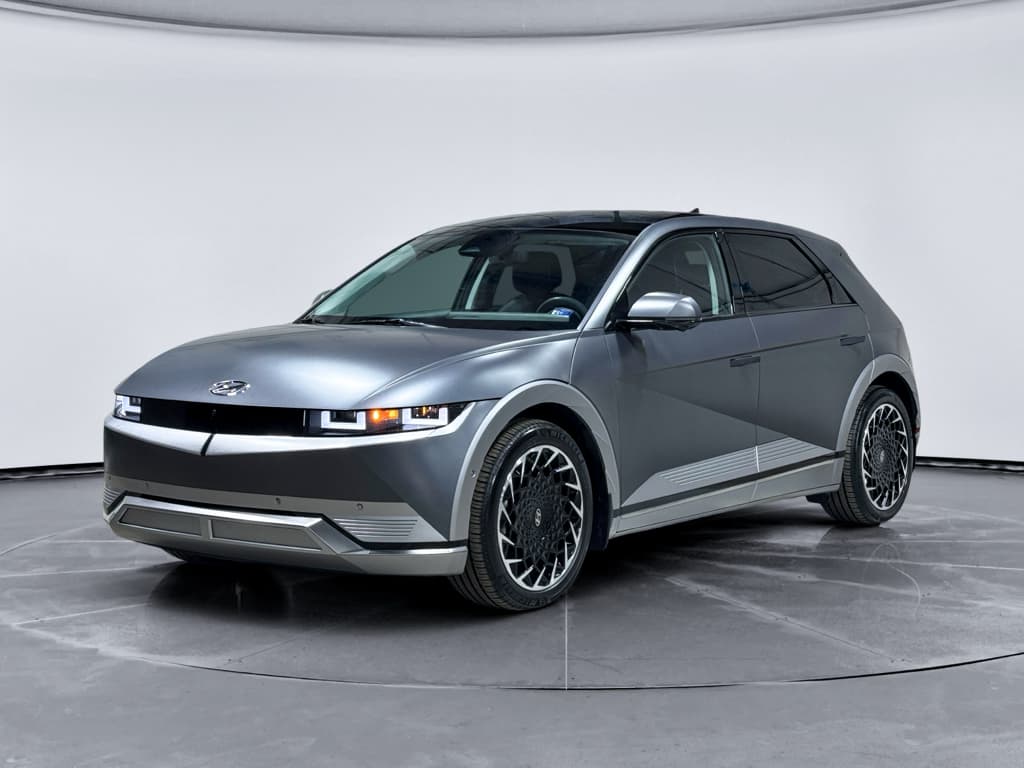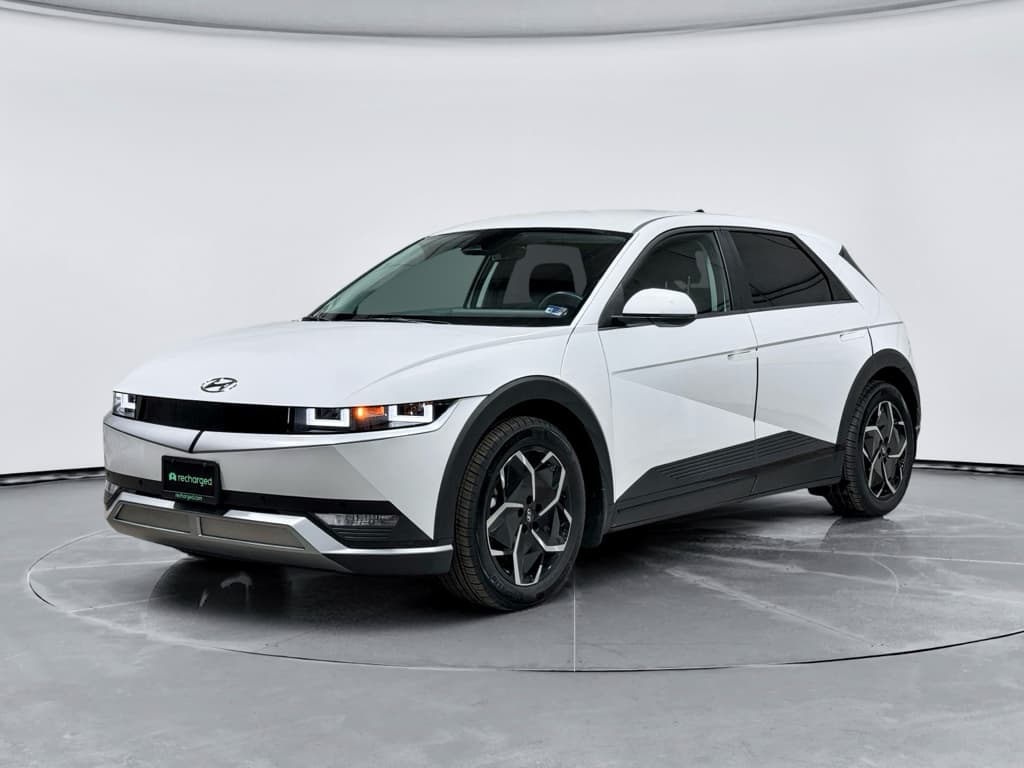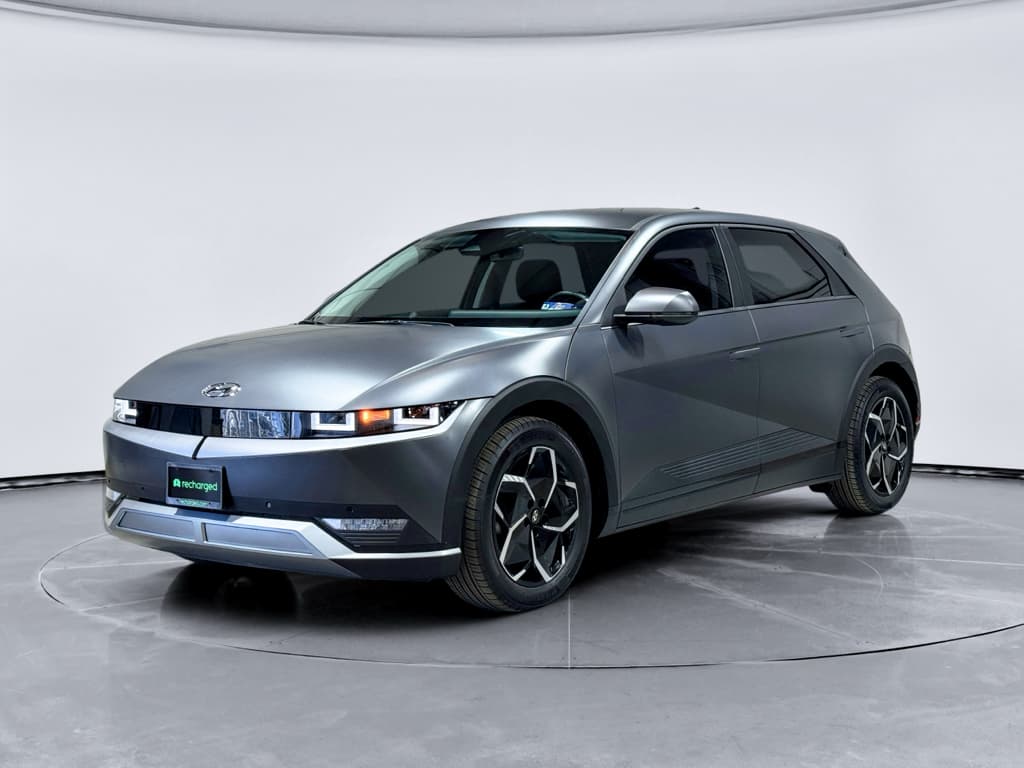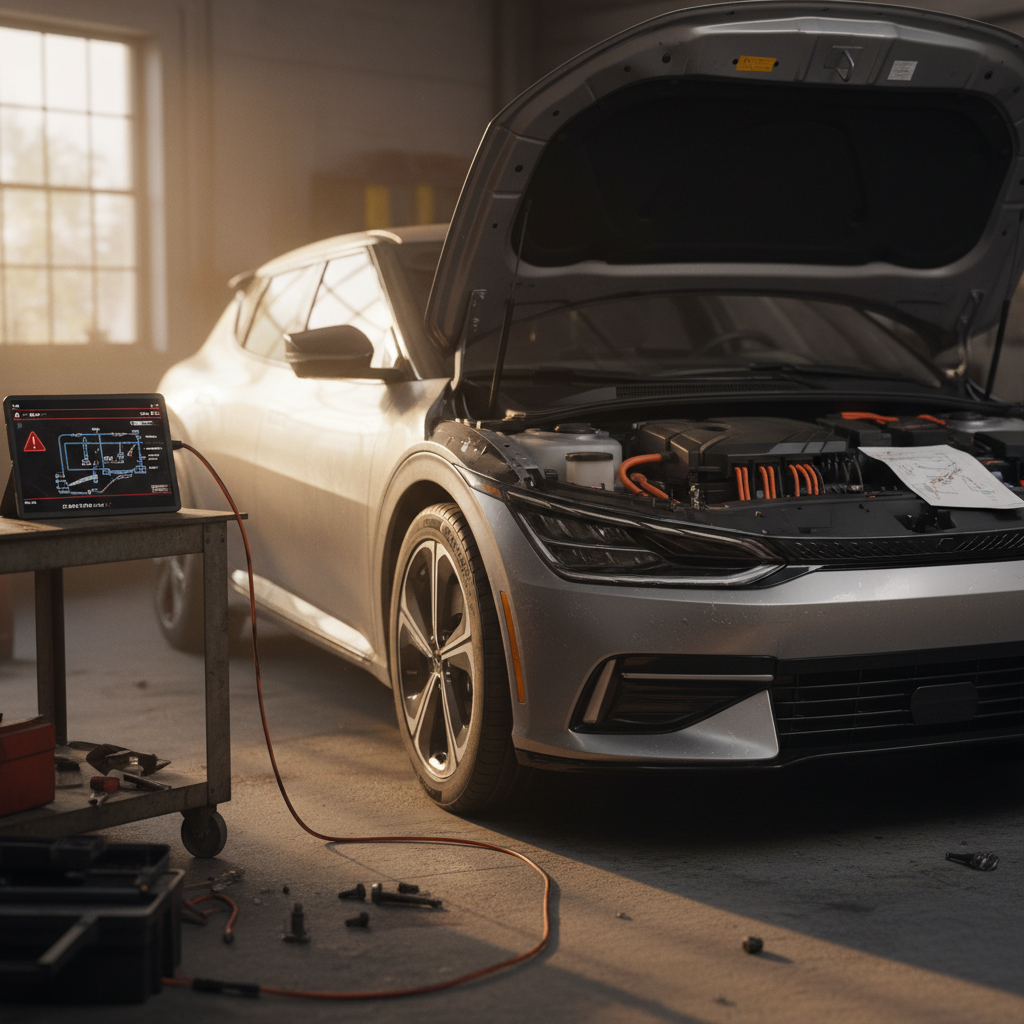
The Hyundai Ioniq 5 is one of the most talked‑about EVs of the last few years, sharp design, fast DC charging, family‑friendly space. But as we hit 2026, owners and used‑EV shoppers are asking a harder question: **what are the real Hyundai Ioniq 5 common problems in 2026**, and are they dealbreakers if you’re buying used?
Quick take
Overview: How the Hyundai Ioniq 5 Is Holding Up in 2026
Strengths owners still love
- 800‑volt architecture that can deliver very fast DC charging when conditions and hardware cooperate.
- Spacious, quiet cabin that feels more premium than many mainstream EV rivals.
- Competitive real‑world range and strong highway manners.
- Solid Hyundai warranty coverage, especially on the battery and high‑voltage components.
Where problems typically show up
- Intermittent or failed charging, often tied to ICCU (Integrated Charging Control Unit) issues.
- Slow or inconsistent DC fast charging in cold weather.
- 12V battery drain leading to dead‑car situations.
- Software bugs in the infotainment system, cluster, and connected‑car apps.
- A growing set of software‑driven recalls on 2022–2026 models.
Hyundai Ioniq 5 Problems in Context (as of 2026)
Most Common Hyundai Ioniq 5 Problems in 2026
Across owner forums, recall filings, and reliability surveys, a few patterns emerge. If you’re scanning Hyundai Ioniq 5 common problems in 2026, you’re usually talking about:
- ICCU failures that cause loss of DC fast charging or sudden charging stops at home or public stations.
- Slow or inconsistent DC fast charging, especially in cold weather or with certain networks.
- 12V battery drain or low‑voltage warnings that leave the car unable to ‘wake up.’
- Software gremlins, frozen or blank screens, bugged driver‑assist systems, keyless‑entry quirks, or glitchy apps.
- A growing number of software‑heavy recalls, plus a few model‑specific issues such as the Ioniq 5 N’s left‑foot‑braking recall.
How Recharged helps you filter the noise
ICCU Failures & Charging That Suddenly Stops
One of the most talked‑about Hyundai Ioniq 5 problems is sudden loss of charging performance or sessions that stop for no clear reason. Often, the root cause is the **Integrated Charging Control Unit (ICCU)**, the component that manages onboard AC charging and coordinates with DC fast chargers.
Typical ICCU‑Related Symptoms
What Ioniq 5 owners describe when the charging hardware isn’t healthy
Home charging cuts out
The car starts charging on Level 2, then drops to a very low rate or shuts off entirely while the EVSE and household circuit look fine.
Public fast charging errors
DC fast chargers repeatedly error out with the Ioniq 5 while other EVs charge normally on the same station.
Warning messages & limp modes
Dash warnings about the charging system, reduced power, or limited driving range after a charging fault.
Why ICCU failures matter
Hyundai has issued technical service bulletins and, in some markets, broader campaigns around ICCU‑related failures on E‑GMP platform vehicles (Ioniq 5, Ioniq 6, Kia EV6, Genesis GV60). In the U.S., coverage depends on your model year, mileage, and specific VIN. The upside: major high‑voltage components are typically covered under Hyundai’s long EV warranty windows, so many ICCU repairs are handled at low or no cost on relatively young vehicles.
Shopping Tip: Screening an Ioniq 5 for ICCU Trouble
1. Ask for charging history
Request service records showing any past ICCU, onboard charger, or charge‑port repairs. Repeat visits for ‘won’t charge’ issues are a yellow flag.
2. Test both AC and DC charging
If possible, plug into a trustworthy Level 2 charger and a reputable DC fast charger during your test drive to see if rates and behavior look normal.
3. Check for warning codes
On a Recharged vehicle, the Recharged Score Report will surface diagnostic data. On a private sale, ask a dealer or independent EV shop to scan for stored charging‑system faults.
Slow DC Fast Charging in Cold Weather
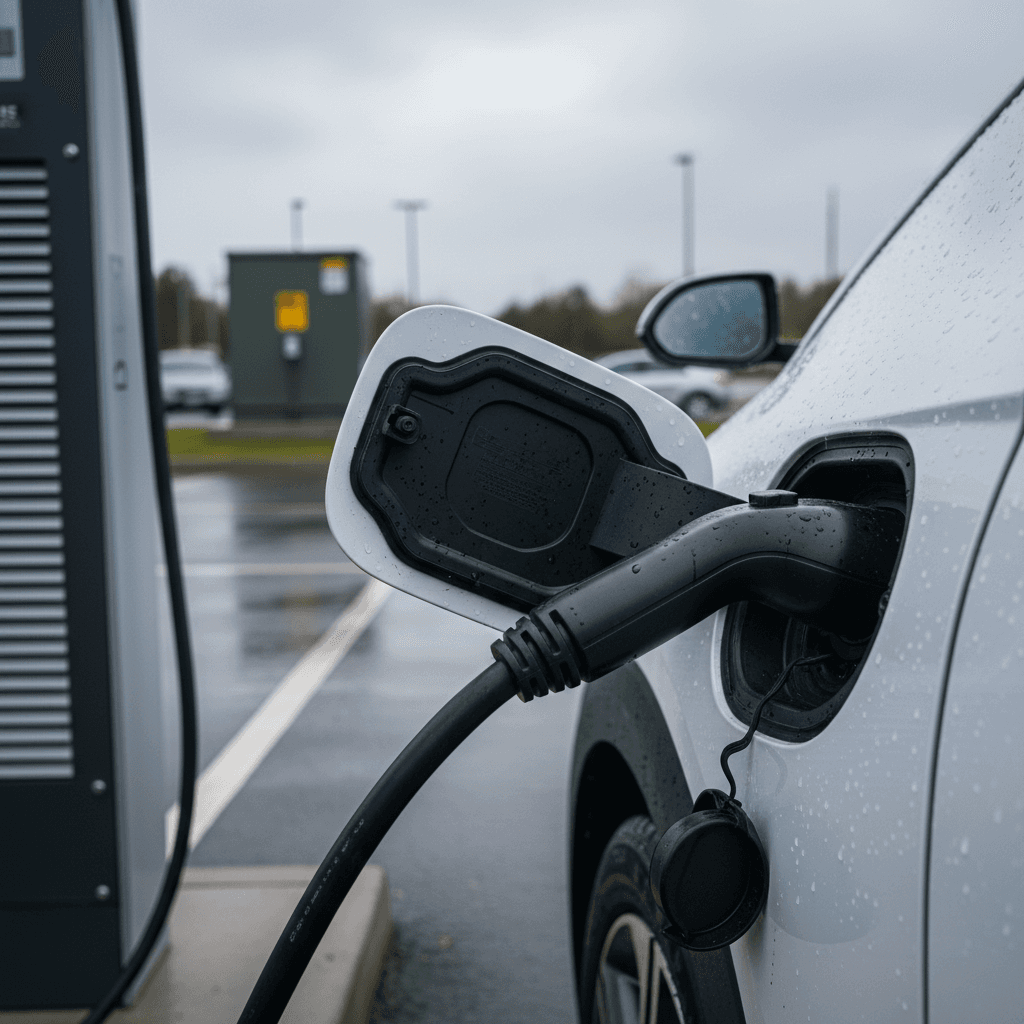
On paper, the Ioniq 5 is a charging star, Hyundai advertises 10–80% DC fast charging in roughly 18 minutes under ideal conditions. In reality, **cold weather is one of the biggest reasons owners report “broken” fast charging**, especially in northern U.S. and Canadian climates.
- Charging sessions that top out far below the advertised peak rate when the pack is cold.
- Battery‑preconditioning behavior that’s confusing or inconsistent, especially on early software builds.
- Slow winter charging at home when temperatures stay well below freezing.
What’s normal vs. abnormal
Hyundai has rolled out software updates to improve battery preconditioning and winter‑mode behavior over time, but you’ll still see large variation based on station quality, pack temperature, and state of charge. If you regularly drive in sub‑freezing temperatures, factor in longer charging stops than the brochure promises, and focus on later‑build cars with the latest software.
12V Battery Drain & “Dead” Ioniq 5 No-Start
Another Hyundai Ioniq 5 common problem in 2026 is **12V battery behavior**. Even though the car’s main high‑voltage pack handles propulsion, the Ioniq 5 still uses a 12V battery to power computers, locks, and other low‑voltage systems. When that 12V battery is weak or drained, the car can appear completely dead, even with plenty of main battery charge.
Signs Your Ioniq 5 Has a 12V Problem
Common complaints owners report
“12V battery low” warnings
Warnings when you plug into a public fast charger or after the car sits for a few days, especially in very cold weather.
No response to the start button
The car won’t shift into gear, screens stay dark, and the start button doesn’t wake systems even though you know the main pack has charge.
Frequent jumps or tows
Needing a jump pack or tow multiple times a year because the 12V battery won’t hold charge as expected.
Don’t ignore repeated 12V warnings
Hyundai has tweaked software and, in some cases, batteries themselves to reduce 12V complaints, but you should still treat no‑start stories seriously when evaluating a used Ioniq 5. Ask when the 12V battery was last replaced and whether the owner has paperwork for any electrical‑system updates.
Software Bugs, Screens, and App Glitches
Like most modern EVs, the Ioniq 5 leans heavily on software. That means a share of its most common 2026 problems fall into the **“annoying but fixable”** bucket: infotainment crashes, intermittent driver‑assist warnings, key fob or digital‑key issues, and connected‑services hiccups.
- Center screen freezing or rebooting, especially when using navigation or Android Auto/Apple CarPlay.
- Instrument‑cluster display glitches, including the broader recall on digital panels that can fail to show speed or warning lights on some 2025–2026 vehicles.
- Driver‑assist features (like Smart Cruise or lane‑keeping) shutting off unexpectedly until the next key cycle.
- MyHyundai app not reflecting charging status or lock/unlock commands accurately.
Good news: many software issues have known fixes
When you’re shopping used, plan to: - Confirm the car has had all open software recalls and campaigns completed. - Test basic functions, audio, navigation, phone mirroring, cameras, and ADAS, during your drive. - Ask for documentation of any previous head‑unit or cluster replacements.
Key Hyundai Ioniq 5 Recalls Through 2026
As of early 2026, the Hyundai Ioniq 5 has accumulated **multiple recall campaigns** across 2022–2026 model years, many of them software‑centric. Exact coverage depends on build date and trim, but common themes include:
Representative Ioniq 5 Recall Themes (2022–2026)
This table summarizes the major categories of recalls that have touched the Ioniq 5 platform. Always run a VIN check for exact coverage.
| Recall theme | Typical model years affected | What can happen | Typical fix |
|---|---|---|---|
| Charging / ICCU & high-voltage systems | Primarily 2022–2024 | Reduced or failed charging, warning lights, potential power‑loss in rare cases | Software update and/or hardware replacement of charging components |
| Digital instrument cluster display | 2025–2026 | Cluster may fail to show speed or warning lamps under certain conditions | Instrument‑panel software update or module replacement |
| Parking brake / brake control software | Select 2023–2025 | Parking brake or braking behavior may not perform as intended in certain scenarios | Updated control‑unit software |
| Ioniq 5 N left-foot-braking | 2025 Ioniq 5 N | Performance variant may not respond correctly to left‑foot braking input | Brake‑control software update via dealer |
Use this as a starting point, then verify each specific vehicle on an official recall site.
How to check an Ioniq 5 for open recalls
Which Ioniq 5 Model Years See More Issues?
No EV model is perfectly linear in reliability, and the Ioniq 5 is no exception. Broadly, here’s how common problem patterns break down by model year as of 2026:
Hyundai Ioniq 5 Problem Trends by Model Year
High‑level patterns owners and surveys point to
2022–2023 (launch & early builds)
- More reports of ICCU and charging behavior issues across the E‑GMP platform.
- Early software builds with rough edges in preconditioning and driver‑assist features.
- Some of the most active recall activity is concentrated here.
2024–2025
- Many early bugs addressed through recalls and software updates.
- Still subject to charging and software campaigns; check completion status carefully.
- Improved feature set and refinements make these attractive used buys when properly updated.
2026 & late-2025 builds
- Too early for a complete reliability picture, but benefit from the accumulated fixes of earlier years.
- Watch recall activity on 2025–2026 digital clusters and performance variants like the Ioniq 5 N.
Don’t write off early cars automatically
Used Hyundai Ioniq 5 Problem Checklist
If you’re shopping for a used Ioniq 5 in 2026, you want to separate normal EV quirks from red‑flag problems. Use this checklist to screen any candidate quickly.
Pre-Purchase Checklist for a Used Ioniq 5
1. Scan for charging behavior issues
Ask the seller directly about any ‘won’t charge’ events or unexplained fast‑charging failures. On a Recharged vehicle, review the Recharged Score Report for ICCU and charging‑system notes.
2. Verify recall and campaign completion
Run the VIN through an official recall checker and confirm that documentation from Hyundai or a Hyundai‑certified shop matches what you see online.
3. Inspect 12V battery history
Look for receipts showing when the 12V battery was last replaced. Multiple no‑start events or jumps in a short period deserve extra scrutiny.
4. Test all screens and driver-assist tech
During the test drive, cycle through the infotainment, navigation, cluster views, cameras, and ADAS (cruise, lane‑keeping, parking aids) to look for odd behavior.
5. Drive it in different scenarios
If possible, include highway, stop‑and‑go, and a brief DC fast‑charge stop. Listen for unusual noises and feel for any odd hesitation that could hint at software or high‑voltage issues.
6. Get an EV-focused inspection
A pre‑purchase inspection from an EV‑savvy shop, or a Recharged Score battery and systems diagnostic, can reveal issues that a generic used‑car check might miss.
When Common Problems Become Dealbreakers
Not every Hyundai Ioniq 5 common problem in 2026 is a reason to walk away. Some are the cost of doing business in a software‑heavy EV world, especially when the fixes are covered by warranty. Still, there are scenarios where it’s smarter to keep shopping.
- Repeated ICCU or charging‑system repairs without a clear root cause or long‑term fix.
- A history of 12V failures plus electrical gremlins that suggest deeper wiring or control‑unit issues.
- Multiple open recalls that the seller is unwilling to address before the sale.
- Persistent software problems even after documented updates and module replacements.
- Accident or flood history layered on top of electrical‑system complaints.
Rule of thumb for used Ioniq 5 shoppers
FAQ: Hyundai Ioniq 5 Common Problems in 2026
Frequently Asked Questions
Bottom Line: Is the Hyundai Ioniq 5 Still a Good Bet?
Taken as a whole, the Hyundai Ioniq 5 in 2026 is a **highly capable EV with some very real pain points**, especially around charging hardware, cold‑weather fast charging, 12V quirks, and software polish. Those issues don’t make it a bad car, but they do make homework essential if you’re buying used.
If you zero in on cars with complete recall histories, clean charging behavior, and documented fixes for any past ICCU or 12V problems, you’re stacking the deck in your favor. Platforms like Recharged go a step further by bundling every Ioniq 5 with a Recharged Score Report, EV‑focused diagnostics, nationwide delivery, and EV‑specialist support, so you spend more time enjoying instant torque and less time guessing what’s going on behind the charge port.