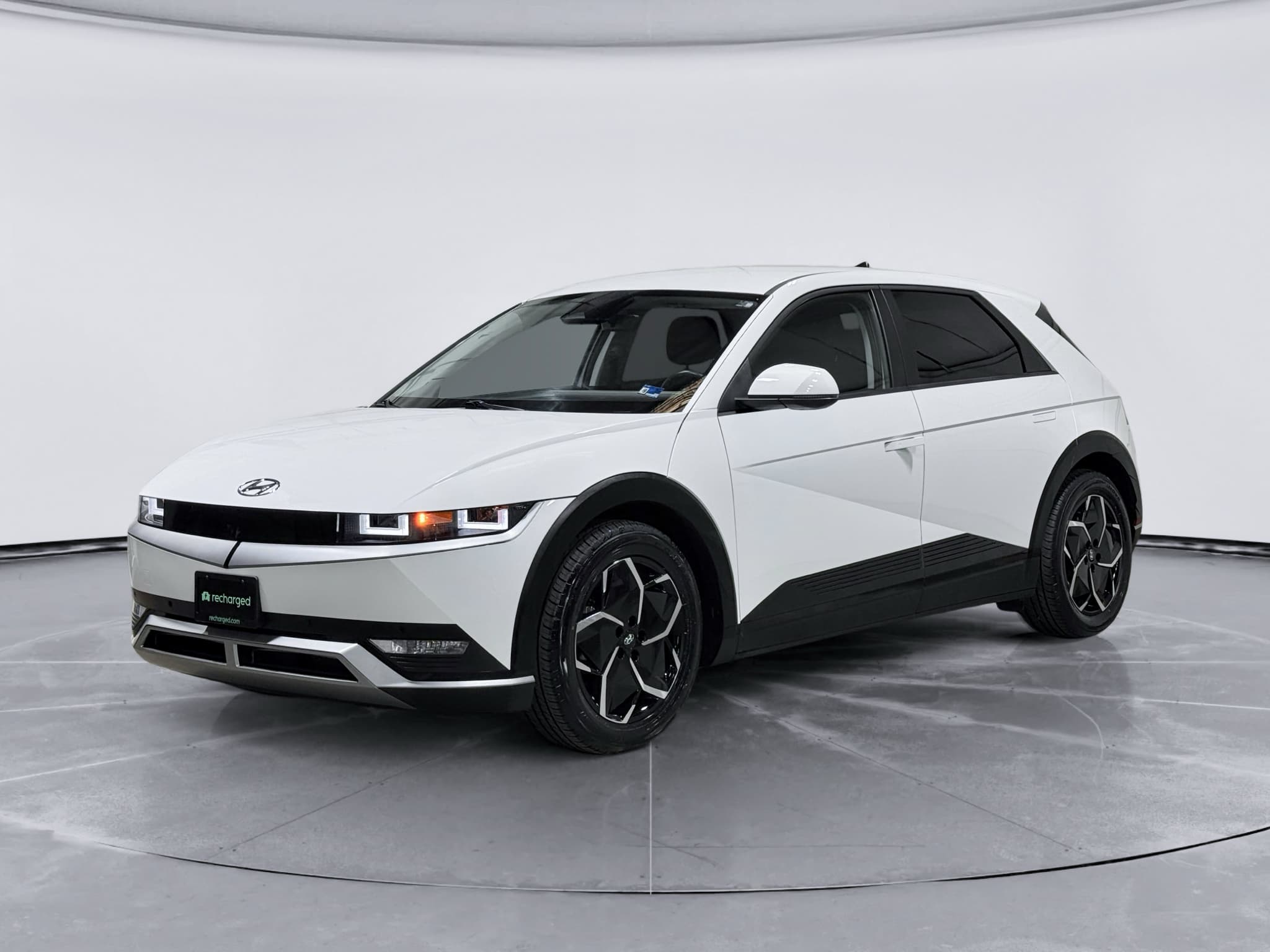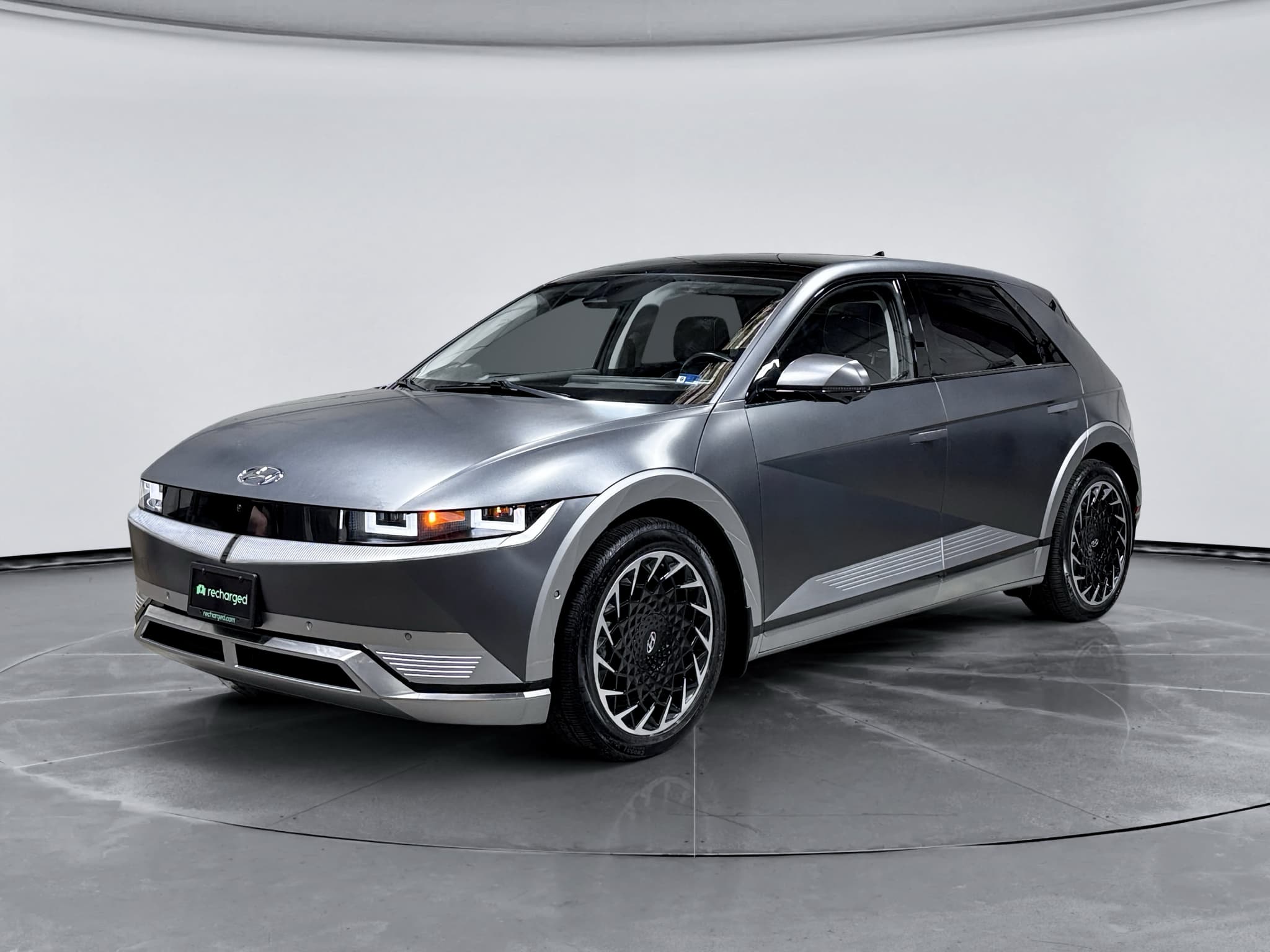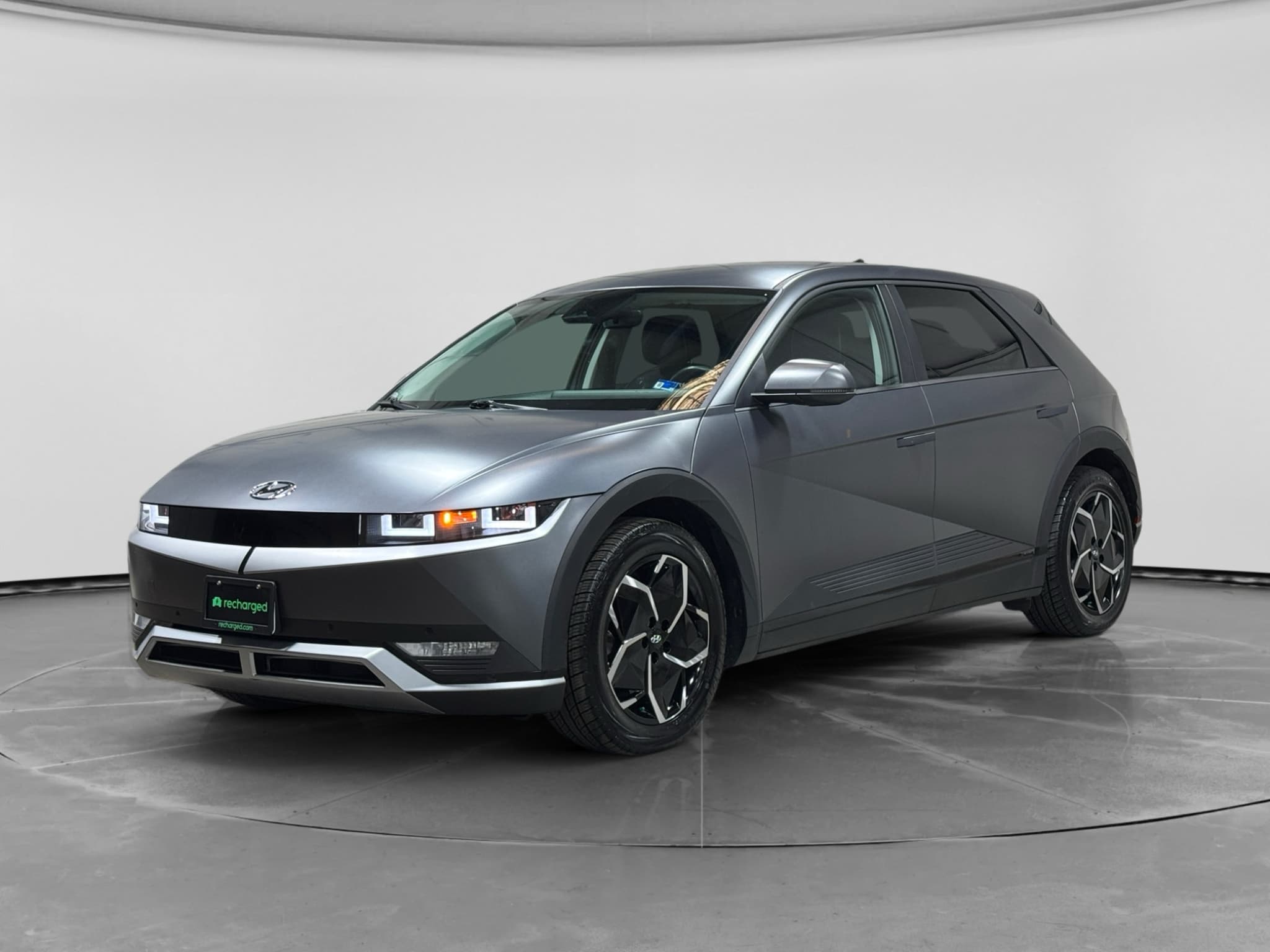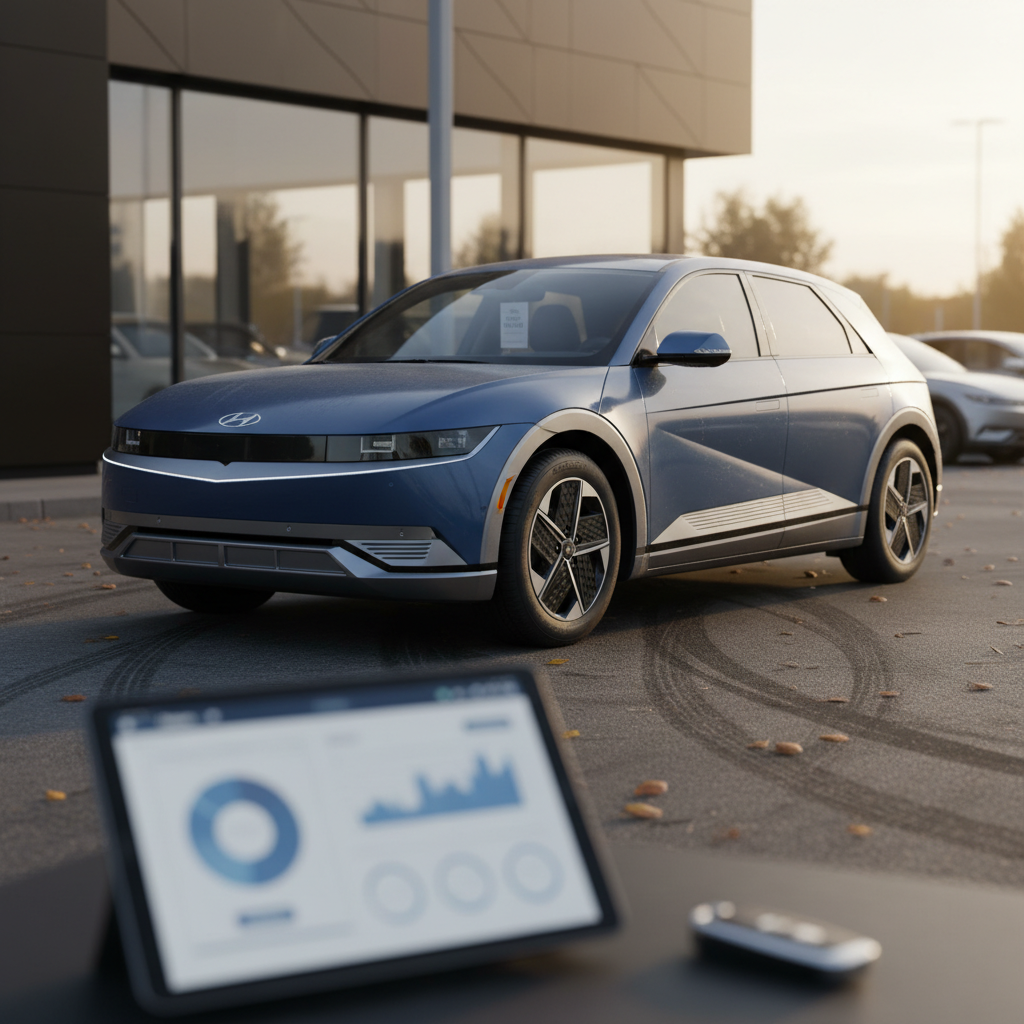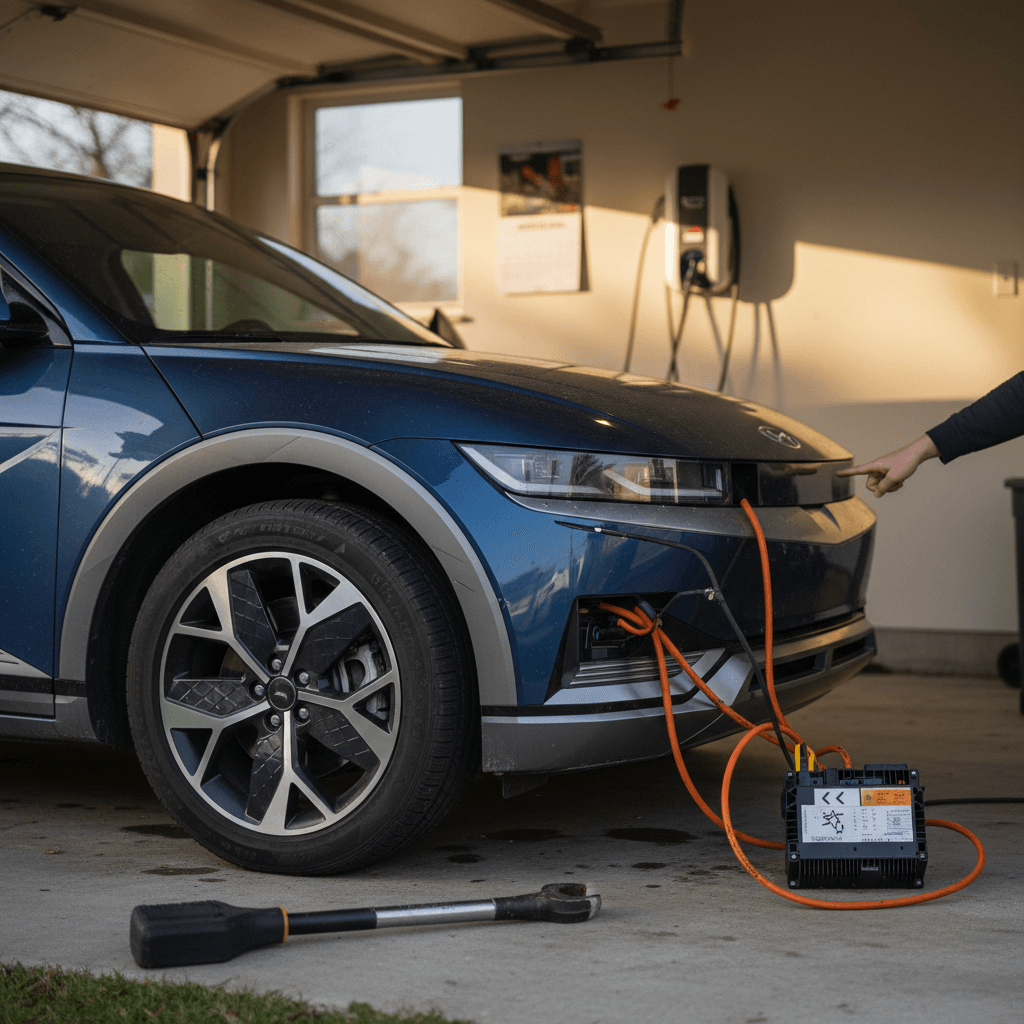
Among modern EVs, the Hyundai IONIQ 5 is one of the standouts: sharp design, fast DC charging when it works, and a comfortable, tech-heavy cabin. But if you spend any time on owner forums or scanning complaint databases, you’ll quickly see patterns. This guide breaks down the Hyundai IONIQ 5’s biggest complaints, how serious they are, and what you should look for, especially if you’re shopping the used market.
Quick context
Overview: IONIQ 5 strengths and biggest complaints
What owners love
- Ultra-fast DC charging on 800V hardware when conditions are right.
- Spacious, quiet interior with a sliding center console and flat floor.
- Strong performance and smooth power delivery.
- High-tech features like Vehicle-to-Load (V2L) and highway assist.
What owners complain about most
- ICCU failures that knock out Level 2 charging or even strand the vehicle.
- 12V battery issues causing no-start conditions after sitting parked.
- Charging quirks at home and throttled speeds after software updates.
- Software glitches like screen blackouts or random reboots.
- Comfort complaints around firm ride, road noise, and seating position.
Model-year nuance matters
1. ICCU failures and loss of Level 2 charging
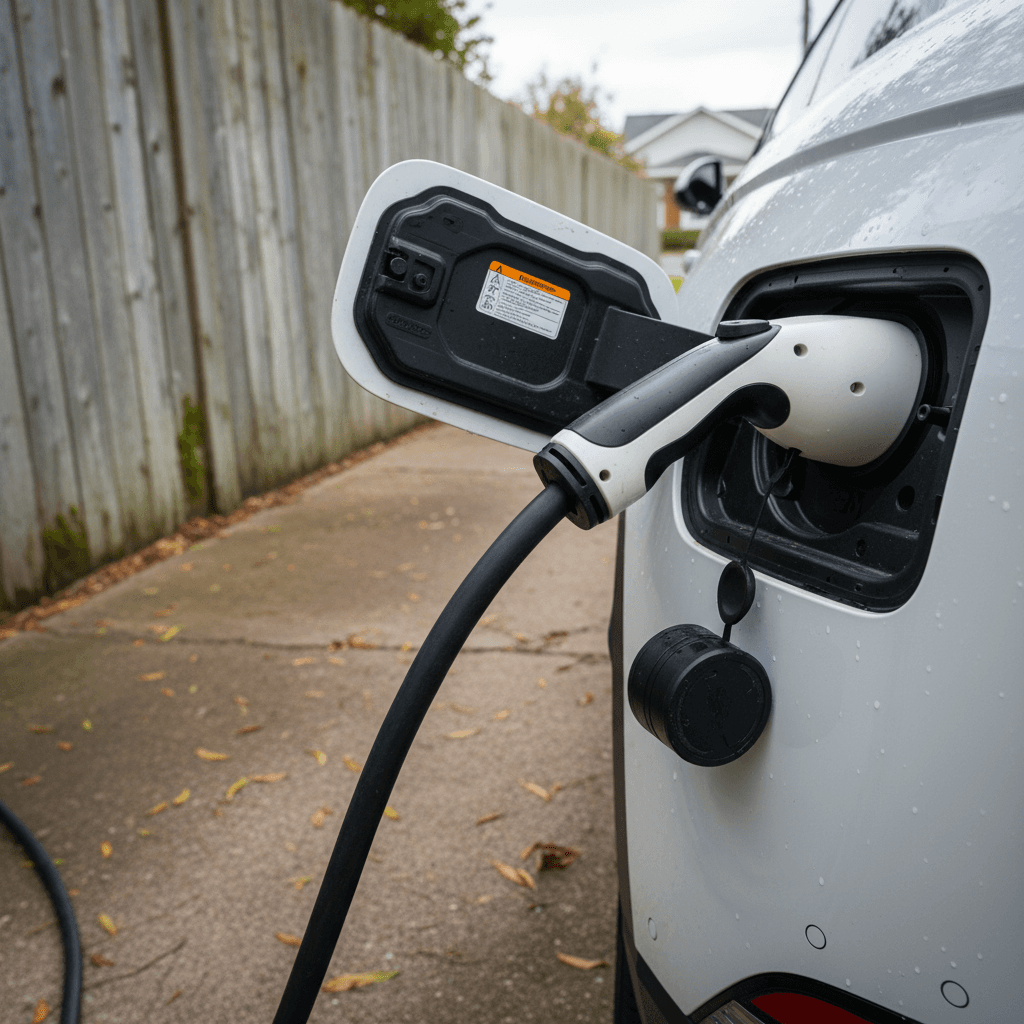
The single most talked‑about technical complaint on the IONIQ 5 is failure of the Integrated Charging Control Unit (ICCU). This unit manages AC charging and part of the DC charging interface. When it acts up, owners typically report that home or public Level 2 charging won’t start or repeatedly cycles on and off, while DC fast charging may continue to work, for a while.
- Level 2 sessions that immediately stop with a “charging unsuccessful” message.
- AC charging that starts, stops, and retries in a loop while port lights flash.
- The car needing to be towed after a complete failure of the ICCU and 12V system.
- Replacement of both the ICCU and 12V battery under warranty in some cases.
Why ICCU failures worry buyers
Hyundai has issued recalls and software updates related to charging electronics on E‑GMP vehicles like the IONIQ 5, and later builds appear less prone to sudden ICCU failure. But reports from 2022–2024 owners show that replacement ICCUs can occasionally fail again, so this remains a top concern for long‑term reliability.
Used‑car checklist: ICCU
2. 12V battery failures and random no-starts
EVs still depend on a traditional 12‑volt battery to power control modules and wake up the high‑voltage system. On the IONIQ 5, a consistent owner complaint has been 12V batteries that die early, sometimes after the car sits for just a couple of days, leading to a dead car that won’t start, shift into gear, or accept a charge until it’s jump‑started.
- No response when pressing the start button, even with plenty of main battery range left.
- Warning lights, error messages, or "check EV system" alerts that clear after a 12V reset.
- 12V batteries replaced within the first 1–2 years of ownership.
- Repeat failures tied to parasitic draw or charging electronics issues upstream.
How serious is it?
Hyundai has pushed software updates intended to improve 12V battery charging logic, and many owners report no further trouble after a replacement. Still, if you plan to leave the car parked for long stretches, at an airport, for example, it’s worth knowing this history and considering a healthy 12V battery a must‑have.
3. Home charging quirks and throttled fast charging
Beyond outright failures, many IONIQ 5 complaints focus on charging behavior: how the car talks to home wallboxes and how fast it charges in the real world compared with the brochure numbers.
- Level 2 sessions at home that stop after a few minutes and need to be restarted.
- Charge port lock cycling (clicking locked/unlocked repeatedly) without starting a session.
- Inconsistent charging between different home EVSE brands and public Level 2 stations.
- DC fast charging that slows dramatically above ~50–60% state of charge, especially after updates aimed at reducing heat or protecting components.
The port-overheating software fix
For used buyers, the key question isn’t whether the IONIQ 5 will ever slow charging, it will, but whether the car reliably completes sessions both at home and on the road. A well‑maintained car with current software should start and finish Level 2 charges without drama, even if it sometimes tapers speed to control temperature.

Real‑world test you should do
4. Software bugs, screens, and tech glitches
Like most modern EVs, the IONIQ 5 leans heavily on software. That’s great when everything works, but owners have logged plenty of tech complaints, particularly in earlier software builds.
- Occasional infotainment reboots while driving.
- Temporary loss of audio, navigation, or Bluetooth connection.
- Glitchy behavior from driver‑assist features like lane-keeping and highway assist, either overcorrecting or ping‑ponging in the lane on some roads.
- On some newer models, digital instrument clusters that may briefly go dark or fail to display speed or warning lights until restarted, prompting a recent software‑related recall for 2025–2026 vehicles.
Cluster display recall
The good news: most of these issues are annoyances more than deal‑breakers, and Hyundai has been steadily rolling out over‑the‑air and dealer updates to clean up behavior. The bad news is that an IONIQ 5 that hasn’t been updated, or one that’s been sitting off Wi‑Fi and out of dealer service, can feel rougher around the edges.
5. Ride comfort, road noise, and ergonomics
Mechanically, the IONIQ 5 has proven solid for many owners. But not every complaint is electrical. A big chunk of feedback centers on comfort and daily usability, things you won’t spot on a spec sheet.
Common comfort and usability complaints
Not defects, but worth test‑driving for yourself
Firm ride
Road & wind noise
Seat shape & position
These aren’t “problems” in a safety or reliability sense, but they do show up again and again in surveys and owner reviews. If you’re cross‑shopping against something like a Model Y or a compact luxury SUV, make sure you spend time on roads you actually drive every day before committing.
6. Security and keyless-entry concerns
Another emerging complaint, especially in European markets, centers on keyless entry security. Investigations have shown that some IONIQ 5s can be vulnerable to relay‑style attacks using handheld devices that mimic the key signal, allowing thieves to unlock and start the car without the physical key nearby.
Hyundai has responded in certain regions with optional security upgrades that harden the wireless protocols behind keyless entry. In some markets, owners have been asked to pay a modest fee for this upgrade, which has sparked understandable frustration, many feel they shouldn’t have to pay to fix a vulnerability that stems from the original system design.
Practical steps for owners
IONIQ 5 issues at a glance
Hyundai IONIQ 5 complaint themes
What to check if you’re buying a used IONIQ 5
If you’re shopping for a used IONIQ 5, you can absolutely find a great example, but you’ll want to be deliberate. Here’s how to turn the biggest complaints into a practical inspection checklist. This is also where a marketplace like Recharged can save you time by surfacing vehicles with documented battery health and service history.
Used IONIQ 5 buyer checklist
1. Run the VIN for open recalls
Use Hyundai’s recall tool or NHTSA’s site to confirm that key campaigns, especially those related to charging electronics and instrument cluster software, have been completed.
2. Review service history for ICCU work
Look for any mention of ICCU, on‑board charger, or HV charging system replacement. A properly documented repair isn’t a deal‑breaker, but repeated visits for charging issues should give you pause.
3. Ask about 12V battery replacements
A single 12V replacement early in life isn’t alarming; multiple failures or repeat jump‑starts are. Confirm the age of the current 12V battery and consider proactive replacement if it’s more than 3–4 years old.
4. Test Level 2 and DC charging
If possible, plug into a 240V home‑style charger and a DC fast charger during your test drive. Watch for charging stops, unusual noises at the port, or very low charging speeds versus the station’s rating.
5. Check all screens and driver-assist
Cycle the infotainment, instrument cluster, cameras, and lane/traffic assist features. You want smooth operation, no flickering or unexplained error messages, and consistent steering behavior on your usual roads.
6. Evaluate comfort on real roads
Spend at least 20–30 minutes on highway and city streets. Pay attention to ride firmness, road noise, and seat comfort. If anything bothers you in a 20‑minute drive, it will drive you crazy in year three.
How Recharged can help
How Hyundai recalls and updates change the picture
The IONIQ 5’s story is still being written. Early adopters saw more than their fair share of ICCU and 12V drama, which is why forums can look grim at first glance. But Hyundai has been iterating aggressively with hardware campaigns and software updates aimed at charging stability, 12V management, and driver‑display reliability.
Why recall and update status matters more than model year
Two otherwise identical IONIQ 5s can behave very differently
Fully updated vehicle
- All charging‑related recalls completed.
- Latest VCMS/ICCU and cluster software installed.
- Documented ICCU repair (if ever needed) and fresh 12V battery.
- Owner reports stable home and DC charging behavior.
Result: Much lower real‑world risk, even if it’s an early build.
Neglected or lightly serviced vehicle
- Open recalls on charging or cluster software.
- Spotty or missing service history.
- Owner mentions intermittent charging stops or dead 12V battery.
- Car has sat for long periods without updates.
Result: Higher odds of running into the very complaints that dominate online forums.
The biggest gap we see in the used EV market isn’t between brands, it’s between well‑maintained, updated cars and those that have quietly skipped years of software and recall work.
FAQ: Hyundai IONIQ 5 biggest complaints
Frequently asked questions about IONIQ 5 complaints
Bottom line: Should IONIQ 5 complaints scare you off?
The Hyundai IONIQ 5’s biggest complaints, ICCU failures, 12V battery issues, charging quirks, tech bugs, and some comfort gripes, are real, and you’re smart to study them before signing anything. But they don’t tell the whole story. Many owners drive their IONIQ 5s for years with minimal drama, especially when recalls and software updates are kept current.
If you’re shopping used, your job isn’t to find a perfect vehicle, it’s to find a well‑documented one. Focus on recall status, charging behavior, and 12V history, and take the time to test how the car feels on your daily roads. And if you’d rather not go it alone, buying through Recharged gives you a Recharged Score Report, battery health verification, and EV‑specialist support from first click to delivery, so you can enjoy the IONIQ 5’s strengths without losing sleep over its most talked‑about complaints.