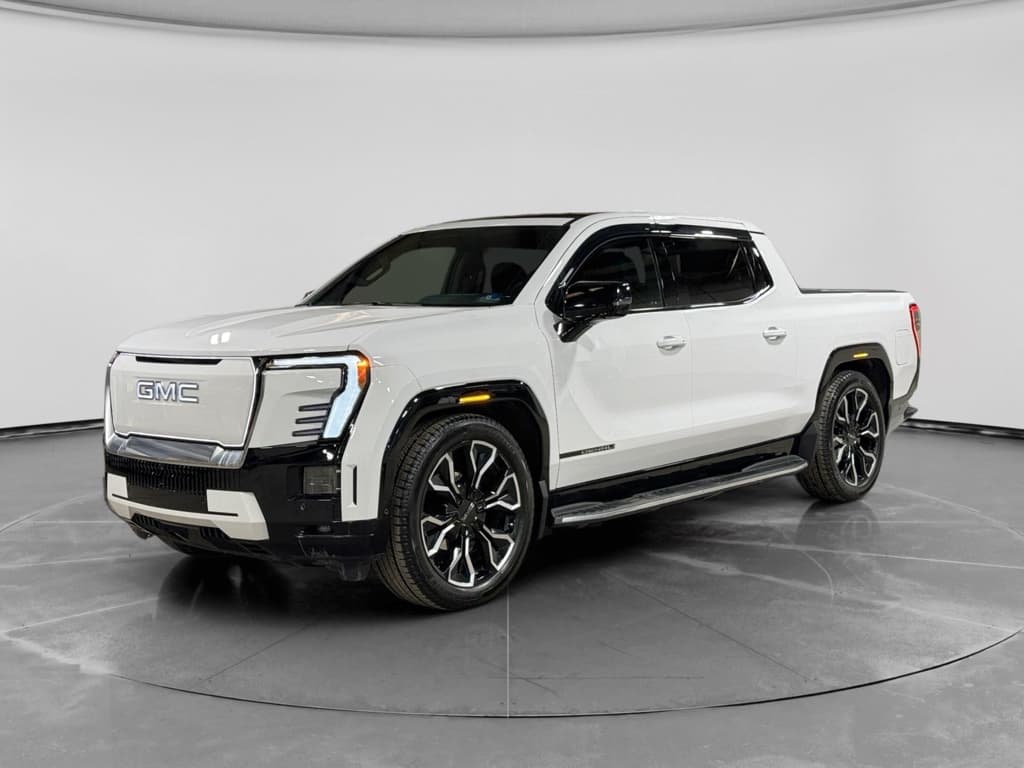
The GMC Hummer EV isn’t just a 9,000‑pound electric supertruck. It’s also a rolling software platform that’s been steadily upgraded since launch. Understanding the **GMC Hummer EV software update history** helps you know what your truck can do today, what features you might still be missing, and what to look for if you’re shopping used.
Software is a core feature, not an afterthought
Why Hummer EV software updates matter
When you’re spending six figures on a halo EV, you expect it to get **better over time**, not just hold steady. Software is how the Hummer EV closes the gap between what engineers dreamed up and what early trucks could actually do at launch. New drive modes, better off‑road tools, tweaks to acceleration, and even user‑interface changes all arrive via updates, some over‑the‑air and some at the dealer.
- Unlock headline features like Extract Mode and King Crab without buying a new truck
- Improve off‑road control and maneuverability as GM refines steering and traction logic
- Benefit from bug fixes in infotainment, cameras, charging, and driver‑assist systems
- Increase resale value because a fully updated Hummer EV is more desirable on the used market
Think of your Hummer EV like a smartphone
Hummer EV software platform and OTA basics
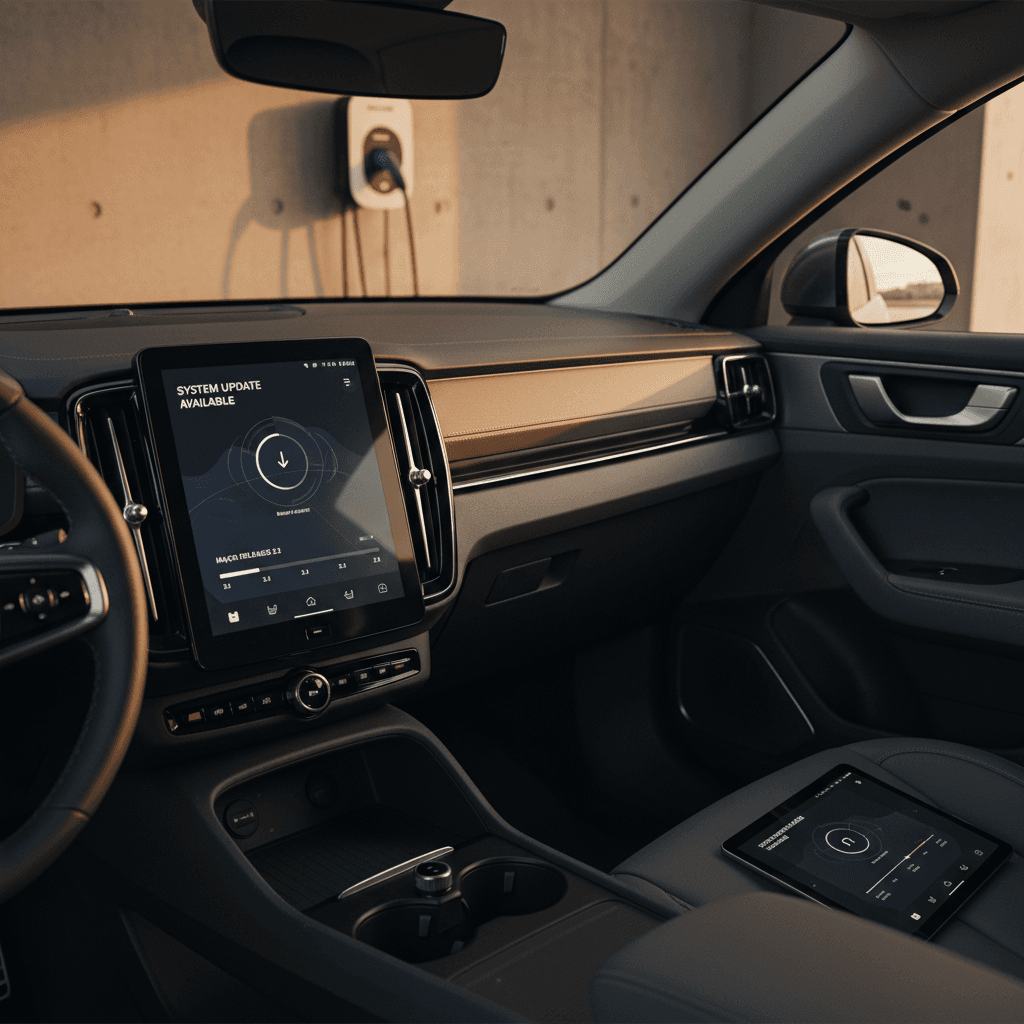
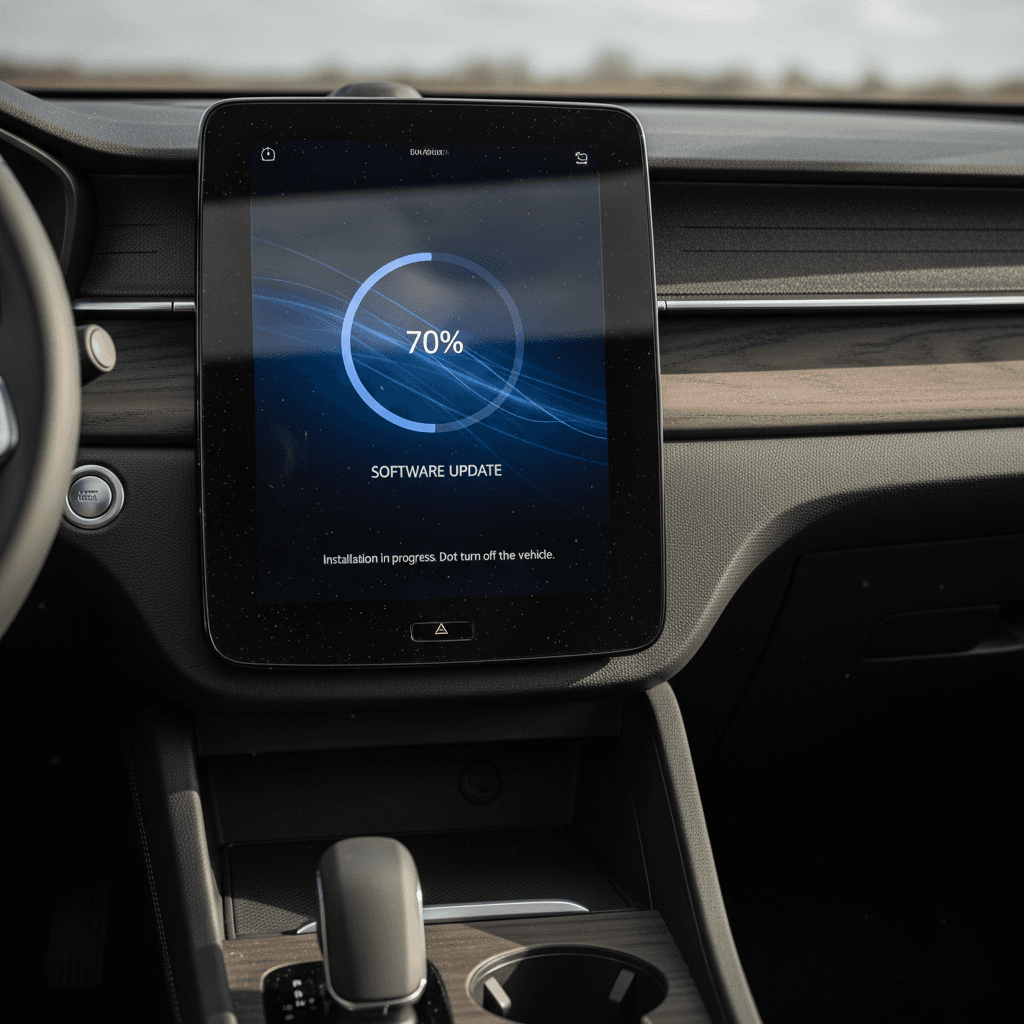
The Hummer EV runs on GM’s **Ultium‑based electronics architecture**, tied into OnStar connected services. That foundation supports large, multi‑module battery packs, four‑wheel steering, adaptive air suspension, and a full suite of cameras and sensors. Crucially, it also supports **over‑the‑air software updates** that can touch everything from the instrument cluster graphics to how the rear wheels steer.
Types of GM software updates you might see
Not every change is a major new feature, but they all matter
Refinements
Minor fixes for existing features – for example, audio glitches, Bluetooth stability, or camera behavior. These usually install silently in the background.
Enhancements
Improvements to current systems. A good example is expanding Super Cruise compatible roads or adjusting one‑pedal driving feel.
Upgrades
Brand‑new capabilities delivered via software, such as Extract Mode or the new King Crab rear‑steer drive mode.
OTA vs. dealer-installed updates
Timeline of major GMC Hummer EV software updates
GM doesn’t publish a clean public changelog the way a smartphone maker might, but we can outline the **major Hummer EV software milestones** by model year and feature group. Exact timing can vary by VIN, region, and when your truck connects for updates, so treat these as broad phases rather than precise release notes.
High-level Hummer EV software update history
Key software-enabled features and when they realistically reached owners
| Model year / phase | Approx. timing | Key software-enabled features | How delivered |
|---|---|---|---|
| 2022 launch builds | Late 2021–2022 | Core drive modes (including WTF / Watts To Freedom), CrabWalk four‑wheel steer, basic Ultium energy management, initial Super Cruise on equipped trims | Factory software, early OTA bug fixes |
| Early maturity | 2023 | Refinements to one‑pedal driving, traction logic, camera views; improved infotainment stability and charging communication; incremental Super Cruise expansion | OTA refinements and dealer campaigns |
| Feature expansion | 2024 | Broader OTA support, more robust app connectivity, additional drive‑mode tuning and off‑road camera tweaks; early groundwork for new rear‑steer modes | Primarily OTA, some dealer-installed firmware |
| Big capability bump | 2025 | Preparation for and rollout of King Crab rear‑steer mode to 2022–2025 trucks; performance tuning for 0–60 mph in select Carbon Fiber Edition models; more Super Cruise coverage | Large OTA upgrade plus dealer installs for older builds |
| 2026 refresh baseline | Late 2025–2026 | King Crab standard on 2026 2X and 3X trims, enhanced bidirectional charging support, updated UI and Google‑based in‑vehicle apps, continuing OTA support | Factory software plus ongoing OTA updates |
Timing is approximate and may differ by vehicle; always check with a dealer for your specific VIN.
Your truck’s timeline may be shifted
Spotlight: King Crab mode and off-road software upgrades
The star of the recent software story is **King Crab mode**, a more aggressive evolution of the Hummer EV’s already‑wild four‑wheel steer. Announced alongside the 2026 Hummer EV lineup, King Crab turns the rear wheels significantly faster than the fronts at low speeds, letting this giant truck snake through tight rock gardens and switchbacks in ways that don’t seem physically possible for its size.
King Crab vs. original CrabWalk
Both are software-controlled four‑wheel steer modes, tuned for different situations
CrabWalk (original)
- All four wheels steer at similar angles.
- Moves the truck diagonally to slide around obstacles.
- Best for moderate tight spots and trail maneuvering.
King Crab (new)
- Rear wheels can turn up to roughly twice as much as the fronts.
- Emphasizes ultra‑tight, low‑speed agility.
- Ideal for rock crawling, hairpin bends, and narrow trails.
GM announced that King Crab would be standard on 2026 Hummer EV 2X and 3X models and rolled out to **2022–2025 pickups and SUVs via a software update**. In practice, that means owners started seeing larger OTA downloads and dealer‑installed packages in late 2025 as the feature began to reach the fleet.
Features often bundled with big off-road software updates
Rear‑steer calibration improvements
Updates refine how quickly and smoothly the rear wheels respond, which you’ll feel in tight parking lots and on the trail.
Traction and stability tuning
Software can adjust how the truck modulates torque at each wheel, especially in off‑road modes like Terrain or Mud/Sand.
Camera view tweaks
Off‑road camera stitching, guidelines, and display behavior often improve over time as GM refines the software.
Drive‑mode logic updates
Transitions between normal, off‑road, and WTF modes can get smoother and more predictable with each update.
Test King Crab before you buy used
Everyday improvements: UI, drive modes, and efficiency
Not every software update is as flashy as a new off‑road mode. Many of the most **owner‑friendly Hummer EV updates** are subtle: slightly better range prediction, a smoother one‑pedal driving curve, fewer camera glitches, or a nicer‑looking energy screen. Those incremental refinements are the difference between a truck that feels like an early beta and one that feels truly sorted.
What Hummer EV owners typically gain from staying updated
User interface & infotainment
- Cleanup of menu layouts and off‑road pages.
- More stable Bluetooth and phone mirroring.
- Better mapping and energy‑use displays as GM refines data from Ultium vehicles.
Drive modes & energy behavior
- Adjustments to one‑pedal driving strength and smoothness.
- Fine‑tuned WTF launch behavior and traction control.
- Incremental improvements to range estimates as GM collects more real‑world data.
Good news for used buyers
How to check which software version your Hummer EV has
If you’re already a Hummer EV owner, or you’re test‑driving a used one, take a few minutes to see where the truck stands in its update life. GM’s menus and naming can change slightly over time, but the basic process is similar across model years.
Step-by-step: check your Hummer EV software status
1. Park safely and power the truck
Shift into Park, set the parking brake on a level surface, and keep the vehicle on so the infotainment system is fully awake.
2. Open the Settings or Vehicle menu
On the center display, tap the settings icon, then look for sections labeled <strong>Vehicle</strong>, <strong>Software</strong>, or <strong>Updates</strong> depending on your build.
3. Find software version details
Look for a page that shows current software or system versions. Note any version numbers and dates displayed for later comparison with dealer info.
4. Check for available updates
If there’s a dedicated Updates screen, see whether the truck reports an OTA package ready to download or install. Some updates may require Wi‑Fi or strong cellular signal.
5. Confirm King Crab and other features
Under drive modes or off‑road settings, check whether <strong>King Crab</strong>, Extract Mode, and the latest camera features appear and function as expected.
6. Call a GM dealer with your VIN
Service advisors can check internal systems to see which campaigns and software packages are open or completed for your exact vehicle.
Don’t ignore update warnings
Buying a used Hummer EV: why software history matters
On the used market, two 2022 Hummer EVs can look identical on paper, same trim, color, and miles, but feel very different to drive. The difference often comes down to **battery health** and **software history**. One truck may have every major update installed; another might be running something close to launch‑day code.
Questions to ask the seller
- Have all available software campaigns and recalls been completed?
- Does the truck currently have King Crab, Extract Mode, and the latest drive modes?
- When was the last dealer visit for software or diagnostics?
- Is the vehicle set up with an active OnStar/connected services account?
What a good software history looks like
- Documented dealer visits for early large updates.
- Confirmed installation of major feature upgrades (off‑road modes, Super Cruise expansions on equipped models).
- No persistent infotainment or camera glitches during a thorough test drive.
How Recharged helps with used Hummer EVs
Common issues and owner complaints around updates
Most Hummer EV updates install without drama, but as with any complex software platform, owners have reported a few recurring pain points. If you know what to watch for, you can separate normal quirks from real red flags.
Typical Hummer EV software-update hiccups
Annoying, but usually solvable with the right plan
Long install times
Major updates can take an hour or more, during which the truck must remain parked and powered. Plan around this, especially before road trips.
Connectivity trouble
OTA downloads may stall on weak cellular or Wi‑Fi. A dealer can often complete the same update over a wired connection if home installs keep failing.
Partial feature rollout
It’s possible for a truck to receive underlying firmware first, with headline features like King Crab appearing in a later phase. Don’t panic if your screens don’t change immediately.
When to push harder with your dealer
Future software roadmap for the Hummer EV
Looking ahead, GM has made it clear that software is central to its 2026+ lineup. The Hummer EV, as a showcase of Ultium technology, is likely to stay at the front of that wave for the GMC brand. That means continuing OTA refinements, further driver‑assist enhancements on Super Cruise–equipped trucks, and deeper integration of in‑vehicle apps and cloud services.
What future updates are likely to bring
Near term (2026–2027)
Broader rollout of King Crab and associated off‑road refinements to straggler vehicles.
More polished energy and route planning tools as GM gathers real‑world Ultium data.
Expanded Super Cruise functionality on compatible trims, including more mapped roads and smoother lane changes.
Additional UI refinements and small feature touches requested by early owners.
Longer term (later in decade)
Deeper integration of cloud‑based services and AI‑assisted voice features across GM brands.
Potential new drive‑mode concepts that repurpose existing hardware in creative ways, much like King Crab did with four‑wheel steer.
Ongoing tweaks to battery management aimed at balancing performance, range, and long‑term health.
Software can’t fix everything
FAQ: GMC Hummer EV software updates
Frequently asked questions
Bottom line for current and prospective owners
The GMC Hummer EV was built to be updated. From the wild party tricks like CrabWalk and King Crab to quiet fixes that smooth out one‑pedal driving and refine Super Cruise, the truck you own today is not the same one that rolled off the line in 2021 or 2022. Knowing the **Hummer EV software update history** helps you make sense of those changes, and, if you’re buying used, it gives you real leverage to separate a truly up‑to‑date supertruck from one that’s been left behind.
If you already own a Hummer EV, stay on top of software prompts and don’t hesitate to lean on an EV‑savvy dealer for the bigger campaigns. If you’re considering a used Hummer EV, pair update history with hard data on battery health. A marketplace like Recharged can help you do both: every vehicle we list includes a Recharged Score battery report and expert support to walk you through what the truck can do today, and what software upgrades are still waiting in the wings.