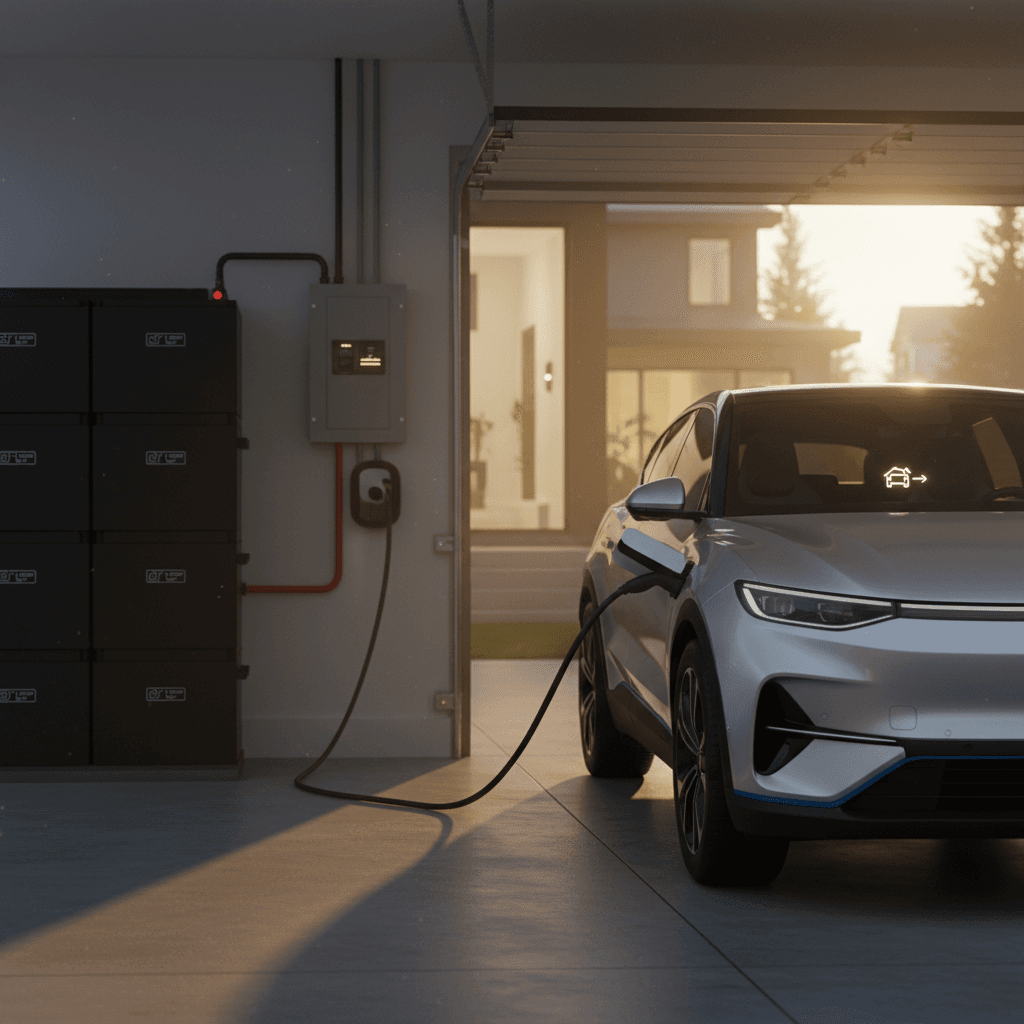
The idea that a pickup truck can keep your lights on during a blackout used to sound like science fiction. With the Ford F-150 Lightning, “power your home with your truck” is not a gimmick, it’s a real, engineered feature called Home Backup Power that uses bidirectional charging to turn the Lightning into a rolling home battery.
Vehicle-to-home in plain English
How the F-150 Lightning Powers Your Home
Ford bundles the feature under different names, you’ll see Home Backup Power, Ford Intelligent Backup Power, and “power your home” used interchangeably. All of them refer to the same core capability: using the Lightning’s high‑capacity battery to supply your home’s electrical panel when the grid goes down.
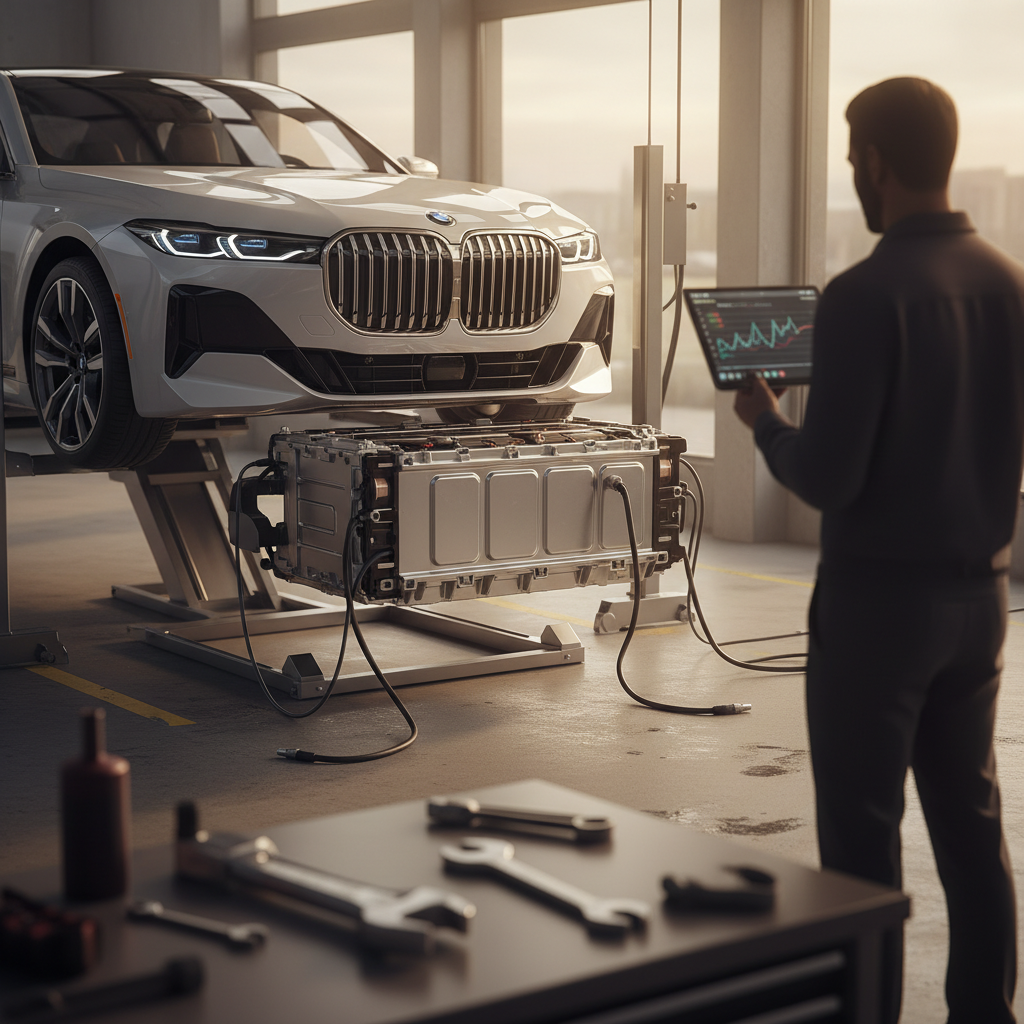
- The Lightning’s battery (98–131 kWh usable, depending on pack) stores far more energy than a typical home battery system.
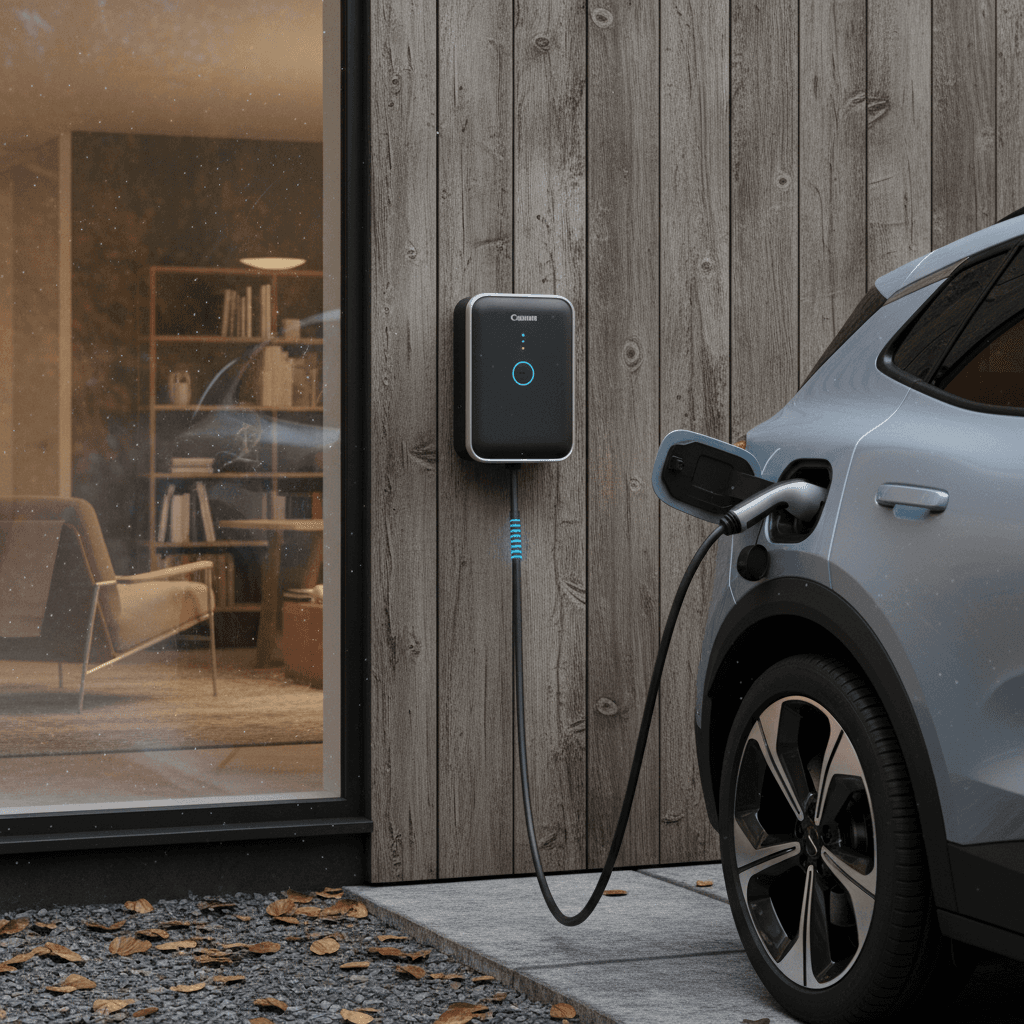
- An 80‑amp Ford Charge Station Pro wallbox provides high‑power bidirectional AC charging at home.
- A Home Integration System (transfer switch + control gear) automatically disconnects your house from the grid and routes power from the truck.
- Ford’s software monitors battery state of charge and lets you set limits so you don’t wake up to a dead truck.
Home backup vs. Pro Power Onboard
Ford F-150 Lightning Home Power at a Glance
What You Need to Use a Lightning as Home Backup
Four Pieces That Make Home Backup Power Work
You can’t just plug into a dryer outlet and power your whole house, here’s the required ecosystem.
1. Ford F-150 Lightning
You need a Lightning equipped for bidirectional charging. All model years support it, but there are differences:
- Standard-range battery (≈98 kWh): Requires a one‑time $500 software activation in the Ford app for Home Backup Power.
- Extended-range battery (≈131 kWh): Home Backup Power is enabled without the extra activation fee.
2. Ford Charge Station Pro (80A)
This is Ford’s high‑power wall charger. It’s the only home charger that currently supports Home Backup Power on the Lightning.
- 80‑amp Level 2, up to 19.2 kW charging.
- Weatherproof, Wi‑Fi/Bluetooth connected.
- Required for bidirectional power to your home.
3. Home Integration System
Think of this as a smart transfer switch and control box that connects your main panel to the Charge Station Pro.
- Detects a grid outage and isolates your home from utility lines.
- Automatically routes power from the Lightning to your panel.
- Lets you switch back to grid power safely when service returns.
4. Professional Installation & Permits
Because this involves your main panel and utility interconnection, a licensed electrician is non‑negotiable.
- Panel capacity check or upgrade (common in older homes).
- Permitting and inspection per local code.
- Optional bundling with solar in some markets via installers like Sunrun.
Don’t DIY your main panel
Setup: How Ford Home Backup Power Actually Works
Step‑by‑Step: From New Truck to Whole‑Home Backup
1. Confirm your Lightning’s battery and software
In the Ford app or vehicle settings, confirm whether your truck has the standard‑range or extended‑range battery. If it’s standard‑range, you’ll need to pay the one‑time <strong>$500 Home Backup Power activation fee</strong> in the Ford app before the feature works.
2. Order the Charge Station Pro & Home Integration System
Work with a Ford dealer, Ford’s energy solutions site, or an approved installer to purchase the <strong>Ford Charge Station Pro</strong> and <strong>Home Integration System</strong>. These are distinct from Ford’s 48‑amp Connected Charge Station, which does not support home backup.
3. Get a home electrical assessment
An installer will evaluate your main panel capacity, service size (e.g., 100A vs. 200A), grounding, and ideal mounting locations. They’ll also look at critical loads you want backed up, HVAC, well pump, fridge, medical devices, etc.
4. Complete installation and inspections
The electrician mounts the Charge Station Pro, installs the Home Integration System near your main panel, runs conduit, and wires everything per code. Expect utility and/or city inspections before you’re allowed to energize the system.
5. Link everything in the Ford app
Once the hardware is live, connect the charger to Wi‑Fi, add it in the Ford app, and follow prompts to enable <strong>Home Backup Power</strong>. You’ll choose automatic or manual activation and set minimum state‑of‑charge limits.
6. Test a simulated outage
With your installer, run a test outage. The system should disconnect from the grid, switch your home to truck power, then return to grid power seamlessly once restored. This is the time to confirm which circuits are covered.
Good news for renters & simpler setups
How Long Can a Ford F-150 Lightning Power Your Home?
Runtime is where the F-150 Lightning becomes genuinely compelling. The extended‑range battery packs roughly 131 kWh of usable energy; even the standard‑range pack is around 98 kWh. For context, the “average” U.S. home uses about 30 kWh of electricity per day.
Estimated F-150 Lightning Home Backup Runtime
Rough, illustrative runtimes assuming a healthy battery and typical usage. Real results will vary with climate, home size, and load management.
| Scenario | Daily Home Use | Battery Pack | Approx. Runtime | Notes |
|---|---|---|---|---|
| Normal usage, average home | 30 kWh/day | Extended range (131 kWh) | ~4 days | Close to Ford’s ~3‑day claim with some margin. |
| Normal usage, average home | 30 kWh/day | Standard range (98 kWh) | ~3 days | Less margin; power‑hungry homes may see less. |
| Conservative use (essentials only) | 15 kWh/day | Extended range (131 kWh) | ~8–9 days | Back off AC, electric dryers, EV charging, and big loads. |
| High‑load home (large AC, electric heat) | 50 kWh/day | Extended range (131 kWh) | ~2–2.5 days | Cold snaps or heat waves can shorten runtime substantially. |
Ford advertises up to 3 days of normal whole‑home power, or up to 10 days with conservation. These estimates line up with that guidance in practice.
Real‑world perspective
Costs: Is F-150 Lightning Home Power Worth It?
Upfront Hardware & Installation
Costs vary widely by house, panel capacity, and local labor rates, but you should expect the following ballpark ranges for a full setup:
- Ford Charge Station Pro: commonly in the low-to-mid four figures installed.
- Home Integration System: hardware plus additional labor for transfer switching.
- Electrical upgrades: panel or service upgrades can push total projects into the mid-to-high four figures, and some complex jobs approach or exceed five figures.
- Home Backup Power activation fee: one‑time $500 for standard‑range trucks only.
Installers like Sunrun may offer bundling with solar and financing, including low‑ or zero‑down options in some markets.
Ongoing & Opportunity Costs
Unlike a dedicated generator, the Lightning doesn’t burn fuel while it sits. But there are still opportunity costs:
- Battery cycles: Every deep discharge is one more cycle on the pack, though occasional outage use is unlikely to materially change battery life.
- Charging before storms: You’ll want to top up before known weather events, which slightly shifts when and how you charge.
- Energy rates: In time‑of‑use areas, you may be able to charge off‑peak and avoid spoiled food or hotel stays during outages, offsetting some of your investment.
For many households in outage‑prone areas, the value is less about strict payback math and more about comfort, safety, and not having to manage a generator.
Compare to the alternatives
F-150 Lightning vs. Generators and Home Batteries
How the Lightning Stacks Up Against Other Backup Options
Each solution solves a slightly different problem, here’s the high‑level comparison.
F-150 Lightning + Home Backup
- Energy: Roughly equivalent to several home batteries (Ford compares extended‑range to about seven Powerwalls’ worth of storage).
- Strengths: Huge capacity, quiet, no separate fuel, doubles as your daily vehicle.
- Tradeoffs: Truck has to be home and plugged in; system cost depends heavily on electrical upgrades.
Whole‑Home Generator
- Energy: Effectively unlimited as long as you have fuel.
- Strengths: Lower hardware cost than multiple batteries, good for very long outages.
- Tradeoffs: Noise, emissions, maintenance, fuel storage, and startup delays.
Home Battery System
- Energy: Typically 10–40 kWh unless you stack units.
- Strengths: Fully automatic, compact, silent, often paired with rooftop solar.
- Tradeoffs: Less total energy per dollar than a Lightning if you already want a truck; still requires a dedicated install.
“The F-150 Lightning is one of the clearest examples of how electrification can add value beyond the daily commute, it turns your vehicle into flexible infrastructure.”
Daily Uses Beyond Blackouts
Most of the time your power will be just fine, which raises a fair question: what does all this hardware do the other 360 days of the year? Quite a lot, if you lean into it.
- Everyday fast home charging: The Charge Station Pro is an 80‑amp unit, giving you very fast overnight charging even if you never use backup power.
- Jobsite and event power: Pro Power Onboard outlets can supply up to 9.6 kW directly from the truck for tools, food trucks, or events, think tailgates and block parties.
- Grid-friendly charging: Ford’s energy programs and smart scheduling can align your charging with off‑peak hours, helping manage both your bill and strain on the grid.
- Peace of mind in storm season: Knowing your truck can keep the fridge, lights, and Wi‑Fi up during a multi‑day outage changes how you plan for hurricanes, wildfires, or ice storms.
Used F-150 Lightning Buying Tips for Home Power
If you’re shopping the used market, the ability to power your home with a Ford F-150 Lightning can be a major differentiator, but only if you verify the right details before you buy. This is where a data‑rich, EV‑specific inspection matters.
Checklist: Evaluating a Used Lightning for Home Backup
1. Confirm battery type and remaining health
Extended‑range trucks give you more runtime and don’t need the $500 activation fee. Ask for documentation of battery health. With Recharged, every Lightning includes a <strong>Recharged Score Report</strong> that quantifies pack health and estimated usable capacity, so you know how much energy you’re actually buying.
2. Ask if Home Backup Power is already activated
On standard‑range trucks, check whether the previous owner paid the one‑time activation fee in the Ford app. The feature stays with the vehicle, which is a plus on the used market.
3. Look for existing hardware
Does the seller include a <strong>Ford Charge Station Pro</strong>? Has a prior home integration system been installed? Even if you can’t reuse their panel hardware, a transferable Charge Station Pro can save you meaningful money.
4. Review charging history and usage patterns
Frequent deep discharges or extensive fast‑charging aren’t deal‑breakers, but they’re useful context. Recharged’s EV‑specialist team can help you interpret this data and understand long‑term implications.
5. Map your home’s electrical plan
Before assuming the truck can power your home, have an electrician review your panel, service size, and backup priorities. Recharged can connect you with EV‑savvy installers as part of your buying journey.
Why used can make even more sense
Safety, Limits, and When Not to Use Home Backup
Using a truck as a home power plant is impressive technology, but it still lives inside the same safety and regulatory boundaries as any other high‑power electrical system. Respect those boundaries, and the Lightning can be a reliable part of your resilience plan.
- Don’t bypass the Home Integration System: Improvised backfeeding (for example, using generator inlets without an approved transfer system) can electrify utility lines and endanger lineworkers.
- Watch your state-of-charge limits: In Ford’s app, set a sensible minimum, many owners choose 30–40%, so you retain enough energy to drive in an emergency once the grid is back.
- Be realistic about HVAC: Electric resistance heat and large AC compressors can chew through capacity. In long outages, consider cycling these loads or relying more on space heating and ceiling fans.
- Know your local codes and HOA rules: Some communities have specific requirements for backup systems, visible equipment, and noise even if your “generator” is an EV.
- Plan for when the truck isn’t home: If your household often needs the truck on the road during storms, you may still want a smaller generator or battery for critical circuits.
Never defeat safety interlocks
FAQ: Ford F-150 Lightning Power Your Home
Common Questions About Powering Your Home With a Lightning
Bottom Line: Who Should Use a Lightning to Power Their Home?
Using a Ford F-150 Lightning to power your home isn’t just a party trick, it’s one of the most concrete ways electrification turns a vehicle into infrastructure. If you live with unreliable grid power, want to avoid the noise and hassle of a generator, and either already own or are considering a Lightning, the Home Backup Power ecosystem is worth serious consideration.
New trucks can pair seamlessly with Ford’s own energy solutions, while the growing used F-150 Lightning market lets you redirect some of that new‑car premium into a robust home‑backup install. At Recharged, every used Lightning comes with a Recharged Score Report for verified battery health, transparent value, and EV‑specialist guidance, so you can shop not just for a truck, but for the dependable home power system riding inside it.