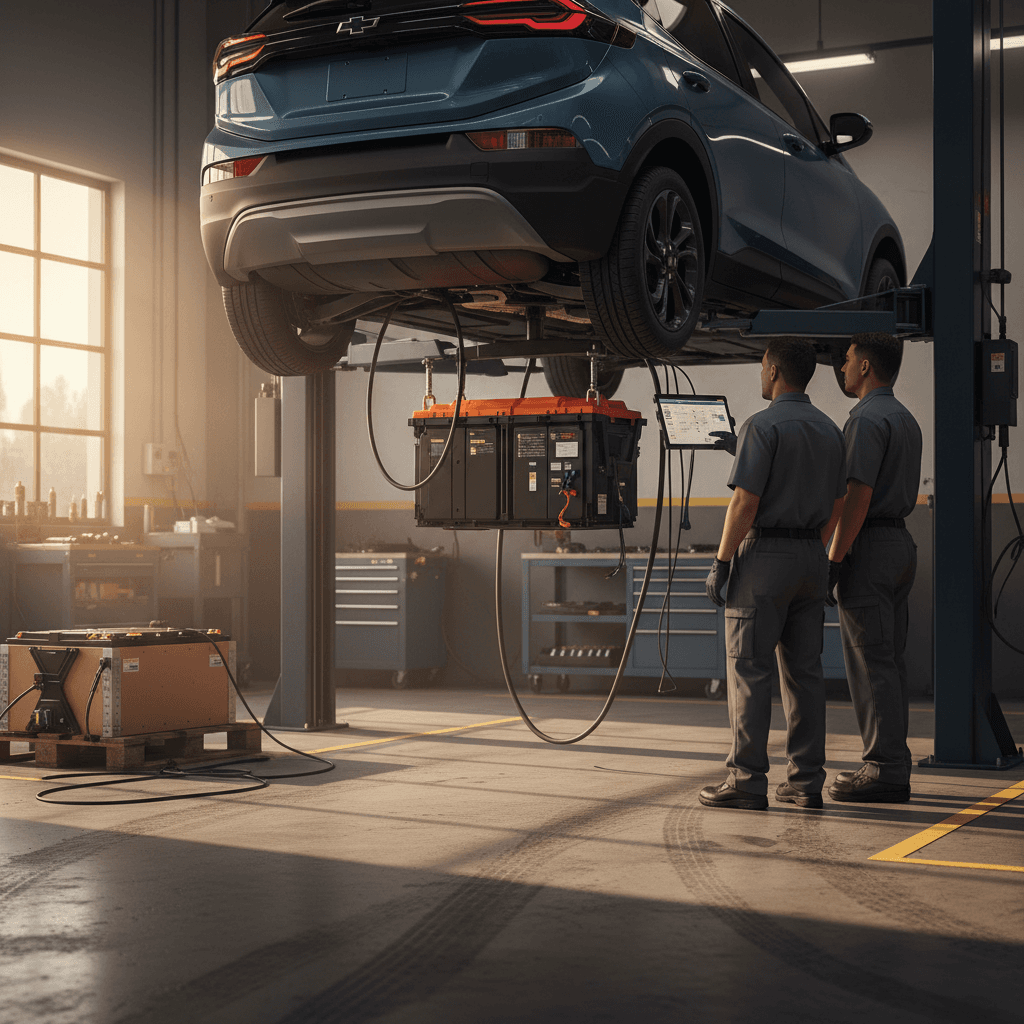
If you own or are eyeing a used Ford F-150 Lightning, the high‑voltage battery is the most expensive component in the truck, and the part shoppers are most anxious about. A smart, structured Ford F-150 Lightning battery health check can tell you whether the pack has been treated well, how much real‑world range to expect, and how much safety net you still have under Ford’s 8‑year/100,000‑mile EV battery warranty.
Good news for Lightning owners
Why battery health matters on a Ford F-150 Lightning
On a gas F-150, a tired engine is expensive, but you can often repair or replace individual components. On a Lightning, the high‑voltage battery pack is the heart of the truck, it dictates range, towing capability, home backup power potential, and resale value. Capacity loss over time is normal, but excessive degradation can turn a 300‑mile truck into a 200‑mile truck and wipe out much of the value you thought you were buying.
- Real‑world range: A healthy pack makes it easier to hit the EPA numbers in good weather at moderate speeds.
- Towing and payload: Battery health affects how quickly range falls when you hitch up a trailer or load the bed.
- Home backup power: If you use Intelligent Backup Power, a stronger battery means more hours of whole‑home coverage.
- Used value: Buyers and lenders increasingly look at EV battery health as closely as mileage.
How F-150 Lightning battery health is actually measured
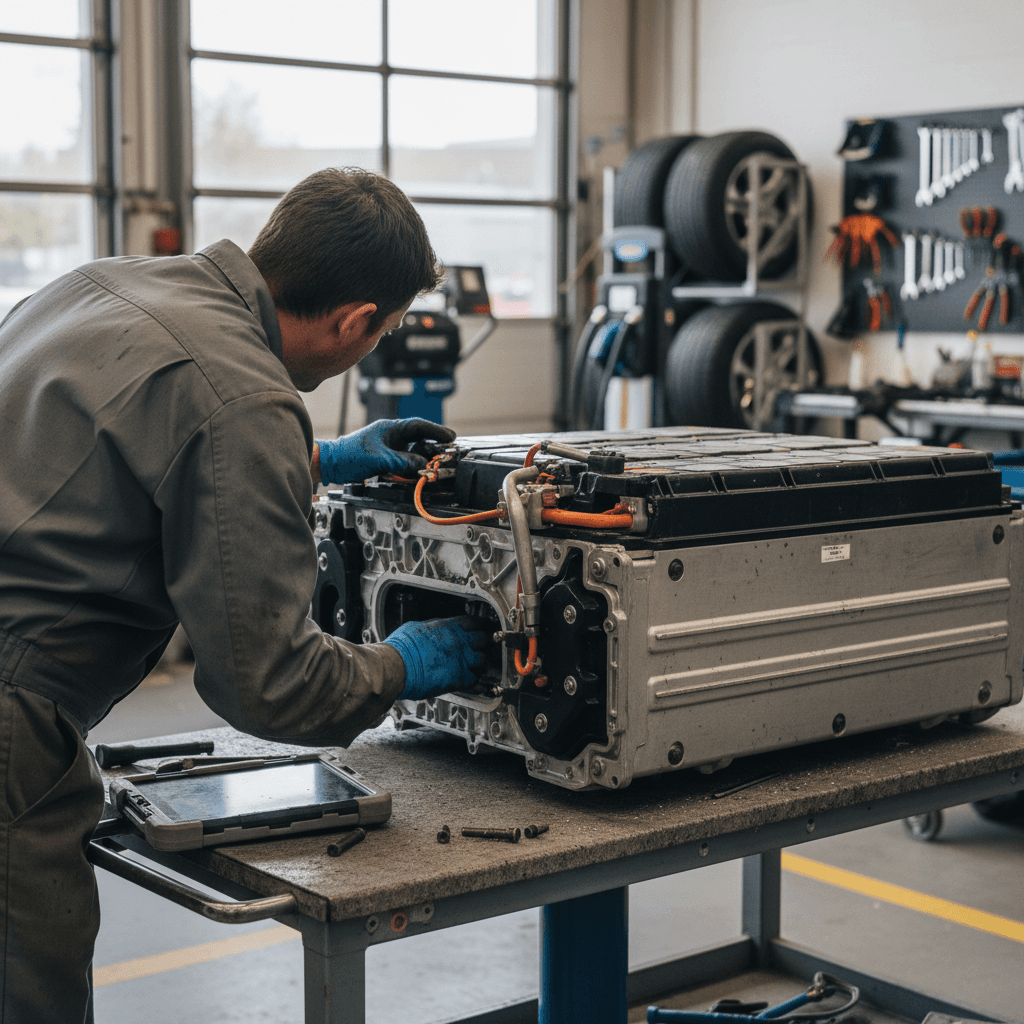
There’s no single big “battery health” gauge on the Lightning’s dash. Instead, the truck’s Battery Management System (BMS) continuously estimates State of Health (SOH), its best guess at remaining capacity compared with new, and uses that to calculate range, control charging, and protect the pack.
Key concepts behind Lightning battery health
Understanding the terms helps you read the clues your truck gives you.
State of Health (SOH)
SOH is an internal estimate of how much usable capacity the pack has left compared with when it was new. Ford doesn’t show this as a percentage to drivers, but technicians can see it in service tools.
State of Charge (SOC)
SOC is the familiar percentage you see on the instrument cluster and in FordPass. It tells you how full the battery is right now, not how healthy it is.
Range Estimate
The range number on your cluster is a forecast. It uses SOH, recent driving style, climate control use, and temperature. Large, persistent drops in range in similar conditions can hint at capacity loss.
Don’t confuse SOH and SOC
Quick at-home checklist: Is your Lightning’s battery healthy?
5-minute driveway battery health check
1. Compare indicated range to original EPA figures
Look at the truck’s projected range at 100% charge in mild weather (around 60–75°F) at a normal drive mode. Compare that to your trim’s original EPA estimate. A modest gap, 10–15%, is normal; much larger gaps may warrant deeper investigation.
2. Check for battery or powertrain warning messages
Scroll your cluster and FordPass app notifications for any high‑voltage battery, powertrain, or charging‑system alerts. These can indicate cell imbalances, contactor issues, or thermal system problems that affect long‑term health.
3. Review recent charging history
Think about how the truck has been charged: mostly DC fast charging to 100%, or primarily Level 2 at home to 80–90%? High fast‑charge use and lots of full charges, especially in heat, can accelerate degradation over years.
4. Watch how range behaves on your regular route
On a route you drive often, reset the trip meter at 100% and note how many miles you get down to, say, 20%. Repeat on similar‑temperature days. Consistent results across weeks suggest the BMS and pack are in a stable place.
5. Listen for cooling fans and check charge speed
Healthy packs manage heat quietly. If you hear the battery cooling system running flat‑out or you see unusually slow DC fast‑charge speeds versus what your truck used to do, it’s another sign to schedule a diagnostic check.
Using the truck and FordPass to check battery health
Ford doesn’t yet expose a simple SOH percentage in the FordPass app or on the Lightning’s screens, but you can still pull a lot of useful information together. Here’s how to turn your existing tools into a practical battery health check.
Where to find battery clues in your Lightning
Use both the in‑truck screens and the app for a fuller picture.
FordPass app
- Check recent charging sessions, locations, energy added, and time.
- Look at any vehicle health alerts related to the high‑voltage or 12V batteries.
- Monitor remote preconditioning behavior; repeated failures can hint at low 12V or other issues.
In‑vehicle SYNC & cluster
- Review the Energy or Trip screens for kWh/100 mi consumption and historical efficiency.
- Check for DTCs (diagnostic trouble codes) when the dealer runs a health report.
- Confirm charge limit settings (90% for daily use is recommended for NCM packs).
Pro tip: Log your own data
Range, charging patterns, and what they reveal
Because Ford’s software doesn’t display SOH, you’re mostly inferring battery health from behavior. That starts with how your range estimate changes over time and how the truck reacts to different types of charging.
Reading range the right way
- Use repeatable routes: Compare range on the same commute at the same speeds instead of chasing the dash number after a single fast‑charge stop.
- Account for weather: Cold temps, big elevation changes, and strong headwinds can slice range, even on a perfectly healthy battery.
- Look for patterns: If your 80% charge used to show ~220 miles on a Pro ER model and now consistently shows ~180 miles in similar conditions, that’s worth investigating.
DC fast charging vs. home charging
- Level 2 home charging is gentler on the pack and lets the BMS balance cells.
- Frequent 150 kW DC fast‑charging, especially to 100%, can warm the pack and accelerate long‑term wear.
- Slower than expected fast‑charge curves (tapering early, difficulty getting above ~60–70% on a warm battery) can indicate the BMS is being conservative due to cell aging or previous heat events.
Remember: Lightning uses NCM chemistry
Dealer-level and third‑party battery health tests
If you want a more formal F-150 Lightning battery health check, especially before buying used, the next step is a diagnostic session that can read the BMS’s internal numbers, including State of Health.
Ways to get a deeper battery health assessment
What different testing options can (and can’t) tell you.
| Option | Who performs it | What you get | When to consider it |
|---|---|---|---|
| Ford dealer EV inspection | Ford EV‑certified dealer | Full vehicle health report, DTC scan, charge history, any open recalls, and internal battery data the shop can share. | Buying used from a private party or non‑EV dealer; confirming concerns during warranty. |
| Independent EV specialist | Independent EV shop with Ford experience | Road test plus scan‑tool data and interpretation in plain language. May include SOH estimates if their tools support it. | You want a second opinion independent of a selling dealer. |
| Basic safety inspection only | Generic used‑car lot | Brake, tire, and cosmetic check; little to no high‑voltage data. | Fine as a quick screen, but not enough if battery health is your main concern. |
Not all inspections are equal. Ask specifically what data you’ll receive about the high‑voltage pack.
Ask for battery data, not just "it passed"
How to check battery health on a used F-150 Lightning
Used F-150 Lightning prices have adjusted significantly since launch, which makes the truck more attainable, but it also means condition varies a lot. When you’re evaluating battery health on a used example, think like an appraiser: you’re trying to understand how the truck was used, how it was charged, and how much warranty runway you have left.
Used F-150 Lightning battery health checklist
1. Start with model year, trim, and mileage
Identify whether the truck has a standard‑range or extended‑range battery and note the odometer. A 3‑year‑old truck with 80,000 miles can still be under battery warranty, but it has had a very different life than a 20,000‑mile example.
2. Ask for Ford service records
Request a printout of Ford dealer visits. Look for repeated high‑voltage battery, charging, or thermal system repairs, especially if they mention pack replacement or contactors.
3. Check the 100% range on a test drive
Charge the truck fully if the seller allows, then drive a familiar loop. Compare real‑world miles to the indicated range drop. Big discrepancies can hint at either aggressive driving or a BMS that’s compensating for aging cells.
4. Review charging behavior with the seller
Ask how they typically charged: home Level 2 vs. public fast‑charging; usual charge limit; whether the truck sat at 100% for long periods; and if it ever spent weeks at a very low state of charge.
5. Get a professional EV inspection
Before you sign, schedule an inspection with an EV‑certified Ford dealer or a trusted EV‑specialist shop. Make battery health the focus of the conversation. The cost of an inspection is small compared with a mis‑represented pack.
6. Consider a third‑party battery report
Platforms like Recharged provide a <strong>Recharged Score Report</strong> on every EV we sell, with verified battery health data, pricing benchmarks, and transparent condition notes. If you’re buying elsewhere, ask the seller for any similar battery reports they can share.
How Recharged helps
Warranty coverage and when to worry
Ford’s standard New Vehicle Limited Warranty gives Lightning buyers meaningful protection, but it’s important to understand what’s covered and what isn’t, especially around degradation versus defects.
Ford F-150 Lightning factory warranty at a glance
Ford’s EV battery warranty focuses on manufacturing defects and excessive capacity loss, not everyday wear. A small amount of degradation is expected. You should become concerned, and consider a warranty claim, if your truck is still within 8 years/100,000 miles and you’re clearly below the 70% capacity retention Ford references, as verified by a dealer’s diagnostic tools.
Document issues early
Best practices to keep your Lightning battery healthy
You can’t stop normal aging, but you can absolutely influence the speed of it. Think of your Lightning’s battery like a long‑term investment: small daily habits add up over hundreds of charge cycles.
Daily habits that protect your Lightning’s battery
Each one is simple on its own; together they significantly improve long‑term health.
Use Level 2 for most charging
Make home Level 2 charging your default. It’s gentler on the pack and lets the BMS balance cells. Save DC fast‑charging for road trips or genuine time crunches.
Limit daily charge to ~90%
For the Lightning’s NCM pack, Ford recommends capping daily charging below 100% and only charging to full when you need maximum range. Adjust the limit in FordPass or on the SYNC screen.
Manage heat and cold
Whenever possible, park in a garage or shade, precondition while plugged in in extreme weather, and avoid leaving the truck at 0% or 100% for days on end.
- Plan storage: If you won’t drive the truck for a month or more, store it around 40–60% SOC and avoid extreme temperatures when possible.
- Keep software current: Accept over‑the‑air updates that can improve thermal management and charging behavior.
- Monitor 12V health: A weak 12‑volt battery can cause odd behavior that looks like a traction‑battery problem. Address those alerts promptly at a dealer.
Think in weeks, not days
FAQ: Ford F-150 Lightning battery health checks
Common questions about F-150 Lightning battery health
Bottom line: Battery health and shopping used
A Ford F-150 Lightning with a healthy battery is a remarkably capable truck: quiet, quick, and flexible enough to tow, haul, and back up your home. But because the pack is so central to the ownership experience, and so expensive to replace, it deserves more scrutiny than a quick walk‑around and a short test drive. Use the tools built into the truck and FordPass, pair them with a professional diagnostic check when the stakes are high, and pay close attention to how the truck has been charged and stored over time.
If you’d rather not decode all of that yourself, consider shopping through Recharged. Every Lightning we list comes with a Recharged Score battery health report, fair‑market pricing, and expert EV‑specialist support, plus financing, trade‑in options, and nationwide delivery. That way, your next used F-150 Lightning isn’t a leap of faith, it’s a well‑informed decision.