If you’re looking into the Fiat 500e software update history, you’re probably in one of two camps: you already own one and want to know if it’s up to date, or you’re shopping used and want to avoid a problem child. Because the 500e spans two very different generations, an early California‑focused compliance car and a newer, fully redesigned EV, its software story is more complex than most small EVs.
Two different 500e generations
Fiat 500e software basics: two different generations
1. First‑generation 500e (2013–2019 U.S.)
- Based on the gasoline Fiat 500, converted to electric.
- Battery: ~24 kWh pack with dedicated battery management software.
- Uses earlier FCA electronics: separate modules for the traction inverter, battery pack, and body systems.
- Infotainment varies by market; North America models often use simpler Uconnect/"Blue&Me" style setups.
2. New‑generation 500e (2020+ Europe, 2024+ U.S.)
- Clean‑sheet EV platform with a 42 kWh battery and modern driver‑assist and infotainment software.
- Runs a newer Uconnect system with a large central touchscreen and over‑the‑air (OTA) update capability in many markets.
- Tighter integration between powertrain, driver‑assist, and connected‑car services.
For the early U.S. 500e, most meaningful software updates happened at the dealer, often through recall campaigns or technical service bulletins (TSBs). On the newer 500e, especially in Europe and now the 2024+ U.S. car, more of the work shifts to OTA software updates plus occasional dealer campaigns for safety‑critical items.
High-level Fiat 500e software timeline
Key Fiat 500e software recalls and campaigns
If you care about the software update history of any Fiat 500e, start with the safety‑related campaigns. These are the updates that can affect reliability, drivability, and even resale value.
U69 – High-voltage battery software recall (2013–2017 500e)
One of the best‑known 500e software actions is the U69 recall campaign, which applies to many 2013–2017 Fiat 500e models. Owners and technicians describe it as a battery‑software reflash that changes how the high‑voltage pack manages the 12‑volt system and shut‑down behavior. In practical terms, the update is meant to reduce the chances that the high‑voltage battery stays connected and slowly drains when the car is off, which can leave you with a weak 12‑volt battery or unexplained range loss after parking.
Why U69 matters on a used 500e
TPMS control module software recall (2014–2019)
Fiat’s broader 500 lineup, gasoline and electric, has also seen a tire pressure monitoring system (TPMS) software recall on 2014–2019 vehicles. Certain wheel and tire combinations were programmed with TPMS thresholds that didn’t meet Federal Motor Vehicle Safety Standard 138 in the U.S., which governs low tire pressure warnings. The fix is a software re‑program of the electronic control module so that it lights the warning at the correct pressure, not an issue with the sensors themselves.
On a daily level, that kind of recall isn’t about performance, but it is about compliance and safety. It also shows up on a vehicle history report, so you want it closed out if you’re looking at a used car.
Other powertrain and drivability updates
Across its life, the first‑generation Fiat 500e has received a variety of calibration updates to the drive inverter, motor control, and charging system. Most of these come through as TSBs rather than recalls, think fixes for rare no‑start conditions, unexpected power‑loss incidents, or charge faults that only show up under certain temperatures. Because these bulletins are VIN‑specific and sometimes region‑specific, you won’t find a single public “changelog,” but a Fiat dealer can see which campaigns are open for a particular car.
Tip for early 500e shoppers
Infotainment and Uconnect updates on the Fiat 500e
The 500e’s infotainment story is a patchwork. Early U.S. 500e models used simpler Uconnect or Blue&Me‑type systems with basic Bluetooth and navigation options; later European cars moved to Uconnect 5‑ or 7‑inch touchscreens, sometimes with Apple CarPlay and Android Auto.
Older Uconnect / Blue&Me systems
On 2013–2015‑era cars, the “software history” of the head unit looks more like scattered updates than a clean sequence of versions. Map updates for navigation, where equipped, were often tied to Uconnect software version thresholds, for example, navigation providers like HERE specify a minimum firmware level before new map data will install. Owners sometimes had to visit a dealer or use a USB stick process to bring the system up to that required version before installing map content.
It’s also worth noting that some early connected features, remote services powered by Fiat Access or Uconnect Live, have since been discontinued in many regions. The radio still works, but back‑end data services and the old smartphone apps no longer do, which is why some 500e owners turn to aftermarket telematics modules that recreate climate pre‑conditioning and charge‑scheduling features.
Uconnect 7" and regional update quirks
Later Fiat models using the 7‑inch Uconnect screen (more common on European 500 variants and related vehicles) have their own software path, with version numbers like 23.4.19.4 referenced in owner communities. These updates tend to tackle bugs such as Bluetooth instability, random reboots, and CarPlay or Android Auto glitches. However, software packages are often region‑locked; a file that works on a European 500 or Tipo may not be officially supported on a North American VIN, and vice versa.
Don’t sideload random head-unit firmware
New 500e (2020+): OTA updates and connected services
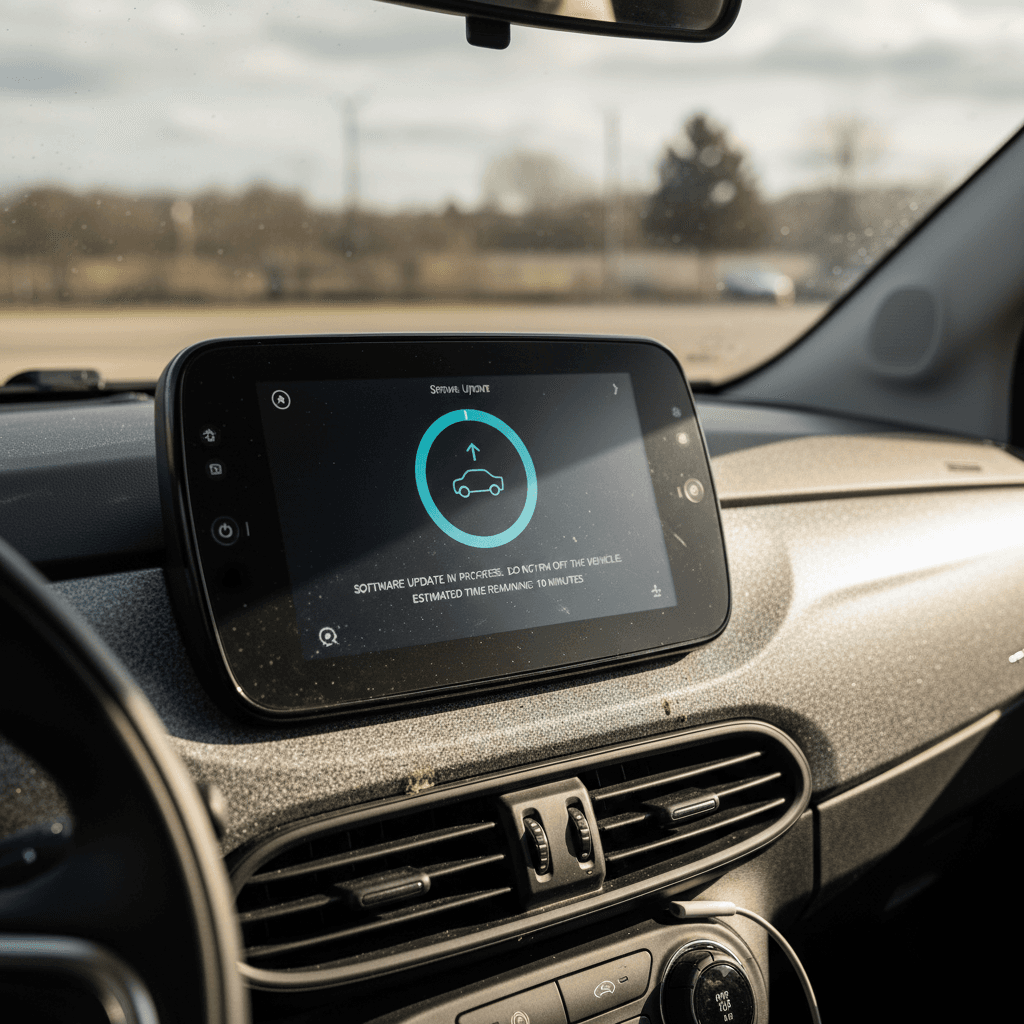
Starting with the 2020 launch of the all‑new 500e in Europe, Fiat moved the car onto a more modern software backbone. The redesigned car is built in Mirafiori, Italy, with a 42 kWh battery, stronger driver‑assist suite, and a new‑generation Uconnect system that’s designed from day one for connected services and over‑the‑air updates.
- Infotainment and navigation software can often be updated OTA when the car is connected to Wi‑Fi or a cellular network.
- Map updates on systems with built‑in navigation are increasingly delivered in the background, similar to other Stellantis models.
- Some markets support remote features, locking/unlocking, charge monitoring, and climate pre‑conditioning, through a branded app tied to the car’s telematics module.
- Safety‑critical software changes (for example, anything that affects brakes, airbags, or high‑voltage systems) still typically require a dealer visit and an official campaign.
By the time the new 500e arrives in the U.S. (starting with the 2024 model year), most of that OTA plumbing is in place. What varies is how aggressively Fiat pushes major feature updates versus quiet bug‑fix builds. Owners report that it’s not unusual for the car to notify them of a pending update to the infotainment or driver‑assist systems, then schedule installation when the 500e is parked.
Good news for newer 500e owners
How Fiat 500e software updates affect battery health and range
From a used‑EV buyer’s perspective, the most important part of the Fiat 500e’s software history is how it manages the high‑voltage battery. Calibration updates don’t magically restore lost capacity, but they can change how the car estimates and protects that capacity.
What battery-related software updates typically change
Why they show up in recall campaigns and TSBs
State-of-charge logic
Thermal protections
Charging behavior
On the first‑generation 500e, campaigns like U69 are about getting the fundamentals right: making sure the pack disconnects when it should, keeping the 12‑volt system healthy, and reducing strange parasitic losses when parked. On the newer 500e, the themes shift toward fine‑tuning efficiency and drivability, things like more predictable regeneration, smoother creep behavior in traffic, or more accurate range prediction after a DC fast charge.
Software can help, but not cheat, battery physics
How to check software and recall status on a used Fiat 500e
If you’re considering a used 500e, or just want to sanity‑check your own car, there are a few straightforward ways to see where you stand on software and recalls.
Steps to verify software and recall status
1. Run the VIN through Stellantis recall tools
Use your 500e’s VIN on official Stellantis/Mopar or NHTSA recall lookup sites. You’ll see open and completed safety campaigns, including items like U69 and TPMS software fixes.
2. Ask a Fiat dealer for a campaign printout
Any authorized Fiat or Stellantis dealer can pull a list of completed and outstanding software campaigns tied to the VIN. This is especially useful for first‑gen 500e models.
3. Check Uconnect software version in the car
On cars with touchscreen Uconnect systems, go to Settings → System Information to see the software version. This is often required before downloading certain map or firmware updates.
4. Confirm OTA settings on new-generation 500e
On a 2020+ 500e, verify that Wi‑Fi is configured and that you’ve enabled software updates in the settings. If you’ve declined prompts in the past, you may need a dealer to nudge the system.
5. Review the service history for odd gaps
Long gaps with no dealer visits aren’t necessarily a red flag, but if software‑related recalls are still listed as open, budget time for a service appointment after you buy.
6. Pair software checks with a battery-health report
Software history tells you how the car has been managed; a <strong>battery diagnostic</strong> tells you how healthy it is today. Combining the two gives you the clearest picture of a used 500e.
Where Recharged fits in
Common owner pain points software updates try to fix
Looking through owner reports, a few recurring complaints show up across both generations of Fiat 500e. Some are squarely in software’s wheelhouse; others mix hardware and calibration quirks.
Frequent Fiat 500e complaints with a software angle
What owners report, and whether software updates are likely to help.
| Owner complaint | Generation most affected | Software likely involved? | What usually helps |
|---|---|---|---|
| Overnight charge or range drop while parked | 2013–2017 500e | Yes | Battery‑management update (e.g., U69) plus 12‑volt battery check. |
| Random warning lights or "Christmas tree" dash | Both | Sometimes | Dealer scan for fault codes and control‑module reflashes; occasionally a hardware sensor. |
| Infotainment freezes or reboots | Both, more on newer Uconnect | Yes | Head‑unit firmware update via dealer or OTA, sometimes a hard reset. |
| TPMS light behavior doesn’t match tire pressure | 2014–2019 500/500e | Yes | TPMS software recall reprogramming the module with correct thresholds. |
| Remote app can’t connect or stopped working | Older connected services | Partly | In many markets, legacy apps were retired; only hardware replacements or newer services restore full connectivity. |
Not every symptom is fixed by software alone, but many have corresponding campaigns or TSBs.
When software updates aren’t enough
Used Fiat 500e shopping checklist: software edition
There’s no single PDF called “Fiat 500e software update history,” but you can piece together a very solid picture of any given car. If you’re hunting for a used 500e, especially in markets like California where the first‑gen cars are common, build these questions into your process.
Questions to ask before you buy a used 500e
Has U69 (and any other HV battery campaigns) been completed?
Ask for paperwork, or run the VIN through Stellantis’s tools. If U69 or similar campaigns are still open, plan a dealer visit soon after purchase.
Is the TPMS software recall closed out?
Check recall status for 2014–2019 cars so you’re not inheriting an overdue compliance fix that will generate annoying warning lights.
What’s the current Uconnect or infotainment version?
On newer 500e models, an up‑to‑date infotainment version often means fewer bugs and better support for navigation and phone integration.
Have there been repeated software or electrical complaints?
Look through service records for patterns, multiple visits for the same warning lights or no‑start conditions could signal a deeper electrical issue.
Has the car had long OTA gaps or declined updates?
On 2020+ cars, ask whether the owner kept OTA updates turned on. A car that’s been offline for years may need a dealer to bring everything current.
Can you see a recent battery-health report?
Whether it’s from Recharged or another specialist, pair campaign history with data on actual battery capacity and DC‑fast‑charge behavior.
If you’d rather not do this alone, Recharged can help: our used 500e listings include a Recharged Score Report with battery diagnostics and a transparent look at pricing and condition. You can finance, trade in, and arrange delivery online, or visit our Experience Center in Richmond, VA if you want to talk through specifics in person.
FAQ: Fiat 500e software update history
Frequently asked questions about Fiat 500e software updates
Bottom line: why Fiat 500e software history matters
The Fiat 500e may look like a stylish city car, but under the skin it relies on a web of software to manage everything from tire‑pressure warnings to high‑voltage contactors. On the first‑generation 500e, that story is dominated by dealer‑applied recalls and campaigns, especially U69 for the battery and TPMS software fixes. On the newer 500e, the plot shifts toward over‑the‑air updates, connected services, and a more modern infotainment stack.
If you’re buying used, don’t settle for vague assurances that “it’s all up to date.” Ask about specific campaigns, pull a VIN‑based recall report, and pair that with an objective view of battery health. If you’d rather have someone else do the homework, a marketplace like Recharged bakes those checks into every listing, from the Recharged Score battery diagnostics to transparent pricing. Either way, understanding the Fiat 500e software update history turns a quirky small EV into a more predictable daily driver, and helps you decide whether a given 500e is the right fit for your driveway.