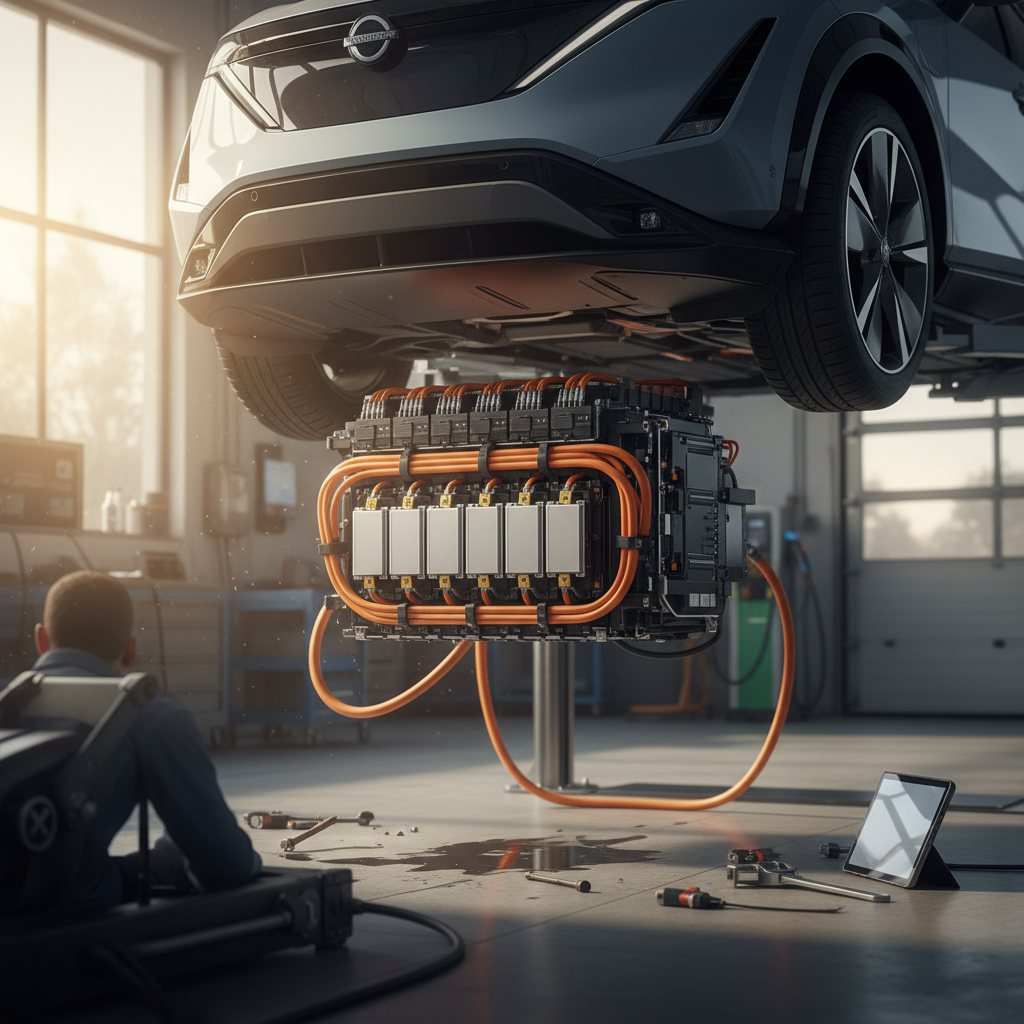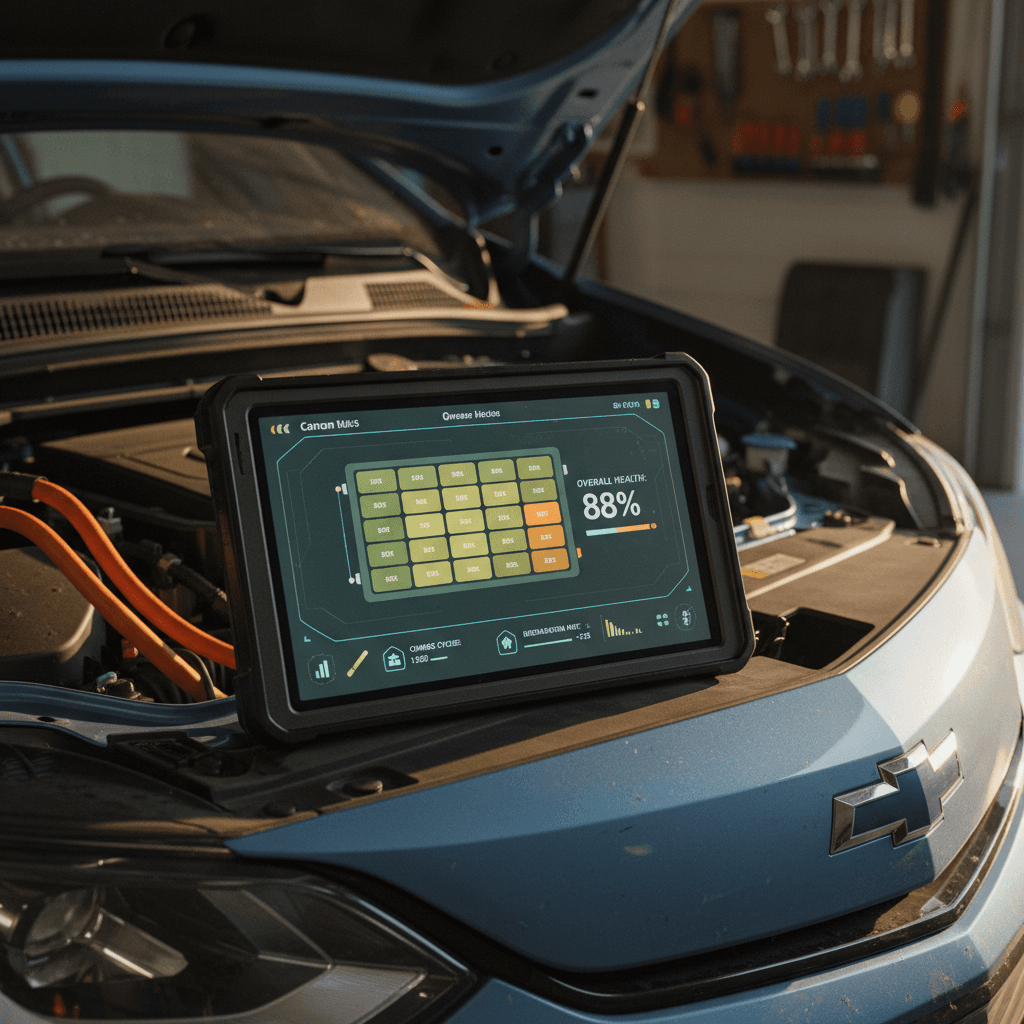
If you own, or are eyeing, a used Chevrolet Bolt EV, the real story lives in the battery. Range, value, peace of mind: all of it hangs on battery health. The trouble is, the Bolt doesn’t hand you a nice clean % “State of Health” number on the dash. This guide shows you how to perform a Chevrolet Bolt EV battery health check, from quick driveway tests to deeper OBD2 scans, so you can tell a strong pack from a tired one before you sign anything.
Context: the Bolt EV is coming back
Why Bolt EV battery health matters more than you think
On a gasoline car, a tired engine is annoying. On a Bolt EV, a tired battery is existential. The pack is the single most expensive component in the vehicle, and it dictates how far you can actually go on a charge, especially in winter, at highway speeds, or with a roof box on. A healthy early‑pack Bolt can comfortably road‑trip; a badly degraded one can feel like you’ve accidentally bought a city car.
- Real‑world range: A Bolt that once delivered ~230 miles of highway range will feel very different if it’s now closer to 170–180.
- Resale value: Battery condition is the number one line item that separates a cheap used EV from a smart buy.
- Warranty leverage: If you know how to document battery issues, you’re better positioned if capacity ever dips toward GM’s warranty threshold.
- Safety & confidence: Knowing the pack is behaving normally makes long drives, and lending the car to family, a lot less stressful.
Don’t confuse state of charge with state of health
What “battery health” actually means on a Chevrolet Bolt EV
When people talk about a Chevrolet Bolt EV battery health check, they’re really talking about two intertwined ideas: capacity and behavior.
Two sides of Bolt EV battery health
1. Capacity (State of Health / SOH)
This is how much energy the pack can still hold compared with new. A fresh Bolt pack is roughly mid‑60s kWh usable depending on model year. Over time, that number slowly shrinks.
Owners informally call this SOH (state of health), expressed as a percentage. So 95% SOH means the pack still holds 95% of its original capacity.
2. Behavior (How the pack acts day to day)
This covers whether the pack charges normally, how quickly DC fast‑charging ramps and tapers, cell balance, and whether the car throws high‑voltage fault codes.
A pack can have decent capacity on paper but still behave badly, uneven cells, sudden drops in indicated range, or charging that slows to a crawl.
GM’s official bar for an “unhealthy” battery
Do a quick Chevrolet Bolt EV battery health check in 5 minutes
You can learn a surprising amount about a Bolt’s battery with nothing more than the car itself, a calculator, and a bit of patience. This isn’t a lab‑grade test, but it will tell you whether you’re in the right ballpark.
5‑minute driveway battery health check
1. Start with a mostly full battery
Ideally, charge the car to between <strong>90–100%</strong> indicated on the dash. Don’t worry if you’re a few percent off; you just want to start near the top of the pack where range estimates are most stable.
2. Note the rated range at 100%
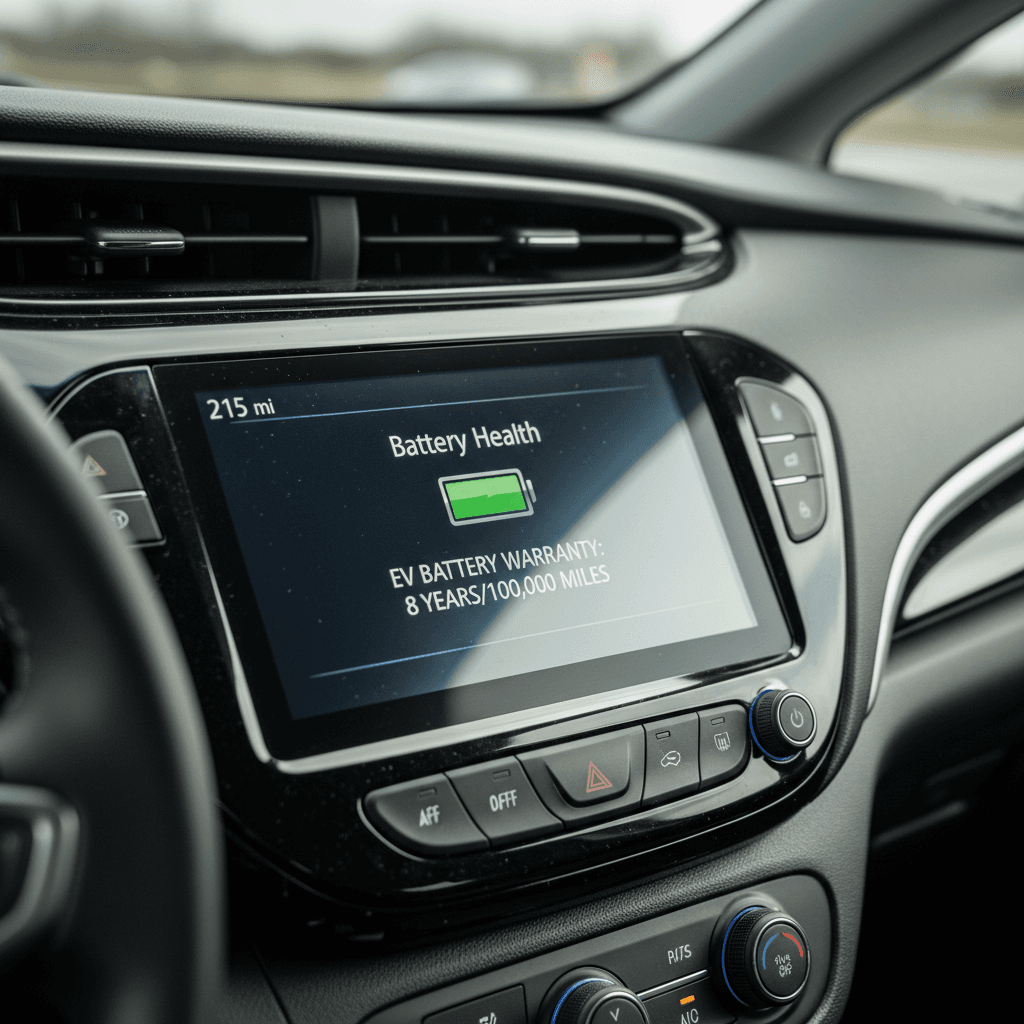
With the car at or near 100% and climate control off, write down the full‑charge range estimate from the Driver Information Center. A healthy, non‑recalled Bolt that originally rated ~238–259 miles but now shows 210–240 (depending on driving history) is usually fine. Numbers down in the 160s with gentle driving deserve a closer look.
3. Reset the trip meter and drive
On a normal route, mixed city and highway, no heroics, reset Trip A or B. Drive at least <strong>20–30 miles</strong>. Avoid big elevation changes if you can; hills distort the picture.
4. Compare miles driven to % battery used
After the drive, note miles driven and % battery consumed. Divide miles by % used and multiply by 100. That gives a rough "100% range" based on how you just drove. If that real‑world range is dramatically lower than the car’s rated range at the same charge, dig deeper.
5. Watch for weird drops or jumps
Pay attention to any sudden range swings, losing 15–20 miles of indicated range over a short, easy stretch or the gauge jumping up after a power cycle. That kind of behavior can hint at pack or cell‑balancing issues, especially if it’s repeatable.
Use this trick when test‑driving a used Bolt
Deep‑dive Bolt EV battery check with OBD2 and apps
If you want to go past seat‑of‑the‑pants impressions, you’ll need an OBD2 Bluetooth adapter and a phone app that understands GM’s EV data. This is how you get to the nerd stuff: cell voltages, pack temperatures, and an estimated state of health.
Popular tools for deeper Bolt EV battery checks
These tools change over time, but this is the basic recipe most Bolt owners use.
| Piece | What to look for | Notes |
|---|---|---|
| OBD2 Bluetooth adapter | ELM327‑compatible, stable reviews, supports CAN at 500 kbps | Avoid ultra‑cheap no‑name clones; they often drop connections or lie about support. |
| Android battery app | Bolt‑specific or GM‑friendly app that exposes battery data | Common choices in owner forums include apps like MyGreenVolt or Torque Pro with custom PIDs. |
| iOS battery app | Similar apps exist, but selection is thinner than Android | Check recent reviews; some EV apps lag Bolt support by a few model years. |
| Laptop alternative | OBD‑USB plus open‑source tools | More work, but power users sometimes prefer this for logging long trips. |
Always confirm that your adapter and app explicitly support your Bolt EV model year before you plug anything in.
Key data points to examine
- Pack voltage and current: Confirms the car is reading the pack consistently while charging or driving.
- Calculated capacity / SOH: Some apps estimate usable kWh based on live data; compare to the original pack spec.
- Cell voltage spread: Look at max vs. min cell voltage. A healthy pack keeps that spread tight; big gaps can mean balancing issues or weak cells.
- Battery temperatures: Check that temps are reasonable for your climate and that the pack warms up and cools down as expected.
How to run a basic OBD health session
- Plug the OBD2 dongle into the port under the dashboard (left of the steering column).
- Pair it with your phone, open the app, and select your Bolt EV profile.
- Start with the car in "ready" mode parked, then log values while you slowly drive and again while you DC fast‑charge.
- Export or screenshot the data and keep it with your service records or pre‑purchase inspection notes.
If the numbers look odd, that’s your cue to bring in a Chevy dealer or EV‑savvy shop for a second opinion.
Don’t brick your car with sketchy tools
GM battery warranty, recall replacements, and what they mean
You can’t talk about a Chevrolet Bolt EV battery health check without acknowledging the elephant in the garage: the LG battery recall and GM’s warranty structure. For buyers, it’s both a risk story and an opportunity story.
Key Bolt EV battery warranty facts
Where to see your specific warranty
- Standard coverage: Most U.S. Bolts ship with 8‑year/100,000‑mile battery coverage plus EV component and bumper‑to‑bumper warranties with shorter terms.
- Recall replacements: If the car received a new battery under the high‑voltage recall, that specific pack may carry its own 8‑year/100,000‑mile parts warranty from the replacement date (not the car’s original sale date).
- Buybacks & edge cases: Manufacturer buybacks and some warranty replacements can have different rules, sometimes only 12 months/12k miles for the whole car, even if the pack itself has longer coverage. You have to read the fine print on that VIN.
Don’t assume “new pack = fresh 8 years”
Signs your Bolt EV battery may be unhealthy
Lithium‑ion packs rarely fail overnight. They usually whisper first. On a Bolt, those whispers look like odd patterns in range, charging, or fault messages. When you’re doing a Chevrolet Bolt EV battery health check, these are the red flags you don’t ignore.
Common symptoms of battery trouble in a Bolt EV
Sudden, repeatable range loss
You’re used to 210–230 miles indicated at a full charge and it suddenly drops into the 160s or 170s, even though your driving and weather haven’t changed. Once is noise; repeated over weeks is a signal.
Weird DC fast‑charge behavior
Every Bolt will taper, and earlier cars were never DC monsters. But if your car struggles to get above very low power, or drops power sharply while others on the same station do fine, have it looked at.
High‑voltage or propulsion warnings
Messages about reduced propulsion power, high‑voltage faults, or sudden shutdowns are not “wait and see” items. Document them, take photos, and get the car into a dealer.
- Large cell‑voltage spread in OBD data: If your logging app shows a persistent gap between highest and lowest cell voltages, especially under load, that’s a warning sign even if the car hasn’t thrown a code yet.
- Charging stalls or errors on multiple stations: One flaky public charger is normal; the same error pattern across different networks suggests the car may be the problem.
- Noise from the battery cooling system: Strange cycling, fans roaring in mild weather, or pump sounds that don’t match what the car is doing can indicate the pack is working harder than it should to regulate temps.
Log issues like a scientist, not a panicked owner
How your charging habits help or hurt Bolt EV battery life
The Bolt’s pack is liquid‑cooled and, historically, has aged better than the online horror stories would suggest, especially post‑recall. But you can still shorten or lengthen its useful life with how you charge and store the car.
Habits that are kind to your Bolt’s battery
- Living between ~20–80% for daily use: Use the Bolt’s charge limit to avoid sitting at 100% every night unless you’re about to road‑trip.
- Using Level 2 at home: A steady 32–40A Level 2 charge is gentler than constant DC fast‑charging, especially in heat.
- Parking in the shade or a garage: Heat is the real villain. Anything you do to keep the pack cooler in summer pays dividends.
- Preconditioning while plugged in: Let the grid, not the battery, do the work when you heat or cool the cabin in extreme weather.
Habits that slowly chew through battery life
- Living at 100% in hot climates: Parking a full pack in a blazing asphalt lot day after day is a quiet capacity killer.
- Frequent DC fast‑charging to 100%: The occasional road trip is fine, but making 55 kW your default in summer is asking for early aging.
- Running to 0% routinely: Deep discharges stress cells; try to recharge around 10–15% instead of limping into turtle mode.
- Ignoring software updates: Post‑recall, GM has relied on software to watch pack behavior. Skipping updates can leave you without safety nets or improvements.
The good news on Bolt battery longevity
Battery health checklist for buying a used Chevy Bolt EV
Shopping used is where a Chevrolet Bolt EV battery health check stops being theoretical and becomes financial self‑defense. A great deal can sour quickly if the pack is tired, misbehaving, or out of warranty sooner than you think.
Used Chevrolet Bolt EV battery health checklist
1. Pull the full VIN history
Check for <strong>open recalls</strong>, whether the high‑voltage battery recall was performed, and if so, when. Pay attention to whether the car was ever a manufacturer buyback, those often have different warranty terms and insurance implications.
2. Verify battery and EV component warranties
On Chevrolet’s owner site or via a dealer, confirm the exact expiration dates and mileage for the high‑voltage battery, EV components, and any recall parts warranty. Don’t rely on the salesperson’s word or a generic “still under warranty” line in an ad.
3. Do the 5‑minute driveway health check
Start near 100% charge, note the full‑charge range, perform a short test drive, and compare real‑world consumption with the estimate. You’re looking for wildly inconsistent behavior or obviously depressed range.
4. Scan with an OBD app if the seller allows it
If you’re comfortable and the seller consents, run a <strong>read‑only</strong> OBD session to check cell balance, temps, and any stored high‑voltage fault codes. Save screenshots with the VIN in frame for your records.
5. Inspect the charging behavior
Test both Level 2 and, if possible, a DC fast‑charger on the same day. Note how quickly charging starts, what power level it reaches, and whether the car throws any errors or disconnects prematurely.
6. Budget for software and minor service
Factor in bringing all software up to date and having a dealer perform a baseline EV inspection. On a used Bolt, that first clean bill of health is worth more than an aftermarket extended warranty brochure.
What about third‑party range tests?
How Recharged checks Bolt EV battery health for you
If you’d rather not turn your next car purchase into a part‑time engineering hobby, this is where Recharged leans in. Every Chevrolet Bolt EV we list goes through a structured battery health evaluation before it ever hits your screen.
Inside a Recharged Bolt EV battery health evaluation
What happens before a used Bolt shows up in our marketplace
1. VIN, recall & warranty audit
We pull the Bolt’s VIN history to confirm recall status, verify whether a high‑voltage pack was replaced, and document exactly how much battery and EV component warranty remains.
2. Recharged Score battery diagnostics
Using professional‑grade tools, our EV specialists capture battery data, pack behavior, charging performance, and indicators of abnormal degradation, and roll it into a Recharged Score Report you can read in plain English.
3. Transparent pricing & support
The battery report feeds directly into our pricing and disclosure. If a car’s pack health, warranty, or history isn’t up to scratch, it doesn’t make the cut, or it’s clearly labeled so you’re not buying blind.
Why this matters for financing and resale
Chevy Bolt EV battery health FAQ
Frequently asked questions about Chevrolet Bolt EV battery health
The bottom line on Chevrolet Bolt EV battery health
Battery health is where the Chevrolet Bolt EV stops being an inexpensive commuter and becomes either a screaming bargain or a slow, anxious science project. A thoughtful battery health check, starting with simple range observations and, when needed, moving up to OBD diagnostics and warranty verification, turns that uncertainty into clarity. Whether you’re nursing your own Bolt into its second decade or shopping for a used one, take the time to understand what’s happening in that big orange box under the floor. If you’d rather have specialists do the forensic work, every Bolt EV on Recharged comes with a Recharged Score battery report, transparent pricing, financing options, and expert EV support so you can focus on driving, not decoding CAN bus charts.