If you own, or are shopping for, a Chevrolet Bolt EUV, battery health is the single biggest factor behind real‑world range, long‑term value, and peace of mind. The challenge is that GM doesn’t show a simple “state of health” percentage on the dash, so you need a plan. This guide walks you through exactly how to check Chevrolet Bolt EUV battery health using simple at‑home checks, a basic range test, optional apps and tools, and when it’s worth getting a professional diagnostic.
Good news for Bolt EUV owners
Why Chevrolet Bolt EUV battery health matters
On any EV, the traction battery is both the most expensive component and the key to usable range. For a Chevrolet Bolt EUV, real‑world range is directly tied to how much of the original battery capacity remains. Healthy batteries deliver predictable range on road trips, better performance in cold weather, and higher resale value. If you’re buying used, understanding battery health is just as important as checking service history on a gasoline car.
What battery health affects on your Bolt EUV
More than just the number on your range estimate
Daily usability
A healthier battery means more usable miles between charges and fewer surprise stops, especially if you can’t charge at home every night.
Resale value
Prospective buyers and dealers will value a Bolt EUV with documented strong battery health higher than one with unknown history.
Trip flexibility
On road trips, extra capacity gives you more routing options and greater buffer for weather, hills, and headwinds.
Chevrolet Bolt EUV battery basics
Before you jump into testing, it helps to understand a few basics about the Bolt EUV’s pack and how GM manages it. That context makes your battery health checks more accurate and less stressful.
- The Bolt EUV uses a large lithium‑ion battery pack mounted under the floor to power the drive motor.
- GM reserves a small buffer at the top and bottom of the pack, so 0%–100% on the dash is not the pack’s absolute limits, this helps protect long‑term health.
- Like all EVs, some gradual capacity loss over years and miles is normal, especially with frequent fast‑charging and hot‑climate use.
- GM’s battery warranty for the Bolt EUV (years/miles vary by model year) typically covers the pack against excessive capacity loss or defects within the warranty period.
Don’t panic over small changes
Signs your Bolt EUV battery may be degrading
You don’t need a scan tool to suspect there’s a problem. Your own day‑to‑day experience can flag potential Bolt EUV battery health issues that are worth a closer look.
- You’re consistently seeing significantly less range than other Bolt EUV owners in similar climates and driving conditions.
- The car reports unusually low range immediately after a full overnight Level 2 charge, even when you’ve been driving gently.
- DC fast‑charging speeds are far below what you previously experienced on the same stations and in similar temperatures.
- The car reports battery or high‑voltage system warnings, reduced power mode, or won’t accept a full charge.
- Range has dropped noticeably over a short period (weeks), not gradually over years.
Compare with similar Bolts
Quick at‑home Chevrolet Bolt EUV battery health check
You can get a surprisingly good snapshot of your Chevrolet Bolt EUV battery health just by watching the car’s own displays over a few days. This isn’t as precise as a lab test, but it’s enough to flag obvious issues, and it costs you nothing.
Simple at‑home Bolt EUV battery check
1. Reset a trip meter
On a day when you’ll drive a mix of city and highway, reset Trip A or Trip B when the car is fully charged. This will let you track miles driven and energy used over that day.
2. Start from a full Level 2 charge
Charge to 100% using a Level 2 charger (or as close as you comfortably go, 90–100% is fine for a one‑time test). Note the estimated range shown on the dash when charging completes.
3. Drive normally, not hyper‑miling
Drive your usual routes and speeds. Extremes, either aggressive driving or slow‑speed efficiency runs, will skew your results. You want a realistic snapshot of your typical use.
4. Record miles and % used
After you’ve driven down to about 20–30% state of charge, note the miles driven from your trip meter and the battery percentage remaining. Also note the outside temperature range for the day.
5. Compare to EPA range
Look up your Bolt EUV’s EPA combined range rating for your model year. If your normalized results are moderately close, your battery is likely healthy. If they’re dramatically lower, you may want to dig deeper.
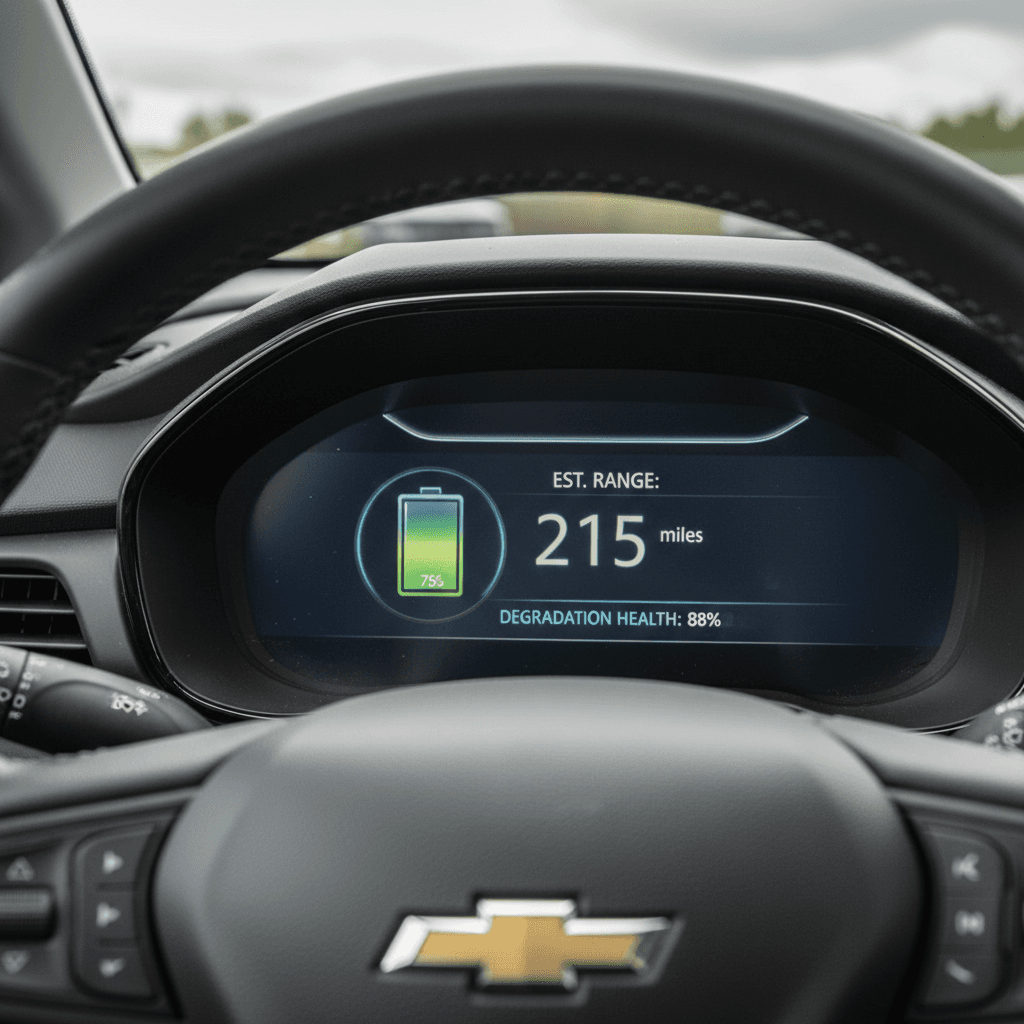
How to run a simple Bolt EUV range test
If you want a more structured approach, you can run a basic range test. This isn’t a perfect scientific lab experiment, but it gives you a clearer idea of usable capacity and how it compares to a new Bolt EUV.
Chevrolet Bolt EUV do‑it‑yourself range test
A practical way to estimate usable capacity without running the battery to empty.
| Step | What to do | Why it helps |
|---|---|---|
| 1 | Pick a mild day (50–75°F / 10–24°C) | Reduces the impact of HVAC use and cold‑weather losses. |
| 2 | Fully charge on Level 2 and note estimated range | Gives you a starting point for comparison. |
| 3 | Drive a fixed loop at moderate speeds (45–60 mph) | Smooth, steady driving makes results more consistent. |
| 4 | Stop around 10–15% remaining; record miles driven | Avoids running the pack to near‑zero, which is stressful and unnecessary. |
| 5 | Estimate total usable range from the day’s driving | Miles driven ÷ % used ≈ miles per %; multiply by 100 for a rough full‑pack range. |
Always leave a safety buffer, do not plan to drive your Bolt EUV to 0% just to collect data.
Safety first: don’t run it to zero
Using apps and OBD tools for deeper battery data
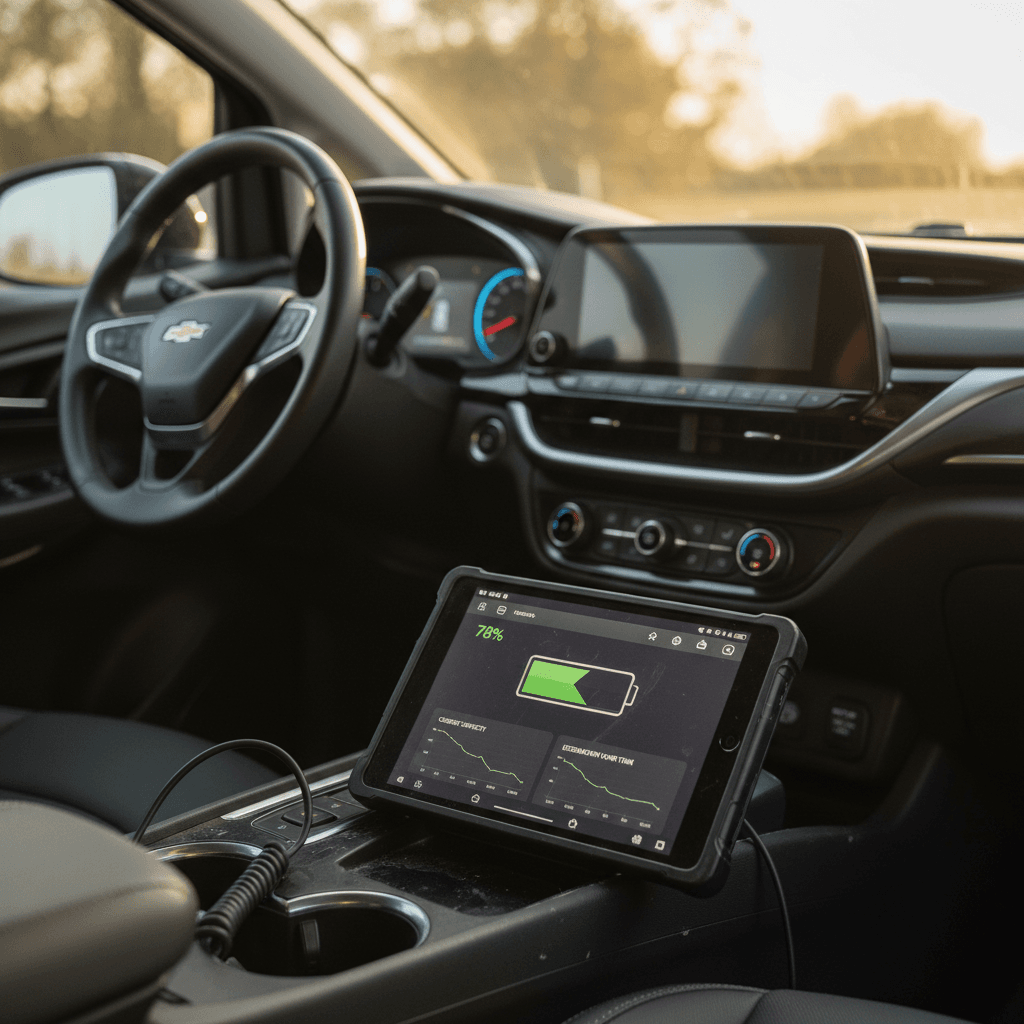
If you’re comfortable with a bit of tech, you can go beyond rough range estimates and look at more detailed Chevy Bolt EUV battery health indicators using a Bluetooth OBD‑II adapter and a compatible smartphone app.
What you’ll need
- A quality Bluetooth OBD‑II adapter that’s known to work well with GM EVs.
- An Android or iOS phone with a compatible EV data app (search for apps that support Bolt/Bolt EUV).
- Basic familiarity with pairing Bluetooth devices and reading app dashboards.
What you can see
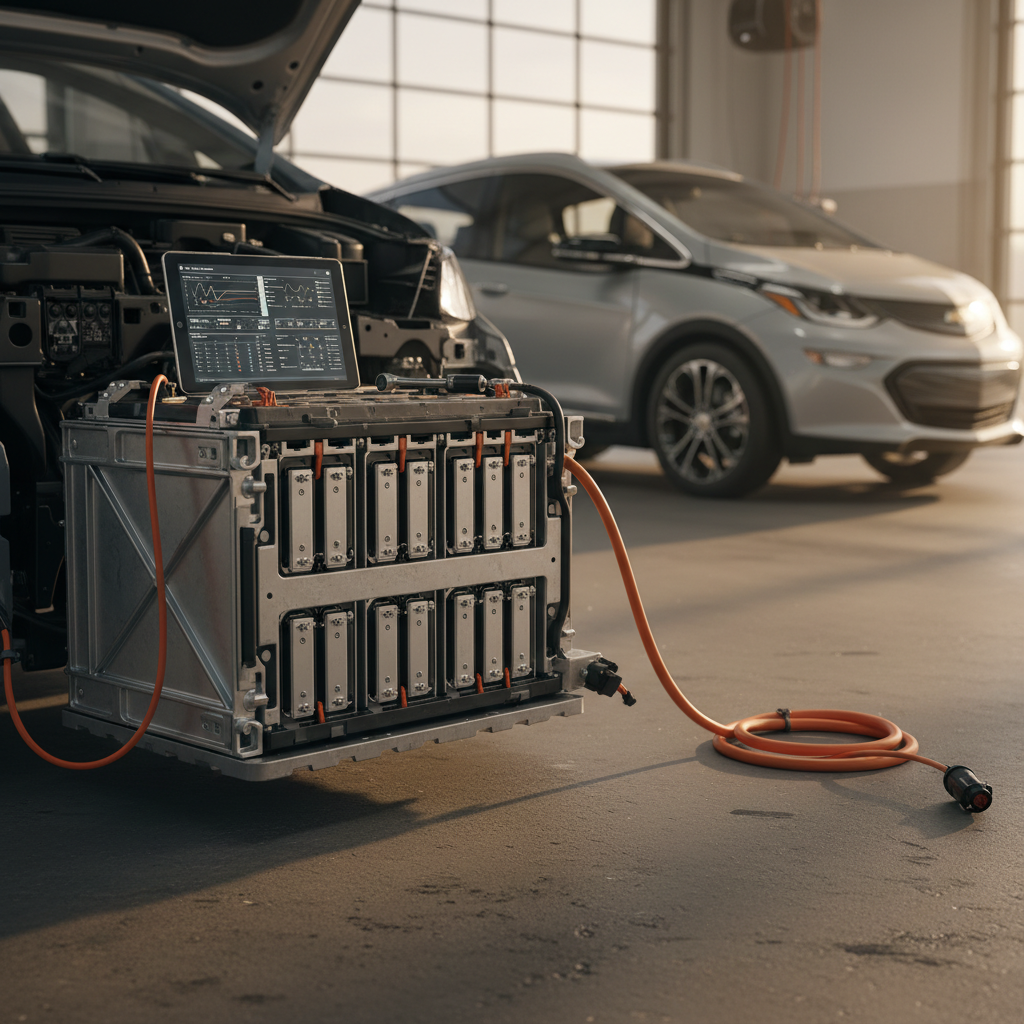
- Number of battery modules and any that look out of line with others.
- Pack voltage, temperatures, and sometimes an estimated state‑of‑health value.
- Charging power, tapering behavior, and how quickly the pack warms or cools.
Always follow the app developer’s and adapter maker’s instructions. If you’re unsure, ask a knowledgeable EV technician or experienced owner for guidance.
Be cautious with third‑party tools
Checking battery health on a used Chevrolet Bolt EUV
If you’re shopping the used market, a Chevrolet Bolt EUV battery health check should be part of your standard inspection, just like you’d look for leaks or listen for engine noises on a gasoline car. The difference is you need to lean on range, charging behavior, and, ideally, a professional diagnostic.
Used Bolt EUV battery health checklist
1. Ask for charging and usage history
Lightly used commuter cars that mostly charged on Level 2 at home are typically easier on the pack than vehicles that fast‑charged daily or lived in extreme heat.
2. Test drive from a high state of charge
Start your drive around 80–100% if possible, then cover at least 20–30 miles. Watch how quickly the percentage drops compared to the distance traveled.
3. Observe DC fast‑charging behavior
If you can, include a brief DC fast‑charge stop in your test. Extremely slow speeds in mild weather could hint at pack or thermal‑management issues.
4. Have a shop or marketplace run a diagnostic
A professional scan can read <strong>pack‑level and module‑level data</strong> you can’t reliably see from the dash. This is especially important for higher‑mileage or out‑of‑warranty cars.
5. Get documentation for peace of mind
If you buy from a dealer or EV‑focused marketplace, ask for <strong>printed or digital battery health documentation</strong>. That record will also help when you sell later.
How Recharged handles used Bolt EUV batteries
Ready to find your next EV?
Browse VehiclesHabits that protect your Bolt EUV battery long‑term
A health check is a snapshot. The way you charge and drive your Chevrolet Bolt EUV over months and years is what really shapes long‑term battery life. Fortunately, a few simple habits go a long way.
Smart habits for a healthy Bolt EUV battery
You don’t have to baby the car, just avoid the extremes
Favor Level 2 at home
Use Level 2 charging for daily use when possible. It’s convenient, easy on the pack, and lets you start each day with plenty of range.
Avoid heat when you can
Hot batteries age faster. Park in the shade when possible and don’t leave the car sitting at 100% in extreme heat longer than needed.
Use the full pack only when needed
It’s fine to charge to 100% for road trips. For everyday commuting, many owners prefer to stay in a middle band (for example, 30–80%) when practical.
Don’t obsess over every percent
When to get a professional Chevrolet Bolt EUV battery diagnostic
At some point, you may want more than a DIY range test or phone app can provide. That’s when a professional Chevrolet Bolt EUV battery check, using manufacturer‑level or specialist diagnostic tools, makes sense.
- You’re seeing warning lights, reduced power, or charging issues that basic troubleshooting doesn’t resolve.
- Range has dropped sharply over a short period, not just gradually over years of use.
- You’re considering buying or selling a higher‑mileage Bolt EUV and want documented battery health to support the price.
- Your Bolt EUV is approaching the end of its battery warranty window and you want a clear picture of capacity before coverage expires.
What a pro diagnostic adds
Chevy Bolt EUV battery health FAQ
Frequently asked questions about Bolt EUV battery checks
Key takeaways for Bolt EUV battery health checks
You don’t need to be an engineer, or spend a fortune, to get a clear sense of your Chevrolet Bolt EUV battery health. Start with simple at‑home checks and a basic range test on a mild day. If what you see lines up with your model’s expected range and other owners’ experiences, you can drive with confidence. If results look off, that’s the time to dig deeper with apps, an OBD adapter, or a professional diagnostic.
If you’re shopping used, treat the battery like any other big‑ticket component: ask questions, test thoroughly, and don’t be afraid to walk away if the seller can’t document health. Buying from an EV‑focused marketplace like Recharged adds another layer of protection, thanks to verified battery diagnostics, transparent Recharged Score Reports, and expert guidance from initial search through final paperwork.