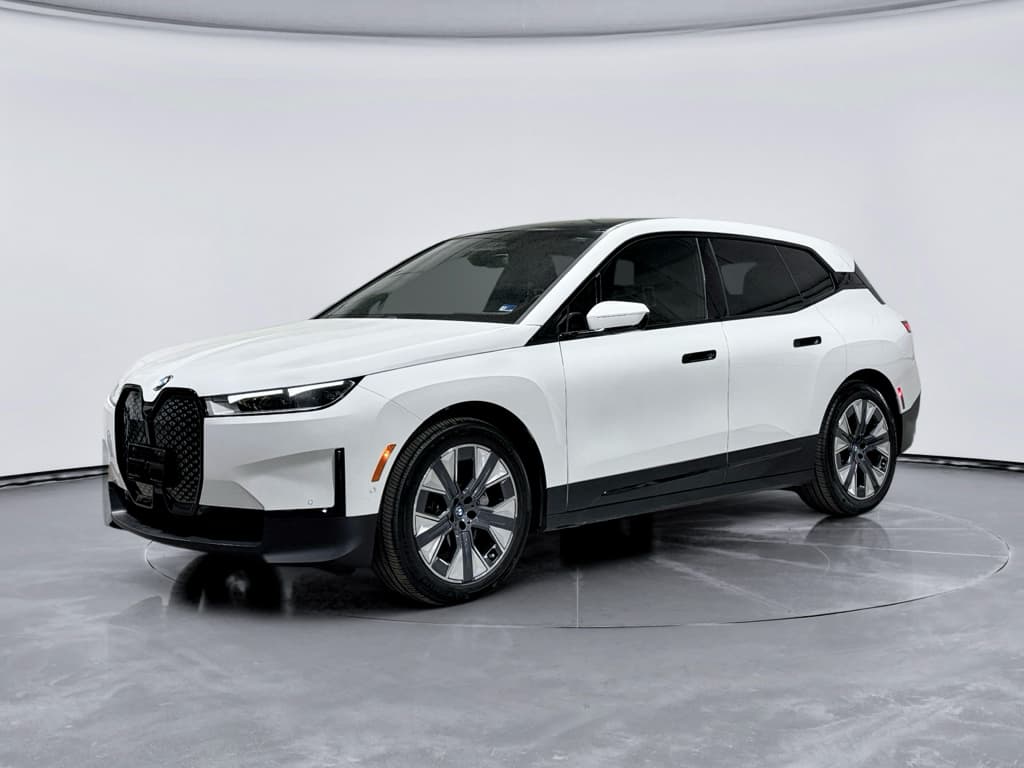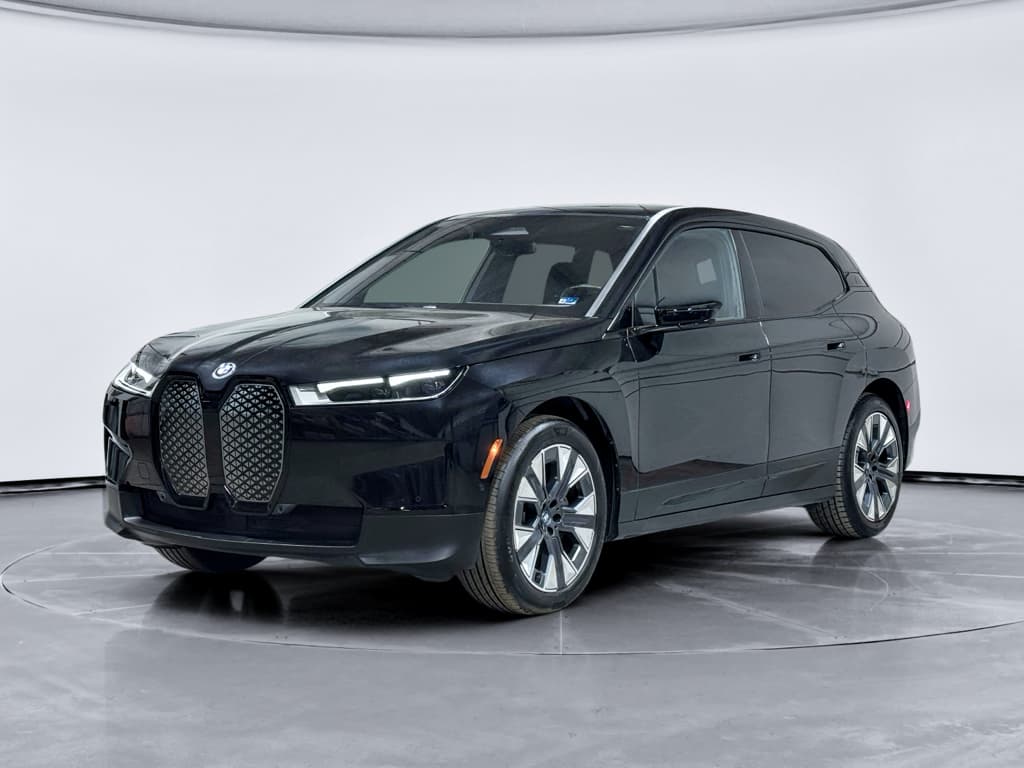
If you own or are eyeing a BMW iX, battery health isn’t just a nerdy stat, it’s your range, your road‑trip confidence, and a big chunk of the SUV’s resale value. The challenge is that BMW doesn’t show a big, friendly “State of Health” percentage on the dash, so figuring out a proper BMW iX battery health check takes a bit of detective work.
What you’ll learn in this guide
Why BMW iX battery health matters, especially if you’ll own it for years
The high‑voltage pack in the BMW iX is designed to last for years, but it’s also the single most expensive component in the vehicle. A healthy pack means predictable range in bad weather, less time hunting for DC fast chargers on road trips, and better value if you sell or trade the car. For used iX buyers, understanding battery health is the difference between a bargain and an expensive science experiment.
What battery health really affects in your iX
It’s more than just the number on the dash
Real‑world range
As the pack loses usable capacity, your full‑charge range shrinks. That can turn an easy 250‑mile day into a nail‑biter at 210 or less.
Charging behavior
Degradation and cell imbalance can change how the iX tapers charging, particularly above 60–70% state of charge, adding time to every stop.
Resale & financing
Battery transparency is becoming a price lever. A documented healthy pack can support stronger valuations and easier financing on a used iX.
Quick answers: What you can (and can’t) see about iX battery health
- You cannot see an official BMW “State of Health %” in normal iDrive menus.
- You can infer health from real‑world range and efficiency over a controlled drive.
- You can pull detailed data (like usable kWh and internal SOH fields) using an OBD adapter plus a specialist EV battery app.
- BMW dealers can run an official high‑voltage battery capacity test when assessing warranty coverage, but they rarely do this on demand unless there is a clear concern.
- Certified Pre‑Owned (CPO) and some used‑car inspections may include a BMW “Battery Health Check,” but the actual report and thresholds are not always shared with the buyer.
Don’t obsess over a single number
BMW iX battery basics: Capacity, warranty and what “healthy” looks like
Before you go hunting for percentages, it helps to know what BMW actually built into the iX. There are two main pack sizes worldwide, though exact availability varies by market:
BMW iX battery versions at a glance
Approximate gross and usable capacities; exact values vary by market and software calibration.
| Model | Approx. gross capacity (kWh) | Typical usable capacity (kWh) | EPA range when new (approx.) |
|---|---|---|---|
| iX xDrive40 / eDrive40 | ~76 | ~71 | 180–215 miles (market dependent) |
| iX xDrive50 | ~111 | ~105 | ~315 miles |
| iX M60 | ~111 | ~105 | ~296 miles |
The iX offers two high‑voltage pack sizes; your owner’s manual and window sticker will confirm your configuration.
In the U.S., BMW backs the high‑voltage battery with an 8‑year / 100,000‑mile warranty (similar time/mileage in most other regions). The usual trigger for warranty replacement is when usable capacity drops below about 70% of original, confirmed by a specific BMW test procedure.
What “normal” degradation looks like
Simple at‑home BMW iX battery health check (no tools required)
If you just want a reality check on your iX without buying hardware or negotiating with a service advisor, you can do a surprisingly good assessment using range, efficiency, and a bit of math. Here’s a simple method you can repeat a few times a year.
Step‑by‑step DIY BMW iX battery health check
1. Pick the right day and route
Choose a day with mild weather (around 60–75°F / 15–24°C), dry roads, and little wind. Plan a familiar route that’s mostly steady driving, ideally a mix of highway and light city traffic you can repeat in the future.
2. Fully charge to 100%
Charge the iX to 100% on AC (Level 2) at home or a dependable public charger. Note the projected range on the dash once the pack has settled for a few minutes.
3. Reset trip data
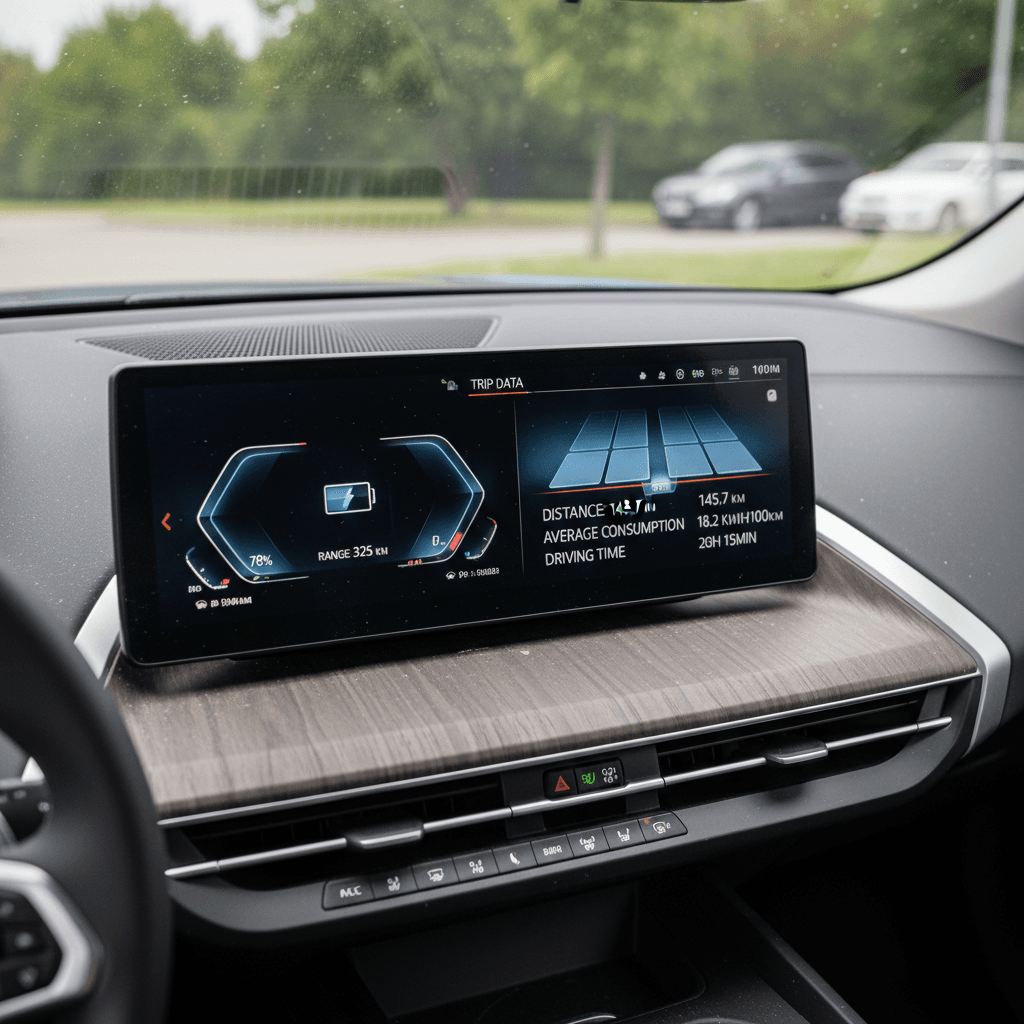
In iDrive, reset a trip meter just before you leave. You’ll use this to track distance driven and average consumption (e.g., mi/kWh or kWh/100 km) during your test drive.
4. Drive down to ~10% state of charge
Drive your planned route normally, keeping speeds steady and avoiding hard launches. When the battery reaches around 10% state of charge, note total miles driven and average efficiency.
5. Estimate usable capacity
If you started at 100% and ended at 10%, you used 90% of the pack. Divide miles driven by mi/kWh to find kWh used, then divide by 0.9 to estimate total usable capacity. Compare that to the "when new" usable kWh for your iX trim.
6. Compare to original and repeat later
A one‑off test can be noisy. Repeat every 6–12 months using a similar route and conditions. If usable capacity estimates cluster close together and your range feels consistent, your pack is aging normally.
How to read your results
Using the MyBMW app and iDrive data the smart way
BMW gives you two official windows into your iX: the iDrive display in the car and the MyBMW app on your phone. Neither shows a State of Health number, but both are essential for tracking range and catching early warning signs.
In‑car iDrive data
- State of charge (SoC) in % and remaining range estimate.
- Trip computer with average consumption (mi/kWh or kWh/100 km).
- Charging history and upcoming scheduled charges.
- Service messages or warnings related to the high‑voltage system.
These numbers are the backbone of your DIY range tests. If you see big swings in projected range at similar SoC and conditions, log them, especially if they come with warnings.
MyBMW app data
- Remote view of current SoC and range.
- Charging status, target level, and charging schedule.
- Location of the vehicle and nearby compatible chargers.
- Notifications about charging interruptions or faults.
Expect small delays or occasional mismatches between the app and the car, especially after software updates, but consistent, large discrepancies are worth mentioning to your dealer.
Don’t panic over app glitches
Deeper dive: OBD tools and battery health apps for the iX
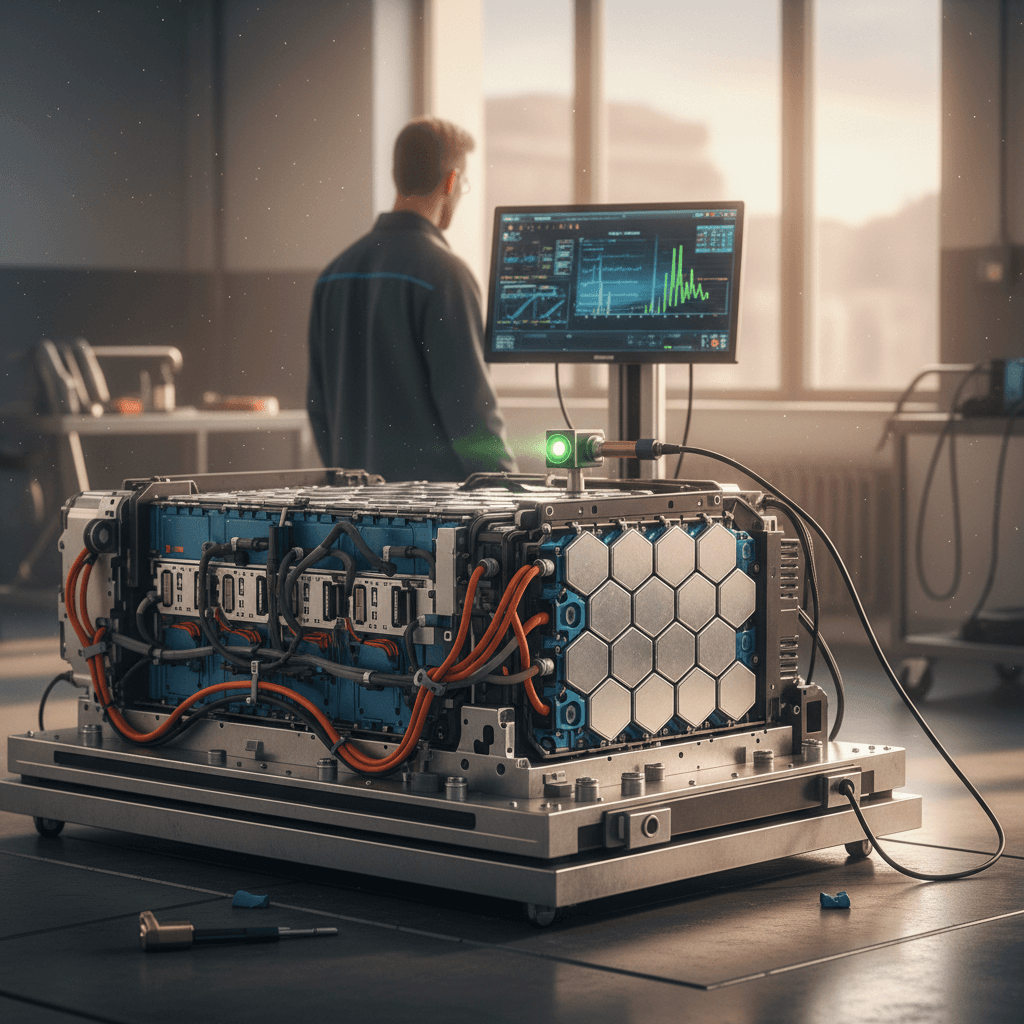
If you want more than range estimates, you can plug into the iX’s brain. The high‑voltage battery management system tracks usable energy, internal BMW health metrics, temperatures, and more. With a compatible OBD (On‑Board Diagnostics) adapter and an EV‑specific app, you can see much of that data yourself.
Tools commonly used to read BMW iX battery data
Always verify compatibility with your specific model year before you buy
Bluetooth OBD adapter
A low‑profile OBD-II dongle that supports BMW’s protocols and BLE. Popular picks include adapters from reputable brands that clearly state support for BMW and EV diagnostics.
EV battery health app
Apps like EV‑focused battery scanners and general EV diagnostic tools can read internal SOH values, pack energy content, charge cycles, and more on many BMW models.
Professional diagnostic bundle
Some services use a dedicated OBD box plus an app to generate a signed battery health certificate with estimated SOH, range projections, and degradation vs. similar vehicles.
Be careful with coding apps
Once connected, these tools can expose fields like usable energy in kWh, internal BMW health codes for the high‑voltage battery, temperature spread across modules, and sometimes an explicit State of Health percentage. Different apps label these values differently, so read their documentation closely.
- A single snapshot SOH value is less important than how it lines up with your real‑world range tests.
- If the app shows healthy SOH but your range has clearly plunged under similar driving conditions, something doesn’t add up, consider a professional inspection.
- If SOH appears low but your range and charging behavior are perfectly normal, verify with another tool or have a dealer review; some fields can be mis‑read or mis‑labeled.
Dealer battery health checks and warranty capacity tests
Sooner or later, every EV owner wonders, “At what point will BMW actually replace this battery under warranty?” The answer lives inside BMW’s official high‑voltage battery capacity test plans, which dealers run when they’re diagnosing potential warranty claims.
What typically happens in a dealer battery health check
1. Log a clear concern
You (or a service advisor) document specific symptoms: major range loss vs. when new, unusual charging behavior, warnings, or sudden drops in SoC. A vague “I’m curious about health” usually won’t trigger a full capacity test.
2. Run diagnostics and basic tests
The dealer will scan the car for fault codes, review charging history, and check for software updates. If there are obvious issues (like a bad sensor or module fault), those may be addressed before a deeper capacity test.
3. Perform the official capacity test
Using BMW’s test plan, the iX is charged and discharged under controlled conditions, often on Level 2 AC. The test measures how much energy can be drawn from the pack and compares it to the rated value for that battery type.
4. Compare to warranty threshold
If measured capacity is still above the internal threshold (commonly around 70% of original usable capacity), BMW will call the battery "within specification," even if you’ve lost more range than you’d like.
5. Document the result
You can ask the dealer for a copy or explanation of the results. Keep this with your records, especially useful if degradation worsens later or if you plan to sell the vehicle.
How to talk to your service advisor
Battery health when buying a used BMW iX
A used BMW iX with solid battery health can be a fantastic value; one with a mystery pack can be a gamble. The trick is matching the seller’s story with hard numbers, and knowing when to walk away.
Why battery transparency matters on a used iX
Questions to ask the seller or dealer
- What is the current full‑charge range at 100% in mild weather?
- Can you share charging history, mostly DC fast charging or home AC?
- Has BMW ever run a high‑voltage battery test? Any reports available?
- Any warnings, reduced‑power messages, or repeated charging faults?
- Is the battery still under the original 8‑year / 100,000‑mile warranty?
Must‑do checks before you sign
- Do a test drive from a high SoC down to 30–40%, noting range and efficiency.
- Verify that DC fast charging works normally and reaches expected power levels.
- Have an independent EV‑savvy shop or specialist run an OBD‑based battery report if the history is thin.
- Compare asking price to similar iX models with documented battery health.
How Recharged handles used BMW iX battery health
Ready to find your next EV?
Browse VehiclesEveryday habits that protect your BMW iX battery
Once you’ve checked battery health, the next question is how to keep it that way. The good news: the iX’s thermal management and software already do a lot for you. Your job is mostly about avoiding extremes and bad habits.
Simple habits that keep your iX battery happy
You don’t need to baby it, just avoid the worst abuse
Live between ~20–80% daily
For everyday commuting, set your charge limit around 70–80% and avoid letting the pack sit near 0% or 100% for long stretches.
Favor AC over DC
Use Level 2 home charging as your default. Reserve DC fast charging for road trips and true time‑savers, not every small top‑up.
Watch heat and cold
When possible, park in shade in hot climates and use pre‑conditioning in winter. The iX will manage pack temperature, but you can make its life easier.
Smooth driving helps
A calmer right foot isn’t just about efficiency. Fewer extreme peaks in power draw and regen mean gentler conditions for the cells long‑term.
Let software do its work
Install BMW software updates; they often refine battery management, charging behavior, and range estimation.
Keep a simple log
Once or twice a year, jot down full‑charge range, efficiency, and results of your DIY tests. Trends matter more than any single reading.
You don’t have to drive like a saint
FAQ: BMW iX battery health checks
Frequently asked questions about BMW iX battery health
A solid BMW iX battery health check isn’t about chasing a perfect number; it’s about understanding how much capacity you still have, how fast it’s changing, and whether anything you see is cause for concern. With a repeatable DIY range test, smart use of MyBMW and iDrive data, and, when needed, OBD tools or a dealer capacity test, you can build a clear picture of your iX’s long‑term health. And if you’d rather let specialists do the digging, buying or selling through Recharged means every BMW iX comes with a transparent battery health report and EV‑savvy guidance from start to finish.