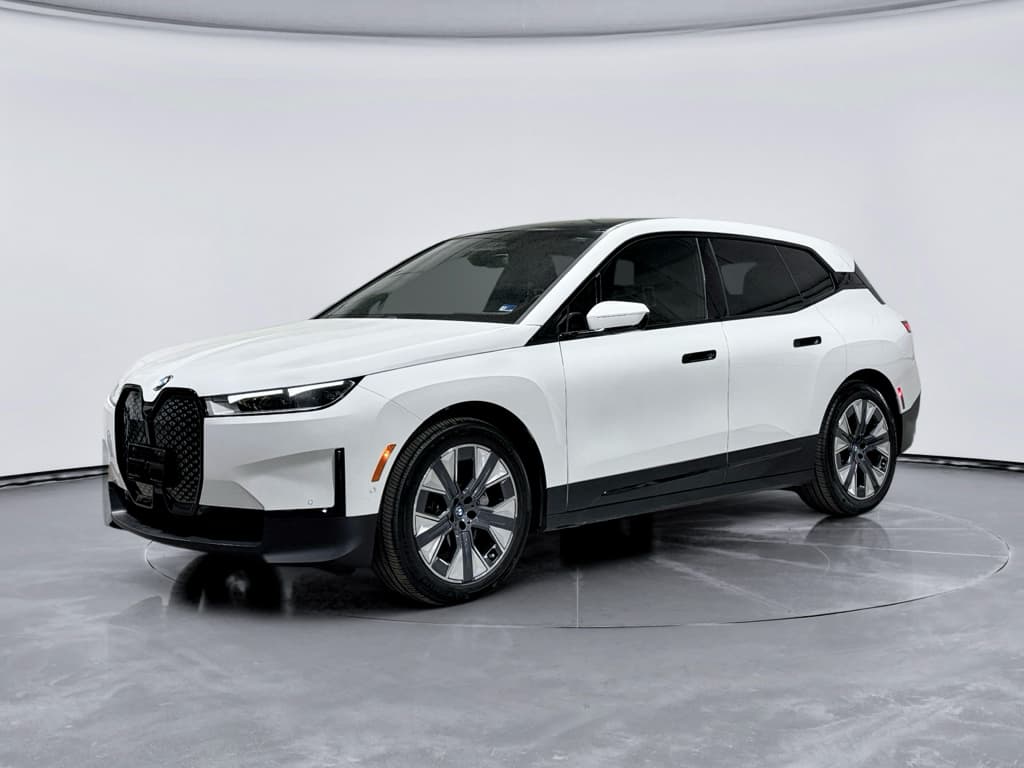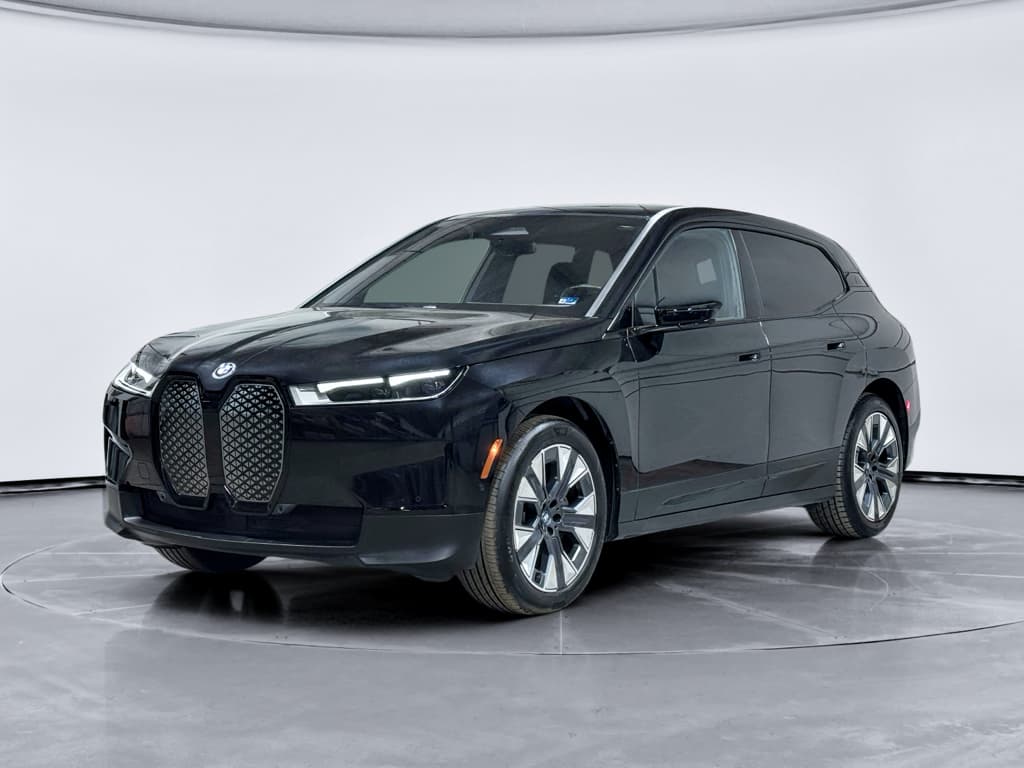
If you own or are shopping for a used BMW i7, its software history matters almost as much as its battery health. BMW has steadily pushed out Remote Software Upgrades for the i7, changing everything from iDrive graphics and driver‑assistance behavior to charging features and, more recently, issuing a safety recall for the electric drive motor software. Understanding the BMW i7 software update history helps you know what your car can do today, and what to double‑check before you buy used.
Model years covered
BMW i7 software update overview
BMW treats the i7 a bit like a smartphone on wheels. Instead of waiting years for a major update at the dealer, most improvements arrive via Remote Software Upgrade, delivered over the air using the car’s built‑in SIM or the My BMW app. BMW groups these into packages with labels like “07/2024.40” or “03/2025.30,” and each package can tweak multiple systems at once, infotainment, driver assistance, charging logic, or even powertrain behavior.
- The i7 launched with BMW Operating System 8 (iDrive 8) and later gained iDrive 8.5 on certain builds.
- Most U.S. i7s are Remote Software Upgrade‑capable, so you don’t need a dealer visit for routine updates.
- Critical fixes, like the 2025 drive‑motor software recall, can be installed over the air or at a BMW dealer.
- Software version numbers are shown as MM/YYYY.xx (for example, 11/2024.65).
iDrive versions on the BMW i7
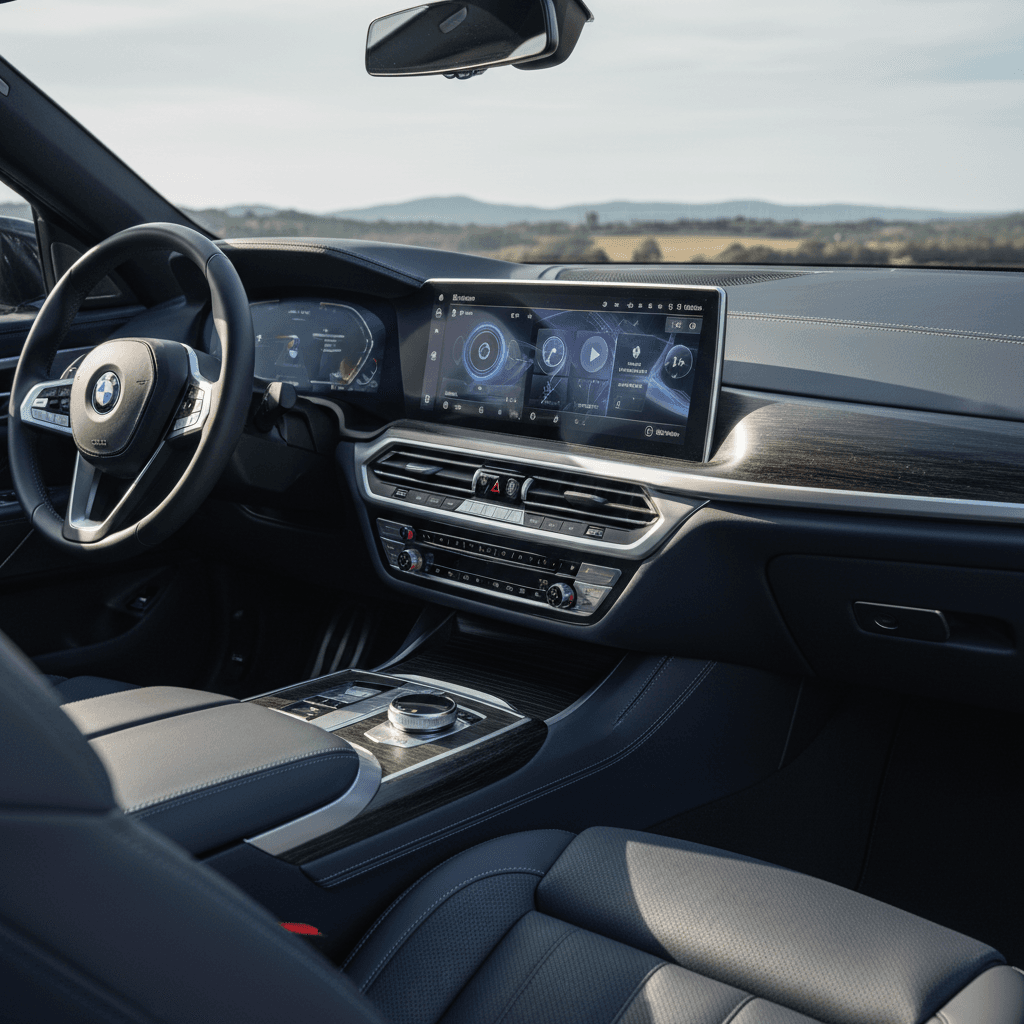
Every BMW i7 uses BMW’s latest infotainment stack, but there are important differences between iDrive 8 and iDrive 8.5 that you’ll see on used‑market cars. The operating system version affects the look and feel of the Curved Display, menu layout, climate controls, and sometimes newer features like Plug & Charge or updated driver‑assistance views.
How iDrive 8 and iDrive 8.5 differ on the i7
The operating system version matters for day‑to‑day usability and feature set.
iDrive 8 (early i7 builds)
Most 2023 i7 models launched with iDrive 8.0.
- Horizontal widget layout on the home screen.
- Dedicated "Climate" soft key at the bottom of the display.
- Earlier versions of the BMW Intelligent Personal Assistant interface.
- Still supports Remote Software Upgrades for bug fixes and minor feature updates.
iDrive 8.5 (later i7 builds)
Starting with mid‑2023 7 Series/i7 production, BMW rolled out iDrive 8.5 on the i7.
- Revised home screen with vertical QuickSelect widgets.
- New shortcut icons where the old climate menu button lived.
- Subtle graphics and font updates, especially on M‑sport variants.
- Some coding/customization options are more locked down versus 8.0.
You can’t “upgrade” an early i7 to 8.5 at home
Remote Software Upgrade: how the i7 updates
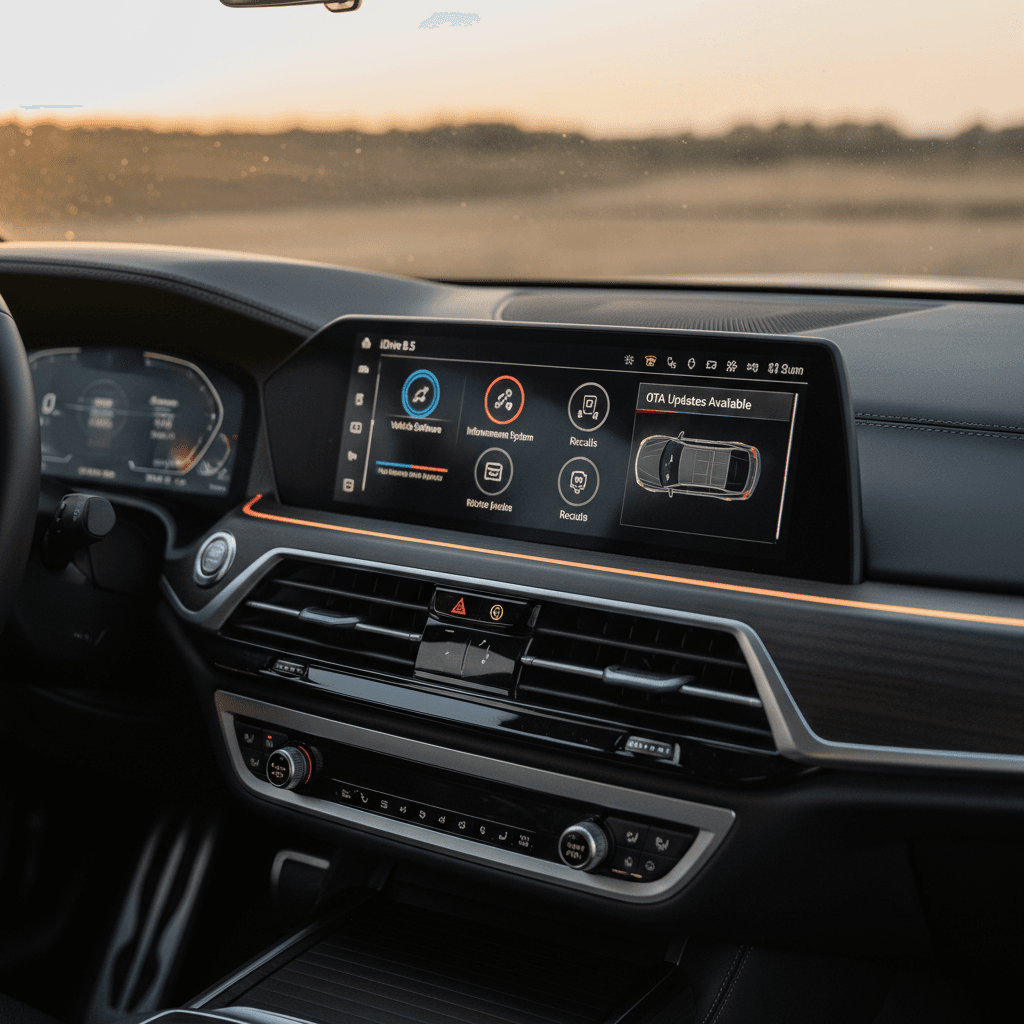
If your i7 is Remote Software Upgrade‑capable, and most are, you’ll see a Remote software upgrade menu under Settings. BMW’s own documentation confirms that compatible vehicles can download and install updates entirely over the air, either directly via the car’s SIM connection or by first using the My BMW app and then transferring the package to the vehicle during a drive.
- An update becomes available and appears as a notification in the My BMW app and/or in your i7.
- You download the package, typically several hundred MB, to the car or through the app while the car is connected.
- The i7 unpacks the software in the background; you can continue driving normally during this phase.
- When ready, the car prompts you to park, lock, and start the installation, which usually takes around 15–20 minutes.
- After the install, the i7 reboots its systems, and you’ll see release‑note highlights in the Remote Software Upgrade menu.
If updates seem “stuck”
Timeline of key BMW i7 software updates
BMW doesn’t publish an i7‑only changelog, but you can reconstruct the BMW i7 software update history by looking at Remote Software Upgrade releases that apply to the 7 Series/i7 and at owner reports. The labels below aren’t a complete list, but they capture the kinds of changes you’re likely to see when shopping for a used i7 in 2026.
Illustrative timeline of BMW i7 software packages
Common Remote Software Upgrade versions you’ll see referenced on 2023–2025 BMW EVs, including the i7. Exact contents vary by model and options.
| Release label | Approx. time frame | Typical changes owners reported* | Notes for i7 shoppers |
|---|---|---|---|
| 07/2023.xx | Mid–late 2023 | Early bug fixes for iDrive 8, stability tweaks, minor driver‑assistance refinements. | Often the first major OTA many early i7 owners saw. |
| 11/2023.xx | Late 2023 | Incremental improvements, occasional Bluetooth and CarPlay fixes, UI polish. | Some 2024 BMW EVs shipped new on this version. |
| 07/2024.40 / .65 | Mid–late 2024 | Refined iDrive 8.5 interface on eligible cars, climate‑menu changes, compatibility updates with newer phones; some owners noted CarPlay and Digital Key behavior changes. | Common on 2024 build i7s; check for any open bulletins if your car has iOS 18 connectivity issues. |
| 11/2024.xx | Late 2024–early 2025 | Additional infotainment polishing, charging‑station search improvements, minor driver‑assistance tuning. | A good baseline version to see on late‑2024 or early‑2025 i7s. |
| 03/2025.30 and later | Spring 2025 onward | Further refinements; some dealers used this version to catch customers up on multiple missing updates at once. | By 2025, it’s normal to see multiple versions skipped as BMW rolls features into larger bundles. |
| 25-11 (BMW USA label) | Late 2025–2026 | Marketed as upgrade 25‑11, with improvements to the Intelligent Personal Assistant, charging‑station filters, and auto start/stop in compatible models. | On a used i7, seeing a 2025‑series package installed is a strong sign the prior owner kept software current. |
Always verify the exact content of a given package in the iDrive "Remote software upgrade" menu for the specific i7 you’re driving or considering.
Why the labels look different
2025 drive‑motor software recall on the i7
In mid‑2025, BMW announced a safety recall affecting several EVs, including the BMW i7, due to an error in the software that controls the electric drive motor. On a small number of vehicles, the bug could cause a sudden loss of drive power, even while the car was in motion.
BMW EV drive‑motor software recall at a glance
For i7 shoppers, this recall is actually an opportunity. A car with the recall completed and documented has had its drive‑motor software refreshed, typically either via OTA or an in‑shop flash. During that visit, dealers often also bring other control units up to the latest level, even beyond the recall requirements.
How to verify the recall on an i7
Ready to find your next EV?
Browse VehiclesWhat updates actually change on an i7
Not every Remote Software Upgrade is dramatic, and BMW’s release notes can be vague. Still, across 2023–2025 you see clear themes in what updates do for i7 owners. When you’re checking a car’s software history, here are the systems most likely to have changed over time:
Main areas BMW i7 updates tend to touch
Why software history matters beyond just the version number.
Connectivity & apps
- Bluetooth and Apple CarPlay/Android Auto stability.
- Digital Key/Digital Key Plus behavior.
- App‑to‑car communication via My BMW.
Owners have reported both fixes and new quirks when big phone OS releases coincided with iDrive updates.
Navigation & charging
- Faster map rendering and route calculation.
- Charging‑station database updates and better filters.
- Charging‑curve tweaks and preconditioning logic near DC fast chargers.
Driver assistance & comfort
- Refinements to lane‑keeping feel and adaptive cruise behavior.
- HUD or instrument‑cluster layout updates.
- Seat and climate‑control menu changes, especially with iDrive 8.5.
When not to rush an update
How to check software version on a used i7
Whether you’re test‑driving at a BMW store or shopping fully online, you can quickly verify what software a BMW i7 is running. That tells you both how current the car is and whether a previous owner cared enough to keep it updated.
Step‑by‑step: check the i7’s software during a test drive
1. Open the main iDrive settings
Tap the gear icon on the Curved Display or use the iDrive controller. On a used i7, confirm that everything responds quickly and that there are no obvious lag or reboot issues while you’re navigating menus.
2. Navigate to Remote Software Upgrade
Go to <strong>Settings → General settings → Remote software upgrade</strong>. If you see this menu, the car is upgrade‑capable. If it’s missing, that’s a red flag on a modern i7 and worth asking about.
3. Note the installed version
Look for text like <strong>"Current version: 11/2024.65"</strong>. Anything in the 2024–2025 range is normal on a healthy car today. If you see a much older date, plan on scheduling an update shortly after purchase.
4. Check for available updates
If the screen shows an available package, that’s not necessarily bad, it might have just been released. Ask the seller whether they plan to install it before delivery or if they’ll let you do it after you take ownership.
5. Review the release notes
Most packages include a summary of changes. Scan for items related to <strong>charging, driver assistance, and connectivity</strong>, which tend to matter most to daily use and resale value.
6. Confirm recall status separately
Software recalls, like the 2025 drive‑motor campaign, may not appear in the same place as general upgrades. Use the VIN to check recall status on BMW’s site or with a service advisor.
Questions to ask before buying a used BMW i7
When you’re evaluating a used luxury EV, software history sits alongside battery health and cosmetic condition. If you’re shopping through a marketplace like Recharged, much of this homework is done for you, but it still pays to know what to ask.
Smart software questions for used‑i7 buyers
Use these to separate well‑maintained cars from afterthoughts.
Service & recall questions
- “Has the 2025 electric drive‑motor software recall been completed?”
- “Do you have service invoices showing recent software or control‑unit programming?”
- “Were any issues, like CarPlay bugs or driver‑assist warnings, fixed by software?”
Daily‑use & feature questions
- “Which iDrive version does this i7 run, 8.0 or 8.5?”
- “Any known quirks after the latest update, Bluetooth, Digital Key, charging, etc.?”
- “Has anyone attempted unofficial coding or retrofits to the infotainment system?”
How Recharged handles software and battery health
Pros and cons of staying on the latest software
“Always update” sounds good in theory, but real‑world i7 owners know it’s not quite that simple. New software can fix annoying bugs and add features, but it can also introduce fresh incompatibilities, especially when phone and car updates land at the same time. If you’re buying or selling a used i7, it’s worth thinking about how aggressively you want to chase the newest package.
Benefits of keeping your i7 fully up to date
- Security and safety fixes: Critical patches, including those tied to recalls, reduce risk and may be required for warranty work.
- Better charging and navigation: Updates can improve charger search, route planning, and preconditioning behavior for DC fast charging.
- Higher resale confidence: A car with recent software suggests an engaged owner, and is easier to explain to the next buyer.
Reasons some owners delay updates
- Fear of new bugs: A few owners have reported connectivity glitches, like CarPlay audio issues, after specific releases.
- Preference for existing behavior: Changes to climate menus, driver‑assist tuning, or interface layouts can be polarizing.
- Time and disruption: Even a 20‑minute install means planning a window when you don’t need the car.
A balanced approach for used‑i7 owners
FAQ: BMW i7 software updates
Frequently asked questions about BMW i7 software history
Conclusion: why software history matters for resale
The BMW i7 is one of the most software‑defined luxury sedans on the road. From iDrive 8 and 8.5 to the 2025 drive‑motor recall and a steady stream of Remote Software Upgrades, its capability evolves long after it leaves the factory. When you’re evaluating a used i7, treating software update history with the same seriousness as battery health, cosmetic condition, and service records will help you avoid surprises and protect resale value.
If you’d rather not decode version strings and recall codes on your own, a curated marketplace like Recharged can do the heavy lifting. Every EV we list, including the BMW i7, comes with a Recharged Score Report, verified battery diagnostics, and EV‑specialist guidance on software, charging, and long‑term ownership costs. That way, you can focus on finding the right color, options, and payment plan, knowing the tech story checks out behind the scenes.