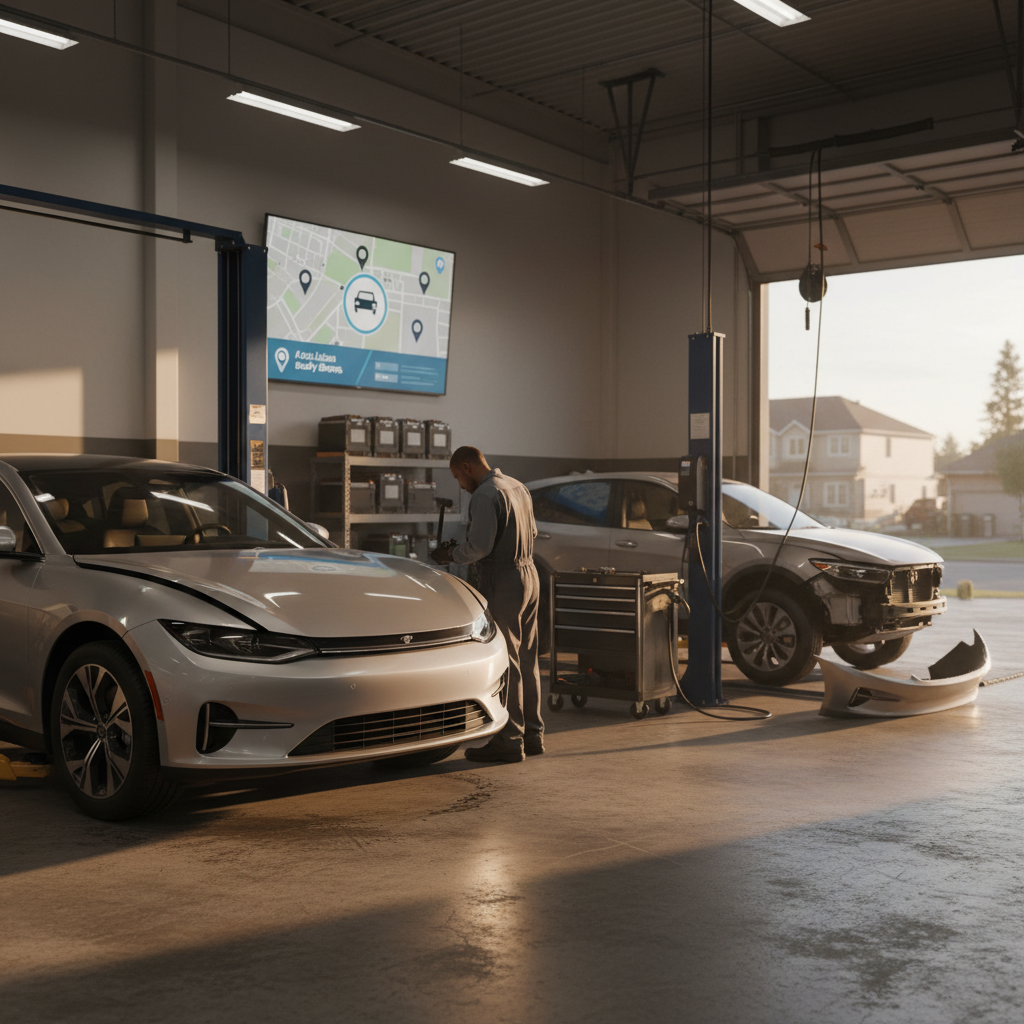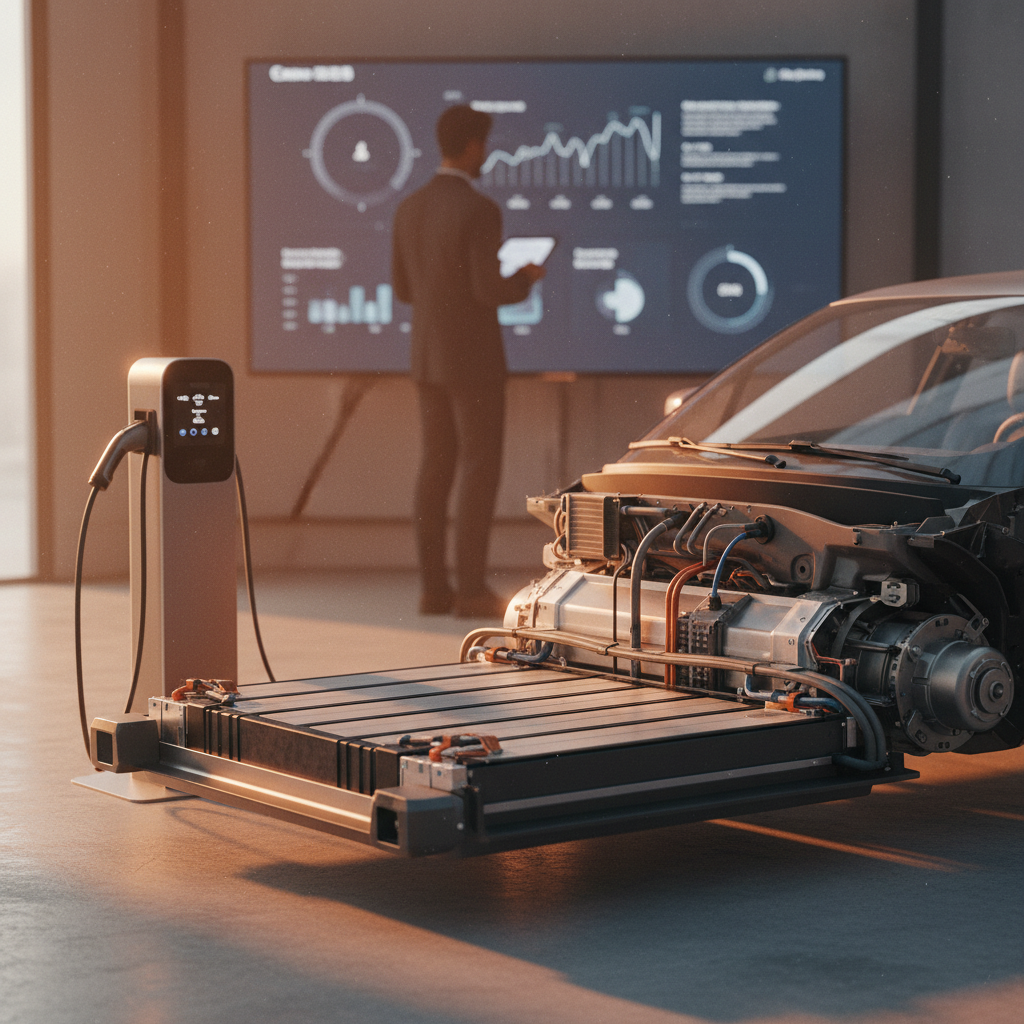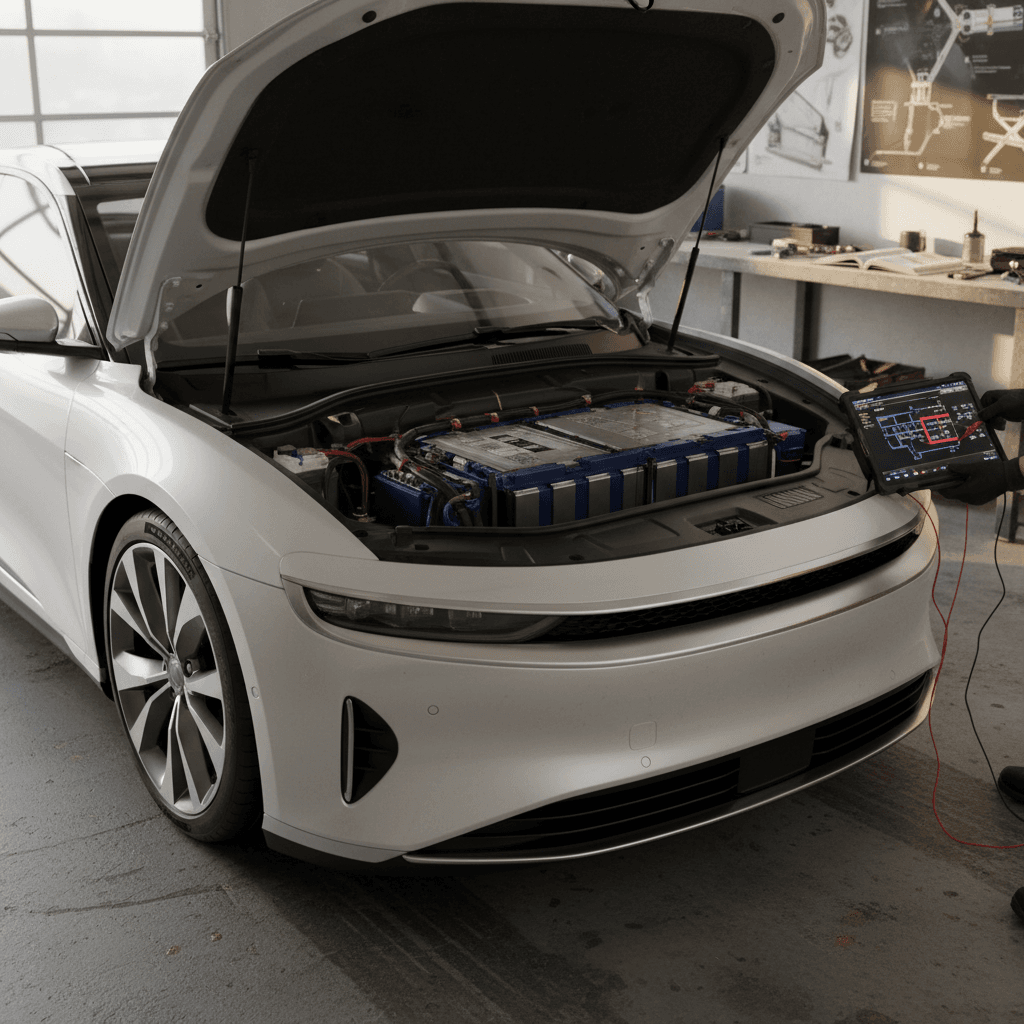
The BMW i7 is one of the most technically advanced luxury EVs on the road. But like any first‑generation flagship packed with software, sensors, and comfort tech, owners are starting to report a pattern of BMW i7 common problems and fixes, most of them annoying rather than catastrophic, but worth understanding before you buy or as you plan long‑term ownership.
What this guide covers
BMW i7 reliability at a glance
BMW i7 reliability snapshot (early years)
Broadly, the i7’s powertrain and core EV hardware have been solid so far. Most issues are centered on software, electronics, and comfort features rather than motors or the high‑voltage battery pack. That’s good news for long‑term durability, but it also means you’ll want to stay on top of software updates and know a few quick workarounds for glitches.
1. Software and infotainment glitches
If you ask current owners what bugs them most, you’ll hear a lot about iDrive 8/8.5 software behavior rather than traditional mechanical failures. Early i7 drivers have reported laggy menus, occasional frozen screens, and misbehaving in‑car apps.
Common i7 software symptoms
Most are intermittent but repeatable across owners
Lag & freezes
Delays when changing drive modes, switching audio sources, or opening settings menus. In rare cases, the main display can temporarily freeze.
Media app bugs
Built‑in apps like Spotify or other streaming services may cut out, lose login info, or refuse to start until the system is rebooted.
Theater screen quirks
Rear theater screen can show buffering or connection issues, especially on weak data connections or after a major software update.
Quick soft‑reset of iDrive
DIY steps to fix most i7 software bugs
1. Reboot the head unit
Hold the volume/power knob until the main screen goes dark, then wait a minute for the system to restart. This clears many infotainment issues and app hiccups.
2. Update apps and services
In iDrive, navigate to <strong>System settings → Update apps & services</strong> and run a manual check. BMW often ships quiet app‑level fixes between big OS releases.
3. Check for vehicle software updates
Use the car’s update menu or the My BMW app to confirm you’re on the latest approved iDrive version for your region. Some early bugs are only resolved in newer builds.
4. Re‑login or reinstall affected apps
If it’s only one service (like Spotify) misbehaving, log out and back in. In stubborn cases, delete and reinstall the app in iDrive, then re‑add your profile.
5. Document issues for the dealer
If freezes or app failures are frequent, take photos or short videos with timestamps. BMW dealers can attach these to a warranty claim and escalate to engineering if needed.
When to involve the dealer
2. Connected services and app problems
Like other modern BMW EVs, the i7 leans heavily on cloud services. Owners occasionally see wrong state‑of‑charge readings, delayed refresh, or remote commands failing in the My BMW app, especially right after software or backend updates.
Typical app-related complaints
- Car appears offline or doesn’t show as plugged in even while charging.
- State of charge in the app lags the car’s display by 10–20 percentage points.
- Remote climate, lock/unlock, or charging schedule changes show as “successful” but don’t apply at the vehicle.
- eSIM or in‑car data problems impacting live traffic and streaming.
What’s usually going on
- BMW’s servers are temporarily degraded or undergoing maintenance.
- A recent software update created a temporary mismatch between car and backend.
- Cellular coverage at the vehicle’s location is poor, so the car can’t sync state.
- Your My BMW app is outdated or has cached bad data.
The good news: these issues are annoying but rarely point to a serious problem with the car itself.
- Force‑quit and reopen the My BMW app, then refresh vehicle status.
- Ensure the app is updated to the latest version in the App Store or Google Play.
- Move the car to an area with stronger cellular coverage if signal is weak in your garage.
- Perform a head‑unit restart and, if needed, log out and back into your BMW ConnectedDrive account from the car and app.
- If the problem persists for days, call BMW ConnectedDrive support and ask if there are known backend issues affecting your VIN.
Don’t panic about short‑term desync
3. BMW i7 charging issues and fixes
The i7’s large pack and complex thermal management make it a great road‑trip car when everything works correctly, but early owners have reported a handful of charging‑related issues, particularly around DC fast‑charging behavior and occasional Level 2 quirks.
Common BMW i7 charging issues and likely causes
Not every car will see these, but they’re the patterns that show up most often in owner reports.
| Symptom | Most likely cause | DIY checks | When to see a dealer |
|---|---|---|---|
| DC fast‑charge slows early or never reaches advertised peak | Battery not preconditioned; cold pack; conservative software curve | Set the charger as a destination in navigation so the car preconditions the battery; check outside temperature. | If speeds are far below peers in similar conditions, or drop abruptly with high SOC remaining. |
| Car stops Level 2 charging after a few minutes | Charger communication fault or software bug | Test a different Level 2 station or different EVSE at home; inspect cable and plug for damage. | If multiple stations fault in the same way, have the onboard charger and software checked. |
| Public charger won’t start session with i7 | Handshake issue between station and car or network/app error | Try a different stall, reboot the charger if allowed, or initiate via app instead of card (or vice versa). | If the i7 consistently fails where other EVs succeed, capture error messages and book service. |
| State of charge jumps or looks inconsistent during charge | Backend/app desync or display rounding | Cross‑check cluster SOC, charger display, and My BMW app. Prioritize the car and charger over the app. | If large step‑changes persist or the car unexpectedly ends sessions at high SOC, have diagnostics run. |
Use this table as a starting point; always confirm with your dealer before replacing hardware.
Preconditioning is your secret weapon
If you see battery warnings
4. Driver-assistance and comfort features
The i7 can be optioned with an entire suite of driver‑assistance tools (lane keeping, adaptive cruise, automated lane changes) plus comfort features like automatic doors and soft‑close mechanisms. When they misbehave, they tend to irritate owners more than strand them.
Common driver-assistance and comfort complaints
Mostly software behavior, not hardware failures
Lane‑keeping weirdness
Lane‑keeping assist may ping‑pong slightly in poorly marked lanes or feel too conservative near exits. Sensitivity sometimes changes after software updates.
Auto door oddities
Automatic doors may partially open, refuse to close, or react slowly to gesture/soft‑close. Early production cars saw more of these complaints.
Seat & comfort memory
Occasional loss of user profiles or seat/mirror positions after updates or when multiple drivers share keys.
How to tame i7 driver-assistance quirks
1. Recalibrate your expectations and settings
Treat lane‑keeping as a helper, not an autopilot. Reduce steering assistance or lane‑keeping intensity in settings if you find it overbearing or inconsistent on your routes.
2. Verify camera and radar cleanliness
Dirty front camera lenses or radar covers can degrade system performance. Gently clean sensors when you wash the car, especially in winter.
3. Re‑save driver profiles
If seat or mirror positions don’t stick, delete and recreate your driver profile, then re‑link it to your key and the My BMW app.
4. Have auto doors inspected under warranty
If automatic doors grind, stop halfway, or misalign, have the mechanisms and sensors checked. Don’t force them shut; you risk damage that could be blamed on misuse.
Hands on the wheel, always
5. Noise, ride, and build-quality complaints
Most i7 cabins are impressively quiet, but some owners have reported wind noise around the mirrors at freeway speeds, plus the occasional rattle from the rear interior. On air‑suspension cars, a few also note creaks over speed bumps or a slightly floaty feel in the softest settings.
Wind & interior noise
- Whistling or whooshing near the A‑pillars or side mirrors at 70+ mph.
- Light rattles from rear parcel shelf or door panels over broken pavement.
- Occasional buzz from the rear theater screen area on rough roads.
Ride & suspension feel
- Softest modes can feel a bit floaty for some drivers.
- Air‑suspension creaks or clunks when turning into driveways or going over speed bumps.
- Uneven tire wear causing noise and vibration if alignment is off.
- Inspect and, if necessary, adjust door and trunk seals, dealers can often add felt or adjust latches under warranty.
- Use painter’s tape temporarily on suspect trim or mirror gaps during a drive to pinpoint the source of wind noise.
- Ask the dealer to check for BMW service bulletins on wind‑noise fixes or interior rattles specific to your build date.
- Have alignment checked annually; with heavy EVs like the i7, small alignment issues can quickly turn into tire noise and vibration.
- If you frequently drive on poor roads, consider running the suspension in a slightly firmer mode for better body control.
Good news on structural quality
6. Recalls and battery-related safety checks
High‑voltage battery packs are the most expensive single component in any EV, so it’s worth paying attention to recalls and service campaigns, even if only a small number of BMW i7s are affected.
Example: limited high-voltage battery recall
How to protect yourself on battery and safety issues
1. Run a VIN recall check
Before you buy, or at least once a year, run your i7’s VIN through the official U.S. recall lookup site or BMW’s own portal. Recalls are free to fix at the dealer.
2. Don’t ignore warning lights
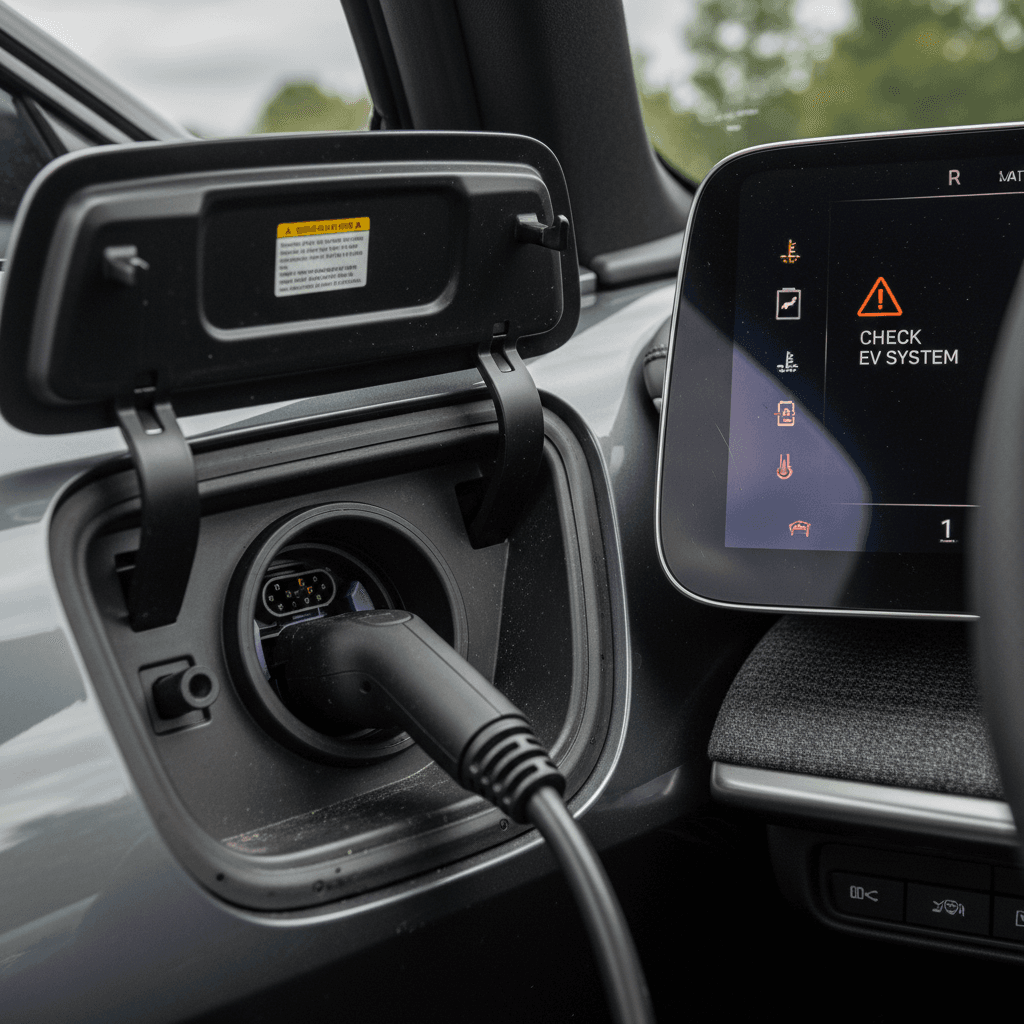
Any high‑voltage, drivetrain, or "power reduced" warnings deserve immediate attention. Capture photos and book service as soon as possible.
3. Keep software current
Some safety and battery‑management improvements are delivered entirely through software. Declining updates can leave you with older, more conservative behavior or unfixed bugs.
4. Get a battery health report when buying used
If you’re shopping used, ask for a <strong>battery health assessment</strong>. At Recharged, every car comes with a Recharged Score that includes verified battery diagnostics and degradation estimates.
Don’t DIY high-voltage work
7. Maintenance & preventative care for your BMW i7
EVs like the i7 need far less routine service than a gas 7‑Series, but they’re not maintenance‑free, especially given the weight and performance involved. A few simple habits can dramatically cut your odds of experiencing the more expensive “common problems.”
Preventative habits that pay off on an i7
Reduce wear, avoid surprises, and keep warranty claims clean
Tires & alignment
The i7 is heavy and torquey. Check tire pressures monthly, rotate on schedule, and get an alignment check yearly to avoid noise and premature wear.
Thermal systems
Respect warm‑up and cool‑down periods, especially after hard driving or repeated DC fast charges. Don’t panic if the cooling fans run after shutdown on hot days.
Software discipline
Install major updates when available, but read the release notes and schedule them when you don’t need the car for a while, just in case something needs a dealer follow‑up.
Annual care checklist for BMW i7 owners
1. Full inspection and alignment
Have a BMW‑qualified shop inspect suspension components, bushings, steering, and braking hardware. Request an alignment printout; small corrections now prevent future tire and ride complaints.
2. Brake service check
Even though regenerative braking reduces pad wear, pads and calipers can still seize or corrode if you don’t use them. Ask for a brake inspection and cleaning, especially in salty climates.
3. Cabin and air-quality upkeep
Replace cabin filters and ensure drainage channels near the windshield and sunroof are clear to avoid odors, fogging, or electrical issues from moisture intrusion.
4. Charger and cable inspection
If you charge at home, periodically inspect your wall unit and cables for heat damage, discoloration, or cracks. A failing EVSE can cause weird charging behavior that looks like a car problem.
Think like a fleet manager
8. Used BMW i7 buying checklist
If you’re shopping for a used BMW i7, you’re trying to capture flagship luxury and tech at a steep discount. That’s smart, provided you screen the car carefully for the sorts of issues we’ve just walked through.
Used BMW i7 inspection priorities
Focus on the systems that are expensive, complex, or commonly mentioned in owner complaints.
| Area | What to check | Why it matters |
|---|---|---|
| Software & screens | Confirm all screens, cameras, and parking views work; test media apps and navigation. | Glitches can hint at failing modules or outdated software that needs dealer intervention. |
| Charging behavior | Test Level 2 and, if possible, DC fast charging before purchase. | You want to rule out handshake issues and confirm reasonable charge speeds for the software version. |
| Driver assistance | On a test drive, try adaptive cruise, lane keeping, and automated lane changes where legal. | Weird behavior might be calibration, but persistent faults can require expensive sensor work. |
| Comfort features | Check automatic doors, soft‑close, rear sunshades, and theater screen (if equipped). | These are luxury differentiators, and costly to fix out of warranty. |
| Noise & ride | Drive at highway speeds and over rough pavement; listen for wind, rattles, and suspension clunks. | Unusual noises can point to alignment, tire, or suspension issues that add up quickly. |
| Warranty & recalls | Verify in‑service date, remaining basic and battery warranty, and clear recall status. | This directly affects your risk, cost of ownership, and future resale value. |
Pair this list with a professional pre‑purchase inspection and a battery health report for maximum confidence.
How Recharged can help with a used i7
Ready to find your next EV?
Browse VehiclesBMW i7 common problems: FAQ
Frequently asked questions about BMW i7 problems
Key takeaways for current and future i7 owners
The BMW i7 delivers exactly what it promises: a deeply luxurious, ultra‑quiet electric 7‑Series with serious long‑distance capability. Its weak spots aren’t the motors or battery pack but rather the layers of software and comfort tech wrapped around them. If you go in expecting the occasional app outage, infotainment hiccup, or misbehaving comfort feature, and you’re willing to keep software up to date and work with a competent dealer, the i7 can be a very satisfying long‑term EV.
If you’re in the market for a used BMW i7 or another premium EV, consider starting your search with a platform that treats battery health and transparency as first‑class citizens. At Recharged, every car gets a Recharged Score with verified battery diagnostics, fair‑market pricing, and EV‑specialist guidance from first click through delivery. That way, you spend less time worrying about common problems, and more time enjoying the car.