If you own, or are shopping for, a BMW i7, the high-voltage battery is the most valuable component in the car. Knowing how to check BMW i7 battery health can help you protect your range, avoid surprises, and make a smarter decision if you’re buying used.
At a glance
Why BMW i7 Battery Health Matters, Especially If You Buy Used
The i7’s large pack, around 100 kWh usable depending on model year and variant, costs tens of thousands of dollars to replace. Even though modern BMW battery packs are engineered to last well over 100,000 miles, how the previous owner charged and drove the car can meaningfully affect remaining capacity and real-world range.
What good battery health means for your BMW i7
Three ways a healthy pack shows up in day-to-day driving
Consistent real-world range
Predictable charging stops
Stronger resale value
Used i7 buyers: don’t skip the battery
BMW i7 Battery Basics: Capacity, range, and what really degrades
Before you run any checks, it helps to understand what you’re actually measuring. The BMW i7 uses a large lithium-ion battery pack with a nominal capacity around 105 kWh and a slightly lower usable capacity to protect the cells. What drivers feel over time is the reduction of that usable capacity, usually described as battery degradation or State of Health (SoH).
- Capacity (kWh): How much energy the pack can store. As the pack ages, this slowly declines.
- State of Health (SoH): A percentage estimate of remaining capacity compared to new (for example, 92% SoH = 8% loss).
- State of Charge (SoC): The current battery level, what you see as a percentage on the dash.
- Range: The car’s estimate of how far you can drive at your current SoC, based on recent driving and conditions.
Normal degradation expectations
Quick BMW i7 Battery Health Check From the Driver’s Seat
You don’t need tools or software to do an initial BMW i7 battery health check. You can spot obvious issues with range and charging just by paying attention to a few screens and doing a controlled drive.
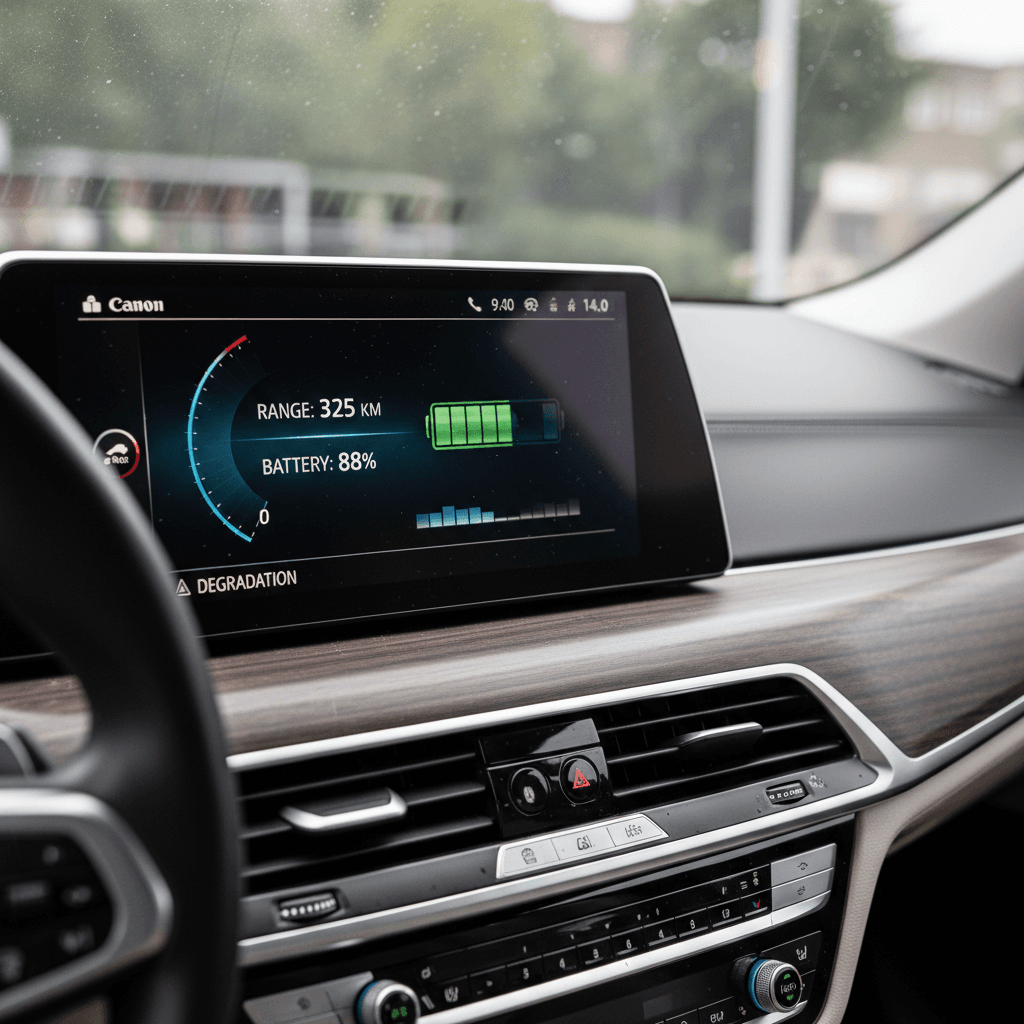
5-minute cabin battery health scan
1. Compare indicated range to EPA numbers
Fully charge the i7 to 100% (or as high as you normally go). Note the displayed range. Compare it to the EPA-rated range for your trim. If you’re consistently 20–30% below the rating on similar routes and climate, dig deeper.
2. Reset trip data before a test drive
On a mild day, reset a trip meter, drive 20–40 miles of mixed roads, and record energy use (kWh/100 mi or mi/kWh). If consumption is reasonable yet range feels short, that hints at capacity loss rather than just heavy driving.
3. Watch how range drops with highway speed
Take a short highway run. If the range drops dramatically faster than expected even at moderate speeds (65–70 mph) in good conditions, you may be seeing a combination of aero drag and modest degradation.
4. Note charging behavior at DC fast chargers
On a warm battery, plug into a high-power DC fast charger at low SoC. Healthy packs typically ramp up to a strong charge rate, then taper with SoC. If the car tapers unusually early or struggles to reach expected speeds, it’s worth further investigation.
5. Listen for thermal management extremes
BMW’s battery cooling and heating system will make some noise, but constant loud fans or frequent warnings about temperature in normal driving could suggest the pack is working harder than it should.
How to Track BMW i7 Battery Health Over Time
Battery health isn’t a one-and-done number. The i7’s estimates vary with software updates, driving style, temperature, and charging habits. To understand whether your pack is aging normally, you need to watch trends over months, not panic over a single low-range day.
Simple logging method
Once a month, take 2–3 minutes to log basic data in a spreadsheet or notes app:
- Displayed range at 100% (or a consistent SoC like 80%).
- Outside temperature and rough driving mix (city vs highway).
- Odometer reading.
Over 6–12 months, you’ll see whether range is holding steady or trending down faster than expected.
Trip-efficiency tracking
Pair that with trip data:
- Reset a trip before a regular commute.
- Record distance, energy use, and remaining range.
- Note any software updates or major route changes.
If efficiency is stable but usable range is shrinking at the same SoC, that’s a stronger signal of capacity loss.
Make conditions comparable
Using OBD and Apps to Read BMW i7 State of Health (SoH)
If you want more than range estimates, you can pull deeper data from the i7’s battery management system using an OBD adapter and a compatible app. This is how many enthusiasts and inspection services approximate true State of Health (SoH) for BMW EVs.
DIY BMW i7 battery data: typical workflow
How owners commonly read deeper battery metrics without dealership tools
| Step | What you need | What you’ll see |
|---|---|---|
| 1. OBD adapter | Quality Bluetooth or Wi-Fi OBD adapter that supports BMW’s communication protocols | Creates a bridge between the i7 and your phone or tablet |
| 2. Compatible app | EV-focused diagnostic app that supports BMW electric models (check the app’s compatibility list) | Battery data such as cell voltage spread, pack temperature, charge cycles, and estimated SoH |
| 3. Safe connection | Car in the correct mode (often "ignition on"), adapter plugged into the OBD port under the dash | Live data streaming, follow app prompts carefully |
| 4. SoH reading | Navigate to the high-voltage battery section in the app | An SoH percentage and supporting metrics you can log over time |
Always verify compatibility with your exact i7 model and software version before buying hardware or apps.
Be cautious with third-party tools
Remember, even these tools provide an estimate based on what the car’s modules report. Two different apps might show slightly different SoH numbers, but the trend over time is what matters most.
Is It Range Loss or True Battery Degradation?
Drivers often confuse short-term range loss with irreversible degradation. The BMW i7’s range display is highly sensitive to how you’ve been driving lately and to weather. Before concluding your pack is “bad,” rule out a few common culprits.
Common causes of short-term range loss
These can mimic battery degradation but often resolve on their own
Cold weather
Higher speeds & new routes
New tires or added weight
Signs of true degradation
When to Get a Professional BMW i7 Battery Health Report
DIY checks are helpful, but there are moments when you want an objective, third-party view of an i7’s battery, especially with five- and six-figure price tags involved. That’s where a professional EV battery health report becomes valuable.
Situations where a professional battery check is worth it
Comparing multiple used i7s
If you’re cross-shopping two or three similar cars, a formal battery report can quickly show which pack is aging more gracefully, information that doesn’t show up on a standard vehicle history report.
High-mileage luxury purchase
For a higher-mileage i7 (say 60,000+ miles), independent battery verification helps you understand whether the car still has years of strong range left or is already showing accelerated decline.
Worried about prior fast-charging habits
If the seller lived on DC fast charging, a report can help you see whether that lifestyle noticeably affected capacity or cell balance.
Planning long-term ownership
If you plan to keep the car for 8–10 years, a baseline report today helps you decide whether this specific i7 is the right platform for that horizon.
How Recharged approaches battery health
How to Protect Your BMW i7 Battery for the Long Term
Battery health checks are one side of the equation; your habits are the other. The BMW i7 already manages a lot in the background, thermal control, buffer zones, and charging curves, but your day-to-day choices still influence how quickly the pack ages.
Best practices to slow BMW i7 battery degradation
Small habits that add up over 100,000+ miles
Avoid living at 100%
Be selective with DC fast charging
Watch heat and cold
Let the software help you
BMW i7 Battery Health Checklist
BMW i7 battery health check: step-by-step
1. Benchmark range on a full or typical charge
Charge to 100% or your normal limit, record the displayed range, and note conditions. Compare to EPA ratings and previous logs, not just your memory.
2. Perform a controlled efficiency drive
Reset a trip meter, drive 20–40 miles on a familiar route, and log energy use and remaining range. Repeat a few times to smooth out anomalies.
3. Monitor DC fast charging behavior
On a warm battery at low SoC, test a fast charger. Note peak charge power and how quickly it tapers. Abnormally slow or early taper could justify deeper checks.
4. Use OBD + app (if you’re comfortable)
With a compatible adapter and app, read SoH, cell balance, and temperature data. Log these values a few times a year to see trends.
5. Compare with a professional report
If you’re buying used, or the numbers concern you, get a third-party battery health assessment or shop EVs that already include a verified report, like the Recharged Score on used BMW i7 listings.
6. Adjust habits to protect the pack
Implement healthy charging habits: moderate daily SoC, limited fast-charging reliance, and temperature-friendly parking when possible.
BMW i7 Battery Health Check FAQ
Frequently asked questions about BMW i7 battery health
The battery is the beating heart of your BMW i7. You don’t need to be an engineer to understand how healthy it is, you just need a structured approach. Use the cabin tools you already have, track trends rather than single data points, lean on OBD apps or professional reports when the stakes are high, and adopt habits that treat the pack gently. If you’re shopping used, consider channels that surface verified battery health up front, like Recharged’s Score Report, so you can focus on finding the right i7 rather than guessing what’s happening beneath the floor.