If you search for the best EV road trip planner app, you’ll find a dozen options that all promise “stress‑free EV travel.” The reality on the road is messier. Some apps model your battery and elevation incredibly well; others excel at live charger status or crowd‑sourced reviews, but almost none do everything perfectly in one place.
Quick takeaway
Why EV road trip planner apps matter
Long highway drives are where electric vehicles either convert you for life, or make you swear off EVs. A good EV road trip planner app does three things:
- Predicts where and how long you need to charge based on your car, speed, terrain, and weather.
- Helps you avoid broken, overcrowded, or painfully slow chargers.
- Gives you enough confidence in the plan that you’re not white‑knuckling the last 20 miles to each stop.
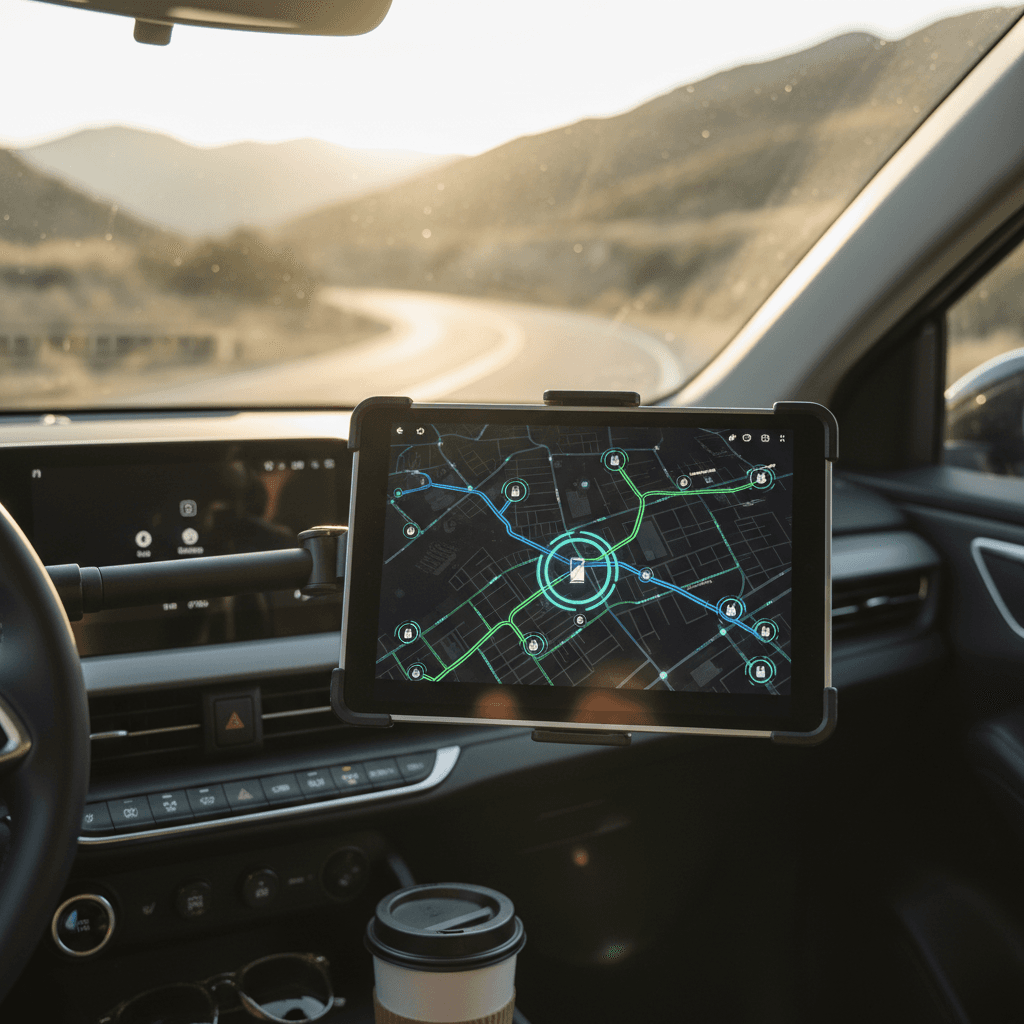
The best EV trip apps don’t just drop pins on a map. They model your state of charge (SoC) over time, understand connector types and charge curves, and increasingly pull in live status data from networks so they don’t route you to dead or occupied stations.
Why planning tools matter on EV road trips
How EV road trip planner apps actually work
Most “EV aware” planning tools follow the same basic recipe, even if the algorithms differ:
What good EV trip planners take into account
Your exact EV model
Apps like <strong>A Better Routeplanner</strong> and <strong>Chargeway</strong> use a vehicle‑specific consumption model and max AC/DC charge rates instead of guessing from a generic average.
Battery state of charge limits
You set your starting SoC and arrival buffers (for example, arrive between 10–20%). The planner simulates SoC over the route and inserts stops to stay within those limits.
Speed, terrain, and weather
Better apps factor in <strong>speed, elevation, temperature, wind, and rain</strong>, all of which can swing consumption by 20–30% on a long day.
Charger power & connector type
They filter stations by connector (CCS1, NACS, CHAdeMO, etc.) and power level so your Leaf doesn’t get routed to a 350 kW plug it can’t use, or a Level 2 when you really need DC fast charging.
Real‑time charger status
Some apps pull live status from networks, showing which stalls are in use or offline, so you’re less likely to show up to a dead or fully occupied site.
Pro move: separate planning from navigation
Best EV road trip planner apps for 2025
Here’s a practical look at the leading EV road trip planner apps today, what each is best at, where they fall short, and who should consider them.
Top EV road trip planner apps and when to use them
Use more than one, each solves a different problem
A Better Routeplanner (ABRP)
Best for: Serious route optimization and energy modeling.
Platforms: iOS, Android, web.
Why it stands out: Deep vehicle‑specific modeling for hundreds of EVs, including weather, elevation, speed, and even payload. You can tune target arrival SoC, max charge SoC, preferred networks, and more. Paid tiers let you pull live car data from many brands so predictions track your real battery almost perfectly.
PlugShare
Best for: Finding chargers and reading real‑world reviews.
Platforms: iOS, Android, web.
Why it stands out: Massive, crowd‑sourced map of public charging, hundreds of thousands of locations worldwide, with photos, check‑ins, and recent comments. Great for sanity‑checking any plan before you commit to a stop.
Chargeway
Best for: Simplifying networks, plugs, and power levels.
Platforms: iOS, Android, some in‑dash systems.
Why it stands out: Uses an easy color‑and‑number system instead of network acronyms. Its routing overlays your vehicle’s charge curve with real‑time station behavior, including live availability from many North American networks.
Built‑in car trip planners
Best for: Tesla and newer EVs with native EV routing.
Platforms: In‑car nav (Tesla, Hyundai/Kia, Ford, VW, etc.).
Why they stand out: They know your battery state and efficiency in real time, can precondition the pack for fast charging, and update arrival SoC as conditions change. Tesla’s trip planner remains one of the most seamless experiences, though it still tends to prefer its own network and may ignore third‑party DC fast chargers.
Google Maps EV routing
Best for: Familiar navigation with basic EV smarts.
Platforms: iOS, Android, Android Auto.
Why it stands out: Increasingly supports EV‑specific routing for many models: you can specify your EV and connector type, and Maps will add charging stops on long routes. It’s not as tunable as ABRP, but it’s ubiquitous and easy for mixed‑powertrain households.
Apple Maps EV routing
Best for: iPhone‑heavy households with CarPlay.
Platforms: iOS, CarPlay (with compatible EV integrations).
Why it stands out: In supported models, Apple Maps can read your live SoC and insert compatible charging stops automatically. Offline maps help if your trip crosses patchy‑coverage areas, though charger live‑status and pricing data are still imperfect in many regions.
What about classic road‑trip apps?
ABRP vs PlugShare vs Chargeway (and where Google Maps fits)
Chargeway: the translator
If you find the alphabet soup of CCS, NACS, CHAdeMO, and dual‑standard sites confusing, Chargeway re‑labels the world in plain language: colors for plug type, numbers for power level. Its routing leans heavily on that system and now includes real‑time availability from many major networks in North America.
It’s especially helpful if you’re new to EVs or helping less tech‑savvy family members plan a trip.
Google Maps & Apple Maps: the wheel you already know
Most of us are comfortable with Google Maps or Apple Maps. Their EV routing is improving: you can pick your EV, specify your connector, and let them insert charging stops automatically on long routes.
They still lag specialist tools on tuning (arrival buffers, SoC targets, charge speed preferences), but they’re solid for simpler routes, especially if your car’s built‑in nav isn’t great and you live inside CarPlay or Android Auto anyway.
How to choose the best EV road trip planner app for you
The “best” app depends less on star ratings and more on how you actually travel. Ask yourself a few questions:
Questions to pick your primary app
What EV do you drive?
If you’re in a <strong>Tesla</strong> or a newer EV with robust in‑car routing, start there and use ABRP/PlugShare as backup. If your car’s built‑in nav ignores non‑OEM chargers, lean harder on ABRP and Chargeway.
How complex are your trips?
For simple 300–400 mile days on dense corridors, Google/Apple Maps plus PlugShare can be enough. For <strong>cross‑country or rural routes</strong>, you want a full‑featured planner like ABRP or Chargeway.
Do you prefer fewer stops or cheaper charging?
ABRP and some in‑car planners let you optimize for <strong>time vs. cost</strong>. If you’re chasing the cheapest electrons (for example, avoiding expensive 350 kW sites), pick an app that exposes that tradeoff.
How comfortable are you tweaking settings?
If you like tuning assumptions, speed offsets, temperature, arrival SoC, ABRP is a good fit. If you want something that “just works” with minimal setup, your in‑car planner or Google Maps might be less intimidating.
Do you need offline planning?
If you’ll be out of coverage, prioritize tools with <strong>offline maps</strong> (Apple Maps with offline regions, some in‑car systems, TomTom, etc.). You can pre‑plan in ABRP and then export or screenshot key legs as a fallback.
Step-by-step: planning an EV road trip with apps
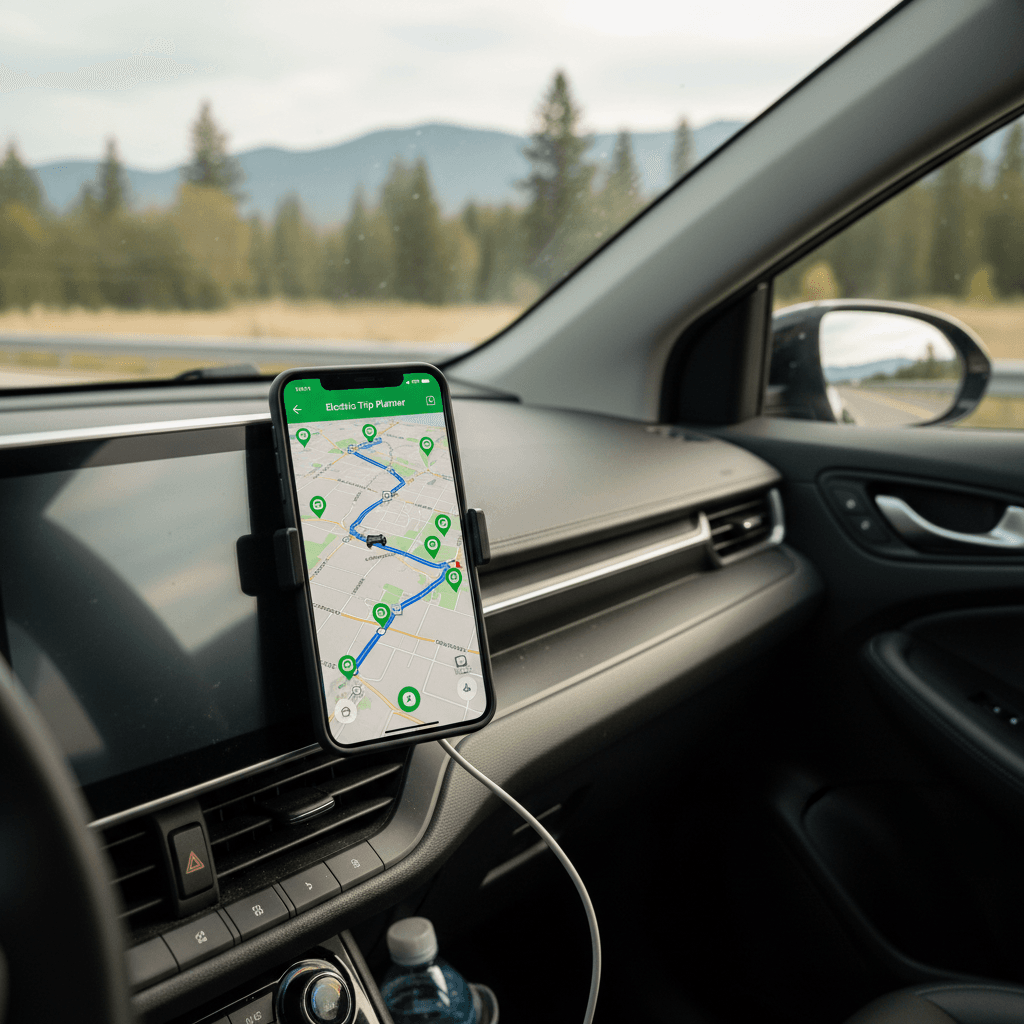
Here’s a practical workflow you can reuse for almost any EV and route. Adjust based on your comfort level and the tools you like.
A repeatable EV road trip planning workflow
1. Start with your car’s planner (if it’s good)
In a Tesla or other EV with solid routing, punch in your destination and see what it recommends. Note the <strong>suggested stops and arrival SoC</strong> at each.
2. Rebuild the route in ABRP or Chargeway
Enter the same start/end, set your EV model, and import current SoC. Compare the app’s plan to the car’s. Tweak your desired arrival buffer (say 10–20%) and max charge level (say 70–80%) to balance speed and comfort.
3. Sanity‑check every DC fast stop in PlugShare
For each planned fast‑charge stop, check PlugShare for recent <strong>check‑ins, photos, and access notes</strong>. Swap out any station with repeated “broken” or “one working stall” reports.
4. Save a fallback plan
For critical legs, star or save <strong>backup chargers</strong> 20–50 miles before your primary stop. Screenshots or offline maps can help if coverage is spotty.
5. Drive the plan, but stay flexible
Watch your real‑time consumption in the car. If headwinds or rain increase usage, pull up your planner app and re‑run the leg to add an earlier stop if needed.
6. Log what worked for next time
After the trip, note which apps and networks felt the most reliable. Over time you’ll build a trusted mental map of chargers and a favorite planning stack that suits your style.
Common EV road trip planning mistakes (and how to avoid them)
Frequent EV road trip app mistakes
What goes wrong, and how your choice of apps can help you avoid problems.
| Mistake | Why it hurts | How to avoid it |
|---|---|---|
| Trusting a single app blindly | Any app can have stale data or miss a new/broken station. | Always cross‑check fast‑charge stops in a second app, ideally PlugShare. |
| Planning at 100% to 0% SoC | Leaves no margin for detours, weather, or closed exits. | Plan around 10–20% arrival and avoid charging much past 70–80% when you can. |
| Ignoring elevation and weather | Mountains, cold, headwinds, and heavy rain can swing efficiency by 20–30%. | Use a planner that models terrain and temperature (ABRP, Chargeway, or a good in‑car system). |
| Over‑relying on low‑power or single‑stall sites | If that one 50 kW charger is down, you’re stuck. | Prefer multi‑stall sites on major networks for critical legs; use single‑stall sites only with a strong backup option. |
| Not thinking about charging at your destination | Arriving with 10% and no overnight charging is a rough way to start a trip. | Use PlugShare or your planner to confirm destination charging at hotels, rentals, or nearby public Level 2. |
If you’re new to EVs, being conservative with range and having a Plan B for each charging stop matters more than shaving 10 minutes off the ETA.
Be extra cautious in charger “deserts”
Planning road trips in a used EV with unknown battery health
If you’re driving a used EV, especially one without a clear battery health report, road‑trip planning needs a bit more caution. Apps assume your pack is close to original capacity. A car that’s lost 10–20% of its usable energy will arrive at each stop lower than the planner predicts.
Extra planning tips for used EVs
Assume your real‑world range is lower than the brochure
Dial down usable capacity
In ABRP or similar apps, manually lower the battery capacity or set a more conservative Wh/mi value than the default for your model. That forces the planner to assume higher energy use.
Give yourself bigger buffers
Instead of arriving at 5–10%, plan for 15–25% arrival SoC. If the car is healthier than you thought, you’ll arrive with extra cushion instead of sweating the last miles.
Prefer bigger, newer sites
Newer, larger stations on major networks tend to have more reliable hardware and higher uptime. That gives you more options if one stall misbehaves, especially important if your range is shorter than new.
One advantage of shopping through a company like Recharged is that every used EV comes with a Recharged Score battery health report. That means your planner’s assumptions aren’t guesses, you know how much usable capacity you actually have before you ever leave the driveway.
How Recharged can help
EV road trip planner FAQ
Frequently asked questions about EV road trip planner apps
Bottom line: which EV road trip planner app is best?
If you’re looking for a single best EV road trip planner app, the honest answer is: there isn’t one app that wins every category. For pure planning power, A Better Routeplanner still sets the bar. For charger reality‑checks, PlugShare is indispensable. Chargeway, Google Maps, Apple Maps, and your car’s own navigation each bring strengths that matter more or less depending on your EV and your route.
What matters most is building a planning stack you trust: one app (or in‑car system) to chart the energy strategy, one to verify chargers in the real world, and a familiar navigator to talk you through every turn. If you’re starting from a used EV, having a clear view of your battery’s real health, through something like Recharged’s Recharged Score report, turns those apps from guesswork into a reliable co‑pilot. Combine solid tools with conservative assumptions, and EV road trips stop being an experiment and start feeling like road trips again, just quieter, cleaner, and a lot cheaper to fuel.