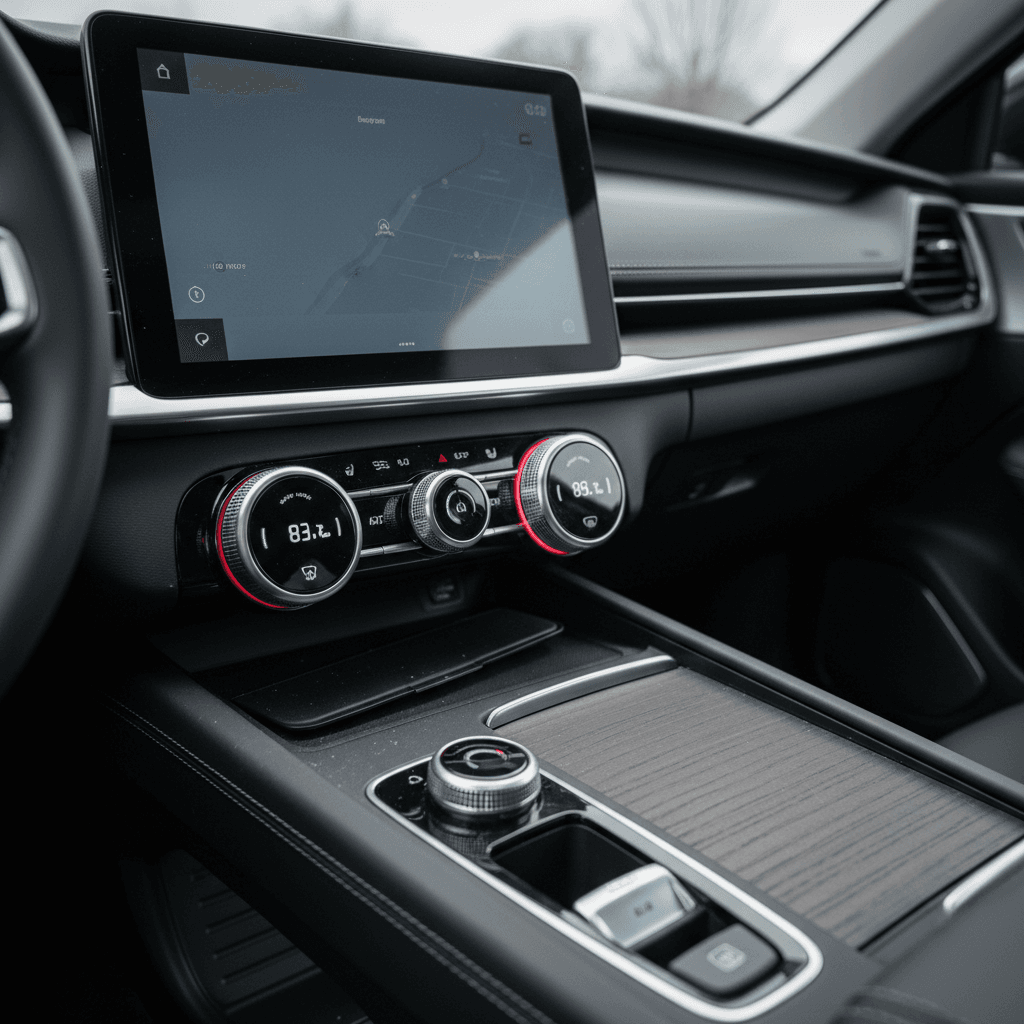
If you’re tired of poking at giant touchscreens just to turn on the heated seats, you’re not alone. Many drivers searching for the best electric cars with physical buttons want real knobs and switches for climate, audio, and safety features instead of endless on‑screen menus. The good news: you don’t have to give up intuitive controls to go electric.
The button comeback
Why physical buttons matter in electric cars
Touchscreens look futuristic, but in daily driving they can be tiring, and sometimes distracting. A physical knob or rocker switch lets you adjust temperature, fan speed, or volume by feel, while keeping your eyes on the road. In an EV, where instant torque and silent speed can mask how fast you’re actually going, that simplicity matters even more.
- Eyes-on-the-road safety: You can find a raised hazard button, volume knob, or defrost switch without hunting through a submenu.
- Muscle memory: After a week with a well‑designed button layout, your hand just goes to the right place.
- Better in bad conditions: Gloves, cold fingers, and bumpy roads all make tiny on‑screen touch targets harder to hit.
- Shared drivers: If multiple people drive the car, physical buttons are easier for everyone to learn quickly.
Screens aren’t the enemy, just don’t hide the basics
How much screen is too much?
Good balance: screen + buttons
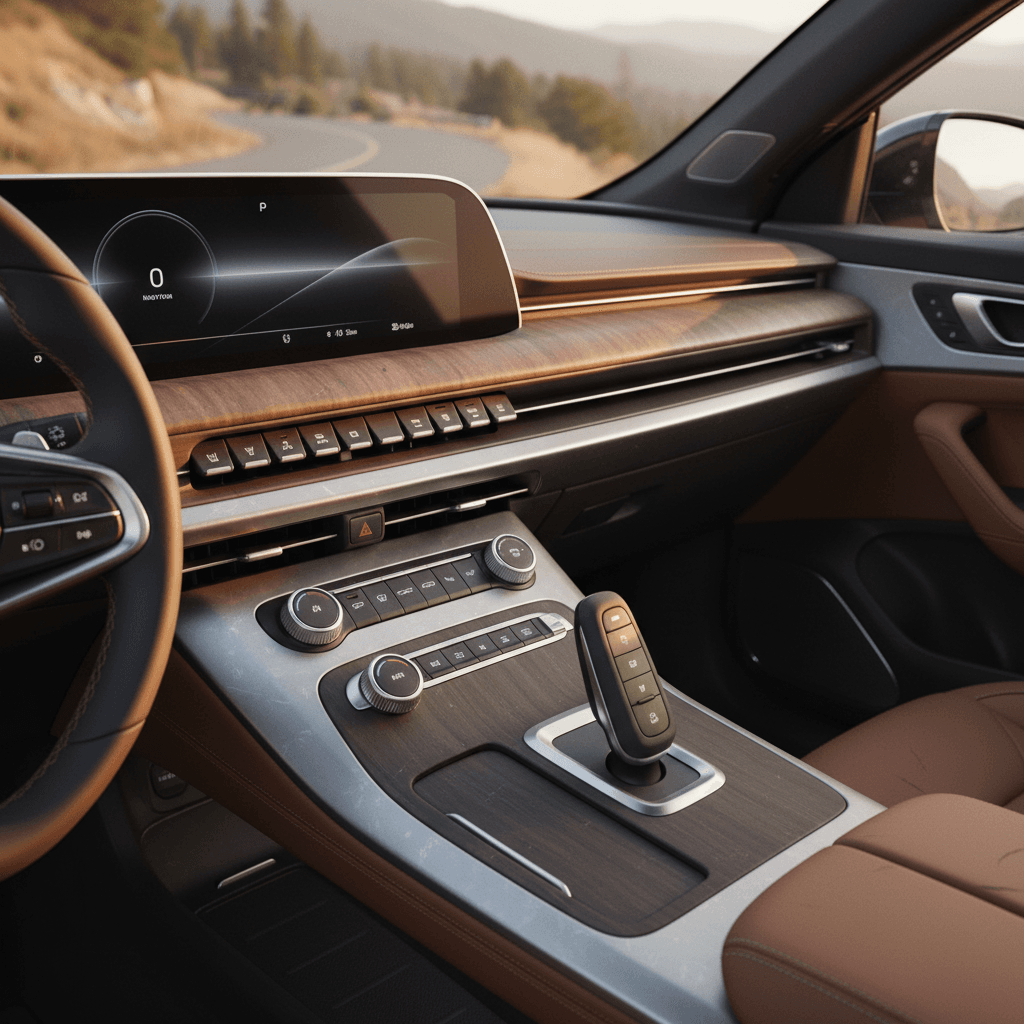
A well‑designed EV interior typically uses the touchscreen for navigation, apps, and settings you change occasionally, while keeping physical controls for:
- Temperature up/down
- Fan speed and direction
- Front/rear defrost
- Seat and wheel heaters
- Radio volume and track skip
Too much screen, not enough feel
At the other extreme, some EVs, especially earlier Teslas and a few first‑wave crossovers, push almost everything into a central display. That can mean:
- No dedicated climate buttons at all
- Seat heat icons that move with software updates
- Simple tasks requiring multiple taps and swipes
- More time looking down instead of ahead
Quick rule of thumb
Best electric cars with physical buttons today
Below are electric models, some brand‑new, some established, that stand out for keeping real buttons and knobs where they matter. Availability will vary by trim and model year, especially if you’re shopping the used market.
More EVs that keep real switchgear
Worth a look if you’re allergic to all‑touch dashboards
Kia EV6
The EV6 shares its platform with the Ioniq 5 but has its own approach. A capacitive strip doubles as a climate/audio panel, and there are still:
- Dedicated buttons for defrost, seat heaters, and key drive functions
- Traditional stalks and steering‑wheel controls for common tasks
It’s more touch‑sensitive than the Ioniq 5, but still friendlier than many EVs.
Premium outliers: button‑heavy performance EVs
High‑end EVs like Ferrari’s upcoming Luce prove that luxury doesn’t have to mean fewer buttons. Early previews show:
- Roof‑mounted toggle switches for lights and heated screens
- Mechanical‑feeling controls for drive modes
- A focus on tactile “cockpit” switchgear
They’re more poster car than practical daily driver, but show where interior design could be headed.
What about Tesla?
Used EVs with the most physical controls
If you’re shopping used, where the value is often best, you’ll see a wide range of interior philosophies. Some early EVs chased the giant‑screen trend, while others quietly kept more traditional layouts.
Same model, different year, different buttons
How to evaluate buttons vs touchscreens on a test drive
You don’t need an engineering degree, or even a lot of time, to figure out whether an EV’s cabin will drive you crazy. Use your test drive to run a few quick “ergonomics drills.”
Driver-friendly controls checklist
1. Adjust climate without looking down
With the car in motion, try bumping the temperature up, turning the fan down, and hitting the defrost. Can you do it by feel in under a second, or are you stabbing at a small on‑screen icon?
2. Change audio sources and volume
Switch from Bluetooth to radio and adjust volume. Look for a real volume knob and clear, labeled buttons or rockers for track/station changes.
3. Activate driver assists
Try turning lane‑keeping or adaptive cruise on and off. The safest setups use steering‑wheel or stalk buttons, not submenus in the touchscreen.
4. Find the heated seats and wheel
These are things you’ll use all winter. Dedicated buttons or toggles near the shifter or on the console are ideal. Tiny moving icons on a screen are not.
5. Try it in park, then while moving
Something that seems easy while you’re sitting still can feel much fussier at 65 mph. Repeat the same tasks on a smooth stretch of road and see how the car feels then.
6. Ask yourself: am I fighting the car?
If you’re frustrated or constantly glancing down during a short drive, imagine doing that every day for years. There are plenty of EVs that won’t fight you.
Pro move for remote shoppers
Shopping used? How Recharged helps
When you’re comparing used EVs, it’s easy to get wrapped up in battery size, range, and price and forget about how the interior actually works. But if you hate the way the car feels to use, you’ll never enjoy all that tech. This is where a curated marketplace like Recharged can smooth out the process.
Why button lovers do well on Recharged
It’s not just about range, usability matters too
Verified battery health
Every Recharged vehicle includes a Recharged Score Report with independently verified battery health. That lets you focus your in‑person time on the cabin and controls, not guessing whether the pack is tired.
Buy from your couch, inspect like you’re there
Detailed listings, high‑resolution photos, and EV‑specialist support mean you can shortlist cars that fit your ergonomic preferences, then ask specific questions about buttons vs touch before you commit.
Fair pricing & flexible paths
Recharged offers financing, trade‑in options, consignment, and nationwide delivery. You can focus on finding the EV with the right mix of physical controls and tech, while we make the numbers and logistics work.
Ready to find your next EV?
Browse VehiclesLeverage EV specialists
FAQ: Physical buttons in EVs
Bottom line: Pick the EV that fits your hands, not just your range
Electric cars don’t have to feel like smartphones on wheels. The best electric cars with physical buttons respect the fact that you’re driving first and swiping second, with big, clear controls for the things you use every day. As you shop, especially in the used market, pay as much attention to the knobs, switches, and stalks as you do to battery size and charging speed. An EV that fits your hands and your habits will be the one you actually love living with.
If you’re ready to start comparing real cars instead of spec sheets, browse used EVs on Recharged, lean on the Recharged Score for battery confidence, and don’t be shy about asking for interior close‑ups. Your future self, cruising down the highway with one‑touch defrost and a trusty volume knob, will thank you.