No single app does every EV road trip task equally well. A dedicated route planner can estimate charging stops, a station app can help you check charger details, and your car’s navigation can guide you while driving. The safest approach is to plan with two tools, verify the route before leaving, and keep a backup charging stop for each important leg. For more preparation advice, see the EV road trip planning guide.
Which EV road trip app should you use?
The right tool is usually a combination of A Better Routeplanner, PlugShare, and your EV’s built-in navigation. A Better Routeplanner is designed around vehicle range and charging stops, while PlugShare is useful for checking station locations and driver-reported details. Built-in navigation is often the most convenient tool once you’re moving because it can use information from the vehicle, although capabilities differ by model.
EV road trip planning app comparison
Choose one tool for initial planning and another for charger verification or live navigation.
| Option | Best for | Key strength | Watch out for |
|---|---|---|---|
| A Better Routeplanner | Detailed EV routes | Car and charge modeling | Inputs need tuning |
| PlugShare | Charger verification | Community station reports | Not a full optimizer |
| Built-in navigation | En-route adjustments | Vehicle data integration | Capability varies by EV |
| Google Maps | Familiar general routing | Stops and nearby services | EV depth varies |
| Apple Maps | iPhone-centered planning | Simple route handoff | Vehicle support varies |
Features and vehicle support can change by app, region, and software version.
Use one app to plan and another to verify
Your tested range matters more than the app
Your EV’s tested real-world range is a more useful planning input than a generic estimate because route software depends on the vehicle information you provide. Across 2,242 Recharged Score inspections, tested real-world range averaged 266 miles and had a median of 268 miles, but individual results extended from 16 to 492 miles. Verified tested remaining battery capacity averaged 93.9% of original capacity, with a 94.9% median. That variation is why a route that works for one EV may be unrealistic for another, even when both use the same app.
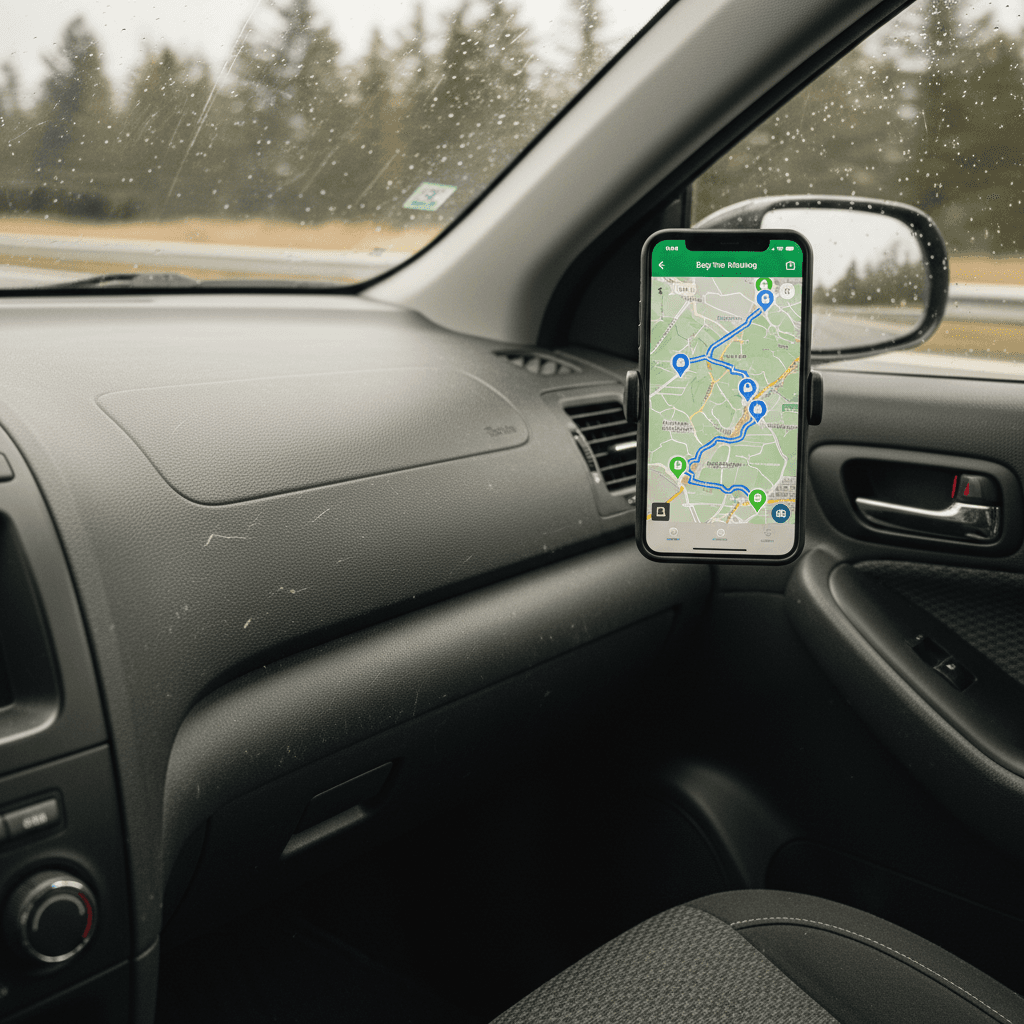
The takeaway is to enter a conservative range based on your specific vehicle, not the highest number associated with its model. A verified battery-health assessment can establish a better baseline for a used EV, while recent driving can help you refine the app’s assumptions. Revisit that estimate when passenger load, driving conditions, or your route changes substantially.
Recharged data
Used EV battery health
94%
avg remaining capacity
From Recharged battery inspections, not manufacturer estimates.
- Lowest
- 63%
- Median
- 95%
- Highest
- 100%
- Est. range
- 266 mi avg
- Cell balance pass
- 100%
- Quick charges
- 18 avg
- Slow charges
- 65 avg
Average cell imbalance: 7.3 mV
Based on vehicles Recharged tested
Recharged data
Used EV prices at Recharged
$30,997
median list price
Current list prices for matching inventory at Recharged.
- Lowest
- $12,996
- Average
- $34,803
- Highest
- $146,998
Average Recharged Score on these listings
4.8 / 5
Range
3.7 – 5.0
Based on available listings
Every EV is battery-tested with a Recharged Score. Nationwide delivery.
A reliable EV trip uses two planning layers
The most reliable workflow is to build the full route first and verify each critical charging stop separately. Filter stations for your vehicle’s connector, such as NACS, the North American Charging System, or CCS, meaning the Combined Charging System. Also check charging power in kilowatts, or kW, which describes how quickly a compatible vehicle can accept energy rather than how much energy its battery stores.
Plan and verify your route
Set a realistic starting point
Enter your actual departure charge and a conservative estimate of usable driving range.
Review every major leg
Make sure the planned distance leaves room for unexpected changes instead of requiring a perfect estimate.
Verify the connector
Confirm that each station offers a connector compatible with your EV or approved adapter.
Check recent station details
Review current app information and driver reports for access notes, availability, and charging performance.
Choose a backup stop
Save another compatible station on the same corridor before you begin each charging-dependent leg.
Load the route into the car
Use built-in navigation for live directions and vehicle-linked charging features when your EV supports them.
Map the trip before you leave so you know where you’ll charge. For most fast-charging stops, aiming for about 80% can save time because charging from 80% to 100% often takes much longer than the earlier part of the session.
Treat 80% as a waypoint, not a rigid limit
Before committing to a station, check more than its location. Look at connector compatibility, charging power, site access, recent driver notes, and whether another station is available nearby. The guides to finding EV charging stations and EV charging time can help you interpret those details before departure.
Instant offer, trade-in, or consignment. Pickup available.
EV road trip app FAQ
The simplest road trip setup
The simplest dependable setup is an EV-focused route planner for the full itinerary, a station app for verification, and built-in navigation for the drive itself. Base every calculation on your EV’s realistic range, confirm connector compatibility, and save a backup for critical stops. Good planning doesn’t eliminate every variable, but it keeps a charger change or range mismatch from becoming a trip-ending problem.