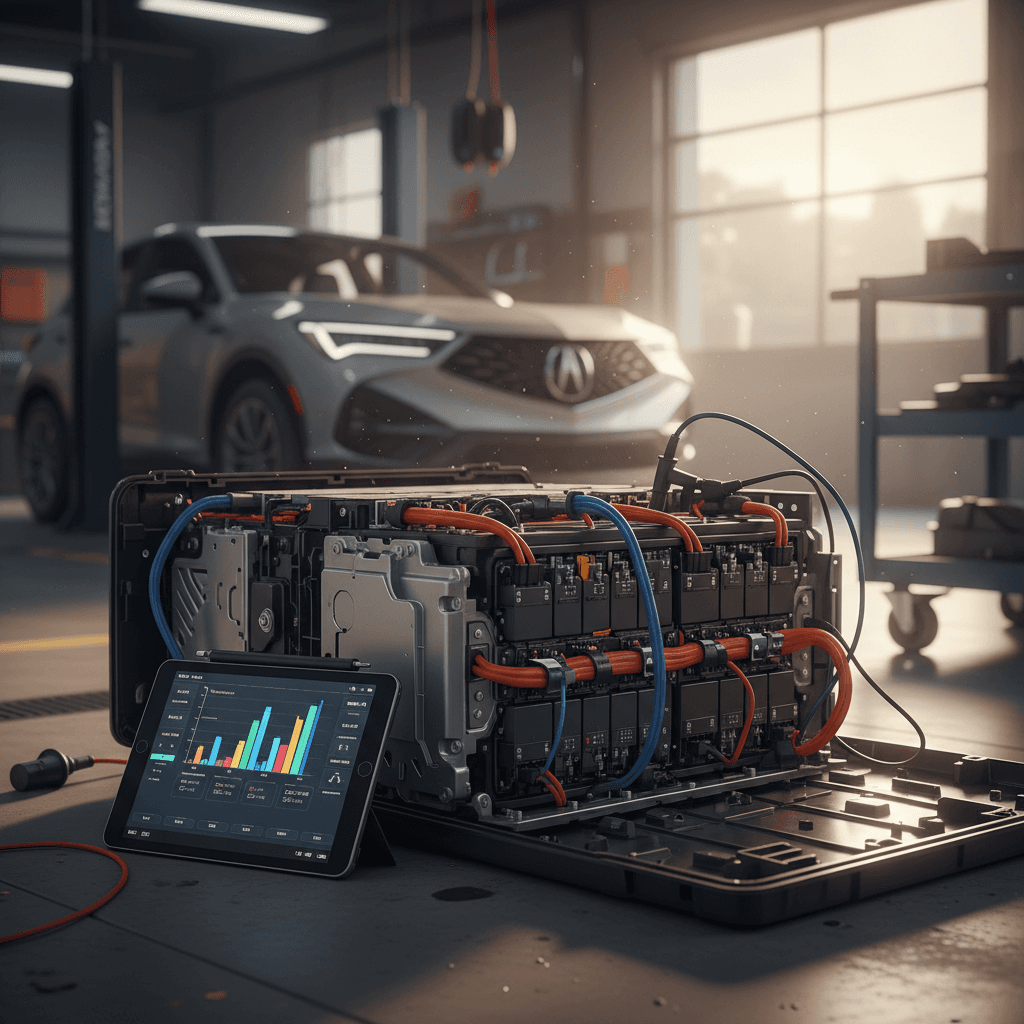
If you own an Acura ZDX, or you’re thinking about buying one used, the question lurking in the back of your mind is simple: how healthy is the battery? With a 102‑kWh Ultium pack under the floor and an 8‑year/100,000‑mile high‑voltage battery warranty, the ZDX is built for the long haul, but only if you understand how to check its condition and treat it right.
Good news for ZDX owners
Why battery health matters on the Acura ZDX
The 2024 Acura ZDX rides on GM’s Ultium platform and uses a roughly 102‑kWh high‑voltage battery pack. That pack is the single most expensive component in the vehicle and the heart of your real‑world range. Over time, all EV batteries lose some capacity, but excessive or uneven degradation can turn a 300‑mile luxury SUV into something that feels nervous at 200 miles.
Acura ZDX battery basics at a glance
Battery health checks aren’t just academic. They affect resale value, road‑trip flexibility, and how confident you feel letting the state of charge dip into the teens on a cold night. If you’re shopping used, the pack’s condition is the difference between buying a great EV and inheriting someone else’s science experiment.
What “battery health” actually means on an Acura ZDX
When people ask how to check Acura ZDX battery health, they’re usually after one of two things: capacity and behavior.
1. Capacity (State of Health)
This is how much energy your pack can hold today compared with when it was new. If a fresh ZDX delivered ~300 miles of highway range and yours now manages 260 under the same conditions, you’re looking at roughly 13–15% loss. That percentage, often called state of health (SOH), is the number most shoppers wish they could see on the dash.
2. Behavior (How the pack acts)
Even before capacity loss becomes obvious, the pack can tell on itself through behavior: slower fast‑charging curves, sudden drops in the state‑of‑charge gauge, warning messages like “Service High Voltage System,” or the car refusing DC fast charging. These are signs the battery management system (BMS) is unhappy, even if range still looks decent.
Warranty vs. normal wear
Quick Acura ZDX battery health check in 5 minutes
If you just want a fast read on your Acura ZDX battery health, you don’t need lab gear. You need a notepad and a little discipline. Here’s a quick sanity check you can do on any ZDX in about five minutes at home or at a dealership lot.
5‑minute Acura ZDX battery health spot check
1. Note odometer and outside temperature
Battery aging should be judged in context. A 50,000‑mile ZDX that’s lived in Phoenix has had a harder life than a 10,000‑mile one from Seattle. Record mileage and ambient temperature before you start any range comparison.
2. Look at % charge and rated range
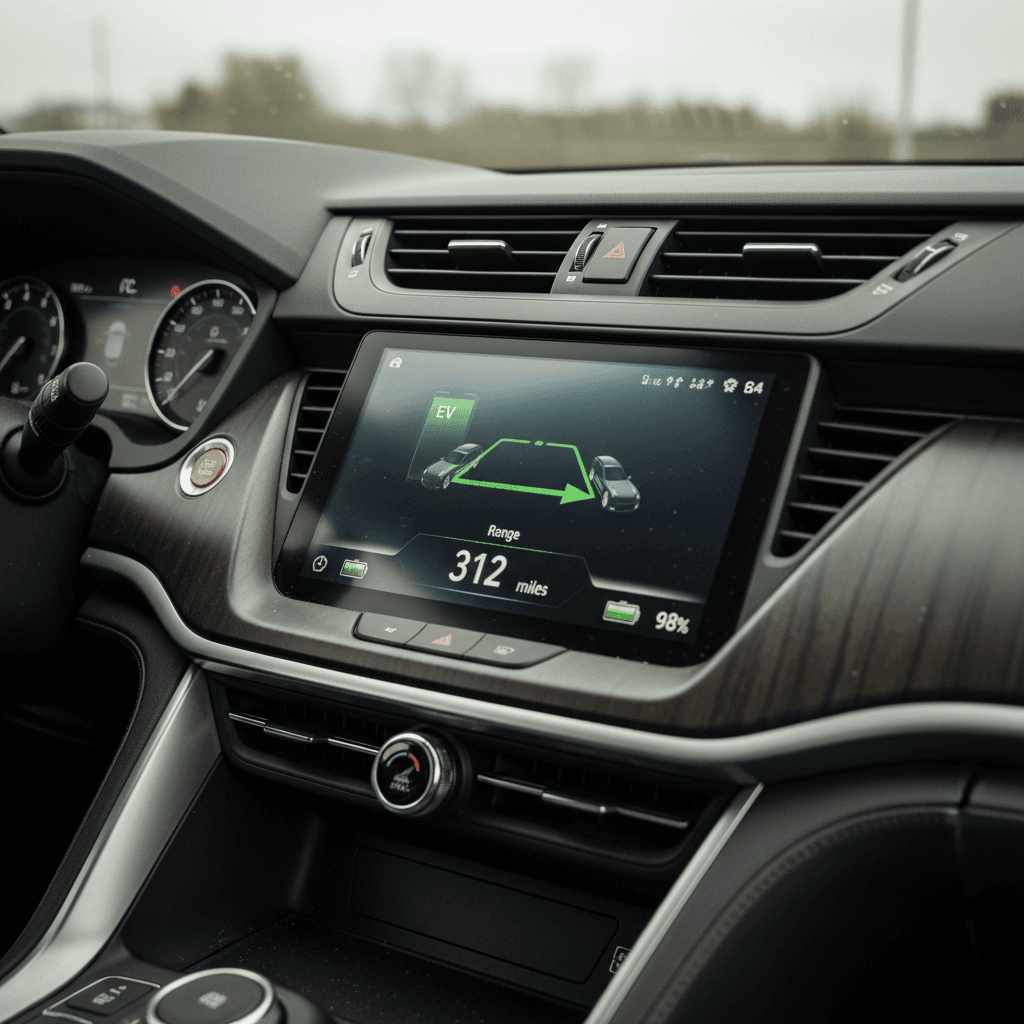
With the vehicle at rest, check the <strong>state of charge</strong> (SOC) and projected range on the cluster or center screen. For example, 80% charge with 240 miles remaining. Divide range by % to get a rough ‘miles per 1%’ figure.
3. Compare to what a new ZDX would show
A healthy ZDX with the big pack should land in the ballpark of 2.8–3.2 miles per 1% at moderate highway speeds. If your real‑world number is dramatically lower, and you’re not in extreme cold or driving very fast, that’s a flag.
4. Scan for dash messages or charge limits
Look for any warnings like <strong>Service High Voltage</strong>, limitations on maximum charge level, or messages about reduced power. These can signal the car has already detected an issue with the pack or related systems.
5. Ask about charging habits
If you’re evaluating a used ZDX, ask the owner or dealer how it’s been charged: mostly home Level 2 at 40–80%, or daily DC fast charging to 100%? The story behind the car often explains the numbers you’re seeing.
Pro tip: always normalize for conditions
Step-by-step: DIY Acura ZDX battery health check
To really understand how to check Acura ZDX battery health, you need more than a quick glance at the gauge. The method below is the EV equivalent of a compression test: simple, repeatable, and revealing, without touching a wrench.
- Pick a familiar route of at least 40–60 miles, ideally a highway loop you can repeat later.
- Fully charge the car to a known percentage, Acura generally recommends daily charging to around 80%, but for testing you can use 90–100% occasionally.
- Reset your trip meter and note the starting state of charge, outside temperature, and which drive mode you’re in.
- Drive the loop at a steady, realistic speed (say 65–70 mph) without big elevation changes or wild passing maneuvers.
- At the end, note distance driven, remaining state of charge, and estimated range left.
- Calculate total ‘usable’ miles: miles driven plus miles remaining. Compare this to the EPA figure for your trim to estimate how much effective capacity you still have.
A quick back‑of‑napkin example
Is this perfect lab‑grade science? No. But repeat it a couple of times in similar weather, and you’ll develop a feel for whether your ZDX behaves like a car with mild, normal aging, or something more serious going on.
Using apps to monitor Acura ZDX battery condition
On paper, the Acura EV / ZDX companion app should be your best friend for off‑car monitoring. In practice, early owners have reported reliability issues and occasional gaps in battery information. Still, whether you stick to Acura’s own app or third‑party tools, apps can give you a useful second screen on your pack’s life.
Common ways to keep an eye on your ZDX remotely
Each has strengths and limitations, use them as supporting actors, not the star of the show.
Official Acura EV / ZDX app
Best for: Basic charge level checks, starting/stopping charging, preconditioning.
- Shows state of charge, estimated range, and charging status when it’s behaving.
- Good for confirming home charging sessions finished as scheduled.
- Doesn’t expose a true battery ‘health %’ today.
Third‑party companion apps
Best for: Power users who want better dashboards.
- Some community‑built apps can present charge, range, and history more cleanly.
- Still limited by what Honda/Acura’s backend actually sends.
- Always vet privacy practices before connecting your account.
Charging‑station network apps
Best for: Watching your fast‑charge behavior.
- Many DC fast‑charge apps show kW, kWh delivered, and time.
- Track whether your ZDX is still hitting its expected ~190‑kW peak.
- Slower‑than‑expected curves can hint at pack or thermal issues.
Be cautious with OBD dongles and hacks
Signs your Acura ZDX battery may be aging early
Most ZDX packs should age quietly in the background: a few percent of loss over the first couple of years, then a slow, gentle decline. When things go wrong, though, they tend to speak up. Here’s what to watch for.
- Frequent or persistent “Service High Voltage” or battery‑system warnings on the cluster.
- The car refusing DC fast charging, or dropping to very low power early in the session even on a warm pack.
- Large, sudden drops in the state‑of‑charge gauge, say, falling from 25% to 5% after a short climb.
- Noticeably reduced range over a short period under similar driving conditions.
- The car limiting top speed or acceleration and displaying reduced‑power messages.
- Unusual noises or smells after charging (in that case, park the vehicle safely and call for service).
Don’t ignore repeated high‑voltage warnings
How driving and charging habits affect ZDX battery health
The Ultium hardware under your Acura ZDX is robust, but it’s not magic. The way you drive and charge can either help the chemistry age gracefully, or push it into an early mid‑life crisis.
Habits that help vs. hurt your Acura ZDX battery
Treat the pack like a long‑distance runner, not a drag racer, and it will go farther for you.
Habits that help
- Using Level 2 home charging as your default instead of DC fast charging.
- Keeping daily charge targets around 70–80% for routine use.
- Avoiding regular deep discharges to near 0%; aim to recharge around 15–20%.
- Parking in shade or garages whenever possible to reduce heat soak.
- Driving smoothly instead of repeated full‑throttle launches on a cold pack.
Habits that hurt
- Running the battery from 100% to single digits on DC fast chargers week after week.
- Leaving the car parked at or near 100% for days in hot weather.
- Repeated high‑speed driving in very hot or very cold conditions right after a fast charge.
- Ignoring software updates that may improve thermal management or charging logic.
The ZDX is road‑trip ready, just don’t live at the charger
Dealer-level battery diagnostics, and when to use them
Behind the slick Google‑based infotainment, your ZDX is a GM Ultium EV wearing an Acura badge. That means Acura dealers have access to factory tools that can peer into the pack at a level you can’t: module‑level voltages, fault histories, thermal behavior, and sometimes an internal estimate of state of health.
What Acura (and GM‑backed) service can see that you can’t
Not every visit needs a deep dive, but knowing what’s possible helps you ask the right questions.
| Diagnostic action | What it tells you | When to ask for it |
|---|---|---|
| Battery scan with factory tool | Checks for stored high‑voltage fault codes, imbalance, or disabled modules. | If you’ve seen repeated high‑voltage warnings or charging problems. |
| Thermal/charging behavior review | Looks at how the pack heats/cools and how it accepts fast charges. | If DC fast charging seems much slower than similar ZDXs or siblings like Lyriq. |
| Capacity estimation / SOH report (where available) | Dealer‑level approximation of remaining usable capacity vs. new. | If you suspect abnormal degradation while still under the 8‑year/100k warranty. |
| Pre‑purchase inspection on a used ZDX | Wraps pack checks into a full EV inspection: brakes, tires, software, physical damage. | Any time you’re serious about buying a used ZDX without a third‑party battery report. |
For warranty or serious range concerns, dealer diagnostics turn guesswork into data.
Bring data to your service advisor
How to check battery health when buying a used Acura ZDX
The ZDX is still a relatively new EV, so the used market is young, but this is exactly when smart buyers start separating the good ones from the hard‑used early adopters. Here’s how to check Acura ZDX battery health in a pre‑purchase setting without your own lift and scan tool.
Used Acura ZDX battery‑health checklist
1. Verify build year and warranty status
Confirm the model year, in‑service date, and mileage. The high‑voltage battery has <strong>8 years/100,000 miles</strong> of coverage from first sale; knowing how much of that runway is left matters for peace of mind.
2. Ask for charging history and habits
Did the previous owner have home Level 2, or did they live on DC fast chargers? Regular long‑distance use is fine, but daily fast charging to 100% on hot days is not as friendly to the pack.
3. Do the 5‑minute gauge and range check
With the car fully charged to a known level, look at the estimated range. Compare that to what a new ZDX of the same trim typically delivers. If the gap is huge and conditions are normal, ask why.
4. Take a real test drive with an eye on consumption
On your test loop, watch miles driven vs. % used, especially at highway speeds. Use a simple ‘miles per 1%’ calculation to see whether the car feels like a ~300‑mile EV or something significantly less.
5. Scan for software version and updates
Ask the dealer or seller whether recent software updates have been applied. OTA glitches can masquerade as battery weirdness; a fully updated car is easier to evaluate fairly.
6. Get an independent battery report if possible
At <strong>Recharged</strong>, every used EV listing includes a <a href="/recharged-score">Recharged Score</a> with verified <strong>battery‑health diagnostics</strong>, fair‑market pricing, and EV‑specialist review. If you’re buying a ZDX elsewhere, consider paying for a third‑party inspection that includes pack testing.
Where Recharged fits in
Ready to find your next EV?
Browse VehiclesFAQ: Acura ZDX battery health checks
Common questions about Acura ZDX battery health
Bottom line: keep your ZDX battery strong
The Acura ZDX’s Ultium battery pack is a serious piece of engineering, and most owners will enjoy years of strong range with nothing more exotic than home Level 2 charging and common‑sense habits. You don’t have a single magical “health %” readout today, but you do have something better: repeatable tests and tools that, together, tell a clear story about your pack.
Check your real‑world range once or twice a year, watch for warning messages, and treat DC fast charging as a road‑trip tool rather than a lifestyle. If you’re in the market for a used Acura ZDX, layer those DIY checks with a professional inspection, or a Recharged Score Report, so you know exactly what kind of battery you’re buying. In an EV, that’s not a detail. That is the car.