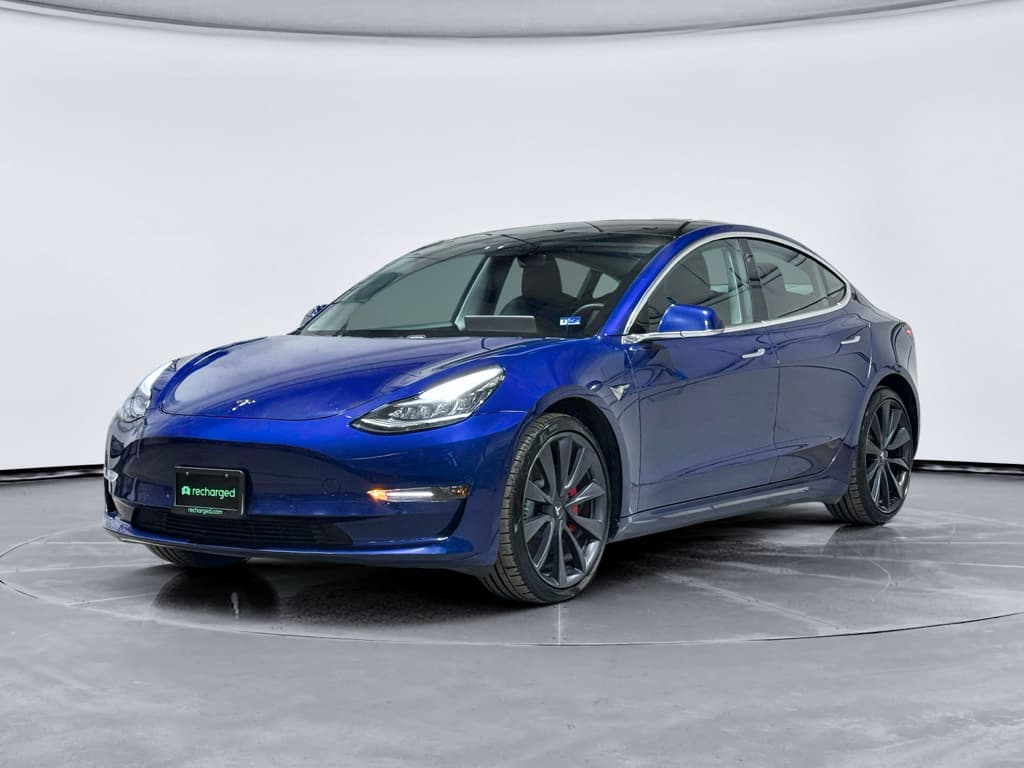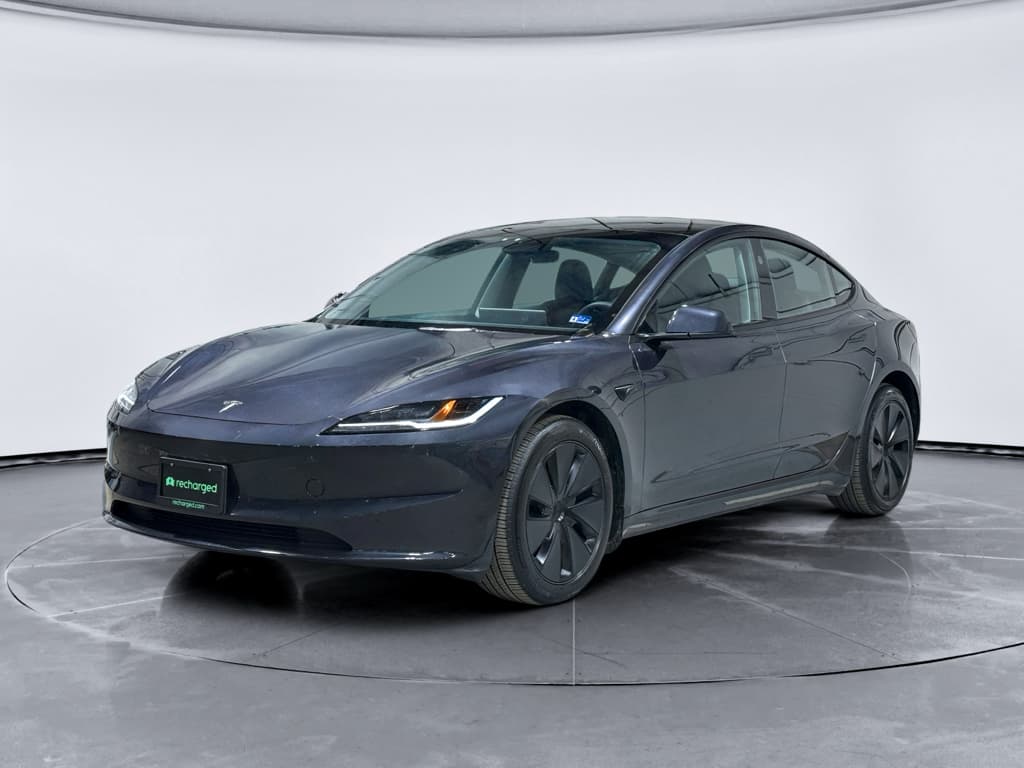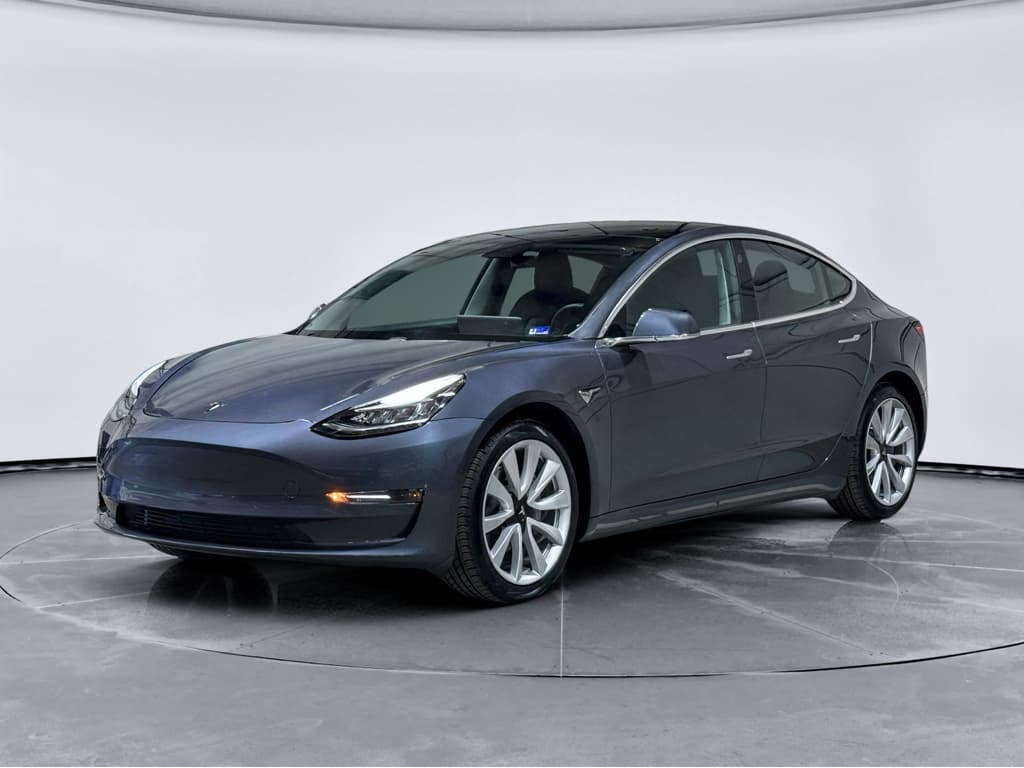
If you’re eyeing a 2026 Tesla Model 3, or planning to keep yours for years, the smart move is to understand the most likely problems and fixes before they surprise you. The 2026 car builds on the 2024–2025 “Highland” refresh, so early data from those years, recent service bulletins, and owner reports give us a strong preview of what 2026 Model 3 problems and solutions will look like.
Important note about 2026 data
Big picture: how the 2026 Model 3 is likely to behave
Recent Tesla Model 3 reliability context
For 2026, the engineering fundamentals of the Model 3 Highland carry over: revised suspension hardware, updated cameras, stalkless controls, and a heavily software-driven interface. That’s good news for battery and drivetrain longevity, but it means most of the 2026 headaches you’re likely to see fall into four buckets: software glitches, build‑quality noise and leaks, suspension or alignment issues, and the usual EV charging or range complaints.
How 2026 compares to earlier years
What carries over from 2024–2025 Highland Model 3 problems
Most of what we know about likely 2026 Tesla Model 3 problems and fixes comes straight from the 2024–2025 Highland cars, which share their core platform and design. Owners of those cars most often reported:
- Camera and sensor calibration problems that temporarily disabled Autopilot or driver-assistance features until a firmware update or service visit.
- Infotainment bugs: frozen center screens, non‑responsive climate controls, navigation glitches, and update failures that required multiple resets.
- Build-quality misses: panel gaps, creaks from the rear suspension, water leaks around the trunk or lights, and wind noise from doors or glass.
- Suspension or alignment issues causing steering pull, vibrations at highway speed, and uneven tire wear early in the car’s life.
- Snags with the stalkless controls, especially turn‑signal buttons and gear selection, leading to owner frustration and occasional mis‑inputs, especially in early months of ownership.
Tesla has gradually addressed some of these through over‑the‑air (OTA) software updates and targeted service bulletins (for example, alignment and chassis‑inspection procedures, or updated visual warnings). But Highland-era complaints haven’t vanished. Expect the 2026 Model 3 to inherit a milder version of these patterns rather than a clean slate.
Why small issues matter on newer Teslas
Most likely 2026 Tesla Model 3 problem areas
1. Software, cameras, and infotainment glitches
On Highland‑generation cars, the single most common early‑ownership complaint is software weirdness. The 2026 Model 3 leans even harder into a screen‑first, button‑light interface, so software stability is crucial. The kinds of problems owners have seen on 2024–2025 cars, and may continue to see in 2026, include:
- Center display freezing or rebooting mid‑drive, sometimes taking climate and media controls with it.
- Navigation that won’t load maps, loses GPS location, or gets stuck mid‑route.
- Rear or side cameras that go black or show error messages, occasionally after an update.
- Autopilot and cruise‑control features temporarily unavailable due to camera calibration or firmware bugs.
- Over‑the‑air updates that stall or fail, leaving the car in a “software update needed” loop.
Quick DIY software fixes
- Soft reset: Hold both steering‑wheel scroll buttons until the screen reboots. This clears many one‑off glitches.
- Full power cycle: In the Service menu, use “Power Off,” wait a few minutes, then press the brake to wake the car.
- Connectivity check: Make sure the car has a solid Wi‑Fi or LTE connection before installing large updates.
- Camera calibration drive: If cameras were just serviced or reset, drive on well‑marked roads for 20–25 minutes to allow recalibration.
When to involve Tesla Service
- Repeated camera failures, especially on a nearly new car, this can point to a faulty harness or camera module.
- Updates that fail multiple times, even on strong Wi‑Fi.
- Missing or grayed‑out driver‑assist features after a recent update.
- Persistent error messages around the vehicle controller or “vehicle may not restart” warnings.
If the car is within the basic warranty, capture screenshots and video where possible and open a service request through the Tesla app.
Pro tip for software stability
2. Build quality, rattles, and water leaks
If there’s a through‑line from early Model 3s to the Highland generation, it’s inconsistent build quality. Many 2024–2025 owners report rock‑solid cars; others leave the delivery center with punch lists that run a page long. 2026 cars are likely to be similar, with fewer catastrophic defects but plenty of nuisance issues if your particular car wasn’t assembled on its best day.
- Creaks or clunks from the rear suspension under acceleration, braking, or driveway angles.
- Buzzing or rattling from the dash, steering‑column area, or door trims on rough pavement.
- Wind noise from frameless doors or mirrors at highway speeds.
- Water making its way into the trunk, tail lights, or rear bumper area after heavy rain or a car wash.
- Minor paint defects, misaligned bumpers, or inconsistent panel gaps.
Why this matters beyond annoyance
Simple checks for 2026 Model 3 build issues
1. Listen on a rough test‑drive
On a pre‑purchase drive, seek out a coarse patch of pavement at 30–50 mph. Turn off the radio and listen for rattles from the dash, doors, and rear deck. Any sharp creaks from the back under acceleration warrant a closer look at the suspension.
2. Hose‑test the trunk and lights
With the car parked on level ground, run a garden hose over the rear glass, trunk seam, and tail lights. After a minute, open the trunk and check the side pockets and under‑floor well for moisture.
3. Inspect doors and seals
Open and close every door and the trunk slowly. Look for pinched weather seals, loose trim, or doors that don’t close smoothly on the first try.
4. Check for prior repair quality
On a used 2026 Model 3, examine paint texture and color match across panels. Uneven gaps, overspray, or mismatched orange‑peel can hint at collision repairs done outside Tesla.
3. Suspension, steering, and uneven tire wear
Recent technical inspection data out of Europe has repeatedly flagged Model 3 suspension and brake components as above‑average sources of defects, especially as cars age. Tesla has updated control‑arm designs on the Highland generation, but early‑life alignment and chassis issues are still common enough that 2026 buyers should pay attention.
- Steering wheel off‑center or car drifting to one side on a straight, flat road.
- Vibration through the steering wheel at 60–80 mph, even with new or freshly balanced tires.
- Uneven tire wear, inner or outer shoulders worn much more than the rest of the tread.
- Clunks over speed bumps or when transitioning from acceleration to braking.
Don’t skip a proper alignment
How to handle 2026 Model 3 suspension complaints
1. Document symptoms clearly
Note the speeds where vibrations appear, the road types that trigger noises, and whether they change under braking, turning, or acceleration. Specifics help Tesla or an independent shop diagnose quickly.
2. Rule out simple causes
Confirm tire pressures match the door‑jamb label. Visually inspect tires for flat spots, bubbles, or obvious damage. Rotate front to rear if tread patterns allow, and see if the symptom moves.
3. Schedule an alignment and inspection
Ask for a printout of before‑and‑after alignment specs. If numbers were way off from factory targets, recheck tire wear after a few thousand miles.
4. Consider extended coverage
If you’re driving high annual mileage on rough roads, extended coverage that includes suspension components can be worthwhile. This is especially important for used 2026 cars that will age into their first inspection cycles quickly.
4. Brakes, safety inspections, and recalls
Several recent inspection reports have criticized the Model 3’s defect rate in periodic safety checks, often singling out brakes, suspension, and headlamp issues. That doesn’t mean every 2026 car will fail an inspection, but it does mean you should pay more attention than you might with a low‑tech sedan.
- Brake discs that rust heavily due to light use (regenerative braking does most of the work).
- Parking brake or rear calipers sticking after the car sits for long periods in wet or salted climates.
- Headlights or rear lights with moisture inside the lens, or misalignment that annoys other drivers and fails inspection.
- Software‑driven warning indicators that may be updated by service bulletins or OTA patches.
Keep your brakes healthy on a regen‑heavy EV
5. Battery health, charging, and range complaints
The good news: across multiple model years, catastrophic battery failures on the Model 3 remain relatively rare. The less‑good news is that owners still complain about range shortfalls, charge‑speed quirks, and state‑of‑charge readings that feel inconsistent, especially after frequent DC fast‑charging.
- Displayed range that feels optimistic at 100% but drops quickly on the road.
- Slower‑than‑expected DC fast‑charge rates, especially when arriving with a warm battery or after back‑to‑back fast‑charge sessions.
- Charge‑port door or connector alignment issues causing flaky connections at some public chargers.
- Normal but annoying degradation of 5–10% over the first few years, more if the car lives on superchargers.
Healthy habits for a 2026 Model 3 battery
- Daily charge limit around 70–80% for commuting; save 90–100% for trips.
- Avoid leaving the car at 0–5% or 100% for long periods.
- Use Level 2 AC charging at home when possible; treat DC fast‑charging as an occasional tool, not a daily habit.
- Precondition the battery before supercharging on long trips when the car offers the option.
When a battery check is worth it
- Noticeable drop in practical highway range over a single year.
- Big differences between displayed range and real‑world miles, even after software updates.
- Buying a used 2026 Model 3 with heavy mileage or rideshare history.
In those cases, a professional battery‑health diagnostic, like the Recharged Score used on every car we sell, can quantify degradation and help you avoid expensive surprises.
DIY fixes vs. Tesla Service: where to start
One advantage of the Model 3 is that many day‑to‑day annoyances have simple owner fixes, while the high‑voltage and safety‑critical work is best left to Tesla or an experienced EV shop. Here’s a practical split for 2026 owners.
Which 2026 Model 3 problems you can tackle yourself
And which belong in the service bay
Good DIY candidates
- Screen and software resets when the UI freezes.
- Bluetooth, key‑card, and phone‑key pairing issues.
- Cabin rattles you can access by tightening clips or adding felt tape.
- Cabin filters, wiper blades, and basic interior trim fixes.
Situational DIY
- Slow home‑charging due to weak Wi‑Fi or incorrect settings.
- Minor door or trunk water leaks if the seals are intact and you’re confident removing trim.
- Wheel/tire swaps and tire rotations if you have the right tools and torque specs.
Always use a pro
- High‑voltage battery, drive‑unit, or DC fast‑charging faults.
- Airbag, seat‑belt, or crash‑structure repairs after any collision.
- Suspension or steering work that affects alignment and safety.
- Any recall or service bulletin work Tesla flags in your app.
High‑voltage systems are not DIY
Pre‑purchase checklist for a used 2026 Model 3
Because 2026 cars are brand new, most will still be in first owners’ hands. But if you’re considering a used 2026 Tesla Model 3, for example, an early‑build car coming off a short lease, it’s critical to separate a great deal from a problem child. Use this checklist as your baseline, and layer professional inspection on top.
Essential checks before buying a used 2026 Model 3
1. Pull the software and warranty status
Sit in the car and check the Software menu. Confirm the VIN, hardware generation, and active warranty coverage. Look for any warnings about unsupported modifications or salvage history.
2. Scan for warning lights and errors
With the car powered on, verify there are no persistent alerts for battery, drive system, airbags, or cameras. Temporary messages after a long park can be normal; anything that won’t clear needs investigation.
3. Test every driver‑assist feature
Where safe, try traffic‑aware cruise control and lane‑keeping on a marked road. If features are grayed out or “temporarily unavailable,” that’s either a calibration problem or a more serious sensor or firmware issue.
4. Inspect tires, brakes, and underbody
Check for uneven tire wear, lip on the brake rotors, and any signs of impact damage or poorly repaired scrapes under the front bumper and battery area.
5. Check for water and condensation
Open the trunk under‑floor bin and rear side pockets. Look for damp carpet, moldy smells, or water marks inside tail‑lamp lenses.
6. Ask for a battery‑health report
A data‑driven battery assessment provides far more insight than a quick glance at “100% range.” At Recharged, this is built into every <strong>Recharged Score</strong> so buyers see real, measured pack health, not guesses.
How Recharged helps de‑risk a used Tesla Model 3
If you’re shopping for a used Tesla Model 3, whether it’s a 2026 Highland or an earlier year, the hardest part is knowing which specific car you’re getting. Two identical‑looking Model 3s can have completely different stories: one pampered, one hammered on potholes and fast chargers. That’s the gap Recharged is built to close.
What you get with a Recharged Model 3
Less guesswork, more transparency
Recharged Score battery & condition report
Fair pricing, financing, and trade‑ins
Nationwide delivery & digital buying
EV‑specialist support
Ready to find your next EV?
Browse VehiclesWhy this matters for 2026 Model 3 shoppers
2026 Tesla Model 3 problems: FAQ
Frequently asked questions about 2026 Model 3 problems and fixes
Bottom line: should 2026 Model 3 problems scare you?
The 2026 Tesla Model 3 isn’t shaping up to be a disaster, but it isn’t trouble‑free either. Think of it as a mature EV with known personality quirks: strong battery and motor fundamentals, paired with software intensity and build‑quality variability that demand a bit more attention than a traditional gas sedan.
If you understand where the weak spots tend to be, software stability, alignment, rattles, and water ingress, and you’re willing to address them early, a 2026 Model 3 can be an excellent long‑term car. The key is to buy with eyes open: insist on a thorough test‑drive and inspection, and, if you’re going used, lean on a structured battery‑health and condition report like the Recharged Score instead of gut feel.
Do that, and the phrase “2026 Tesla Model 3 problems and fixes” becomes less of a fear and more of a checklist you’ve already worked through, before you sign anything.