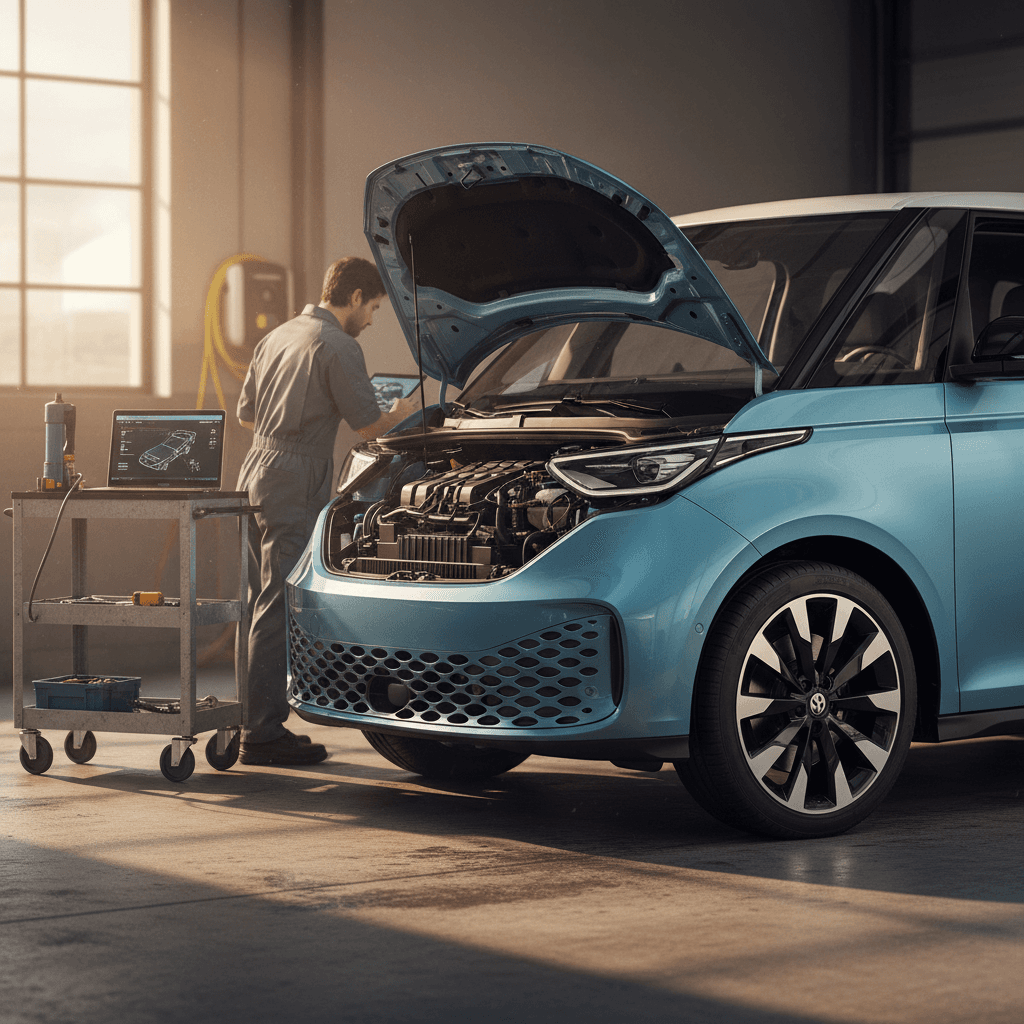
The 2025 Volkswagen ID. Buzz is the electric microbus nostalgia promised us: bright colors, big glass, three rows, and a vibe straight out of 1973, plus a 21st‑century battery pack. But if you’re shopping one new or used, you’ve probably heard whispers about 2025 Volkswagen ID. Buzz problems and fixes, especially around software and charging. This guide walks you through what’s actually going wrong, what’s just internet noise, and what you can realistically fix at home versus at the dealer.
Quick take
Overview: Are 2025 VW ID. Buzz models problematic?
2025 VW ID. Buzz problem snapshot
The 2025 ID. Buzz is still a new face in American driveways. That means two things: first, real‑world reliability data is thin; second, early software and supplier hiccups are still being ironed out. Owners are reporting the same pattern we’ve seen on other VW ID‑family EVs: glitch‑prone infotainment, picky fast‑charging behavior, and app connectivity drama. Hard mechanical failures and catastrophic battery issues, by contrast, remain rare as of early 2026.
Early‑adopter reality check
What’s unique about the 2025 Volkswagen ID. Buzz
The 2025 model year is effectively the U.S. launch year for the long‑wheelbase ID. Buzz. VW skipped a 2026 U.S. model year and plans to return with updates for 2027, so the 2025s are the opening act and the only U.S. model year for a while. Underneath, the Buzz shares the MEB platform with the ID.4, so many quirks, especially around software, will feel familiar to anyone who’s lived with VW’s earlier EVs.
- Long‑wheelbase, three‑row layout tuned for North America
- Shared MEB EV platform and software architecture with the ID.4
- Heavily software‑defined cabin: touch‑heavy controls, big center screen, app integration
- OTA (over‑the‑air) software updates for infotainment, charging logic, and driver‑assist systems
Why this matters for problems
Most common 2025 Volkswagen ID. Buzz problems
Where 2025 ID. Buzz owners see trouble
Think in four buckets: software, charging, battery behavior, and build quality.
Infotainment & software
Freezing screens, system restarts, laggy responses, odd driver‑assist behavior, and inconsistent OTA updates.
Charging quirks
Finicky public DC fast‑charging, session failures, and slower‑than‑expected charge rates at some stations.
Battery & range
Higher‑than‑expected vampire drain when parked and winter range sag that surprises new EV owners.
Build & interior niggles
Rattles from the sliding doors or third row, misaligned trim, and the occasional squeak from the dash.
Infotainment and software glitches
If you’ve read any ID. Buzz owner forum for more than five minutes, you already know the headliner: infotainment crashes and strange software behavior. Owners describe center screens that boot to a black display, reboot randomly while driving, or freeze when switching between navigation and smartphone projection. Wireless Android Auto or Apple CarPlay can drop, then refuse to reconnect until the system is restarted.
- Center screen boots to black or VW logo and never completes startup
- Random reboots while driving, audio cuts out, cameras briefly unavailable
- Wireless CarPlay/Android Auto losing connection and failing to re‑pair
- Lag when changing drive modes or driver‑assist settings
- Vehicle reports an update available but fails to install it, or shows the wrong version number after an update
Simple infotainment reset
DIY steps for buggy infotainment
1. Perform a soft reset
Press and hold the infotainment power/volume knob for 10–15 seconds until the screen reboots. Give it another minute to fully reload.
2. Check for pending updates
In the settings menu, look for software or system update options. Make sure the car has a solid data/Wi‑Fi connection, then try again.
3. Remove and re‑add your phone
Delete your phone from the car’s Bluetooth and CarPlay/Android Auto list, then re‑pair from scratch. Out‑of‑date phone OS versions can clash with VW’s software.
4. Power‑cycle the car fully
Lock the Buzz, walk away with the key for 10–15 minutes, and let the car fall fully asleep. Many systems only hard‑reset after a real sleep cycle.
5. Capture the fault
Take photos/video when the issue appears. Note time, outside temperature, and what apps you were using, this helps your dealer reproduce the problem.
When a reset is NOT enough
VW app and connectivity issues
Another theme across ID‑family EVs is the VW app simply not behaving like a modern connected‑car app. Owners report the app losing contact with the van, showing stale state‑of‑charge data, or failing to send remote commands like preconditioning. Sometimes an infotainment bug and an app bug are really two sides of the same connectivity problem inside the car.
- Vehicle not updating its status in the app for hours or days
- App shows the car offline while you’re standing next to it
- Remote climate requests that time out or never start
- Login loops and repeated prompts to re‑enter credentials
Quick VW app resets
Charging and DC fast‑charging quirks
Mechanically, the ID. Buzz’s charging hardware has been behaving better than many early EVs, but it’s still picky. The most common pattern is inconsistent DC fast‑charging: one station gives you the brochure‑promised peak rate, the next barely wakes up. Owners describe sessions that fail to start, taper aggressively early, or time out when the van can’t properly handshake with the charger.
- Charging sessions that won’t start until you unplug and plug in again
- Lower‑than‑expected charge rates on certain third‑party networks
- Charge session unexpectedly ending around 60–70% state of charge
- Error messages about "charging station unavailable" even when other cars are using it
First suspects: the station and the state of charge
How to triage DC fast‑charging problems
1. Try another stall or station
If your first plug‑in fails, move to a second stall. If that fails too, switch to a different network if possible, many problems are on the station side.
2. Start under 60% state of charge
Arrive with 10–40% charge if you can. The lower the battery, the higher the power the pack will accept, this also makes it easier to spot a truly slow charger.
3. Check cable tension and latch
Make sure the connector is fully seated, the latch clicks, and there’s no extreme strain on the cable. A half‑latched plug can cause intermittent errors.
4. Watch for repeat error codes
If you keep seeing the same error message at multiple sites, grab a photo and show it to your dealer. A software reflash or charging‑module check may be needed.
Battery drain and range complaints
Early European ID. Buzz owners reported phantom drain, the van slowly losing charge when parked, tied to software that let modules stay awake longer than necessary. Later software has improved this, but 2025 U.S. vans can still surprise new EV drivers who are used to leaving gas vans for weeks without thinking about them. Add winter temperatures to the mix and the results feel dramatic: 20–30% less effective range in cold weather is common across EVs, and the big, boxy Buzz has plenty of frontal area to push through the air.
Simple ways to tame range loss
Build quality and interior niggles
The ID. Buzz’s interior is charming, but some owners report classic minivan annoyances: rattles from the sliding doors, buzzing from the third‑row seatbacks, and occasional squeaks from the dash over rough pavement. Misaligned interior panels, wind noise around the A‑pillars at freeway speeds, and the odd sticky latch have also shown up in owner reports.
- Rattles from sliding doors or the rear quarter area
- Creaks from the dash over sharp bumps or cold mornings
- Intermittent wind noise around the driver’s window or mirrors
- Loose trim clips near the cargo area
Most trim issues are fixable
2025 ID. Buzz recalls and service campaigns
Because the ID. Buzz is new to the U.S. market, recalls and TSBs are evolving quickly. Early campaigns have focused on software stability, instrument‑cluster messages, and specific hardware checks rather than fundamental defects in the battery pack or motors.
Examples of early 2025 ID. Buzz recall/TSB themes
Exact campaigns vary by VIN. Always run your vehicle identification number through the NHTSA and VW recall tools.
| Area | Typical Concern | How It’s Fixed | Owner Cost |
|---|---|---|---|
| Software / infotainment | Crashes, blank screens, incorrect version display | Dealer software reflash and/or full infotainment re‑install | No charge under warranty |
| Battery management | Incorrect state‑of‑charge display or conservative power limits | Updated battery management software; rare hardware checks | Usually no charge if in warranty |
| Lighting / visibility | Incorrect or confusing warning messages | Reprogramming, cluster update, or component swap | Typically covered by safety or basic warranty |
| Body / trim | Loose hardware or alignment issues on doors/seats | Adjustment, clip replacement, felt‑tape fixes | Covered early; later may be goodwill or low‑cost |
Use this table as a directional guide, not a VIN‑specific diagnosis.
Always check by VIN
Diagnosing 2025 ID. Buzz problems at home
Issues you can usually tackle yourself
- One‑off infotainment crash right after pairing a new phone or app update.
- VW app login trouble that doesn’t affect actual charging or driving.
- Mild rattles traced to loose cargo covers, seatbelts, or removable storage pieces.
- Charging weirdness at a single station when other chargers work fine.
Issues that warrant a dealer visit
- Repeated screen crashes that affect cameras or driver‑assist systems.
- Persistent charging errors across multiple DC fast‑charging networks.
- Rapid or unexplained battery drain even in mild temperatures.
- Any warning light relating to braking, airbags, or high‑voltage systems.
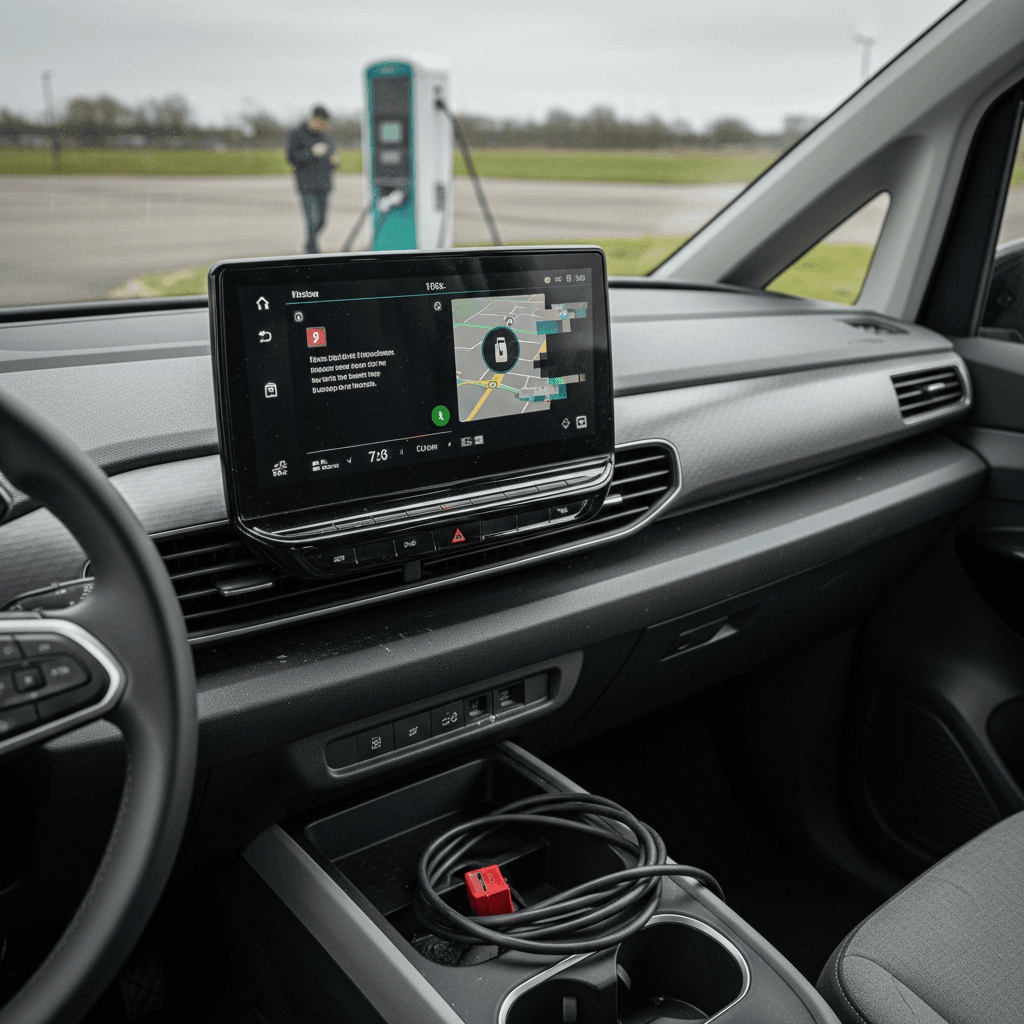
Pre‑service checklist: make your dealer visit count
Document symptoms clearly
Write down what happens, when, and under what conditions. "Crashes when I start navigation after 20–30 minutes of driving" is more useful than "it’s buggy."
Capture photos or video
Screenshots of error messages, frozen displays, or app behavior help the tech reproduce the issue.
Check for updates first
If your Buzz hasn’t taken an update in months, ask specifically about software campaigns and TSBs, not just recalls.
Bring both keys
Some immobilizer or connectivity fixes require all keys to be present so they can be relearned.
Ask for paperwork
Request a copy of the repair order showing what was updated or replaced. This matters for future troubleshooting and resale.
Dealer fixes, warranty coverage, and real‑world costs
For a 2025 ID. Buzz still under warranty, most of the meaningful fixes should be free. Software reflashes, infotainment module replacements, battery‑management updates, and recall work are typically covered under VW’s 4‑year/50,000‑mile basic warranty and longer battery coverage.
- Software‑only visits (updates, coding corrections) are usually quick and free under warranty, but may require you to leave the van for several hours.
- Infotainment hardware replacements can take longer if parts are back‑ordered, but are rare out‑of‑pocket jobs on low‑mileage 2025s.
- Trim fixes (rattles, squeaks, alignment) are often covered early in ownership; past that, they’re low‑labor, low‑parts jobs at an independent shop.
Out‑of‑warranty owners
Should you buy a used 2025 Volkswagen ID. Buzz?
The honest answer: yes, but with your eyes open. A used 2025 ID. Buzz is not a fragile EV, but it is a software‑heavy machine from a company still learning to be a software company. If you love the look and the packaging, and you’re willing to live through the occasional reboot, the Buzz can be an enormously charming family EV.
Pros and cons of a used 2025 ID. Buzz
Who should, and shouldn’t, sign up for VW’s electric microbus life.
Great reasons to buy
- You want a characterful family EV with real personality.
- You’re comfortable with the occasional software quirk and service visit.
- You mostly charge at home and use DC fast‑charging for trips.
- You value interior space and design over maximum range.
Reasons to think twice
- You want absolute appliance‑grade reliability and hate software drama.
- Your life depends on flawless public fast‑charging every week.
- You’re extremely sensitive to squeaks, rattles, or trim imperfections.
- You’re not interested in learning basic EV charging and app habits.
Look for a "sorted" Buzz
How Recharged helps you avoid a problem Buzz
If you’re shopping a used ID. Buzz, your two big questions are always the same: Is the battery healthy? and Has someone already chased down the early glitches? That’s exactly what Recharged is built to answer.
- Every Buzz we list comes with a Recharged Score Report that includes verified battery‑health diagnostics, so you can see how the pack is aging, not just what the dash says.
- Our EV‑specialist team reviews recall and software history so you’re not inheriting unfinished campaigns or outdated firmware.
- We offer financing, trade‑in, and nationwide delivery, plus EV‑savvy support the whole way through a fully digital buying process.
- If you already own a Buzz and want out, you can request an instant offer or consignment and let us handle the next owner.
Why this matters for 2025 Buzz buyers
Ready to find your next EV?
Browse VehiclesFAQ: 2025 VW ID. Buzz problems and fixes
Frequently asked questions about 2025 Volkswagen ID. Buzz problems
The 2025 Volkswagen ID. Buzz is not a perfect EV. It is, however, a memorable one, more soulful than a crossover, more interesting than a three‑row SUV, and more practical than the retro styling suggests. Its biggest problems live in the software stack, not the high‑voltage hardware. If you understand where those land mines are and how to navigate them, and if you lean on tools like a Recharged Score Report when you shop used, the ID. Buzz can be less of a problem child and more of a beloved, eccentric family member.