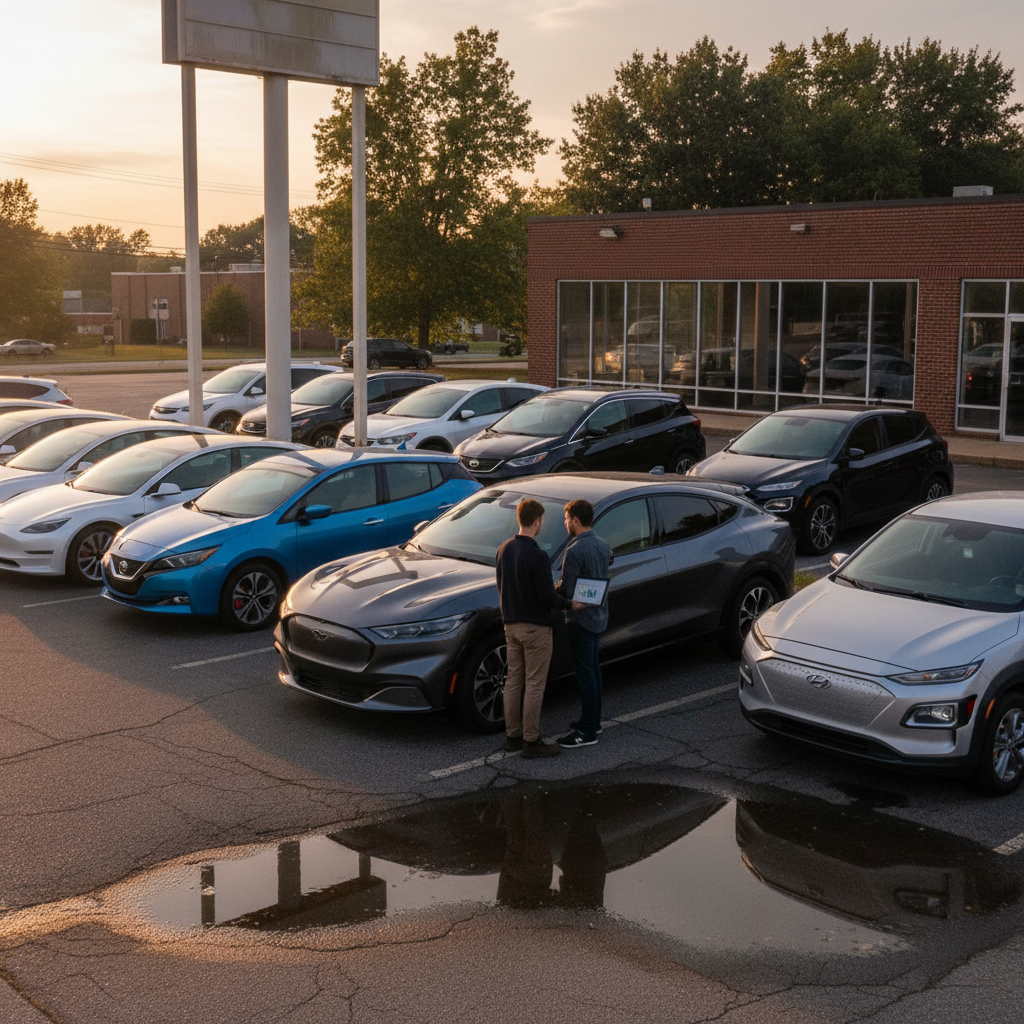
When you ask about the most reliable EV, you’re really asking two questions: which models avoid trips to the shop, and which ones keep their batteries healthy for the long haul. The honest answer is that there’s no single perfect electric car, but in 2025, a handful of EVs stand out in the data, and there are clear patterns that can help you pick a dependable new or used electric vehicle.
Quick takeaway
How we define the “most reliable EV”
Before we crown anything as the most reliable EV, it’s worth defining what reliability actually means for an electric car. Traditional reliability looks at how often a vehicle needs repairs and how serious (and expensive) those repairs are. For EVs, you have to add a new layer: battery health and high‑voltage system durability.
Reliability for EVs has three main ingredients
All three matter if you’re buying a car to keep, not just to lease.
Fewer defects & repairs
Stable battery capacity
Predictable everyday behavior
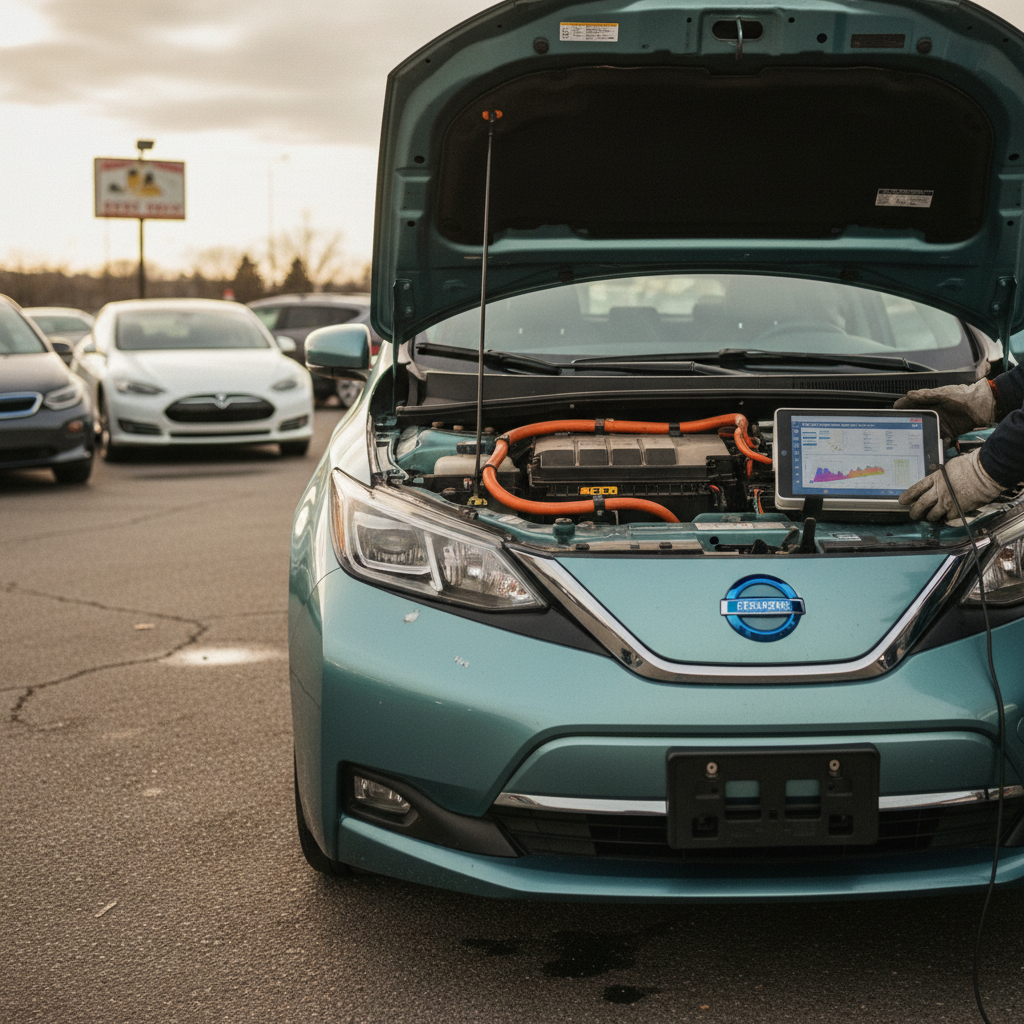
Most of the public rankings you see, like Consumer Reports’ annual reliability survey, focus heavily on owner‑reported problems across 20+ systems. That’s useful, but it doesn’t always capture battery health directly, which is why tools like the Recharged Score battery health diagnostics are so valuable when you’re shopping used.
EV reliability trends in the mid‑2020s
Reliability ≠ perfection
Most reliable EVs in 2025 at a glance
Different outlets slice the data slightly differently, but if you look at recent Consumer Reports–based rankings, owner surveys, and early fleet data, the same names keep appearing. Below is a simplified snapshot of EVs that consistently score above average for reliability in 2024–2025.
Most reliable EVs in 2025 (mainstream and premium)
These models show strong predicted or reported reliability based on Consumer Reports–style scoring and owner surveys.
| Rank | Make & model | Type | Reliability snapshot* | Notable strengths |
|---|---|---|---|---|
| 1 | BMW i4 | Premium compact sedan | High 70s–80s | Strong owner satisfaction, solid build quality, mature BMW electronics |
| 2 | Nissan Ariya | Compact SUV | Mid‑50s+ | Conservative tech, fewer drivetrain and software issues than many rivals |
| 3 | Lexus RZ | Luxury SUV | Mid‑50s+ | Lexus quality culture, simple feature set, strong dealer support |
| 4 | Kia Niro EV | Subcompact SUV | Low‑50s+ | Proven platform, relatively simple battery/drive system, strong warranty |
| 5 | Audi Q4 e‑tron | Compact SUV | Low‑50s+ | VW MEB platform gaining maturity, good interior robustness |
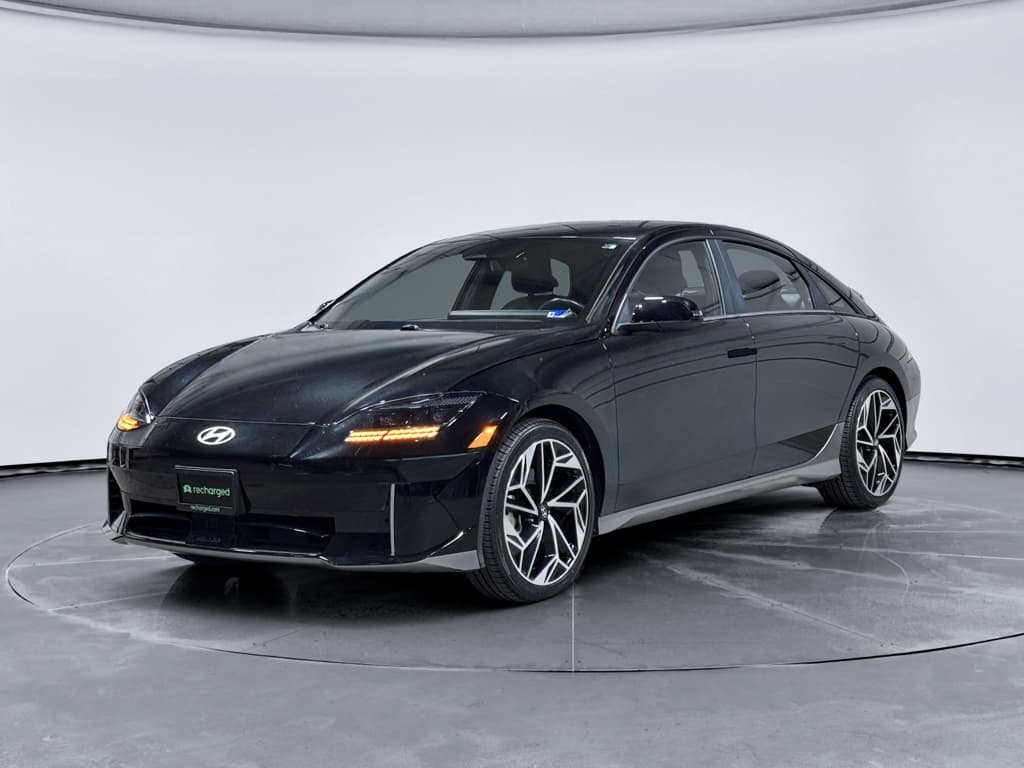
| 6 | Hyundai Ioniq 6 | Midsize sedan | Around 50 | Excellent efficiency, fewer first‑year bugs than some siblings |
| 7 | Porsche Taycan | Performance sedan/wagon | High‑40s | Complex but improving; strong hardware, OTA fixes for software quirks |
| 8 | Genesis GV60 | Luxury compact SUV | High‑40s | Shared E‑GMP platform, solid interior quality, still relatively low volume |
| 9 | Ford Mustang Mach‑E | Compact SUV | Low‑40s | Early issues improving with updates; solid once debugged |
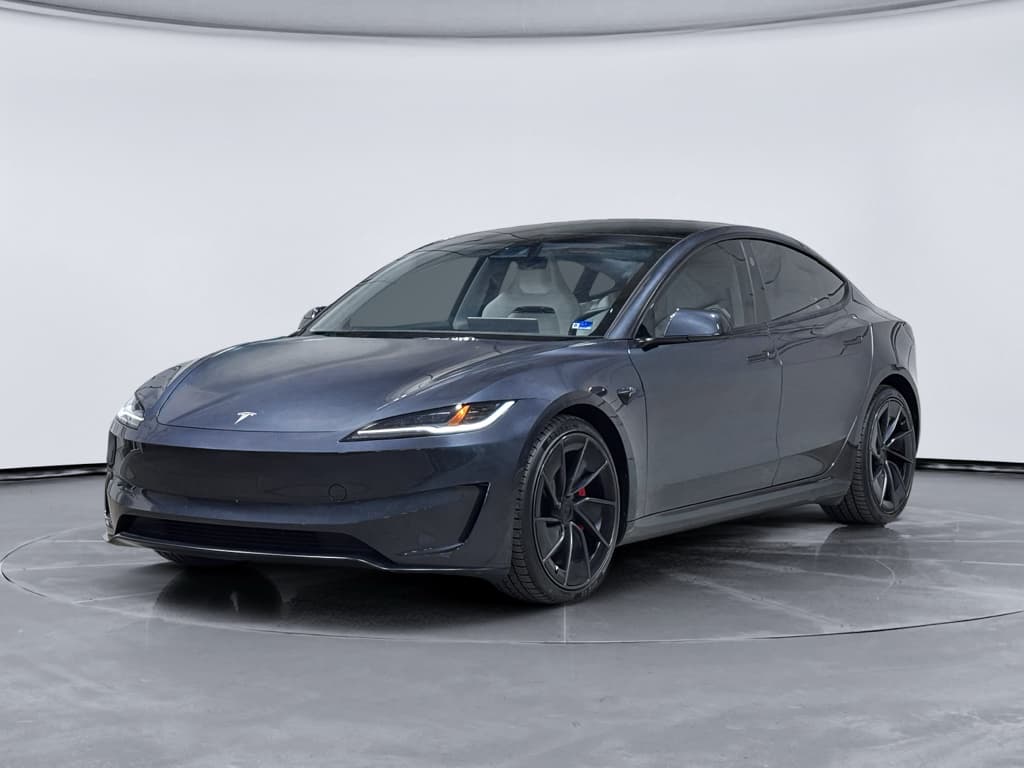
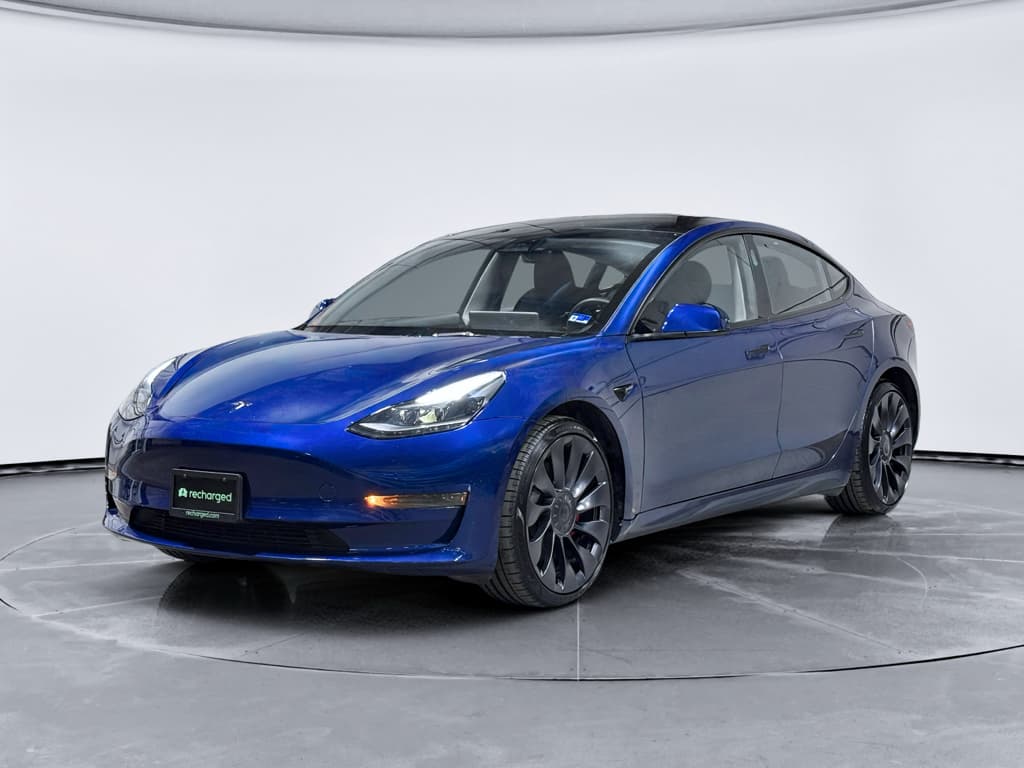
| 10 | Tesla Model 3 | Compact sedan | Low‑40s | Simple powertrain, OTA updates; some build quality and trim complaints |
Scores are rounded snapshots from 2024–2025 reports; real‑world experience can vary by model year, options, and build plant.
A note on scores
Model breakdowns: the top reliable EVs
Numbers are helpful, but they don’t tell you whether an EV actually fits your life. Here’s how the most reliable EVs stack up in real‑world use, with an eye toward buying used.
BMW i4: quietly the “most reliable EV” right now
The BMW i4 consistently tops Consumer Reports–based reliability rankings for EVs, with scores in the 80s in some 2025 lists. Under the skin it’s basically a 4‑Series with an electric drivetrain, which is exactly what you want for reliability: lots of shared, proven hardware and a conservative approach to new tech.
- Well‑sorted suspension, steering, HVAC and electronics
- Battery and drive units largely free of systemic failure patterns so far
- Excellent highway range and efficiency in most trims
If you want a premium EV that behaves like a mature German sedan more than an early‑adopter science experiment, the i4 is an excellent candidate.
Nissan Ariya, Lexus RZ & Kia Niro EV: conservative and dependable
The Nissan Ariya, Lexus RZ and Kia Niro EV all benefit from carmakers that tend to move more slowly than Silicon Valley startups. They’re not always the flashiest, but they avoid some of the wild swings that hurt early EVs.
- Ariya: comfortable, quiet, with relatively few drivetrain or charging complaints so far
- RZ: built on Toyota/Lexus’ cautious engineering culture, with dealer networks used to long‑term customers
- Niro EV: carries over proven tech from earlier Hyundai–Kia EVs with ongoing refinements
For shoppers who prioritize “just works” over zero‑to‑60 bragging rights, these three are worth serious consideration.
Hyundai Ioniq 6, Audi Q4 e‑tron & Porsche Taycan
Different price brackets, similar reliability story: early bugs, quickly improving.
Hyundai Ioniq 6
Audi Q4 e‑tron
Porsche Taycan
If your budget is more mainstream, the Ford Mustang Mach‑E and Tesla Model 3 are both worth a look despite middling scores. Early Mach‑Es struggled with software and 12‑volt battery issues, while older Model 3s had fit‑and‑finish complaints, but both have improved meaningfully with running changes and over‑the‑air updates.
EV reliability vs gas cars: what the data actually says
You’ll often hear that EVs are “simple” because they have fewer moving parts than gas cars. Mechanically, that’s true. But the last few Consumer Reports surveys paint a more nuanced picture: new EVs still have more problems overall than traditional internal‑combustion cars, mostly because automakers tend to pack bleeding‑edge tech into electric models first.
- On average, recent EVs show around 40%+ more owner‑reported problems than gas cars, but that’s down sharply from nearly 80% the year before.
- Plug‑in hybrids are the worst of both worlds from a reliability standpoint: all the complexity of an engine plus an EV drivetrain.
- Conventional hybrids (Prius, etc.) remain the reliability champs, now roughly on par with or better than gas‑only cars despite their added complexity.
How to read EV reliability stats
Battery health: the foundation of EV reliability
A reliable EV isn’t just one that avoids repairs, it’s one that still has useful range after 8–10 years. That comes down to chemistry, cooling, charging habits, and how the previous owner treated the car. Two identical cars on paper can age very differently in the real world.
What really determines EV battery reliability?
The headline range rating on the window sticker is only the starting point.
Thermal management
Charging behavior
Use case & climate
How Recharged derisks used EV batteries
Recharged data
Used EV battery health
94%
avg remaining capacity
From Recharged battery inspections, not manufacturer estimates.
- Lowest
- 70%
- Median
- 95%
- Highest
- 100%
- Est. range
- 266 mi avg
- Cell balance pass
- 100%
- Quick charges
- 18 avg
- Slow charges
- 61 avg
Average cell imbalance: 7.8 mV
Based on vehicles Recharged tested as of Jul 23, 2026
Recharged data
Recent EV sold prices
$25,997
median sold price
What buyers actually paid through Recharged, not list price.
- Lowest
- $4,527
- Average
- $28,433
- Highest
- $129,998
Monthly median sold price
Based on Recharged sales in the last 12 months as of Jul 23, 2026
Ready to find your next EV?
Browse VehiclesUsed EV reliability checklist
If you’re shopping for a used electric car, the specific model you choose matters, but so does the individual car’s history. Use this checklist to separate the truly reliable EVs from the ones that just look good in photos.
10‑step reliability checklist for used EVs
1. Start with the right models
Focus your search on EVs with above‑average reliability scores, such as the BMW i4, Nissan Ariya, Lexus RZ, Kia Niro EV, Hyundai Ioniq 6, Audi Q4 e‑tron, Genesis GV60, and later‑build Mustang Mach‑E or Tesla Model 3.
2. Demand a real battery health report
Ask for a third‑party or platform‑grade battery health report, not just a screenshot of the range estimate. On Recharged, this is built into the Recharged Score so you can see capacity vs. new.
3. Check model year and build date
Avoid very first‑year builds where possible. For example, a 2023–2024 version of a model will often be less glitchy than its 2021 launch year thanks to mid‑cycle fixes.
4. Look for software update history
Modern EVs live and die by software. Ask whether the car has received major OTA updates or campaign fixes, especially for charging, infotainment, and driver‑assist systems.
5. Inspect charging hardware & history
Check the charge port, cables, and connectors for damage or corrosion. If the seller has logs from public fast‑charging apps, get a sense of how often the car was fast‑charged.
6. Review service records
Scan for repeat visits for the same issue (especially HV battery, drive unit, charging, or infotainment). A clean history with only recalls and routine maintenance is a good sign.
7. Test all driver‑assist and infotainment features
On your test drive, deliberately stress the tech: navigation, Bluetooth, CarPlay/Android Auto, adaptive cruise, lane‑keep, parking sensors, cameras. Many “reliability” complaints are really software annoyances.
8. Evaluate tires, brakes and suspension
EVs are heavy and can wear tires and suspension components faster than similar gas cars. Uneven wear or clunks over bumps can hint at alignment or bushing issues.
9. Confirm warranty coverage
Most EVs carry 8‑year/100k‑mile (or better) battery warranties. Check what’s left on both the basic and high‑voltage warranties and how they transfer to you.
10. Use a specialist marketplace when possible
A platform built around EVs, like Recharged, can pre‑screen cars, verify battery health, and provide expert guidance on financing, trade‑ins, and nationwide delivery, saving you from expensive surprises.
Which brands build the most reliable EVs?
Brand‑level reliability stories are starting to look more like the gas‑car world than many expected. Legacy manufacturers with decades of quality‑control experience are quietly producing some of the most reliable EVs, while flashy newcomers are learning the hard way that software and manufacturing are both brutally difficult.
EV brand reliability, simplified
Think in terms of tendencies, not absolutes, every brand has hits and misses.
Generally strong
These brands enter the EV era with mature engineering and quality systems. Their EVs aren’t always the most exciting on paper, but they tend to have fewer catastrophic issues.
Mixed but improving
Some excellent EV products, but also a higher volume of software, trim, and charging complaints. Later model years generally fare better than early ones.
High‑risk early adopters
Great performance and innovation, but more frequent and serious reliability issues reported so far, especially outside warranty. Best approached with eyes wide open.
The through‑line in every reliability survey is that conservative, evolutionary engineering beats flashy firsts. The EVs that feel a little boring spec‑sheet‑wise are often the ones that simply work, year after year.
When an EV still isn’t the most reliable choice
As bullish as I am on EVs long‑term, there are still use cases where an electric car, any electric car, may not be your most reliable option in 2025. It’s better to be honest about that than pretend every household should electrify tomorrow.
- You live in a remote area with sparse public charging and frequent extreme cold or heat.
- You tow or haul near the vehicle’s limits on a regular basis (especially with first‑generation electric trucks).
- You rely on a vehicle for mission‑critical work where even a short unexpected downtime is catastrophic.
- You don’t have reliable off‑street parking or the ability to install a Level 2 charger and would depend fully on public infrastructure.
Don’t force an EV where it doesn’t fit
FAQ: Most reliable EVs and battery life
Frequently asked questions about EV reliability
Bottom line: how to choose a reliable EV
There isn’t a single “most reliable EV” that works for everyone, but there is a clear short list of electric cars that already behave like well‑sorted, everyday transportation rather than beta tests. Compact and midsize models like the BMW i4, Nissan Ariya, Lexus RZ, Kia Niro EV, Hyundai Ioniq 6, Audi Q4 e‑tron, Genesis GV60, and well‑chosen Tesla Model 3 or Ford Mustang Mach‑E make up that core.
If you’re shopping used, think in layers: start with inherently reliable models, then narrow to specific cars with clean histories and strong battery health. A platform like Recharged does a lot of that heavy lifting for you, combining fair‑market pricing, the Recharged Score battery diagnostics, expert EV‑specialist support, and flexible options for financing, trade‑ins, and nationwide delivery. Put those pieces together, and you’re not just buying an EV, you’re stacking the odds in favor of a car that will quietly do its job for years.