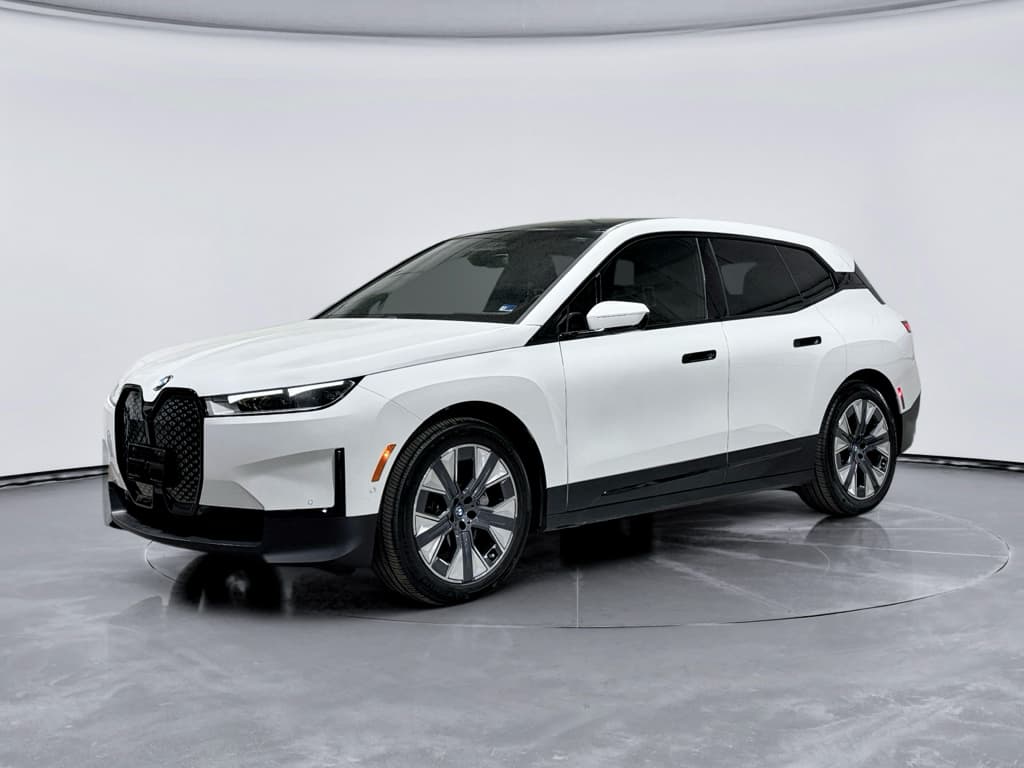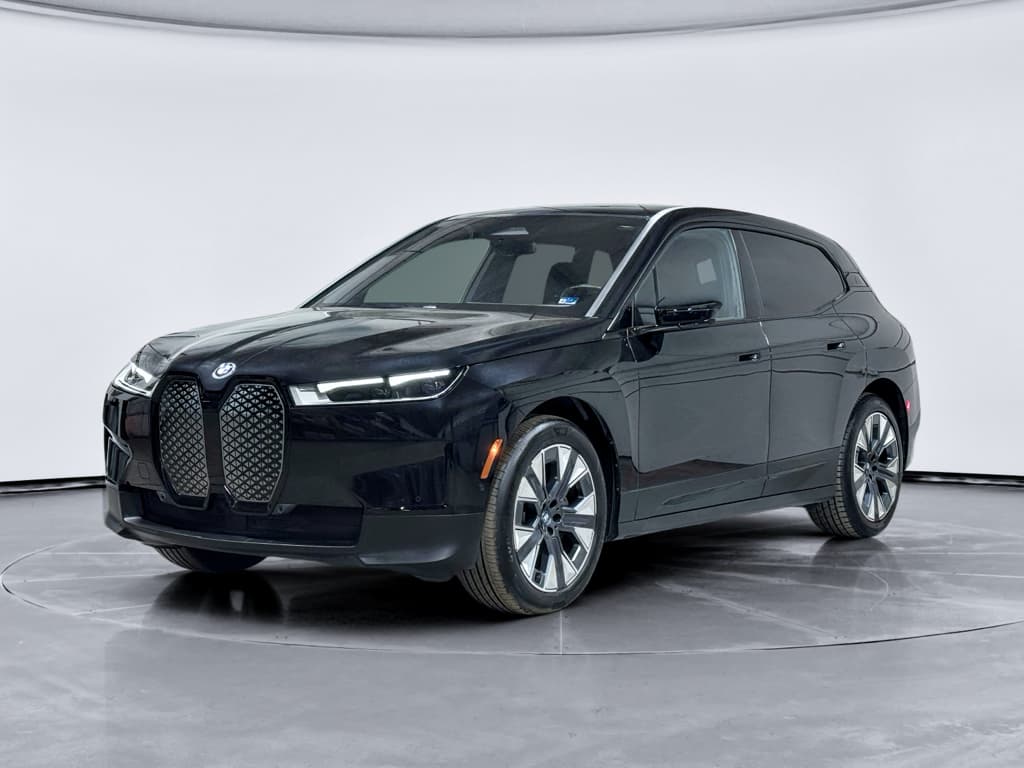
If you’re considering a 2025 BMW iX, or already own one, you’ve probably heard a mix of glowing praise and worrying stories about battery recalls, charging glitches, and fussy software. This guide breaks down the most common 2025 BMW iX problems and fixes in plain English so you know what’s a genuine red flag, what’s already been addressed by BMW, and what you can solve with a few smart habits.
What this guide covers
2025 BMW iX problem overview
2025 BMW iX reliability at a glance
The 2025 iX isn’t a disaster story, but it isn’t trouble‑free either. Think of it as a complex, heavily software‑defined EV from a legacy brand that’s still learning; you’ll see more software and charging gremlins than old‑school mechanical failures. Most issues are irritating rather than catastrophic, but a handful of high‑voltage battery and power‑loss recalls on earlier years mean you absolutely want to verify recall completion on any iX you own or plan to buy.
Why model year labels can be misleading
How reliable is the 2025 BMW iX?
Owner‑survey data so far suggests the BMW iX lands around average to slightly above average reliability for a luxury electric SUV. It tends to do better than some first‑generation mass‑market EV SUVs but falls short of the “appliance‑like” reliability you get from the best Japanese hybrids. Where it struggles is the same place many modern EVs do: software, electronics, and charging behavior, not the core motor and battery hardware.
- Most serious iX issues relate to high‑voltage batteries or sudden power loss, usually handled via recall and software updates.
- Everyday owner complaints skew toward scheduled charging not working as expected, sporadic fast‑charging failures, and buggy BMW iDrive interfaces.
- Mechanical wear items, tires, brakes, suspension, tend to hold up well but can be expensive to replace on a heavy, high‑performance EV like the iX.
How to sanity‑check real reliability
2025 BMW iX recalls and safety issues
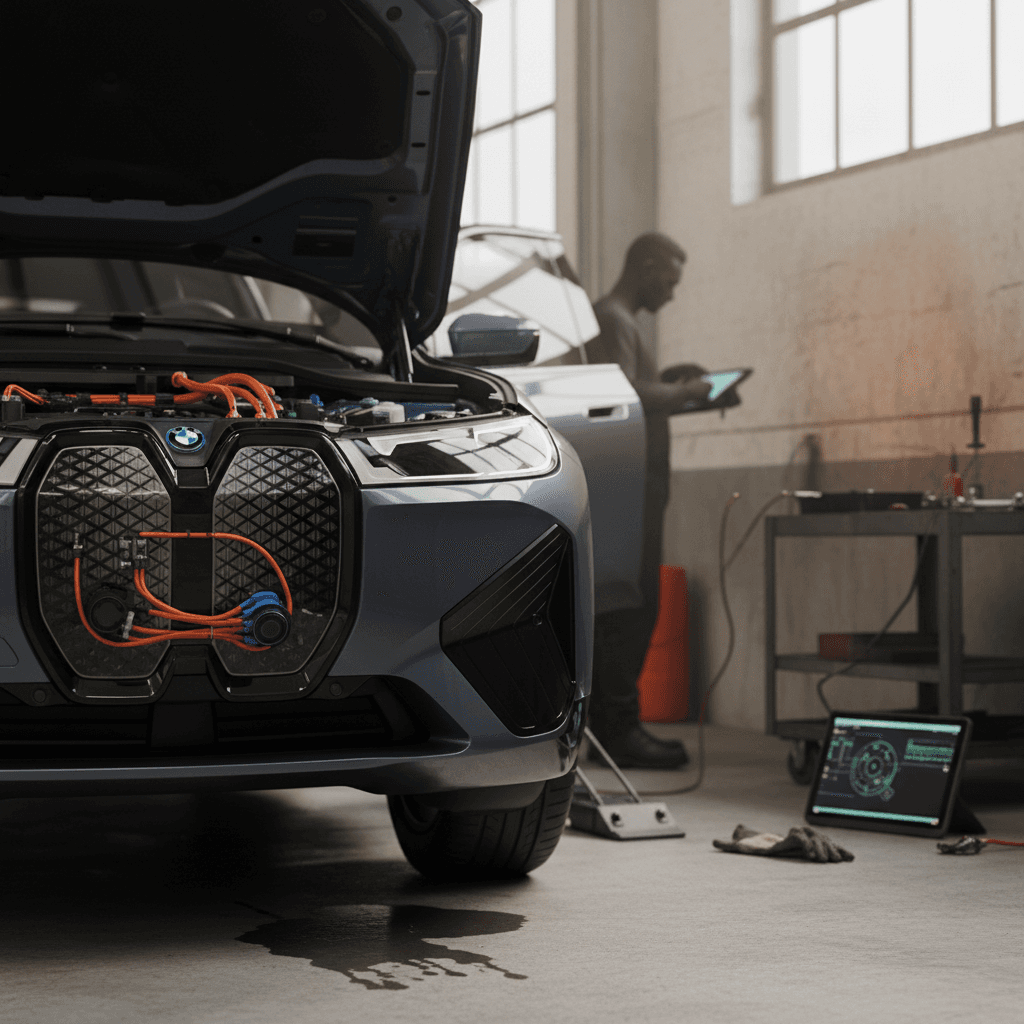
Because the iX launched for 2022 and continues through 2025, several major recalls target vehicles built across multiple years. If your 2025 iX was produced earlier in the run, it may be covered by campaigns that were originally written around 2022–2024 vehicles but later expanded. The headlines fall into two buckets: high‑voltage battery safety and unexpected power loss from electronic modules.
Key BMW iX recall themes (2022–2025, may include some 2025 builds)
Exact coverage depends on production date and VIN; use this as a framework, then verify your specific vehicle with BMW or NHTSA.
| Issue type | What happens | Risk to you | Typical fix |
|---|---|---|---|
| High‑voltage battery module stress/failure | Internal battery module damage can trigger HV system shutdown or, in rare cases, thermal events. | Sudden loss of power while driving; very small fire risk. | Battery module inspection and module or pack replacement; software updates to monitoring logic. |
| Inverter / power electronics shutdown | Fault in power electronics can cause the vehicle to drop into limp mode or lose drive power. | Loss of propulsion, usually with warning messages first. | Replace or reprogram the affected electronic module. |
| HV battery‑cooling / HEAT system recall | Software controlling high‑voltage heat pump and cooling system may mis‑manage thermal loads. | Potential performance reduction or battery longevity impact. | Software update, sometimes plus component inspection. |
| Airbag or restraint system warnings | Faulty sensors or wiring create persistent restraint system alerts. | Reduced or uncertain airbag performance in a crash. | Sensor or wiring harness replacement, software relearn. |
Always confirm recall status by VIN rather than assuming your 2025 iX is automatically included or excluded.
Fire and sudden power‑loss recalls: take them seriously
3‑step recall check for a 2025 BMW iX
1. Run a VIN search with official sources
Use your 17‑digit VIN on the NHTSA recall lookup tool or BMW’s recall site. This will show all open and completed campaigns specific to your iX.
2. Confirm completion with service records
Ask the BMW dealer (or previous owner) for a printed service history. Look for recall or campaign codes alongside descriptions referencing the battery, power electronics, or software updates.
3. Build recall verification into any purchase
When buying a used iX, make recall proof part of the deal. At Recharged, every vehicle’s history is reviewed and recall status is checked as part of the <strong>Recharged Score Report</strong> so you’re not guessing about safety work.
Battery and charging problems on the 2025 BMW iX
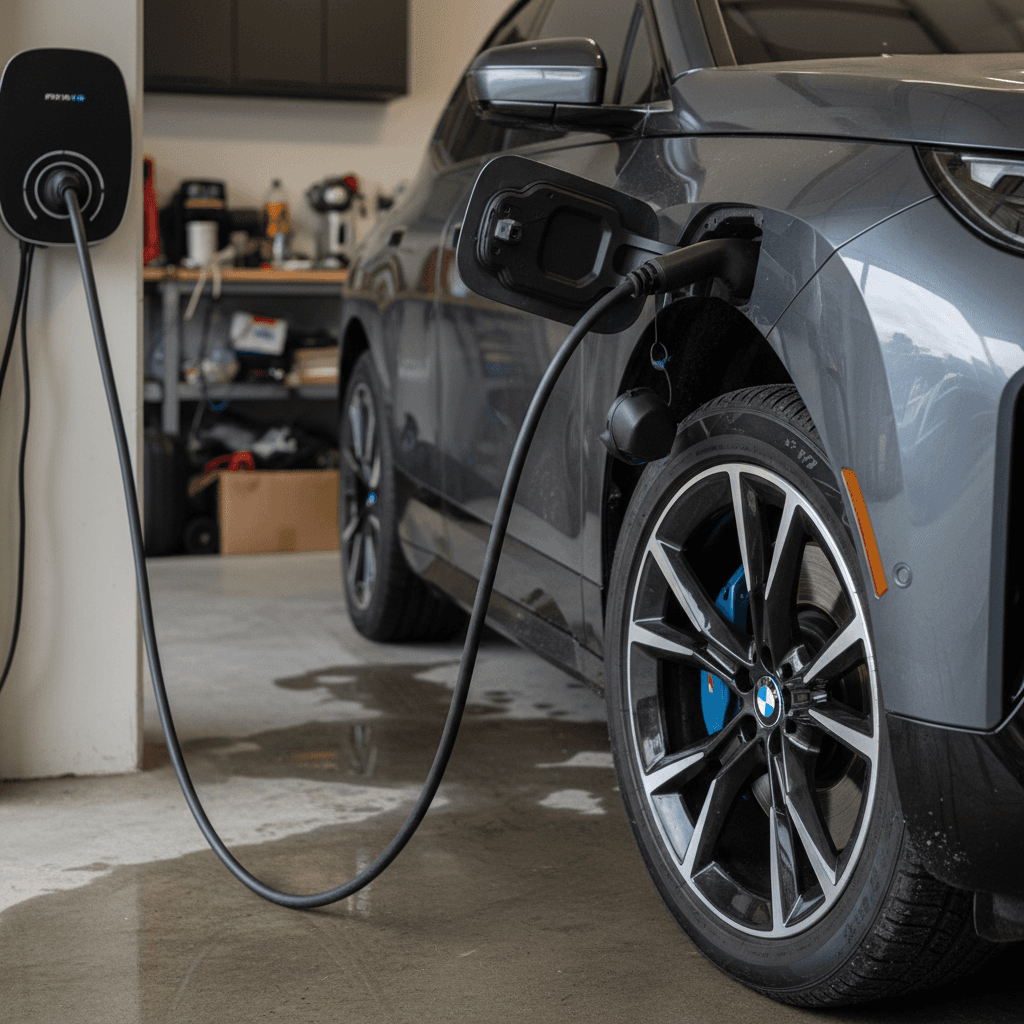
Battery health on the iX has generally been solid, there aren’t widespread reports of extreme degradation, but charging behavior is a recurring sore spot. Most complaints fall into three categories: AC home charging quirks, public DC fast‑charging handshake failures, and confusion around BMW’s charging app and scheduled charging logic.
Common 2025 BMW iX charging problems and likely causes
What owners experience, and how to approach a fix.
AC home charging won’t start or stops early
The car is plugged into a Level 2 charger, but charging starts late, stops for no reason, or ignores the schedule you set.
- Often tied to a software bug in scheduled charging or off‑peak tariff integration.
- Sometimes caused by pilot‑signal quirks between the wallbox and the car.
DC fast‑charging handshake failures
On some networks, the iX “connects” and then aborts the session, or stalls at low power.
- Can be a network‑side problem (faulty station) or car firmware needing an update.
- Occasionally related to a damaged or contaminated charge port.
App shows wrong state of charge or stuck progress
The My BMW app says your iX is at 80% forever or never shows a completed session even when the car is full.
- Usually a backend or app issue, not a real battery fault.
- Fixes often arrive via silent app or server updates.
Quick home‑charging troubleshooting steps
Fixes for home AC charging issues
- Temporarily disable all time‑of‑use or scheduled charging features in both the BMW and wallbox apps. Conflicting schedules are a classic cause of “phantom” failures.
- Update iDrive and the My BMW app to the latest versions, then re‑add your charging locations and preferences.
- Inspect the charge port and connector for debris, bent pins, or heat discoloration. If you see damage, have a BMW dealer inspect it before charging again.
- If problems persist, document sessions with timestamps and screenshots so your dealer can escalate with BMW engineering rather than just saying “no fault found.”
Fixes for public DC fast‑charging issues
With any EV, public DC fast‑charging is a three‑way handshake between your car, the station hardware, and the network software. The iX is no exception, many “iX charging problems” at public stations turn out to be bad chargers, not bad cars. But if your iX consistently fails where other cars are fine, it’s time to dig deeper.
Troubleshooting a 2025 BMW iX that won’t DC fast‑charge
Try multiple stations and networks
If one stall doesn’t work, move to another on the same site, then try a different provider on another day. If your iX fails everywhere while other EVs charge fine, you likely have a car‑side issue.
Check SOC and preconditioning
The iX reduces DC power at high state of charge. For best results, arrive between 10–40% and use preconditioning when navigating to the charger in the BMW navigation system.
Inspect the charge port
Look for bent or recessed pins, melted plastic, or corrosion. A damaged inlet can cause the car to reject sessions and often requires replacement under warranty.
Get session logs from the network
Many networks can pull logs for your failed sessions. Pair those with BMW diagnostic logs so the dealer isn’t troubleshooting blind.
Software and infotainment glitches
Like most modern BMWs, the iX leans heavily on iDrive software for everything from climate control to charging profiles. That gives BMW a lot of power to fix issues over the air, but it also means each update can introduce new quirks. Owners report everything from failed over‑the‑air (OTA) updates to random error messages that vanish after a reboot.
Typical 2025 iX software problems and quick fixes
Annoying more often than dangerous, but worth cleaning up.
Failed or stuck OTA updates
Update downloads, then aborts with a vague error, or stalls for hours.
- Try updating while parked with strong cellular or Wi‑Fi signal.
- If it repeatedly fails, dealers can often push or install the update via their diagnostic tools.
Freezing or laggy central display
Maps stutter, CarPlay drops, menus hang.
- Soft‑reset iDrive by holding the volume button down.
- Remove and re‑add your phone; ensure apps and OS are up to date.
Random error messages that don’t repeat
You see a charging, drive‑train, or ADAS warning once, then it disappears.
- Snap a photo of any warning before it clears.
- Have the dealer scan for stored fault codes at your next visit.
Why keeping software current matters on the iX
Driver-assistance and Park Assist quirks
The iX packs a full suite of advanced driver‑assistance systems (ADAS): lane‑keeping, adaptive cruise, automated parking, and more. Most of the time these systems work well, but owners do report overly aggressive interventions and occasional false positives, especially in complex parking scenarios or poorly marked roads.
- Lane‑keeping assist can ping‑pong between lane markers on narrow or poorly painted roads, making the car feel nervous rather than confident.
- Parking and low‑speed driver aids sometimes behave unpredictably around steep driveways, tight curbs, or reflective surfaces, triggering unexpected braking or steering corrections.
- Camera or radar sensors can get knocked out of calibration after minor bumps or windshield replacement, leading to persistent warnings or degraded ADAS performance.
Use ADAS as a helper, not a chauffeur
Simple steps to tame iX driver‑assistance behavior
Review and customize ADAS settings
Deep in the iDrive menus you can adjust how strongly lane‑keeping intervenes, whether steering assistance activates automatically, and how aggressively the car reacts to obstacles. Tuning these can dramatically change how the car feels.
Keep sensors and cameras clean
Dirt, ice, or road salt on radar modules and cameras can cause sudden dropouts or phantom warnings. A quick wipe can “fix” what feels like a complex electronic gremlin.
Ask for a calibration check after any body or glass work
If you’ve had a windshield, bumper, or front‑end repair, make sure the shop has completed the required ADAS recalibration. Without it, the iX may mis‑judge distances or lane lines.
Ride quality, noises, and cabin issues
Compared with some other EV SUVs, the iX is impressively quiet and comfortable, but it’s still a heavy, powerful vehicle riding on wide tires. As miles add up, owners commonly report tire wear, squeaks and rattles, and suspension thumps, especially on rough roads.
Tires, alignment, and road noise
- The iX’s weight and torque can chew through tires quickly if alignment isn’t spot‑on.
- Uneven inner shoulder wear is a frequent complaint on performance‑oriented EVs; it manifests as a low‑frequency drone at highway speed.
- Rotating tires every 5,000–7,500 miles and checking alignment yearly can significantly extend life and reduce noise.
Interior creaks and rattles
- Harder plastics around the cargo area and door cards can develop squeaks in hot or cold weather.
- Many owners have success with simple fixes like felt tape on contact points or having the dealer apply BMW‑approved anti‑rattle kits.
- Verify that the rear seatbacks and load floor are latched properly, loose latches are a surprisingly common source of “mystery” noises.
Document noises for faster fixes
Preventive maintenance, fixes, and owner checklist
The best way to live happily with a 2025 BMW iX is to treat it less like a traditional luxury SUV and more like a connected electronic device on wheels. That means staying ahead on software updates, charging hygiene, and documentation, rather than just oil changes and brake pads.
Owner checklist: Keep 2025 iX problems small and fixable
Stay current on iDrive and app updates
Set a monthly reminder to check for software updates in the car and on your phone. Read release notes for any charging or battery‑related changes, and schedule larger updates when you can leave the car parked for a while.
Standardize your home‑charging setup
Avoid constantly switching between different wallboxes, portable chargers, and schedules. Pick one primary setup, configure it carefully, and only add complexity (like utility “smart charging”) once you know the basics are stable.
Log any warnings or odd behavior
Any time you see a drivetrain, battery, or ADAS alert, grab a quick photo of the screen. Keep a simple log with mileage and conditions; this history is invaluable if problems escalate into a warranty claim.
Inspect tires, brakes, and suspension annually
Ask your shop to measure tire tread across the full width, look for inner‑edge wear, and inspect suspension bushings. Catching these issues early can prevent vibration and noise that might otherwise get blamed on “EV problems.”
Verify recall status every 6–12 months
New recalls can be issued years after production. Run a fresh VIN check annually so you’re not driving around with a fixable safety defect.
Used 2025 BMW iX buying tips
If you’re eyeing a used 2025 BMW iX, the goal isn’t to find the mythical “perfect” example, it’s to find a car whose issues are known, documented, and already fixed. Given the iX’s recall history and software dependence, you should be more demanding than you might with a simpler gas SUV.
Used 2025 BMW iX: problems to screen for before you buy
Use this as a checklist when reviewing service records or inspecting a potential purchase.
| Area | What to ask | Good sign | Red flag |
|---|---|---|---|
| Recalls and campaigns | “Can you show me BMW service records and a current VIN recall printout?” | All safety recalls closed; multiple software updates recorded. | Open HV battery or power‑loss recall; seller vague about history. |
| Battery and charging | “Any issues with home or DC fast‑charging?” | Owner can describe normal behavior, maybe mentions resolved software bugs. | Stories about repeated failed sessions, replaced charge ports, or “BMW couldn’t find anything.” |
| Software behavior | “Any glitches with the screen, app, or updates?” | Minor annoyances, but the car is on recent software and OTA updates succeed. | Failed updates, persistent warnings, or dealer saying “don’t update, it breaks things.” |
| Ride and noise | “Can we do an extended test drive at highway speeds?” | Smooth, quiet ride with even tire wear. | Drumming, vibration, or clunks over bumps, could signal tire, wheel, or suspension issues. |
A good used iX is one with documentation and a clean bill of health on software, charging, and recalls.
How Recharged de‑risks a used BMW iX
Ready to find your next EV?
Browse VehiclesFAQ: 2025 BMW iX problems and fixes
Frequently asked questions about 2025 BMW iX problems
Bottom line: Is the 2025 BMW iX worth it?
If you go into the 2025 BMW iX expecting old‑school, set‑and‑forget BMW reliability, you’ll probably be disappointed. If you approach it as a high‑tech luxury EV that needs attentive software and charging management, it starts to make a lot more sense. The iX’s core ingredients, range, performance, comfort, and safety, are strong, and most of its headline problems have clear fixes, whether through recalls, software updates, or straightforward service work.
For current owners, the playbook is simple: stay on top of software, document issues, and verify recalls annually. For shoppers, especially in the used market, focus on vehicles with verified battery health, clean charging behavior, and solid service records. At Recharged, we build that homework into every used iX we list, using our Recharged Score to turn a complicated EV story into a clear, data‑driven decision. Treated that way, a 2025 iX can be less a bundle of problems and more a deeply capable electric flagship.