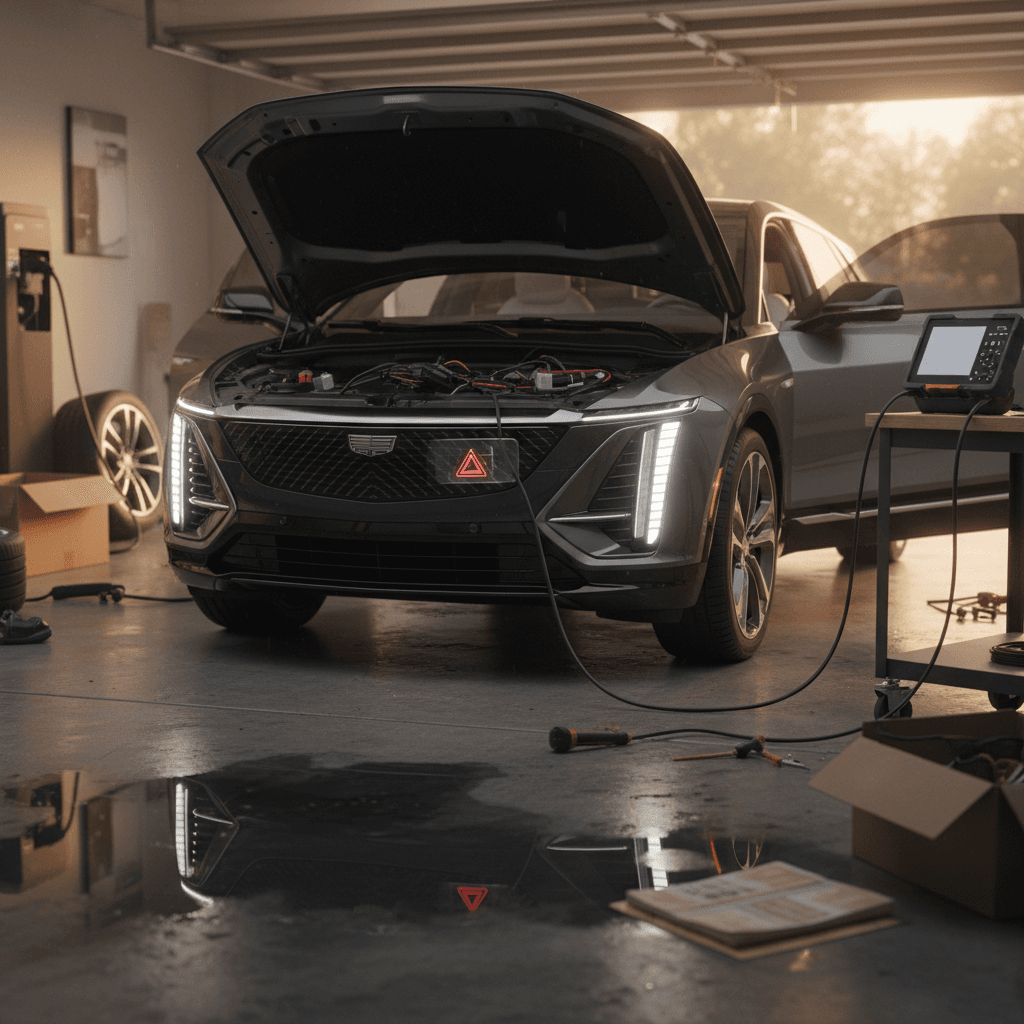
If you’re eyeing a 2024 Cadillac Lyriq, you’ve probably seen two very different stories. Some owners say it’s the best vehicle they’ve ever driven. Others are stuck in a revolving door of software bugs, charging gremlins, and dealer visits. This guide breaks down the most common 2024 Cadillac Lyriq problems and fixes, what’s been recalled, and what you should look for if you’re shopping new or used.
Quick take
Overview: The 2024 Lyriq’s Two Reliability Stories
Independent reliability surveys have called out the 2024 Lyriq for below‑average reliability, especially in in‑car electronics, charging behavior, and minor electrical accessories. At the same time, owner forums and reviews include plenty of “zero problem” reports from drivers who simply plug in, drive, and enjoy the quiet Cadillac glide.
When it goes right
- Smooth, quiet ride and strong performance.
- Comfortable cabin with a big, bright curved display.
- Many owners report thousands of miles with only routine updates.
When it goes wrong
- Infotainment or driver display freezing or going blank.
- Home charging that stops unexpectedly or won’t start on schedule.
- Warning lights for 12V battery, high‑voltage system, or driver‑assist features.
Important context
Where 2024 Lyriq Issues Tend to Cluster
The Biggest 2024 Cadillac Lyriq Problems So Far
Let’s walk through the 2024 Cadillac Lyriq problems you’re most likely to read about, and, more importantly, what usually fixes them.
1. Screens going blank, freezing, or acting strange
Across owner reviews and forums, the single most common complaint involves the Lyriq’s big curved display and driver information screen. Owners report the display going completely blank while driving, rebooting on its own, or locking up so navigation, audio, and even the backup camera disappear until the next restart. Some also describe menu items duplicating, blank options, or the screen running so hot it’s uncomfortable to touch.
Why this matters
- Cause: Software bugs in the infotainment and display controller that can cause the screen to crash or fail to boot correctly after an update.
- Typical fix: Dealer‑applied software update, or in some cases replacement of the infotainment module or display unit under warranty.
- Owner tip: If your screen goes dark while driving, document with photos/video when it’s safe, note mileage and conditions, and schedule service. Ask the dealer to confirm all open campaigns and software bulletins have been completed.
2. Home and public charging issues
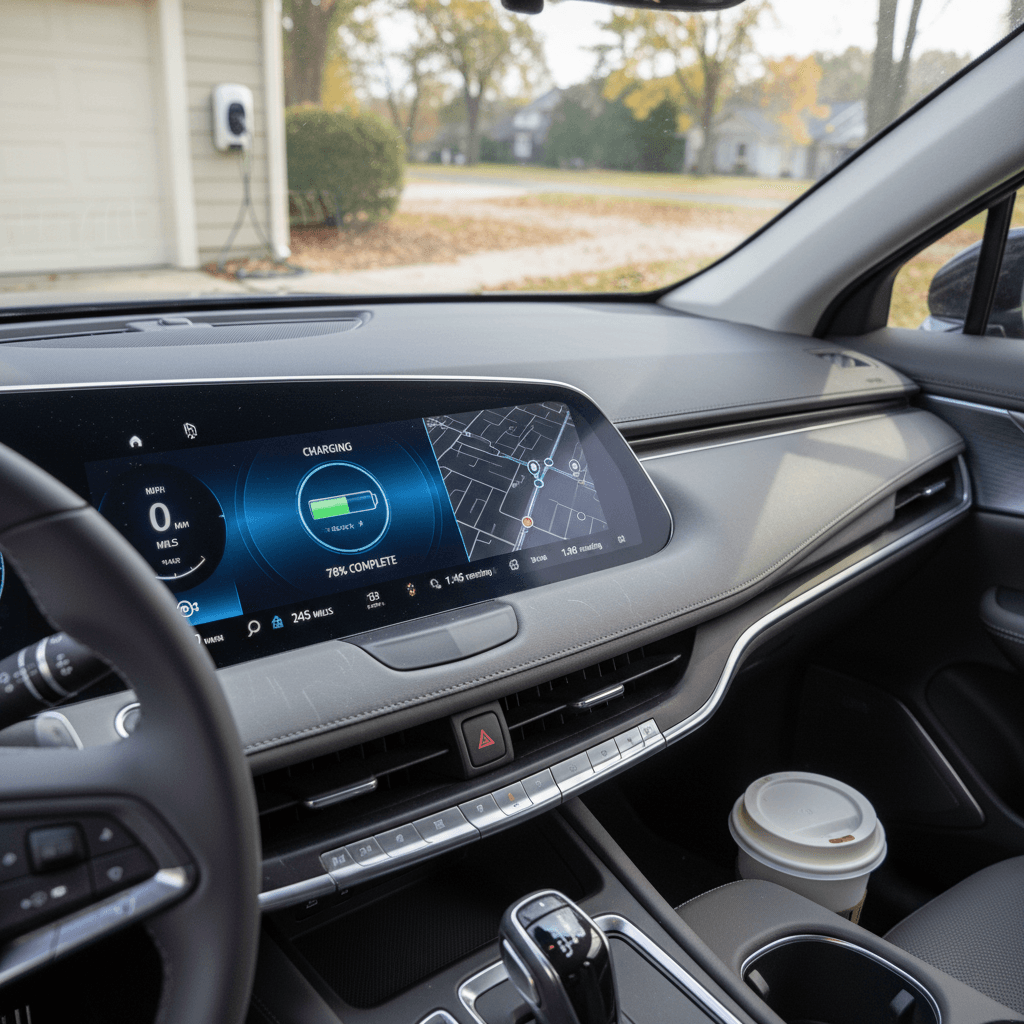
Most 2024 Lyriqs charge normally, but enough owners have reported headaches that it’s worth paying attention. Complaints include scheduled charging not starting, sessions that stop after 30–40 minutes on Level 2, the car blaming the charger when it’s actually fine, or DC fast‑charging that ramps up briefly and then drops to very low power for the rest of the session.
Start with the simple stuff
- Cause: A mix of things, bugs in the onboard charger software, touchy communication with certain wallboxes, and in rare cases high‑voltage battery or contactor faults.
- Typical fix: Updated software for the charging module, reprogramming the car to clear scheduling bugs, or replacing a faulty home charger the dealer originally supplied. In more serious cases, dealers have replaced high‑voltage components after seeing error codes.
- Owner tip: Keep screenshots from your charging app and the MyCadillac app. Note the charger brand, power level, starting state of charge, and ambient temperature, this evidence can really speed up diagnosis.
3. 12‑volt battery and warning‑light drama
Like every modern EV, the Lyriq uses a small 12‑volt battery to wake up the high‑voltage system and run electronics. Some 2023–2024 owners have reported 12V battery warnings, random low‑voltage faults, or cars that won’t “boot up” after sitting. In a few cases, vehicles have had repeat 12V failures in a matter of days.
- Cause: Software that doesn’t always manage low‑voltage charging perfectly, accessory draw while parked, or a weak 12V battery from the factory.
- Typical fix: Dealer testing and replacement of the 12V battery, plus updated software to better manage its charging. In some cases, technicians also look for control modules that stay awake when they shouldn’t.
- Owner tip: Treat a 12V warning as urgent. Don’t ignore it for weeks, schedule service and avoid long road trips until it’s checked out.
4. Driver‑assist and Super Cruise glitches
Another cluster of complaints: Super Cruise and other driver‑assist systems cutting out. Owners describe alerts that won’t clear, lane‑keep or adaptive cruise suddenly going offline, or Super Cruise refusing to engage on roads where it previously worked.
- Cause: Camera or radar calibration issues, dirty sensors, bad data from maps, or underlying software bugs in the driver‑assist controller.
- Typical fix: Software updates, camera recalibrations, or replacement of individual sensors. If your Lyriq has had bodywork or windshield replacement, calibration is essential.
- Owner tip: Keep your windshield, front radar area, and camera housings clean. If alerts keep coming back after service, escalate with detailed notes about where and when it happens.
5. Build‑quality quirks and cabin noises
Beyond the high‑tech stuff, some 2024 Lyriq owners report old‑fashioned build issues: misaligned trim, rattles from the rear cargo area, sticky “jewel drawer” storage, door handles that don’t sit flush, or wind noise that doesn’t match the price tag.
The upside here
Recalls You Should Know About on the 2024 Lyriq
By spring 2026, the 2024 Lyriq had been included in multiple safety campaigns. Recall details can change, so you should always run the VIN through the NHTSA website or the MyCadillac app. But here are the big themes to understand:
Key Recall Themes for 2024 Lyriq
Always verify open recalls on your specific VIN, this is a high‑level summary, not a substitute for an official lookup.
| Issue | What can happen | How it’s fixed | What you should do |
|---|---|---|---|
| Display going blank | Instrument cluster or central screen can go dark, affecting visibility of speed and warnings. | Software update and, in some cases, updated display hardware. | Confirm your car has the latest display recall completed before purchase. |
| Ultium platform control issues | In rare cases, modules controlling propulsion or braking can behave incorrectly. | Control‑module reprogramming or replacement as specified by GM. | Ask for service paperwork showing all Ultium‑related recalls completed. |
| Misc. compliance campaigns | Labeling, head‑restraints, and other regulatory items on closely related model years. | Software or hardware tweaks, inspections, or new labels. | Run a VIN check any time you buy, especially private‑party or out of state. |
Recall campaigns are performed free of charge at Cadillac dealers.
How to check recalls in 2 minutes
Common Issues and Practical Fixes
Let’s match the most common 2024 Cadillac Lyriq problems with the realistic fixes you can expect, from simple owner steps to dealer‑level repairs.
Top 2024 Lyriq Problems and Likely Fixes
Use this as a conversation starter with your service advisor or seller.
Screens blanking or freezing
Try first: Soft reboot the system by shutting the car down, opening the driver’s door, and letting it fully power off before restarting.
Dealer fix: Apply the latest infotainment and display software. If problems persist, replace the display or infotainment module under warranty.
Level 2 charging stops early
Try first: Test another wallbox and cable, disable schedules, and set charging to "Charge Immediately." Make sure your EVSE firmware is current.
Dealer fix: Reflash the onboard charger module; inspect for high‑voltage error codes and replace components if indicated.
12V battery warnings
Try first: Don’t repeatedly power the car on/off just to clear the message. Avoid leaving it parked for long stretches with accessories on.
Dealer fix: Test and replace the 12V battery; ensure updated power‑management software is installed; check for parasitic draws.
Driver‑assist faults
Try first: Clean cameras and sensors, restart the vehicle, and verify you’re on a supported Super Cruise road.
Dealer fix: Recalibrate sensors, update driver‑assist software, and replace any failed modules or cameras.
Rattles & trim issues
Try first: Narrow down the source by driving on a consistent road and having a passenger listen and feel for vibration points.
Dealer fix: Adjust, pad, or replace offending trim pieces, window seals, or storage components under warranty.
App & charging schedules
Try first: Turn off charge scheduling in both the car and your wallbox/app so they aren’t fighting each other.
Dealer fix: Apply connectivity and charging‑control software updates; in stubborn cases, GM or the charger maker may replace hardware.
DIY Troubleshooting Checklist Before You Call the Dealer
You can’t, and shouldn’t, DIY repair most of a modern EV. But you can walk through a short list of checks that often separates a minor quirk from a real problem.
Quick Owner Checklist for 2024 Lyriq Issues
1. Power‑cycle fully, not just the screen
When something acts up, park safely, put the Lyriq in Park, open the driver’s door, and give it a few minutes to power all the way down. Then lock it, wait again, and unlock/restart. Many minor bugs clear with a full sleep–wake cycle.
2. Test more than one charger
If you see odd charging behavior at home, try a different Level 2 unit and at least one DC fast‑charger from a major network. Consistent behavior across multiple chargers points toward the car, not the station.
3. Note the conditions precisely
Write down (or record in your phone) the mileage, outside temperature, state of charge, apps you were using, and road conditions when the issue happened. This context is gold for technicians.
4. Look for pattern, not one‑offs
A screen that reboots once and never repeats is annoying. A screen that blanks out three times in a week is a pattern your dealer should investigate. Track frequency, not just intensity, of problems.
5. Check for open updates and recalls
Log into the MyCadillac app or your online owner account and check for pending software updates or recalls. Sometimes what looks like a ghost in the machine is already covered by a campaign.
6. Document with photos or video
If it’s safe to do so, record the problem while it’s happening, blank clusters, flickering screens, nonsense warnings. That evidence can turn a "no trouble found" visit into a productive repair.
When to stop driving
What This Means If You’re Buying a 2024 Lyriq Used
The upside of early‑production hiccups is simple: they show up first for new‑car buyers. If you’re shopping a used 2024 Lyriq in 2026 or later, you have two big advantages, more data about common problems, and a clear paper trail (or lack of one) on each car you’re considering.
Smart Used‑Buyer Moves for a 2024 Lyriq
You’re not just buying a car, you’re buying someone else’s service history.
1. Pull the full service history
Ask for dealer service records, not just a generic vehicle‑history report. You want to see:
- Which recalls were completed and when.
- Any repeat visits for screen, charging, or electrical issues.
- Whether those issues were truly resolved or just “rechecked.”
2. Test drive like an engineer
On your test drive, deliberately:
- Cycle drive modes and driver‑assist features.
- Watch for flickers, restarts, or lag in the cluster.
- Listen for rattles on rough pavement and at highway speed.
3. Do a real charging test
Don’t just take a seller’s word that it “charges fine.” If possible:
- Plug into a Level 2 charger and leave it for at least 30–45 minutes.
- Confirm the rate is stable and the session doesn’t end on its own.
- Use a fast charger if available to see how it ramps and tapers.
Look for the right kind of paperwork
How Recharged Evaluates a Used Lyriq Before Listing It
If you’d rather not be the one connecting all the dots, this is exactly the kind of EV where a deeper third‑party inspection pays off. At Recharged, every Lyriq we list goes through a structured process aimed at the issues owners are actually seeing, not just the usual tire‑kick and a quick wash.
- Battery and charging diagnostics: We run our Recharged Score battery‑health test, verify usable capacity, and check that the Lyriq charges reliably on Level 2 and DC fast‑chargers.
- Software and recall status: We confirm that all safety recalls are complete, and that the car is running current infotainment and control‑module software for its build date.
- Infotainment and electronics test: Screens, cameras, audio, driver‑assist systems, HVAC, lighting, wireless charging, and mobile‑app connectivity all get a workout, not just a tap‑through.
- Road test for noise and ride quality: A technician drives on mixed roads to listen for rattles, wind noise, and suspension quirks that don’t show up in a static inspection.
- Transparent reporting: The Recharged Score Report gives you a plain‑English summary of battery health, charging behavior, and any past or present concerns, before you buy.
Shop Lyriq the low‑drama way
Ready to find your next EV?
Browse VehiclesFAQ: 2024 Cadillac Lyriq Problems and Fixes
Frequently Asked Questions
Bottom Line: Is a 2024 Cadillac Lyriq a Bad Bet?
The 2024 Cadillac Lyriq is not a disaster, and it’s not trouble‑free. It’s a first‑generation luxury EV with a gorgeous cabin, impressive range, and a driving experience that many owners genuinely love. It’s also an Ultium early adopter, which means you’re more likely to encounter software, display, and charging quirks than you might in a more mature model.
If you’re willing to be a little patient with updates and the occasional dealer visit, a carefully vetted 2024 Lyriq can be a compelling choice, especially bought used after its biggest gremlins have been addressed. Just don’t go in blind. Verify recalls, dig into service history, and do real‑world charging tests. Or let a specialist like Recharged sweat the details, with a Recharged Score battery‑health report and expert EV guidance backing every car we sell.