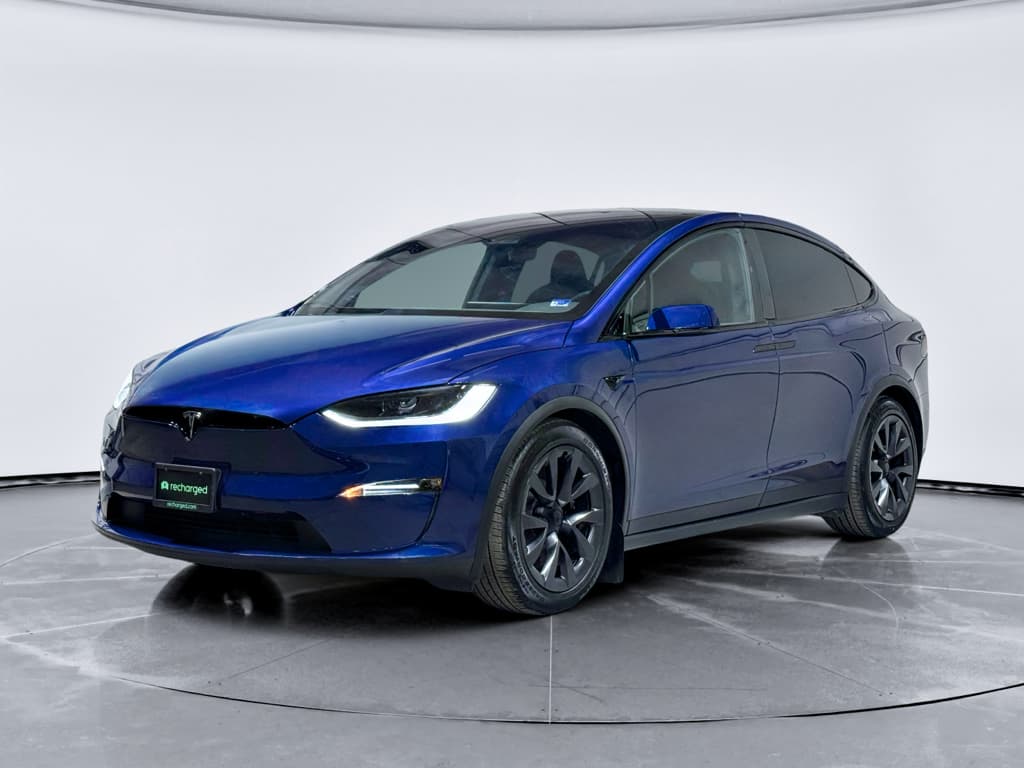
The 2023 Tesla Model X is a wild mix of brilliant and frustrating. You get supercar-level acceleration, a huge glass cockpit, and access to Tesla’s Supercharger network, all wrapped in a family-size electric SUV. You also get a model-year that’s been hit with a **high number of recalls**, scattered build-quality complaints, and the usual Tesla software drama. If you’re trying to understand 2023 Tesla Model X problems and fixes, especially before buying one used, this guide is for you.
A quick word on context
2023 Tesla Model X reliability at a glance
2023 Model X: the reliability snapshot
The 2023 Model X is no longer the early-build problem child it once was, but it still isn’t a set-it-and-forget-it SUV. Most complaints center on **software behavior, Autopilot/FSD quirks, door mechanisms, and interior rattles**, not the battery pack or drive units. That’s good news if you’re planning long-term ownership, but only if you go in with your eyes open and a very detailed inspection.
Recall reality check
Major 2023 Model X recalls and what they actually fix
Across 2021–2023 Model Xs, Tesla has issued multiple recalls ranging from mildly annoying to genuinely safety-critical. For a 2023 specifically, the big buckets are Autosteer/Autopilot behavior, seat belt attachment, camera and warning visibility issues, and a few hardware campaigns for suspension and trim.
Key 2023 Model X recall themes
Always run the VIN on NHTSA or Tesla’s account portal to see exact open recalls for a given SUV.
| Recall theme | What went wrong | Typical fix | What you should do |
|---|---|---|---|
| Autosteer/Autopilot safety | Autosteer could allow misuse or fail to keep drivers sufficiently engaged, increasing crash risk in certain conditions. | Over-the-air (OTA) software updates that change alerts, hands-on detection, and feature limits. | Verify the car is on current software and shows the recall as remedied in the Tesla app or service history. |
| Seat belt attachment (front seats) | Front seat belts on some 2021–2023 Model X SUVs could detach at the anchor point in a crash. | Physical inspection and reinforcement or replacement of anchor hardware at a service center. | Confirm this campaign is marked complete; ask for documentation if you’re buying used. |
| Warning lights / font size | Certain dashboard warning lights and indicators could be too small or low-contrast to meet regulations. | OTA update adjusting display graphics and font size. | Make sure the car is on a later software version; these are typically auto-applied. |
| Camera / visibility issues | Rear or side cameras, or on-screen images, could fail or not display correctly under some conditions. | OTA software patch; in some cases, camera or wiring replacement. | During test drive, check all cameras, parking views, and backup visuals carefully. |
| Misc. hardware (trim, suspension, doors) | Individual campaigns for specific build batches: trim pieces, hinges, suspension components. | In-person inspection and hardware replacement where needed. | Ask the seller for a printed recall and repair history, not just “Tesla took care of it.” |
Common 2023 Model X recall categories and what they addressed.
How to check recall status on a 2023 Model X
1. Run the VIN on NHTSA
Go to the federal NHTSA website and enter the 17‑digit VIN. If any safety recalls show as **open**, they must be completed by Tesla at no charge.
2. Check the Tesla account
If the seller will screen‑share or log in with you, open the Tesla app or online account. Open recalls and service recommendations usually appear in the Service section.
3. Compare software version
On the center screen, tap Controls → Software. Very old software on a 2023 Model X can be a red flag that the car hasn’t been updated, and some recalls ride along with newer builds.
4. Ask for service invoices
Well-organized owners keep PDFs or emails from Tesla Service. Look for line items mentioning “campaign,” “recall,” or specific NHTSA numbers to confirm the work was done.
5. Inspect seat belts and airbags
During your physical inspection, gently tug on front belts where they anchor low by the seat. There should be no looseness, cracking plastics, or exposed fasteners.
Buying from a specialist helps
Autopilot & FSD problems: warnings, nags, and recalls
Autopilot and, where equipped, Full Self-Driving (FSD) capabilities are central to the 2023 Model X story, and to many of its complaints. The big federal recall in December 2023 targeted **Autosteer behavior** and driver monitoring, forcing Tesla to tweak how and where the system can operate. Owners also report abrupt braking, inconsistent lane centering, and more frequent “pay attention” nags after later updates.
Common 2023 Model X Autopilot complaints
What owners feel behind the wheel, and how to respond
Phantom braking
Sudden, unnecessary braking on highways when no obstacle is obvious.
- More common on two-lane roads or in bright sun/shadows.
- Can feel alarming to passengers and following drivers.
Drift or ping‑ponging
Autosteer occasionally seems to wander within the lane instead of staying locked on a center path.
Usually more noticeable on poorly marked roads or in construction zones.
Aggressive driver monitoring
Post‑recall software can escalate from nudges to beeps and disengagements faster if it thinks you’re not watching the road.
Some owners feel this went from friendly helper to nag very quickly.
How to reduce Autopilot headaches
- Keep software current. Many behavior tweaks come in waves of updates. Staying current gives you Tesla’s latest attempt at a fix.
- Use it where it’s strongest. Autosteer is happiest on divided highways with clear markings. Rural backroads and messy city streets are still its weak spots.
- Adjust following distance. A longer following gap often reduces harsh braking and jerky speed changes.
- Recalibrate cameras after glass work. If the windshield has been replaced, make sure the seller has had camera calibration completed.
When to call Tesla Service
- Steering wheel tugs or sudden wheel jerk when Autosteer engages or disengages.
- Repeated camera or sensor warnings even in clear weather with clean lenses.
- Autopilot unavailable for days with no obvious reason; this can hint at camera, radar (if equipped), or steering rack issues.
- Frequent system errors appearing after a specific software update that don’t resolve with reboots.
If you’re under Tesla’s basic warranty, log issues through the app so there’s a paper trail.
Do not treat FSD as self-driving
Falcon-wing doors, latches & seals: cool, until they’re not
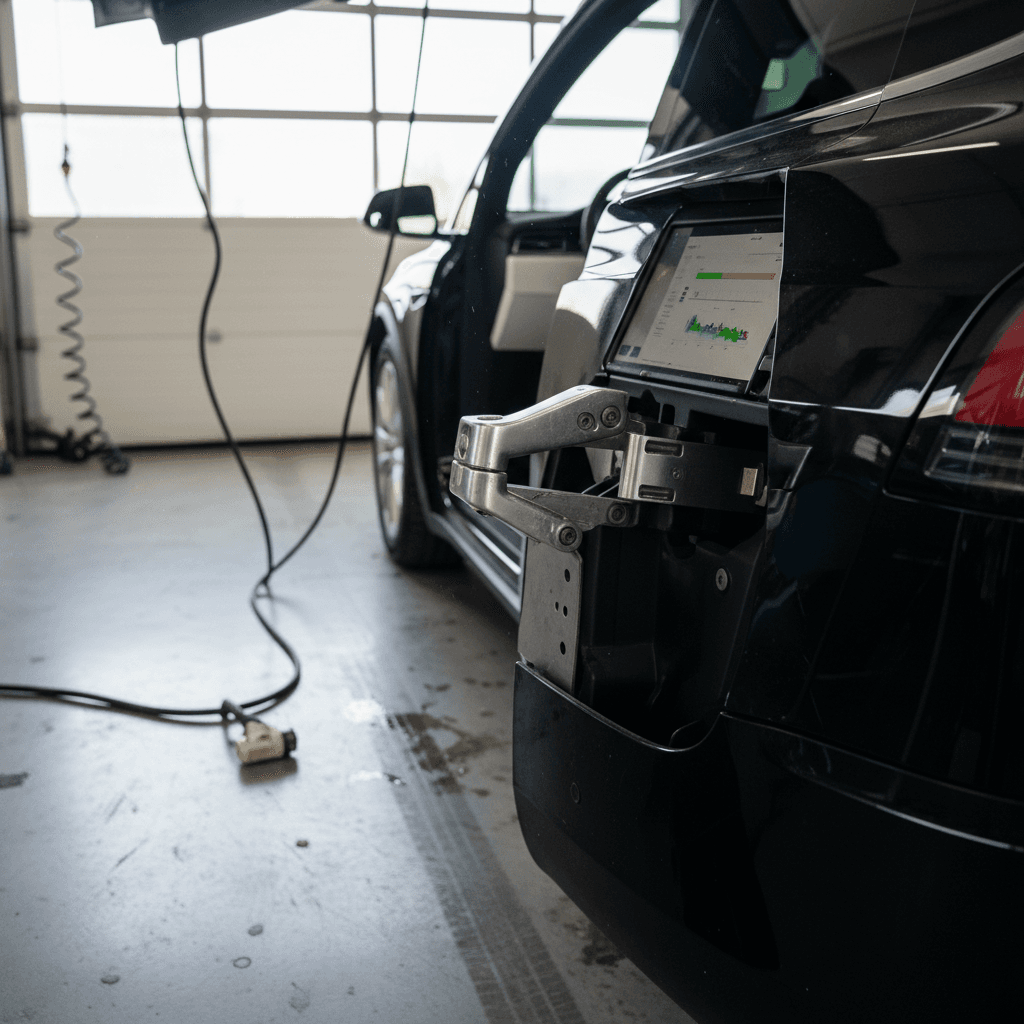
The Model X’s falcon‑wing rear doors are showstoppers, but they’re also mechanical divas. On earlier years they were notorious for misalignment, water leaks, sensor faults, and half‑baked latches. By 2023, Tesla had improved the hardware and software, but door‑related issues, front and rear, still appear in owner complaints, especially on vehicles that have seen bodywork or heavy use.
- Falcon‑wing doors that won’t open fully or stop for imaginary obstacles
- Wind or water noise from upper seals at highway speed
- Front doors that don’t latch on the first try or bounce back slightly
- Squeaks and creaks over driveways or speed bumps
How to inspect doors on a used 2023 Model X
Open and close every door repeatedly
Operate both falcon‑wing doors, front doors, and the liftgate at least 5–10 times. Watch for error messages, hesitations, or loud motor noises.
Check operation in tight spaces
If possible, pull near a wall or pillar so the sensors have something to think about. The doors should adapt smoothly, not give up or slam.
Look for water marks or staining
Inspect headliner edges and door seals for water tracks, mildew smell, or staining that can point to past leaks.
Test the manual release
Know how to open the doors manually in a power failure. If the seller doesn’t, that’s a sign the car hasn’t been well‑loved.
Listen for rattles on a rough road
During your test drive, find a bumpy section. Creaking from the upper body or B‑pillars often traces back to door alignment or worn seals.
The good news on 2023 doors
Suspension, steering feel & vibrations
If you’ve heard about Model X half‑shaft shudder or odd steering sensations, you’re not imagining things. While Tesla refined the front drive and air suspension over time, 2023 vehicles can still show **front‑end vibration under strong acceleration**, clunks over sharp bumps, or vague steering on worn tires.
Typical chassis complaints on 2023 Model X
What they feel like, and what they usually are
Half‑shaft vibration
Shudder or buzzing through the steering wheel or floor under hard acceleration, especially in “Standard” or “Low” suspension height.
Often tied to front half shafts and motor angle.
Front-end clunks
Single or repeated clunk over driveways, speed bumps, or while turning tightly at low speed.
Common culprits: control arm bushings, links, or loose hardware.
Wandering steering
Car feels like it hunts within the lane, especially in crosswinds or on grooved pavement.
Usually comes down to alignment and tire condition, but steering rack issues have been probed by regulators on some Teslas.
Owner-level fixes and habits
- Use “Medium” ride height for daily driving to reduce the half‑shaft angle and stress on joints.
- Rotate that weight. Stick to regular tire rotation and alignment; the Model X is heavy and hard on tires.
- Log noises early. If you hear a new clunk or groan while under warranty, schedule service through the app right away.
When it’s a service‑bay job
- Persistent vibration under light throttle even in “Medium” height.
- Any steering pull that an alignment shop can’t correct.
- Suspension height errors or “air suspension needs service” messages.
These are not DIY jobs; you’ll want Tesla or a qualified EV specialist with lift equipment and proper torque specs.
Screens, software glitches & connectivity issues
The 2023 Model X runs nearly everything, drive modes, climate, wipers, even some door functions, through its massive central touchscreen and the driver’s display. That’s futuristic when it works and maddening when it doesn’t. Owners have reported **frozen screens, random reboots, Bluetooth drops, and GPS or camera feeds cutting out** after specific software updates.
- Center screen goes black or reboots while driving, then returns after 1–3 minutes.
- Map or GPS position lags behind your actual location.
- Backup or side cameras intermittently show a black screen.
- Streaming audio or Bluetooth calls cut out unexpectedly.
- Phone-as-key fails, forcing you to use the key card.
Basic Model X reboot sequence
What to do if your 2023 Model X screens are acting up
1. Try a soft reboot
Hold both steering scroll wheels until the central display restarts. This often clears minor UI bugs and audio glitches.
2. Check for pending software updates
Go to Controls → Software and see if an update is waiting. Installing the latest build can fix known bugs, though you may want to skim owner forums first for horror stories about a particular version.
3. Test cameras and sensors systematically
With the car in Park, cycle through rear, side, and parking views. If any camera consistently fails, log a service request.
4. Verify connectivity basics
Confirm a strong cellular or Wi‑Fi signal, reboot your phone, and, if necessary, remove and re‑add it as a key to fix Bluetooth and app issues.
5. Document repeat behavior
Take short videos of glitches with timestamps. Tesla technicians take these seriously, and they help distinguish hardware failures from temperamental software.
Battery, range & charging quirks on the 2023 Model X
For all the drama around software and doors, the 2023 Model X’s **battery and drive units are generally strong performers**. Most owners don’t report catastrophic battery failures; instead, they talk about realistic range versus the window sticker and how cold weather or high speed eats into that number. If you’re cross‑shopping other big EV SUVs, that story will sound familiar.
Real-world battery and charging issues
Less about defects, more about expectations
Range drop vs. EPA
Expect realistic range to be 15–25% lower than the EPA rating, especially at 75–80 mph or in freezing temperatures.
Cold-weather behavior
In winter, preconditioning is essential. Without it, you’ll see reduced regen, slower fast charging, and noticeably lower day‑to‑day range.
DC fast charging limits
Repeated back‑to‑back fast charging can warm the pack and trigger slower charge curves, especially on road trips. The car manages this automatically but you’ll feel it in stop times.
How to quickly check battery health on a 2023 Model X
At Recharged, every Model X we list includes a Recharged Score battery health assessment. We use data and diagnostics to estimate usable capacity, so you’re not guessing how much real‑world range you’re buying.
DIY fixes vs. Tesla Service: what you can actually do
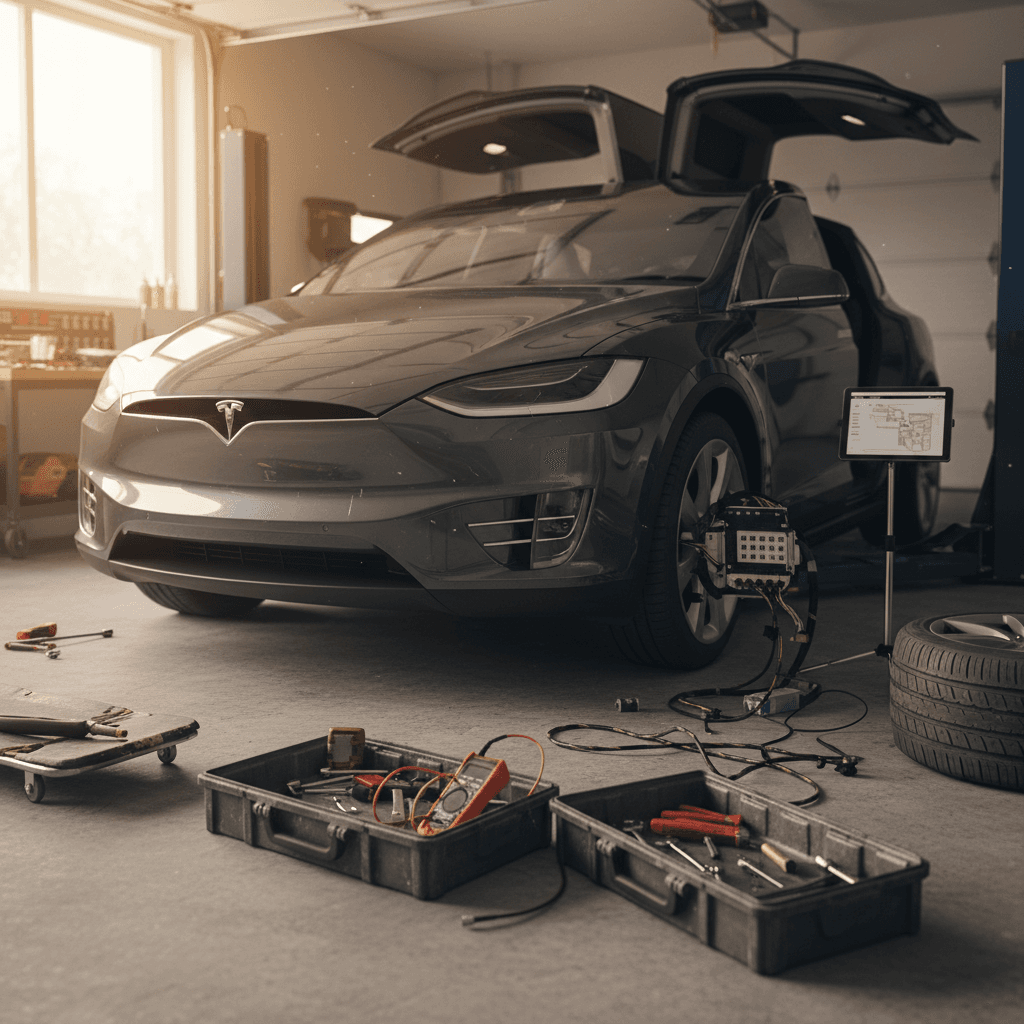
Tesla doesn’t make life easy for traditional DIYers, there’s no dealer network selling parts over the counter, and many procedures require special tools or software access. But that doesn’t mean you’re helpless. The trick is knowing the line between sane owner maintenance and “book a service visit now.”
Reasonable owner-level fixes
- Reboots and settings tweaks for screen glitches, Bluetooth pairing, or minor Autopilot behavior annoyances.
- Cabin air filter replacement and basic interior trim tightening or squeak chasing.
- Seal conditioning with appropriate rubber protectants to quiet minor door squeaks and stickiness.
- Tire and wheel care: rotations, seasonal swaps, and balancing at a shop familiar with heavy EVs.
Let Tesla or an EV specialist handle these
- High-voltage battery or drive unit work of any kind, this is non‑negotiable for safety.
- Air suspension repairs, height sensors, or compressor faults.
- Steering rack or half‑shaft replacement and serious chassis repairs.
- Structural body repairs after crashes, especially in falcon‑wing door areas.
On a six‑figure electric SUV, guessing your way through repairs can get expensive fast. Use the app, get estimates in writing, and don’t be afraid to seek a second opinion from an independent EV shop.
Mind the warranty clock
Buying a used 2023 Model X: inspection checklist
With new Model X production winding down, the used market is where the action is. A 2023 can be a smart buy if you treat it like the complex, high‑performance machine it is, not just an appliance with a big touchscreen. Here’s how to stack the odds in your favor.
Smart‑shopper checklist for a 2023 Tesla Model X
Confirm recall completion
Use the VIN on NHTSA’s site and, if possible, view the Tesla account to ensure major campaigns, seat belts, Autosteer, camera and warning updates, are closed.
Scan the body and doors
Check panel gaps around falcon‑wing doors, look for repaint lines, and test every latch and powered opening for smooth, quiet operation.
Drive on both smooth and rough roads
You want to hear how the chassis behaves in the real world: listen for clunks, rattles, or shudder under power that might hint at half‑shaft or suspension issues.
Stress‑test the tech
Pair your phone, use phone‑as‑key, run navigation, test all cameras, try Autopilot on a highway segment, and note any warning messages or odd behavior.
Evaluate battery health and charging
Check recent 90–100% charges for rated miles, visit a DC fast charger if possible, and confirm the car charges reliably at home‑type Level 2 rates.
Review service history
Ask for Tesla service invoices or screenshots. Multiple visits for the same unresolved problem, doors, electronics, suspension, are yellow flags.
Where Recharged fits in
How Recharged helps you avoid the worst 2023 Model X problems
If you love what the 2023 Model X offers but hate the idea of playing quality‑control engineer, this is where a specialist marketplace can change the experience. Recharged was built around used EVs, so we lean into the quirks rather than pretending they don’t exist.
What Recharged does differently for Model X shoppers
Less roulette, more transparency
Recharged Score diagnostics
Every vehicle gets a Recharged Score Report with battery health data, key system checks, and notes on known 2023 Model X trouble spots like doors, screens, and suspension.
Fair market pricing
We analyze nationwide sales and condition reports so you’re not overpaying for a Model X just because it’s wearing a Tesla badge and falcon‑wing doors.
EV‑specialist support
Our team helps you decode service histories, explain recall notes, and weigh one 2023 X against another, even if you’re trading in or selling your current EV.
Ready to find your next EV?
Browse VehiclesBecause the experience is fully digital, you can browse, get an instant trade‑in value, line up **financing**, or arrange **nationwide delivery** without hiking between showrooms. If you’d rather see an EV in person, our Experience Center in Richmond, VA, is built for exactly that.
2023 Tesla Model X problems: FAQ
Frequently asked questions about 2023 Model X problems and fixes
Bottom line: Is a 2023 Model X still worth it?
If you want an electric SUV that feels special every time you walk up to it, the 2023 Tesla Model X is still in rare company. Its problems are real, but they’re also increasingly well understood. Most issues live in the world of **software eccentricities, doors with big personalities, and the occasional suspension knock**, not in batteries falling on their swords. If you pair a thorough inspection and recall check with honest expectations, a 2023 Model X can be a thrilling, practical EV rather than a science experiment.
Where you buy matters. A high‑mileage example with mystery service history is a dice roll; a carefully vetted SUV with a clear Recharged Score Report, transparent pricing, and EV‑literate support is a very different proposition. Take your time, ask hard questions, and use this list of 2023 Tesla Model X problems and fixes as your playbook, not a reason to walk away from a vehicle that, when it’s right, is one of the most compelling electric family haulers on the road.