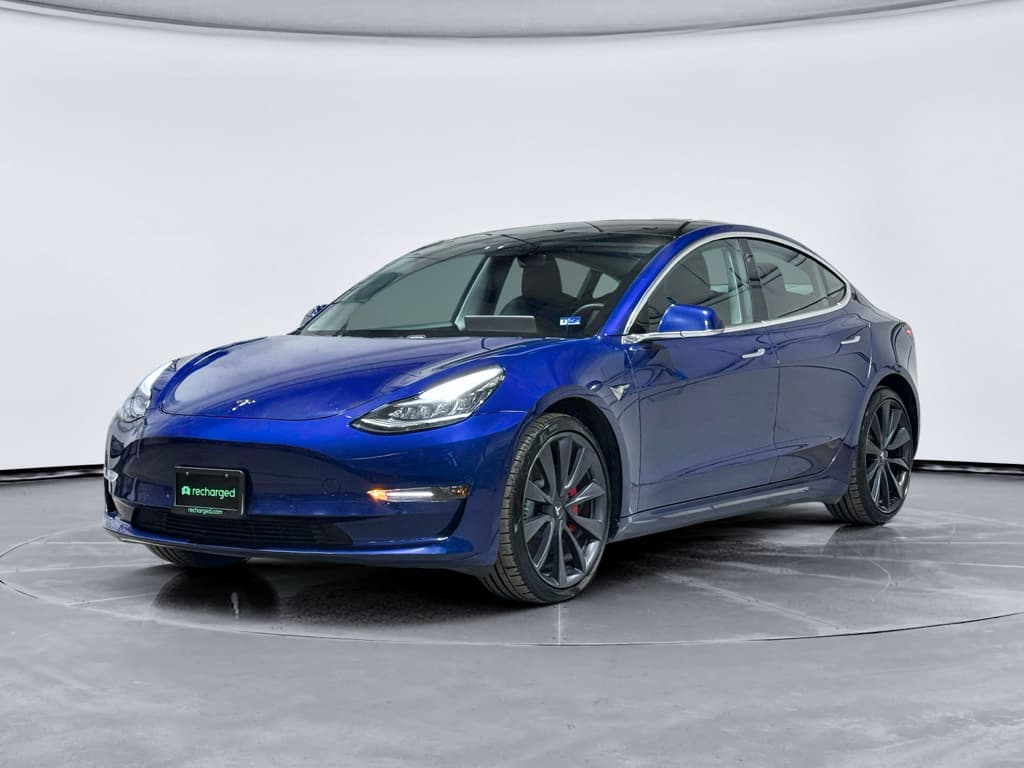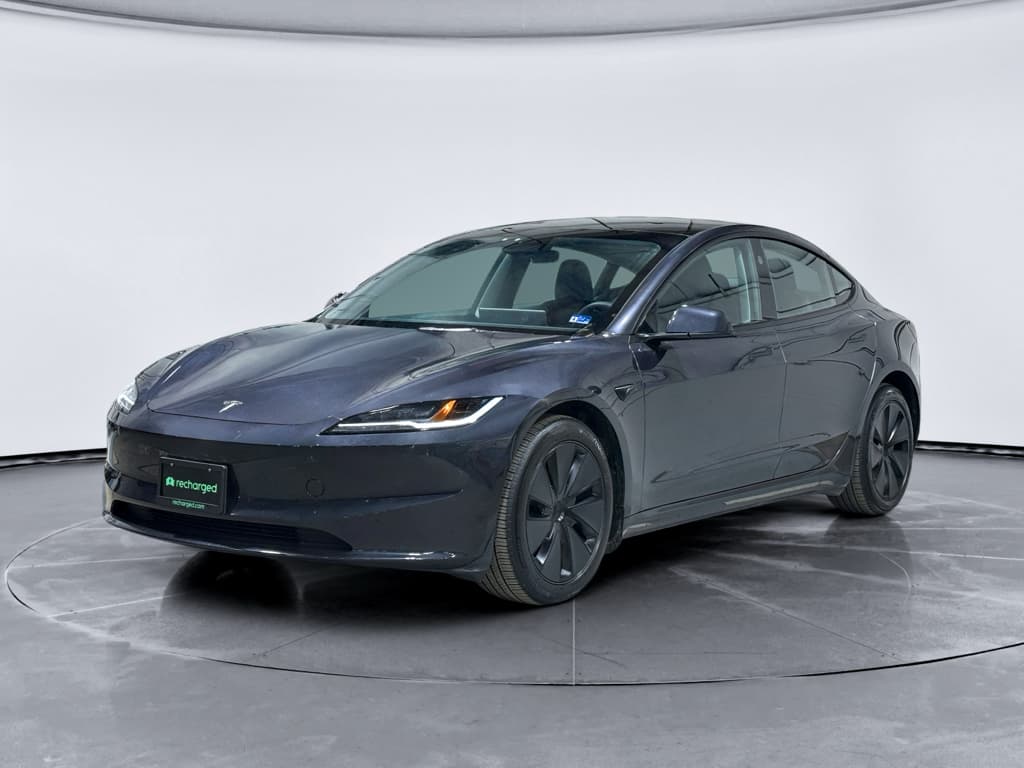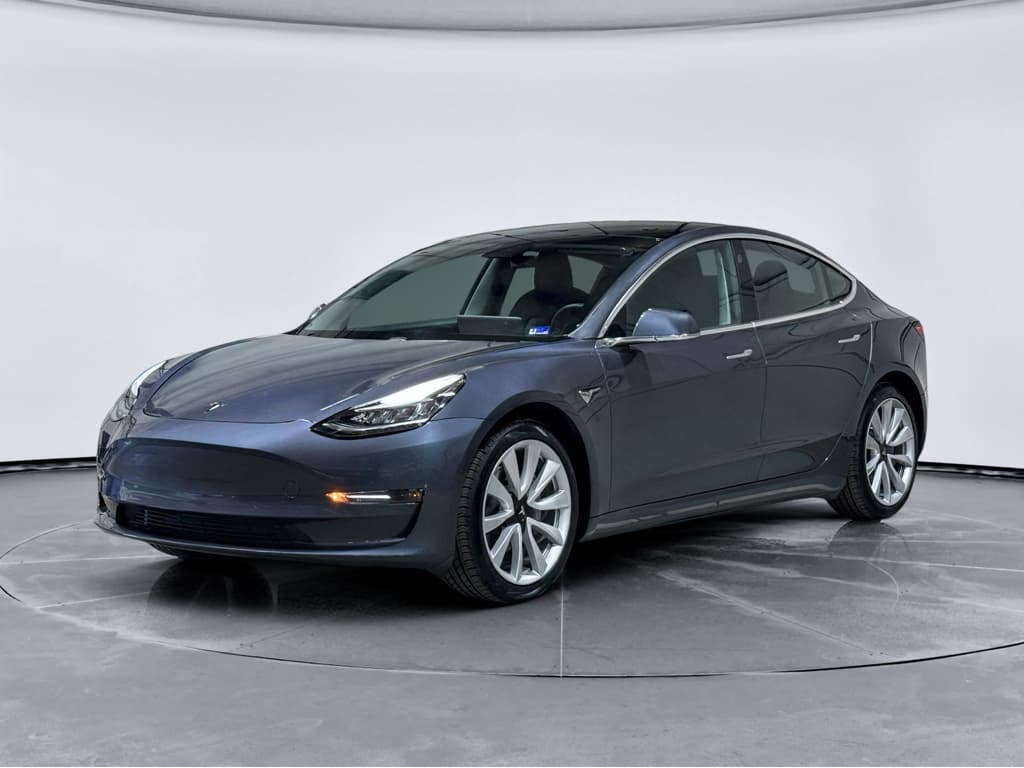
If you’re looking at a used EV, the 2022 Tesla Model 3 is probably near the top of your list. It’s efficient, quick, and taps into Tesla’s huge Supercharger network. But like every car, the 2022 Model 3 has its own set of problems and fixes that smart shoppers and owners should understand before signing anything, or before that basic warranty expires.
Where the 2022 Model 3 stands
Overview: Why the 2022 Model 3 deserves a closer look
The 2022 Model 3 sits in an interesting sweet spot. It benefits from several running improvements made after the earliest 2017–2019 cars, but it’s still early enough in the production run that quality can be hit‑or‑miss. Owners report strong satisfaction with performance and efficiency, while at the same time complaining about build quality, software bugs, HVAC issues, and recurring recalls affecting Autopilot and safety systems.
2022 Model 3 reliability in context
Quick take: Is the 2022 Model 3 unreliable?
Strengths
- Powertrain and battery packs have proven generally robust.
- Over‑the‑air updates can fix many software‑driven recalls and glitches without a service visit.
- Running changes through 2022 improved noise, suspension feel, and some corrosion protection.
Weak spots
- Above‑average number of recalls, especially around Autopilot/FSD behavior and warning displays.
- Build quality issues: panel alignment, rattles, squeaks, and some water leaks.
- HVAC heat pump complaints in cold climates and occasional interior odor issues from the A/C system.
How to think about 2022 reliability
Core 2022 Model 3 problem zones
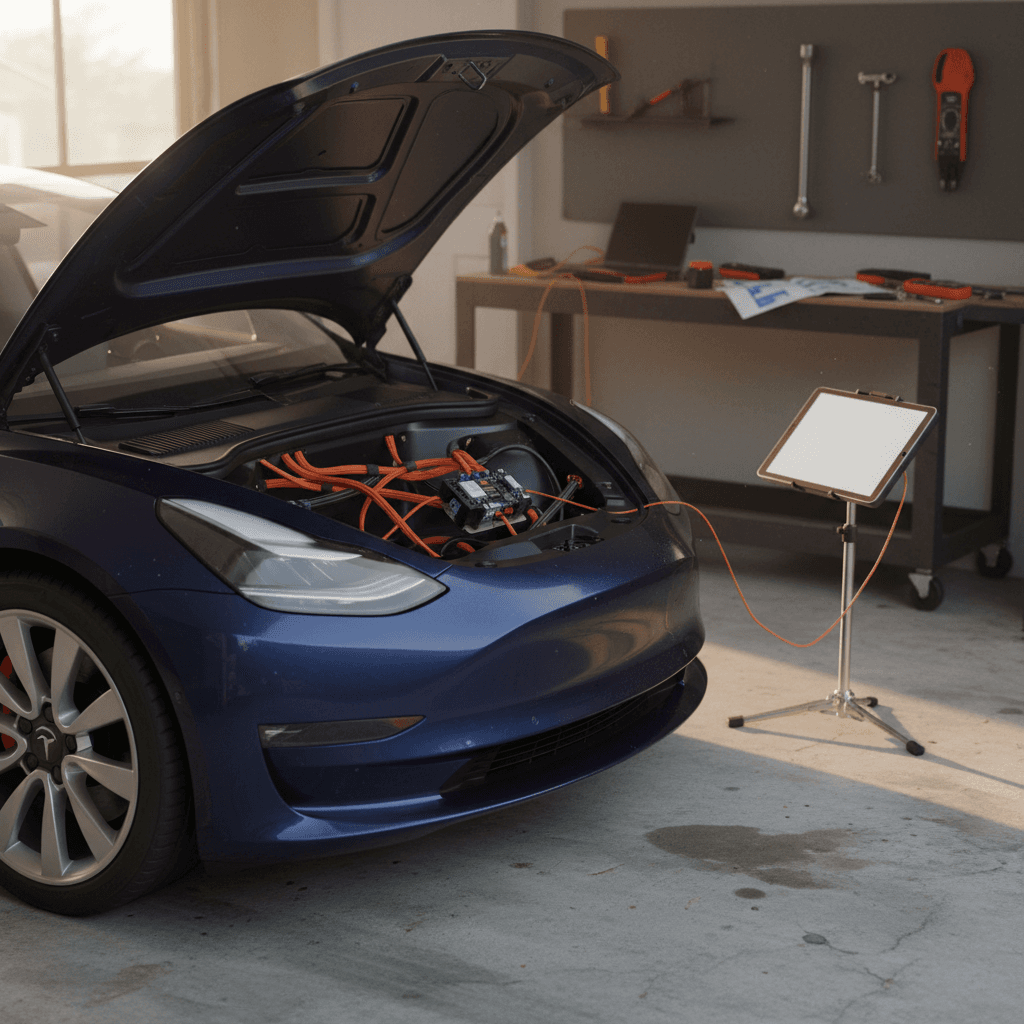
Most 2022 Tesla Model 3 complaints fall into a few predictable buckets. Understanding these gives you a roadmap for what to inspect and how to fix issues if you already own one.
Most common 2022 Model 3 trouble areas
Focus your test drive and inspection time here first
Software & driver assistance
Autopilot/FSD behavior, phantom braking, screen glitches, and warning‑label recalls are common themes. Most are fixed with software updates, but they can still impact day‑to‑day confidence.
HVAC & heat pump
2020–2022 cars, including many 2022s, have seen complaints about weak heat in cold weather, noisy A/C, and persistent interior odors when filters aren’t maintained.
Body, trim & water leaks
Owners report panel misalignment, interior rattles and squeaks, trunk or taillight water ingress, and prematurely worn suspension bushings or control arms in harsh climates.
Software, Autopilot and FSD quirks
By 2022, every Model 3 shipped with Tesla’s latest infotainment hardware and Autopilot as standard, with optional Enhanced Autopilot and Full Self‑Driving (FSD) capability. That’s good news for features, but it also means your 2022 is part of several large software‑driven recalls and ongoing investigations into driver‑assistance behavior.
- Repeated warnings and recall campaigns around how Autosteer and FSD handle intersections, speed limits, and driver monitoring.
- “Phantom braking” on highways where the car slows abruptly for no clear reason.
- Occasional center‑screen reboots or lag, especially just after a new software update.
- Glitches with Bluetooth, LTE connectivity, and app communication that can temporarily affect phone‑key access or remote commands.
Know what Autopilot isn’t
Practical fixes for software and Autopilot issues
Quick wins for software quirks
1. Check for pending software updates
On the center screen, go to <strong>Controls > Software</strong>. If an update is available, install it when you can park for 20–30 minutes. Tesla frequently rolls recall fixes and Autopilot behavior tweaks into these releases.
2. Reboot the infotainment system
If the screen is laggy or frozen, press and hold both steering‑wheel scroll wheels until the screen goes black and the Tesla logo reappears. This soft reset can clear minor UI glitches without affecting your settings.
3. Calibrate cameras after tire or suspension work
If Autopilot behaves oddly after tire replacement, alignment, or a windshield change, run camera calibration under <strong>Controls > Service</strong> and follow the on‑screen instructions while driving on a clearly marked road.
4. Document repeat driver‑assistance issues
If you experience consistent phantom braking on the same stretch of road or repeated Autopilot disengagements, use the voice command (“Bug report…”) to flag the problem and schedule service if it’s severe.
Battery, heat pump and HVAC issues
The good news is that catastrophic battery failures on the 2022 Model 3 are rare, and most cars retain very usable range after a few years. The more common complaints involve the heat pump and cabin climate system, especially in cold climates, and occasional interior odors from the A/C system.
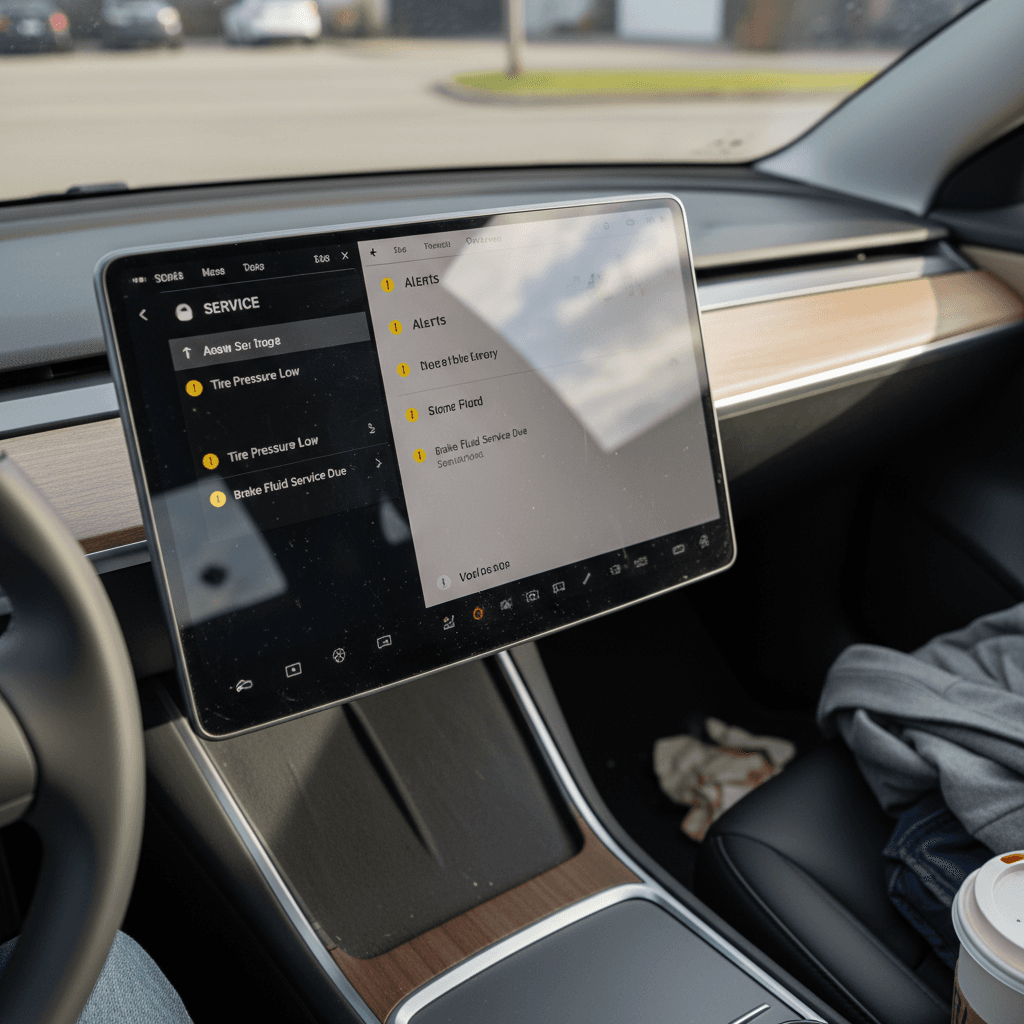
- Weak cabin heat in freezing temperatures, often traced to heat‑pump or valve issues in 2020–2022 cars.
- Clicks, groans, or whooshing noises from the HVAC system during start‑up or mode changes.
- Musty or vinegar‑like smells when using A/C, typically due to moisture and debris on the evaporator core.
- Normal but misunderstood range loss in cold weather, especially on short trips where the battery never fully warms up.
Warranty coverage to know
Owner‑friendly HVAC fixes
Simple steps to keep climate issues in check
Replace cabin filters regularly
Tesla recommends cabin filter replacement about every 2 years, but in dusty or humid climates an annual change can dramatically reduce odors and improve airflow. Many owners handle this as a DIY job.
Run A/C “dry out” before parking
In hot, humid weather, run the fan for a few minutes without A/C before shutting down. This helps dry the evaporator core and can prevent mildew smells from returning.
Use scheduled preconditioning
In cold climates, use the app to preheat the car while it’s still plugged in. This warms the cabin and battery, improving both comfort and range without draining as much stored energy.
Escalate persistent heat loss
If the car can’t maintain cabin temperature in mild cold, say around 30–40°F, schedule service. Document temperatures, driving conditions, and any on‑screen warnings to help Tesla diagnose a weak heat pump or valve issue.
Build quality, noise and water leaks
If there’s one recurring theme across Model 3 model years, it’s inconsistent build quality. The 2022 cars are generally better than the earliest 3s, but you still see complaints about misaligned panels, wind noise, interior rattles, and water ingress around the trunk or taillights.
Typical 2022 Model 3 build‑related complaints
Not every 2022 Model 3 will have these issues, but they’re common enough that you should check for them specifically.
| Area | Common symptom | What to look/listen for | Usual remedy |
|---|---|---|---|
| Exterior panels | Uneven gaps, doors that close with a different “thunk” side‑to‑side | Walk the car in good light and run a finger along door, hood, and trunk gaps | Adjustment by Tesla Service; severe cases may require panel re‑fit |
| Wind noise | Whistling or rushing noise near A‑pillars or mirrors at highway speeds | Drive at 60–70 mph; note noise around front side windows | Door seal adjustment or replacement; mirror trim or glass alignment |
| Interior trim | Rattles from dash, pillars, or rear shelf | Drive over rough pavement or expansion joints with audio off | Retorquing fasteners, adding felt tape or clips behind trim panels |
| Trunk/taillights | Moisture or condensation inside taillights; wet carpet in trunk well after rain | Lift trunk mat and check for dampness; inspect lenses for water droplets | New trunk seals, revised taillight assemblies, or leak‑sealing service campaigns |
Use this as a checklist during your test drive and inspection.
The upside of cosmetic flaws
Safety recalls and what they actually fix
By 2026, the 2022 Model 3 has accumulated well over a dozen recalls, which can sound alarming on paper. In practice, the majority are software‑only campaigns that Tesla addresses via over‑the‑air updates while the car sits in your driveway. A smaller number involve physical inspections or parts replacements at a service center.
Common recall themes on 2022 Model 3
Most are software updates, but don’t ignore hardware campaigns
Autopilot/FSD behavior
Updates to how Autosteer handles intersections, stop signs, and speed limits; enhanced driver‑monitoring nags; and improved warnings to keep driver attention on the road.
Warning icons & labeling
Software recalls to enlarge or adjust the visibility of brake, park, and ABS warning icons and other telltale lights to meet regulatory font‑size requirements.
Hardware inspections
More traditional recalls covering items like steering components, suspension fasteners, or trunk latches, these require a visit for inspection and, if needed, parts replacement.
Don’t assume recalls are “just software”
How to check recall status before you buy
- Get the full 17‑digit VIN from the seller or listing.
- Search it on the official government recall checker for your country (for U.S. shoppers, NHTSA’s VIN lookup).
- Confirm that every listed recall shows as “Completed” or “No open recalls.”
- If anything is open, ask the seller for documentation that the work will be done before delivery, or adjust your offer to reflect the hassle and potential downtime.
DIY fixes vs when to see Tesla Service
Part of the Model 3’s appeal is that some issues are as easy to address as updating your phone. Others absolutely require professional attention, especially anything related to high‑voltage systems, airbags, or structural components. Knowing the line between DIY and service is crucial for safety and for preserving warranty coverage.
Generally safe DIY territory
- Infotainment reboots and soft resets.
- Cabin air‑filter replacements and basic interior cleaning for odor control.
- Minor trim creaks addressed with felt tape (as long as you’re not disturbing airbags).
- Wiper blade replacement, washer‑fluid top‑offs, and basic tire‑pressure checks.
Leave these to Tesla Service
- High‑voltage battery or drive‑unit issues, bright warning lights, or sudden loss of power.
- HVAC heat‑pump failures or refrigerant leaks.
- Airbag, seat‑belt, or structural concerns after a crash.
- Anything directly tied to an outstanding recall or service bulletin.
Use the app to your advantage
Used-buyer checklist for a 2022 Model 3
If you’re shopping a used 2022 Tesla Model 3, you’re juggling all the usual used‑car questions plus a new layer of software, battery health, and recall status. A structured inspection can separate a solid car from one that will live at the service center.
2022 Model 3 used‑buyer checklist
1. Verify software and recall status
On a test drive, open <strong>Controls > Software</strong> and confirm the car is on a current firmware version. Ask for documentation showing that all recalls are completed, or run the VIN yourself before committing.
2. Inspect panel gaps and glass
Look along the hood, doors, and trunk for uneven gaps or rubbing. Check the roof glass and windshield for chips or cracks, especially near the edges, which can be expensive to replace.
3. Check for leaks and condensation
Lift the trunk mat and look for dampness, water stains, or mildew smells. Inspect taillights and headlamps for internal condensation that lingers after the car has been parked in a dry area.
4. Listen for rattles and wind noise
Drive the car on both city streets and highways. With the radio off, listen for dash and pillar rattles or wind noise near the mirrors and A‑pillars, especially at 65–70 mph.
5. Evaluate HVAC performance
Test the A/C on max cold and the heater on max hot. Make sure air volume and temperature feel appropriate and note any strange clicks, groans, or odors when changing modes.
6. Review charging behavior and range
Ask the seller for a recent photo of the <strong>Charging</strong> screen at a high state of charge to gauge projected range. On a Level 2 or Supercharger session, confirm the car reaches normal charging speeds for its version.
7. Get an independent EV‑savvy inspection if possible
A shop that understands Tesla can check suspension, brakes, underbody corrosion, and tire wear patterns, areas that photos and quick dealer walk‑arounds often miss.
How Recharged helps with 2022 Model 3 issues
Buying a used Tesla shouldn’t feel like you need to be a software engineer and a body‑shop manager at the same time. That’s exactly why Recharged focuses on used EVs and battery health instead of trying to be all things to all people.
What you get with a Recharged 2022 Model 3
Designed to de‑risk the most common problems with this model year
Recharged Score battery health report
Every vehicle comes with a Recharged Score battery report, so you’re not guessing about pack health or hidden range loss. You see real, tested data, not just what the screen says on a good day.
Problem‑area inspection
Recharged inspections explicitly target known 2022 Model 3 issues: panel alignment, leaks, HVAC performance, suspension wear, and open recalls, then price the car accordingly.
Digital process & nationwide delivery
You can shop, finance, trade in, and arrange nationwide delivery from your couch, or visit the Recharged Experience Center in Richmond, VA for an in‑person look and expert guidance.
Ready to find your next EV?
Browse VehiclesConsidering trading or selling a 2022 Model 3?
FAQ: 2022 Tesla Model 3 problems and fixes
Common questions about 2022 Model 3 issues
Bottom line: Should you buy a 2022 Model 3?
The 2022 Tesla Model 3 isn’t a perfect car, but it remains one of the most compelling ways to get into an efficient, quick, and highly connected EV, especially on the used market. Its biggest weaknesses involve software quirks, build quality, and HVAC niggles rather than catastrophic mechanical failures, which means that if you know where to look, you can spot, and avoid, the rough examples.
Go into your search with clear eyes: check software and recall status, scrutinize HVAC performance, listen for rattles and wind noise, and insist on some form of battery‑health verification. Do that, and a good 2022 Model 3 can deliver years of quiet commuting and road‑trip ease. And if you’d rather not manage all that alone, Recharged is built to help you shop, inspect, finance, and even sell or trade your EV with battery health and transparency at the center of the experience.