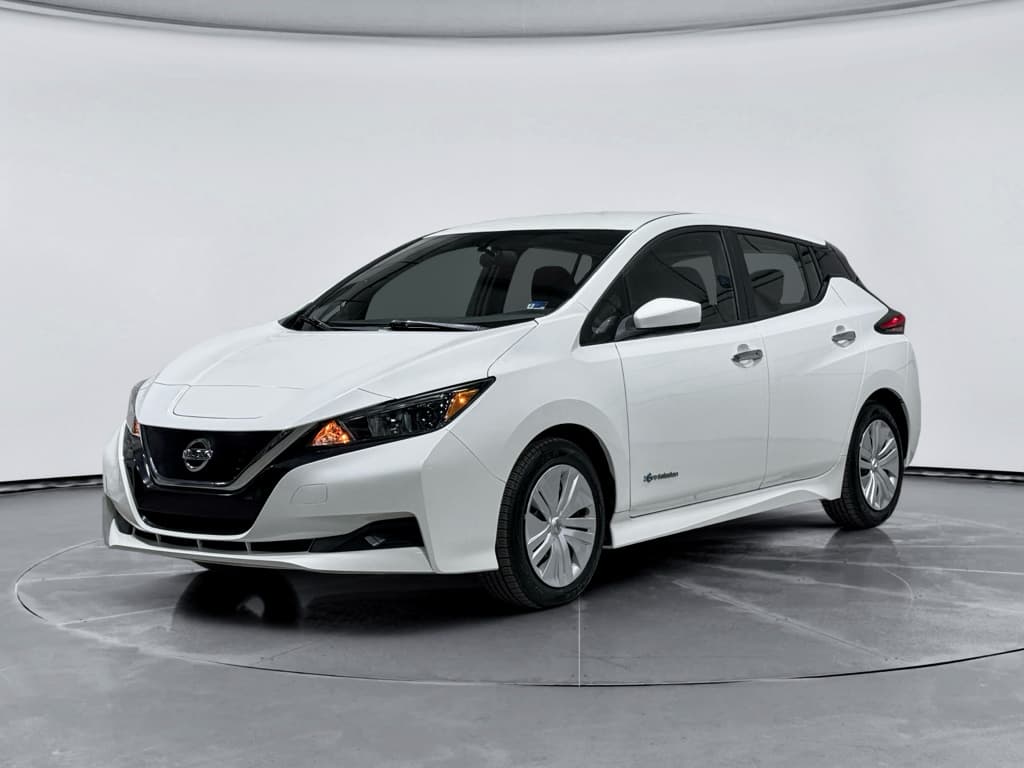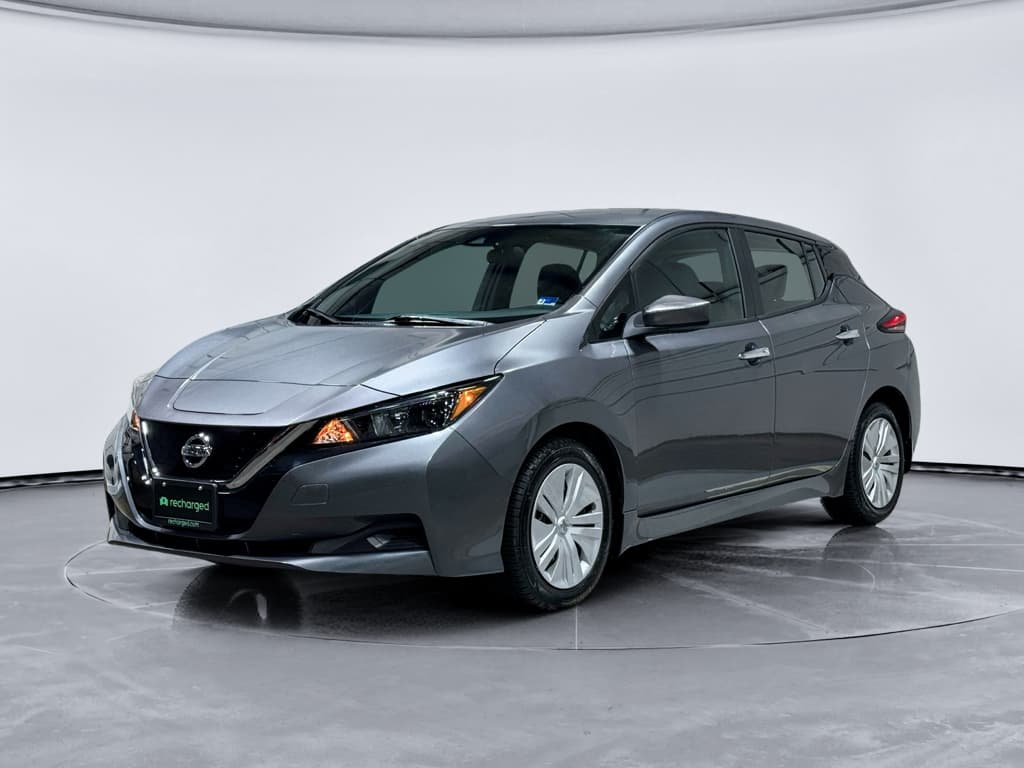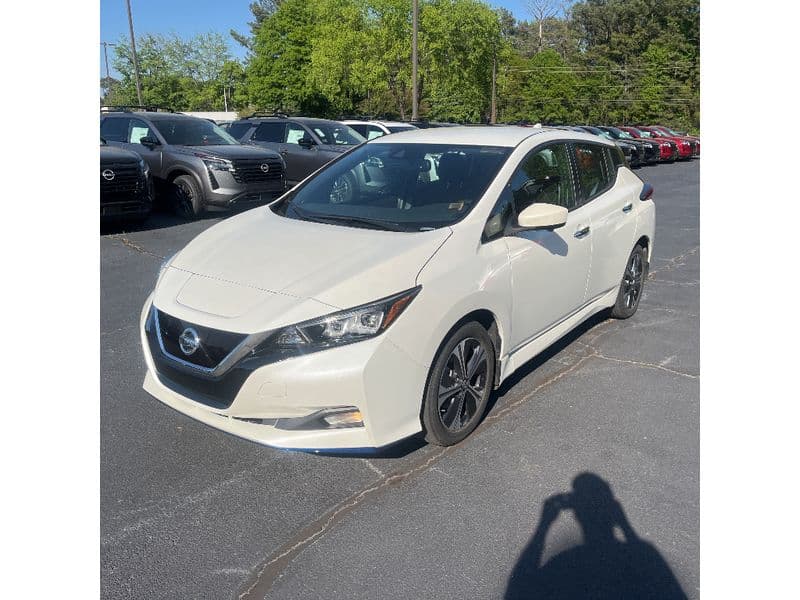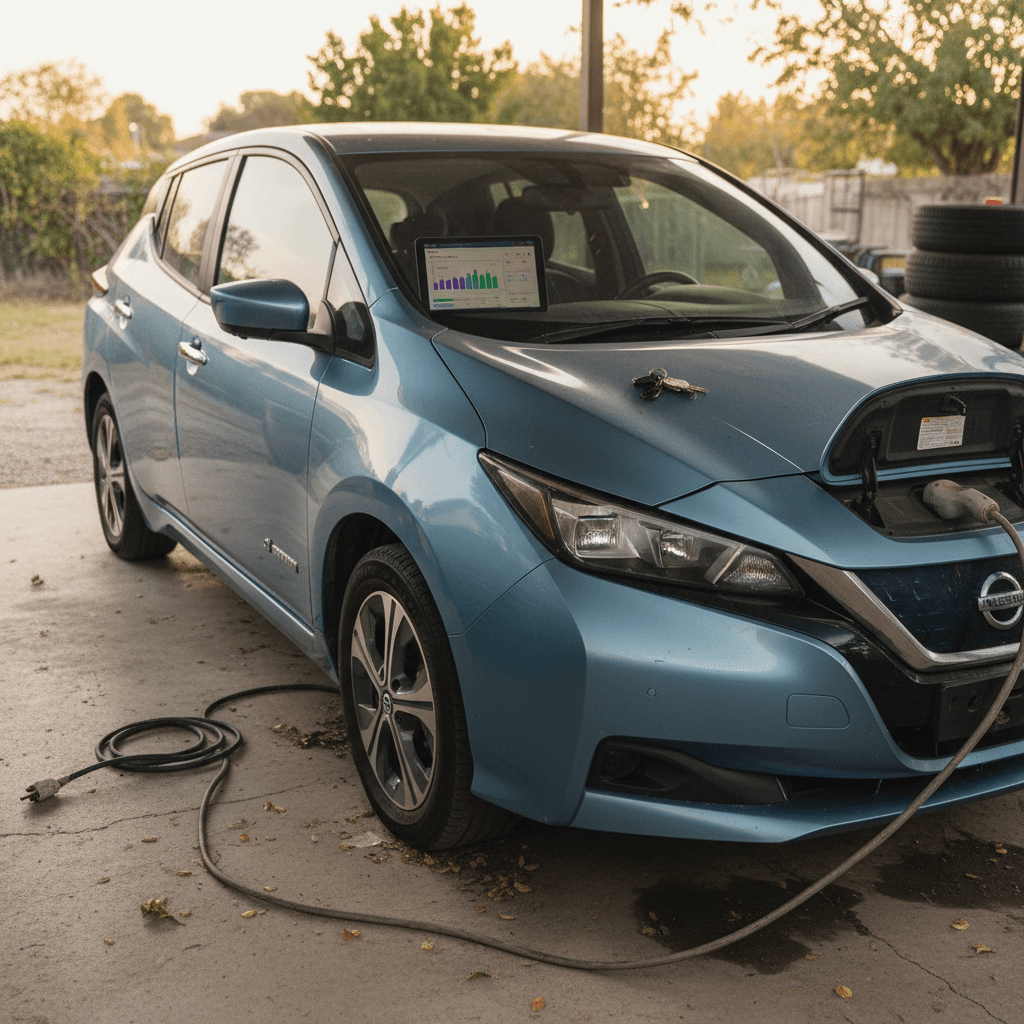
If you’re considering a used 2018 Nissan Leaf, you’re not alone. The second-generation Leaf brought more range (up to 151 EPA miles) and modern tech at relatively low used prices, but it also has a few well-documented problem areas you should understand before you buy.
Quick take
2018 Nissan Leaf problems at a glance
Most common 2018 Nissan Leaf problem areas
Based on owner reports, repair data, and early long‑term aging
Battery health & range loss
The 40 kWh pack in 2018 Leafs typically loses 10–15% capacity in the first 5 years, with higher losses reported in very hot climates or with frequent DC fast charging. Some owners also report weak or failed cells that don’t always trigger warranty replacement right away.
Charging & thermal limits
Because the Leaf relies on passive air cooling, repeated DC fast charges can cause charge speeds to drop sharply (nicknamed “rapidgate”). In extreme heat, the car may limit power or charging speed to protect the battery.
Brakes, e‑Pedal & electronics
Owners occasionally report e‑Pedal system failure messages, inconsistent regen, low‑speed brake noises, or driver‑assistance (ProPILOT, lane camera) warnings, often tied to aging 12V batteries, sensor issues, or needed brake service.
2018 Leaf reliability snapshot
How reliable is the 2018 Nissan Leaf?
Independent reliability data puts the 2018 Leaf a bit below average for its model year. The usual EV wear items, tires, wiper blades, cabin filters, are straightforward, but long‑term owners report more issues with the high‑voltage battery and electronics than you’ll see in some rival EVs of the same vintage.
- Battery pack health and range loss are the single biggest long‑term concern.
- Electrical problems tend to show up as warning lights, e‑Pedal or ProPILOT Assist faults, or charging errors rather than complete breakdowns.
- Mechanical failures (motors, gearboxes) are rare compared with many gas cars, but brake servicing matters more than many owners expect, especially in salty climates.
Don’t skip the battery check
Battery degradation: the 2018 Leaf’s biggest long-term issue
Every EV battery loses capacity over time, but the 2018 Leaf’s 40 kWh pack is built on Nissan’s air‑cooled design, which is more vulnerable to heat than the liquid‑cooled systems used by many competitors. Most owners see modest, manageable degradation. A smaller number, often in hot regions or with heavy fast‑charging use, see faster losses or failing cells.
Typical 2018 Leaf battery degradation patterns
Real‑world expectations by usage and climate, not guarantees.
| Use case / climate | Expected capacity after ~5 years | Real‑world range vs. new | Risk profile |
|---|---|---|---|
| Mild climate, mostly Level 2 charging | ~85–90% | ~125–135 miles instead of 151 | Low |
| Hot climate, mix of Level 2 & occasional DC fast charging | ~80–85% | ~110–125 miles | Medium |
| Very hot climate, frequent DC fast charging | ~70–80% (sometimes lower) | ~90–115 miles | High |
| Cars with known weak or failed cells | Can drop to 60–70% or lower | Sometimes under 90 miles | Very high, needs diagnosis |
Your results may vary, but these ranges reflect owner‑reported data and third‑party analyses.
Some 2018 owners report packs that only accept around 25 kWh from empty to full despite the car still showing 10/12 health bars. That usually points to failed or imbalanced cells, a problem that can be tricky to get covered under warranty unless the bar count drops or a specific fault code is logged.
How to quickly spot a weak pack on a test drive
Charging quirks, heat, and “rapidgate”
The 2018 Leaf’s battery is passively cooled. There’s no liquid loop to pull heat out of the pack, so high ambient temperatures and repeated DC fast charges cause the pack to heat‑soak. When that happens, the car automatically protects itself by reducing charge speeds and sometimes limiting power.
“Rapidgate” charging slowdown
Soon after launch, owners noticed that when they took multiple DC fast‑charging sessions back‑to‑back, typical on a road trip, the Leaf’s charge rate would drop sharply after the first or second fast charge.
- Longer waits at DC fast chargers as the pack heats up.
- Especially noticeable in summer or in hot regions.
- Not dangerous on its own, but frustrating if you expect repeated 40–50 kW speeds.
Heat‑related limits in daily driving
In very hot weather or after a long fast charge, you may see:
- Reduced regen braking until the pack cools.
- Lower power output at high speeds or under hard acceleration.
- Battery temperature bars high on the dash display.
The car is doing its job protecting the battery, but it’s a sign that this design is happiest with Level 2 home charging and moderate trip lengths.
Who should worry about rapidgate?
Brakes, e‑Pedal, and regen braking problems
Because the Leaf leans heavily on regenerative braking, most owners expect smooth, one‑pedal driving. On the 2018 model, a few recurring complaints pop up around the e‑Pedal system, low‑speed brake feel, and inconsistent regen.
- e‑Pedal system failure messages: Some owners get warnings like “e‑Pedal system failure” or “e‑Pedal brake system malfunction.” In many cases, the car still drives, but e‑Pedal and sometimes ProPILOT Assist stop working until the issue is resolved.
- Inconsistent regen or delayed braking: Drivers occasionally notice that lifting off the accelerator in B mode or with e‑Pedal feels less aggressive than usual, especially in cold weather or at high state of charge. That’s often normal, regen is limited when the battery is cold or near full, but if it’s random and persistent, it’s worth checking.
- Low‑speed brake noises or grabbing: Groans, grinding, or sticking at parking‑lot speeds typically point to traditional brake hardware, pads, rotors, calipers, corroding or sticking from lack of use, especially in snowy or salty regions.
Take brake warnings seriously
Electronics, driver-assistance, and 12V battery gremlins
Like most modern EVs, the 2018 Leaf relies on a traditional 12‑volt battery to run computers, relays, and driver‑assistance systems. When that battery ages or drops voltage, it can trigger an outsized number of odd behaviors.
Common 2018 Leaf electrical complaints
What owners report, and what usually fixes it
E‑Pedal / ProPILOT unavailable
Messages about e‑Pedal or ProPILOT Assist not being available often trace back to:
- A weak 12V battery.
- Wheel‑speed or lane camera sensor faults.
- Occasional software glitches.
Basic diagnostics (12V load test, code scan) usually pinpoint the culprit.
Random warning lights
ABS, brake, or stability‑control warnings sometimes appear together, then disappear after a restart. Again, a tired 12V battery or corroded sensors/connectors are common causes rather than deep EV‑specific failures.
Charging interruptions
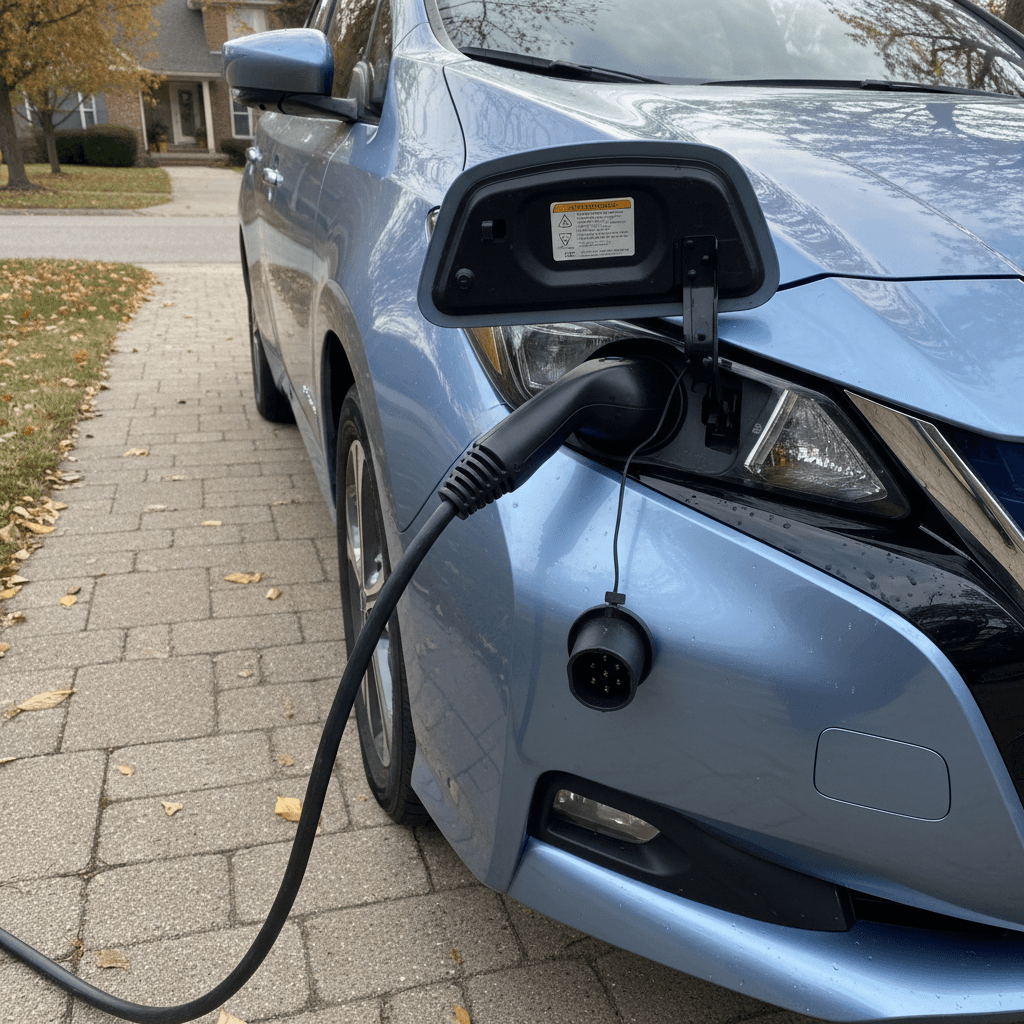
Some owners see charging stop prematurely or get error codes at certain public stations. That’s not always the car’s fault, faulty stations or communication errors are common, but damaged charge‑port pins or failing onboard chargers do occur and can be expensive.
Instrumentation & infotainment quirks
Occasional bugs include frozen infotainment screens, Bluetooth drops, or incorrect range estimates. These are usually annoyances more than major defects but are worth checking on a test drive.
12V battery: small part, big problems
Known recalls and service campaigns
The 2018 Leaf has several NHTSA recalls on record. Most are relatively routine software or component‑specific fixes, but they still matter for safety and long‑term reliability.
- Software and control module updates – Some recalls involve updating control software to improve performance or correct rare fault conditions.
- Component‑specific recalls – On many modern Nissans, everything from braking components to sensor wiring can be part of a recall. The Leaf is no exception, though it has avoided the most serious battery‑fire recalls that hit some later model years.
- Regional or build‑date‑specific actions – Certain campaigns only apply to specific VIN ranges, build plants, or equipment packages.
Always run a VIN recall check
What to check before buying a used 2018 Leaf
Because the 2018 Leaf’s biggest risks are hidden, inside the battery and electronics, you’ll want to go a bit deeper than a typical used‑gas‑car walk‑around. Here’s a focused checklist tailored to this model year.
2018 Leaf pre‑purchase checklist
1. Verify battery health beyond the dash bars
Check that the battery health shows <strong>at least 9–10 bars</strong>, then use a scan tool (LeafSpy) or a professional battery test to confirm state of health (SOH) and look for weak cells. A formal report, like the Recharged Score, turns this into clear, easy‑to‑compare data.
2. Test range in real‑world driving
If possible, drive the car from a high state of charge (~80–90%) on mixed roads. Watch how quickly the percentage drops. If you’re losing more than 1.5–2% per mile in mild conditions, the pack may be tired.
3. Check charging behavior
Plug into both Level 2 and, if available, DC fast charging. Look for <strong>error messages, early shut‑offs, or unusually low charge speeds</strong> for the battery’s temperature and state of charge.
4. Exercise e‑Pedal, B mode, and brakes
Drive with and without e‑Pedal, test B mode, and perform gentle and firm stops. Listen for grinding or groaning, and watch for warning messages. The transition from regen to friction braking should feel smooth.
5. Scan for warning lights and stored codes
Even if no lights are on, ask the seller or inspection shop to scan for stored or pending codes in systems like ABS, steering, ProPILOT, and battery management. Intermittent issues sometimes leave footprints.
6. Inspect brakes and underbody
On a lift, check pads and rotors for rust ridges, sticking calipers, and underbody corrosion, especially in snow‑belt cars. EVs can rust their brakes faster than they wear them because they use them less often.
7. Review service, recall, and 12V history
Confirm completed recalls, regular brake servicing, cabin filter changes, and 12V battery replacement. A documented 12V swap in the last few years is a plus; if not, plan on doing it soon.
How Recharged handles this checklist for you
What common fixes cost on a 2018 Leaf
EVs like the Leaf avoid oil changes, timing belts, and exhaust systems, but some of the big‑ticket items can still sting. Actual prices vary widely by region and shop, but these ballparks help you budget when you’re shopping used.
Typical repair and maintenance costs for 2018 Leaf issues
Approximate out‑of‑warranty costs at independent shops or dealers in the U.S.
| Issue / service | What it involves | Approximate cost (USD) |
|---|---|---|
| 12V battery replacement | New AGM or standard 12V battery, install, system reset | $200–$350 |
| Brake service (pads/rotors on one axle) | Addressing noise or corrosion, resurfacing or replacing rotors and pads | $350–$650 |
| Brake fluid leak / caliper repair | Diagnosing leak, replacing banjo bolt or caliper, bleeding system | $300–$700 |
| DC fast‑charge port or onboard charger fault | Diagnostics plus component repair or replacement | $800–$2,000+ |
| Sensor or camera causing driver‑assist faults | Wheel‑speed sensor, lane camera, or harness work plus calibration | $300–$900 |
| High‑voltage battery module or pack replacement (out of warranty) | Replacing failed modules or full pack; prices vary widely | $6,000–$12,000+ (often not economical vs. vehicle value) |
Use these as reference points when negotiating price or planning a maintenance budget.
Battery work can be a deal‑breaker
How Recharged evaluates 2018 Leafs differently
Used EVs live or die on battery health and transparency. That’s why Recharged bakes deeper testing into every Leaf it sells, including 2018 models.
What you get with a Recharged 2018 Leaf
Beyond a quick test drive and a Carfax report
Recharged Score battery report
Each vehicle includes a Recharged Score that measures usable battery capacity, pack balance, and charging behavior, not just the 12‑bar display. You see how that specific car’s pack compares to similar Leafs.
EV‑focused inspection
Technicians check brake hardware, regen performance, driver‑assistance systems, charging ports, and cooling behavior. Any open recalls are addressed before listing.
Transparent pricing & support
Because condition and battery health are quantified, pricing is anchored to real data. You can also tap EV‑specialist support, financing, trade‑in options, and nationwide delivery, from your couch.
Ready to find your next EV?
Browse VehiclesFAQ: 2018 Nissan Leaf problems
Frequently asked questions about 2018 Nissan Leaf problems
Bottom line: is a 2018 Nissan Leaf a good buy?
A 2018 Nissan Leaf can be an excellent, low‑cost entry into EV ownership if you buy the right car. The powertrain is simple, daily running costs are low, and for short‑to‑moderate commutes, even a somewhat degraded pack can still work well. Where shoppers get burned is ignoring battery health, heat history, and subtle electrical symptoms that hint at bigger issues.
If you’re shopping privately, take your time, insist on a proper battery health evaluation, and walk away from cars with unexplained warning lights or charging problems. If you prefer a more guided path, buying through a specialist like Recharged, where battery diagnostics, pricing, and support are built into the process, can turn the 2018 Leaf from a question mark into a smart, transparent purchase.